Adobe XD is a prototyping and UX/UI option for website and mobile application design, featuring a range of UI tools and and templates, a versatile artboard and contextual layer panels, and deep integration with Adobe's creative suite of products for fast import of objects from these applications.
$33.99
per month per license
ConceptDraw DIAGRAM
Score 5.8 out of 10
N/A
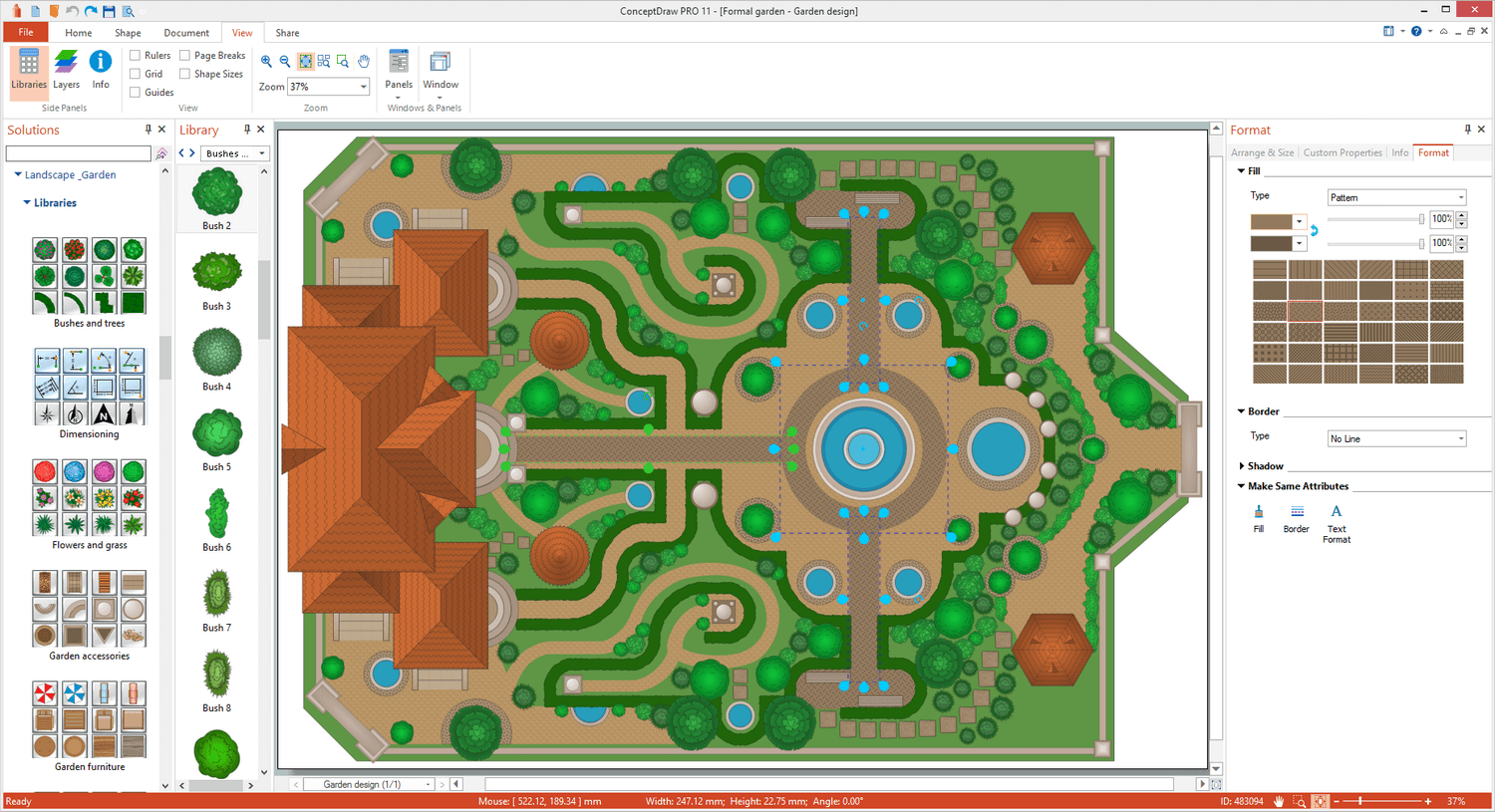
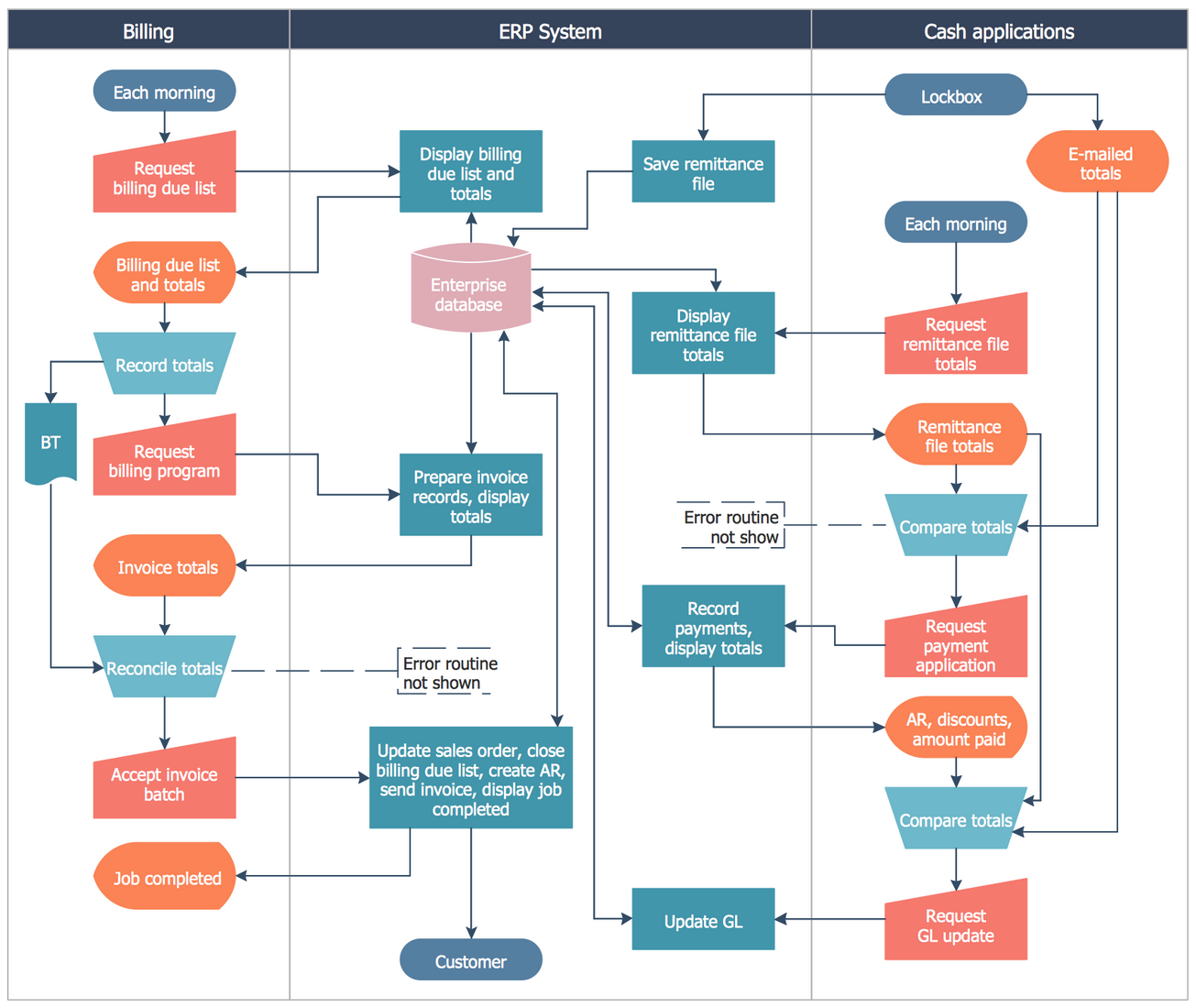
ConceptDraw DIAGRAM is an on-premise diagramming tool that, according to the vendor, allows users to create designs of any
complexity level either on Macintosh or Windows, regardless of the platform being used. Users can install the same license of ConceptDraw DIAGRAM on multiple computers. The vendor also offers a number of add-ons, called "solutions". The product comes with a number of built-in stencils and templates that cover different areas and fields such…
N/A
Pricing
Adobe XD
ConceptDraw DIAGRAM
Editions & Modules
Individual
$9.99 ($119.88)
per month (annual, prepaid)
Students & Teachers - All Apps
$19.99 ($239.88)
per month, annual plan (for the year)
Business - Single App
$33.99
per month per license
Business - All Apps
$79.99
per month per license
Schools & Universities - Institution Wide
Contact Sales
No answers on this topic
Offerings
Pricing Offerings
Adobe XD
ConceptDraw DIAGRAM
Free Trial
No
Yes
Free/Freemium Version
No
No
Premium Consulting/Integration Services
No
No
Entry-level Setup Fee
No setup fee
No setup fee
Additional Details
—
Price varies for Individual, Commercial, Academic, Nonprofit and Government
If its already part of your organization, and they have a license for Creative Cloud, its worth learning. It doesnt take long to get started, but compared to other software in the same field, its lacking in many ways, from quality of life features to just simply not having the option for Darkmode. Even for website design, UX/UI, and mocking up proof-of-concepts, there are much better tools like Figma.
Great for anything that you would use Microsoft Visio for. It is a great software and has a great team behind it. At the end of the day, it will do everything that you need it to and it looks like they are always expanding. I have been surprised by their product and plan to continue to use it in my nonprofit role. If you are hesitant, don't be, it is everything Visio is plus more.
We utilize many of the applications in the Adobe CC suite and our usage of this application came about simply because it was the one that was already paid for. Bearing that in mind we will definitely be renewing the software upon the expiration of the licensing. I am not sure if this is the solution we would go with were it not already included, we would have to evaluate all other options
Adobe XD is basically on life-support now, there are much better software out there that do everything XD can do, and a few that you don't even have to pay a monthly subscription fee on. While Adobe XD is great as shortcuts that are used in other CC software works, and its integration with CC is great. But it still lacks compared to its closest competitor.
I have not had a need to connect with the Adobe XD support team as of yet, but from past experience when dealing with the other products, the support has been very very good, and I would have no reason to think that this product would be any different. There are a good number of training videos on the Adobe site for this product as well as on other social media sites so a quick search should let you find the answers in several different ways.
I've never had any major problems with the ConceptDraw team. Actually, they update their software frequently. It's always small updates, but they're necessary to make sure it will work properly. I had a question one time and decided to send to them. The problem was solved in less than three hours, which I believe is a really good point to consider.
Before XD came to the company, screens were designed in Illustrator or Photoshop and a PDF presentation was generated, which was extremely time-consuming. XD saved us a lot of time (and money) by generating interactive prototypes, which are much more tangible for the client than a PDF. The "fight" with Figma is frequent. Both have features in which they are better than their competition. And, while I still choose Adobe XD, don't rule out moving to Figma with its multiple updates.
Cheaper, lower learning curve. Looked for something that would meet our needs and allow us to quickly diagram a database and process maps. I have been using this in place of Visio and the one-time purchase is much better than a Microsoft sub. Looking forward to using this software in the future and hoping to get a copy for college classes as well in Database Design.
Ease of use means we are up and running in no time.
Integrates and is a part of the Adobe CC platform (which we already subscribe to) so there was no additional cost.
Online proofing and developer handoff links are the icing on the cake. Keeps everything in one place.
Handles all our assets (mostly created in Illustrator) like a dream. Even imports native Photoshop docs, too, so that saves us so much time round tripping.