AirDroid Business, an Enterprise Mobility Management (EMM) and Mobile Device Management (MDM) solution, is designed to enable businesses mobility and productivity through remote access and control, device provisioning, policy application and management, kiosk mode, and geofencing. Allowing IT teams to monitor device usage, deploy apps and updates, and remotely troubleshoot issues. AirDroid Business MDM Highlights: Multiple enrollment options: Android Enterprise(AE)…
$12
per year
esper.io
Score 8.6 out of 10
N/A
Esper enables device management for company-owned and managed iOS and Android tablets, kiosks, smart phones, and IoT edge devices. Esper’s device platform can be used to manage an entire multi-OS device fleet from a single pane of glass.
$2
per month per device
RealVNC Connect
Score 7.2 out of 10
N/A
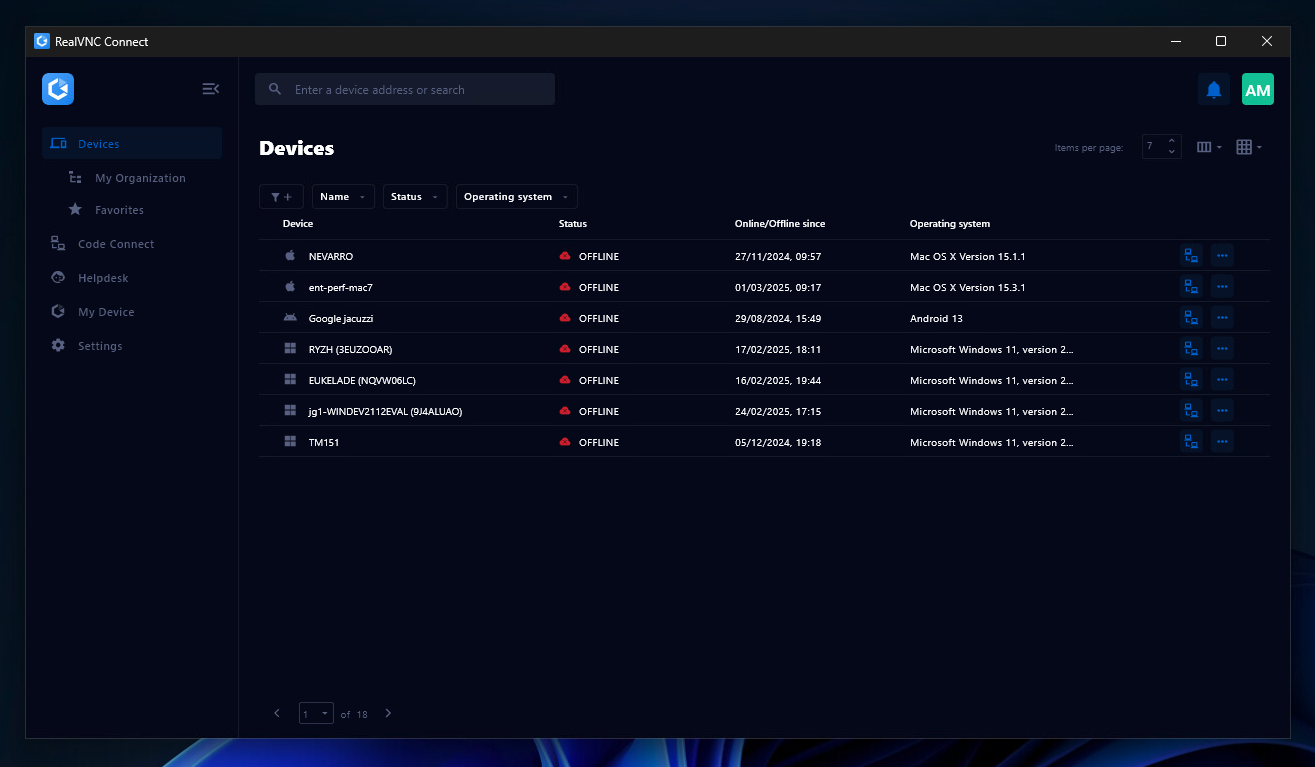
RealVNC® Connect is a secure remote access solution from RealVNC. It can be used to connect to a remote device anywhere in the world to view its desktop in real-time and take control as though sitting in front of it.
$99
per year (one concurrent session)
Pricing
AirDroid Business
esper.io
RealVNC Connect
Editions & Modules
Basic (everything you need to get started)
$12
per device, per year
Basic
$12
per year
Standard
$21
per year
Ultimate *most recommended*
$23
per device, per year
Enterprise (comprehensive features free from limitations)
$33
per device, per year
Enterprise
$33
per year
Genesis
$2
per month per device
Bridge
$4
per month per device
Architect
$6
per month per device
Enterprise
Custom Pricing
Essentials
$8.25
per month (billed annually) per concurrent session
Plus
$16.50
per month (billed annually) per concurrent session (add up to 3)
Premium
$29.75
per month (billed annually) per concurrent session (add up to 5)
Enterprise
Custom Pricing
per year
Enterprise
Custom Pricing
Offerings
Pricing Offerings
AirDroid Business
esper.io
RealVNC Connect
Free Trial
Yes
Yes
Yes
Free/Freemium Version
No
No
Yes
Premium Consulting/Integration Services
No
Yes
No
Entry-level Setup Fee
No setup fee
Optional
No setup fee
Additional Details
NGO and volume discounts are available.
—
Plans work on a Per Concurrent Session basis. Each plan gives access to a bundled number of devices, but limits apply to the amount of devices that can be connected at any given time.
The Premium plan includes On-Demand Assist, a useful tool for providing just-in-time remote support to end-users without them needing RealVNC Connect installed on their device.
More Pricing Information
Community Pulse
AirDroid Business
esper.io
RealVNC Connect
Considered Multiple Products
AirDroid Business
No answer on this topic
esper.io
Verified User
Manager
Chose esper.io
esper.io allows for bulk configuration of deployed devices. esper.io is also easier to set up and start compared to other competitors. The software installs are smaller and quicker. Great support for different methods for onboarding devices.Support for various OS and Device …
Well suited : AirDroid's bulk enrollment and policy management features make it highly effective for large-scale device deployment and management. The remote control and troubleshooting capabilities of AirDroid MDM facilitate quick problem resolution without physical intervention. AirDroid allows for secure containerization of work-related data on personal devices, ensuring the separation of personal and professional use. Not suited: AirDroid Business is designed for general mobile device management and may not cater to highly specialized device types or industries. For organizations with minimal IT capabilities, a simpler MDM solution with more streamlined features might be a better fit.
esper.io helps manage devices to control how they are used and what software is allowed to be run on the device. This help us ensure proper usage of the device and also prevent all kinds of misuse of the devices. esper.io completely replaces the device interface and locks the devices preventing theft, misuse and abuse.
It is very easy to use if the remote device is already set up to receive connections, so if you are setting up devices before deploying them, it is a great tool to have. It is well-suited to use when shadowing users or using it as a teaching tool. There are other products that are better if you are trying to help someone on a one-use basis.
VNC Connect does an excellent job in remotely connecting to a computer through either your local area network or even another computer on the internet. As long as the VNC Connect services is installed and the client is running in the background.
VNC Connect provides password protection to prevent unauthorized users from attempting to remotely access your computer. There's an option to have a separate password to remotely view vs view & access a computer. You can even add an additional level of security by turning on the feature to require Windows login credentials.
VNC Connect provides an additional set of controls after a remote connection has been established with another computer. You can have special keystrokes like Ctrl+Alt+Del sent as a command sequence to the other computer as well as access more than a single screen when in use at the remote computer location.
VNC is a solid product for the price. It simply works and its reliable across different platforms. Some products state they work well in the Mac environment but don't deliver. This one does what it says. Connections are reliable, but of course, this depends on internet connections. The product works well over wireless connections as well. It delivers on what a remote tool should deliver on. My technicians are happy with the product and customers appreciate the ease of use when letting us connect to their systems. Some also appreciate the remote support while they are multi-task.
It's a niche product and in that niche they try to cater to as many use cases as they can. Other as a TCO aspect i don't see many use cases where you can't use this product as the one tool for all remote session use cases in your company
VNC Connect is a reliable product that has been around for a long time. It is reasonably priced and works well in the Mac & PC environment. When you have a small team that supports many users we need tools that we can rely upon and that will get the job done on the first try. Many customers appreciate the quick assistance and can multi-task while our team works on their computer issues remotely. From a customer service point of view, this tool gives us transparency and efficient effectiveness.
The training is very informative, quick and to the point. All of the details one would need are present so the user doesn't have to go searching for additional information just to use the application. The layout of the training was also neat and concise, some of the other training sessions for other companies I've done in the past were confusing and not well thought out, this one is much more superior
AirDroid Business is known for being easy to use and works with Android, iPhone, and Windows devices. It's particularly good at letting IT staff fix device problems remotely. It's also budget-friendly, making it a good choice for smaller companies.
On the other hand, Microsoft Intune works well with other Microsoft products like Office 365 and Windows. It's super secure and has many features. It's really great if most of the devices in a company use Windows. So, if a company wants an easy-to-use solution that works with many different devices, AirDroid Business is a good choice. But if a company already uses many Microsoft products and needs top-notch security, then Microsoft Intune might be the better pick. We decided with AirDroid because we have more Android devices compared to Microsoft OS Devices.
esper.io allows for bulk configuration of deployed devices. esper.io is also easier to set up and start compared to other competitors. The software installs are smaller and quicker. Great support for different methods for onboarding devices.Support for various OS and Device configurations. Free for 100 devices; provide ample testing before committing to any purchase.
VNC is light and sleek with the quick setup, was impressed with the quick setup despite poor Internet connection outdoor. TeamViewer is good, but the pricing is not as good as VNC. Both do the basic job, but VNC still outperform TeamViewer in terms of performance and ease of use.
I have just used the software for about 1 month and so far so god. I am saving time whenever I can access my client's computers from my desk as opposed to having to leave my office to go to their offices. Saves me time and the client money.