Anaconda is an enterprise Python platform that provides access to open-source Python and R packages used in AI, data science, and machine learning. These enterprise-grade solutions are used by corporate, research, and academic institutions for competitive advantage and research.
$0
per month
erwin Data Modeler
Score 10.0 out of 10
N/A
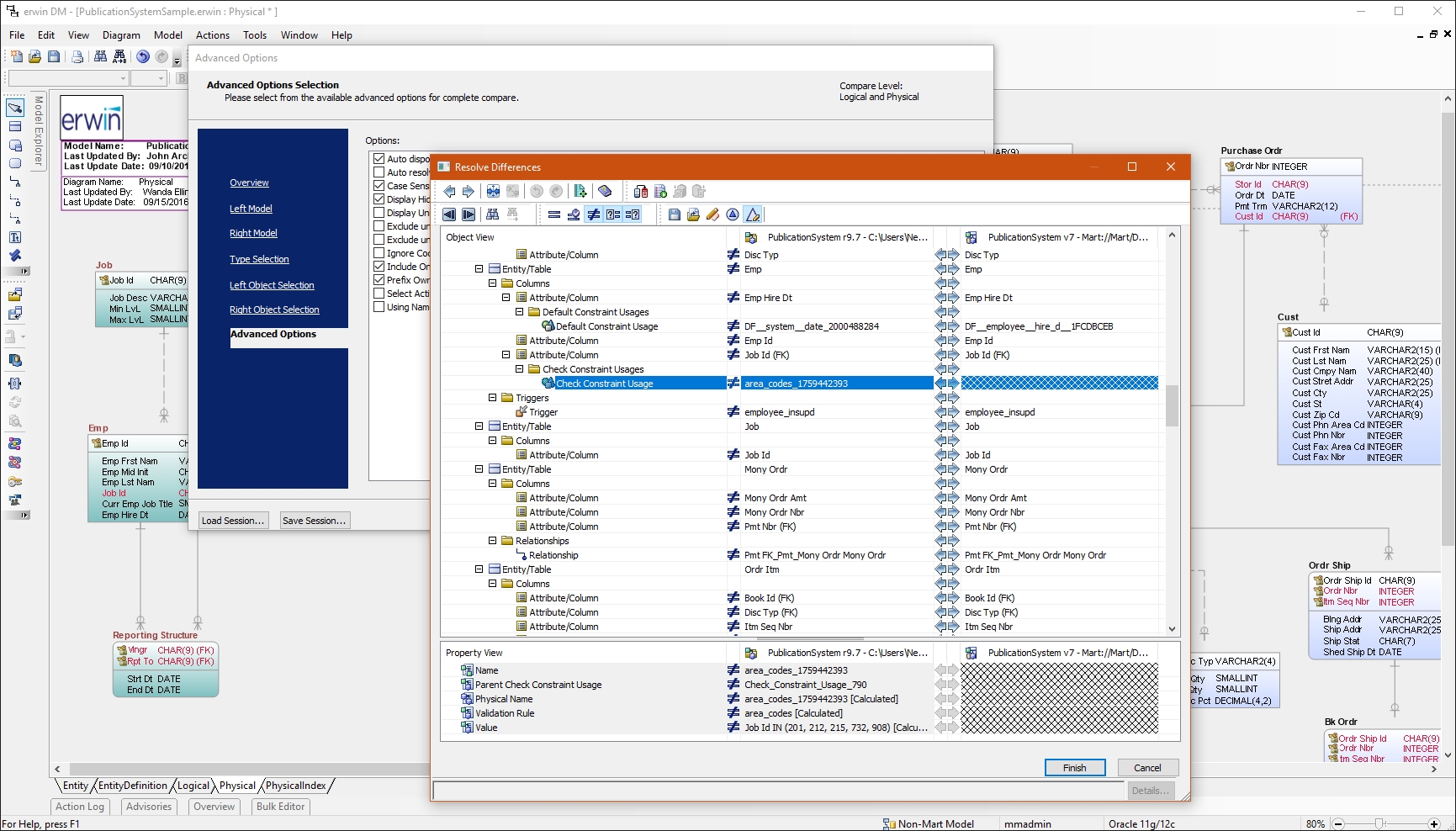
erwin Data Modeler by Quest is a data modeling tool used to find, visualize, design, deploy and standardize high-quality enterprise data assets. It can discover and document any data from anywhere for consistency, clarity and artifact reuse across large-scale data integration, master data management, metadata management, Big Data, business intelligence and analytics initiatives, accomplishing this whil esupporting data governance and intelligence efforts.
N/A
PyCharm
Score 9.2 out of 10
N/A
PyCharm is an extensive Integrated
Development Environment (IDE) for Python developers. Its
arsenal includes intelligent code completion, error detection, and rapid
problem-solving features, all of which aim to bolster efficiency. The product supports programmers in composing orderly and maintainable
code by offering PEP8 checks, testing assistance, intelligent refactorings, and
inspections. Moreover, it caters to web development frameworks like Django and
Flask by providing framework…
$9.90
per month per user
Pricing
Anaconda
erwin Data Modeler
PyCharm
Editions & Modules
Free Tier
$0
per month
Starter Tier
$15
per month per user
Business
$50
per month per user
Custom
Contact Sales
No answers on this topic
For Individuals
$99
per year per user
All Products Pack for Organizations
$249
per year per user
All Products Pack for Individuals
$289
per year per user
For Organizations
$779
per year per user
Offerings
Pricing Offerings
Anaconda
erwin Data Modeler
PyCharm
Free Trial
No
Yes
Yes
Free/Freemium Version
Yes
No
No
Premium Consulting/Integration Services
Yes
Yes
No
Entry-level Setup Fee
No setup fee
Optional
No setup fee
Additional Details
Users within organizations with 200+ employees/contractors (including Affiliates) require a paid Business license. Academic and non-profit research institutions may qualify for exemptions.
—
—
More Pricing Information
Community Pulse
Anaconda
erwin Data Modeler
PyCharm
Considered Multiple Products
Anaconda
Verified User
Team Lead
Chose Anaconda
Anaconda is way easier to set-up. On Anaconda we have users working on Machine Learning in minutes, where on PyCharm is takes a lot longer to set-up and often involves getting help from IT. PyCharm is easier to integrate with Code repositories (such as GitHub), so if that's …
Anaconda is very strong in the environment and version control that make data science work much easier. The only thing that might be comparable to Anaconda would be using Kubernetes to control Docker. Another potential improvement would be replacing spyder with PyCharm and Atom …
I know that PyCharm is a IDE and Anaconda is a distribution. However I use Anaconda largely due to Jupyter Notebook, which more or less does the same job as PyCharm. 1 year ago I decided to use Anaconda (Jupiyer Notebook) as it is easier to use it as a beginner(at least my …
Some analyzed tools, such as PyCharm and Spyder, are simpler to use but still do not have all the libraries needed for those starting out in data science--or in institutions that need to grow in that direction. Anaconda is more robust but stable, more complete, and the …
It is almost dishonest to compare Anaconda with PyCharm as they do different things in their basic forms unless you spend a lot of time configuring plugins on your PyCharm environment. Anaconda has a lot of things ready and you just need to install your libs and dependencies.
There are several reasons why Anaconda is better to use for me including that it is much easier to use than Baycharm. Also, the user interface is not as complicated as that of Baycharm. Even Anaconda does not slow down my device, using PaySharm slowed down my device in an …
In Anaconda, [it is easy] to find and install the required libraries. Here, we can work on multiple projects with different sets of the environment. [It is] easy to create the notebook for developing the ML model and deployment. Right now, it is the best data science version …
On top of all the software that I have used, Anaconda is the best because in Anaconda we have built-in packages that provide no headache to install packages and we can design a separate environment for different projects. Anaconda has versions made for special use cases. …
Compare Anaconda to Unix coding system. You can use PIP to install and create requirement.txt to replace environment.yml to avoid using Anaconda. However, Anaconda is such an excellent tool to maintain your environment and check the version of your package and update the …
Anaconda is the best Python environment because you have all the things you need all in one places, at the reach of your hand. You can download and manage libraries as you wish and is very easy to create new projects and API's for all your stuff.
What differentiates PyCharm from other products is that it is built for a particular language (Python) and works great while doing it, without losing efficiency with the rest of languages. It's simple, easy to use, fast and efficient, what else could you need?
PyCharm is the best tool to switch between different projects. One can connect to various technologies at a time. Package and plugin installation is easy. Dark and light mode helps in working according to the mood. One can extend it to IntelliJ, depending on the need for custom …
PyCharm was selected due to it's first class treatment of Python. Visual Studio is more general "Do everything" IDE which contains a lot of features our team didn't need. PyCharm strikes the balance of power and complexity.
I have asked all my juniors to work with Anaconda and Pycharm only, as this is the best combination for now. Coming to use cases: 1. When you have multiple applications using multiple Python variants, it is a really good tool instead of Venv (I never like it). 2. If you have to work on multiple tools and you are someone who needs to work on data analytics, development, and machine learning, this is good. 3. If you have to work with both R and Python, then also this is a good tool, and it provides support for both.
I have had a chance to use few other data modeling tools from Quest and Oracle, but I am most comfortable using erwin Data Modeler. They understand your data modeling needs and have designed the software to give you a feeling of completeness when you are designing a data model.
PyCharm is well suited to developing and deploying Python applications in the cloud using Kubernetes or serverless pipelines. The integration with GitLab is great; merges and rebates are easily done and help the developer move quickly. The search engine that allows you to search inside your code is also great. It is less appropriate for other languages.
Anaconda is a one-stop destination for important data science and programming tools such as Jupyter, Spider, R etc.
Anaconda command prompt gave flexibility to use and install multiple libraries in Python easily.
Jupyter Notebook, a famous Anaconda product is still one of the best and easy to use product for students like me out there who want to practice coding without spending too much money.
Reverse Engineering: I love the way we can import an SQL file containing schema meta data and generate ER diagram out of it. This is specifically useful if you are implementing erwin Data Modeler for an existing database.
Forward Engineering: We use this feature very frequently. Where we do database changes in our physical and logical data models and then generate deployment scripts for the changes made.
Physical vs Logical Models: I like to have my database model split into physical and logical models and at the same time still linked to each other. Any changes you make to logical model or physical model shows up in the other.
Git integration is really essential as it allows anyone to visually see the local and remote changes, compare revisions without the need for complex commands.
Complex debugging tools are basked into the IDE. Controls like break on exception are sometimes very helpful to identify errors quickly.
Multiple runtimes - Python, Flask, Django, Docker are native the to IDE. This makes development and debugging and even more seamless.
Integrates with Jupyter and Markdown files as well. Side by side rendering and editing makes it simple to develop such files.
I used R Studio for building Machine Learning models, Many times when I tried to run the entire code together the software would crash. It would lead to loss of data and changes I made.
The biggest complaint I have about PyCharm is that it can use a lot of RAM which slows down the computer / IDE. I use the paid version, and have otherwise found nothing to complain about the interface, utility, and capabilities.
It's really good at data processing, but needs to grow more in publishing in a way that a non-programmer can interact with. It also introduces confusion for programmers that are familiar with normal Python processes which are slightly different in Anaconda such as virtualenvs.
I am giving this rating because I have been using this tool since 2017, and I was in college at that time. Initially, I hesitated to use it as I was not very aware of the workings of Python and how difficult it is to manage its dependency from project to project. Anaconda really helped me with that. The first machine-learning model that I deployed on the Live server was with Anaconda only. It was so managed that I only installed libraries from the requirement.txt file, and it started working. There was no need to manually install cuda or tensor flow as it was a very difficult job at that time. Graphical data modeling also provides tools for it, and they can be easily saved to the system and used anywhere.
I had a lot of experience using erwin Data Modeler for designing data models. I think it's pretty intuitive and easy to use. It has enough features to represent your database requirements in form of a model.
It's pretty easy to use, but if it's your first time using it, you need time to adapt. Nevertheless, it has a lot of options, and everything is pretty easy to find. The console has a lot of advantages and lets you accelerate your development from the first day.
Anaconda provides fast support, and a large number of users moderate its online community. This enables any questions you may have to be answered in a timely fashion, regardless of the topic. The fact that it is based in a Python environment only adds to the size of the online community.
CA customer support and our account manager have been able to support us with any issues that we have had, from managing our serial keys to issues we logged tickets to resolve. There are aspects of key management that have made it difficult over the years but support usually has worked with us.
I rate 10/10 because I have never needed a direct customer support from the JetBrains so far. Whenever and for whatever kind of problems I came across, I have been able to resolve it within the internet community, simply by Googling because turns out most of the time, it was me who lacked the proper information to use the IDE or simply make the proper configuration. I have never came across a bug in PyCharm either so it deserves 10/10 for overall support
I have experience using RStudio oustide of Anaconda. RStudio can be installed via anaconda, but I like to use RStudio separate from Anaconda when I am worin in R. I tend to use Anaconda for python and RStudio for working in R. Although installing libraries and packages can sometimes be tricky with both RStudio and Anaconda, I like installing R packages via RStudio. However, for anything python-related, Anaconda is my go to!
Not listed, but I've only used alternatives built into something like the Squirrel SQL editor. That one is semi-functional but lacking many features and, in some instances, just plain wrong. The only pro there is that it's freely available and works over ODBC. I've tried some of the other free ones like Creately but didn't have much success.
When it comes to development and debugging PyCharm is better than Spyder as it provides good debugging support and top-quality code completion suggestions. Compared to Jupiter notebook it's easy to install required packages in PyCharm, also PyChram is a good option when we want to write production-grade code because it provides required suggestions.
It has helped our organization to work collectively faster by using Anaconda's collaborative capabilities and adding other collaboration tools over.
By having an easy access and immediate use of libraries, developing times has decreased more than 20 %
There's an enormous data scientist shortage. Since Anaconda is very easy to use, we have to be able to convert several professionals into the data scientist. This is especially true for an economist, and this my case. I convert myself to Data Scientist thanks to my econometrics knowledge applied with Anaconda.