Tomcat is an open-source web server supported by Apache.
N/A
Microsoft IIS
Score 7.4 out of 10
N/A
Microsoft IIS is an application server and infrastructure.
N/A
NGINX
Score 9.2 out of 10
Mid-Size Companies (51-1,000 employees)
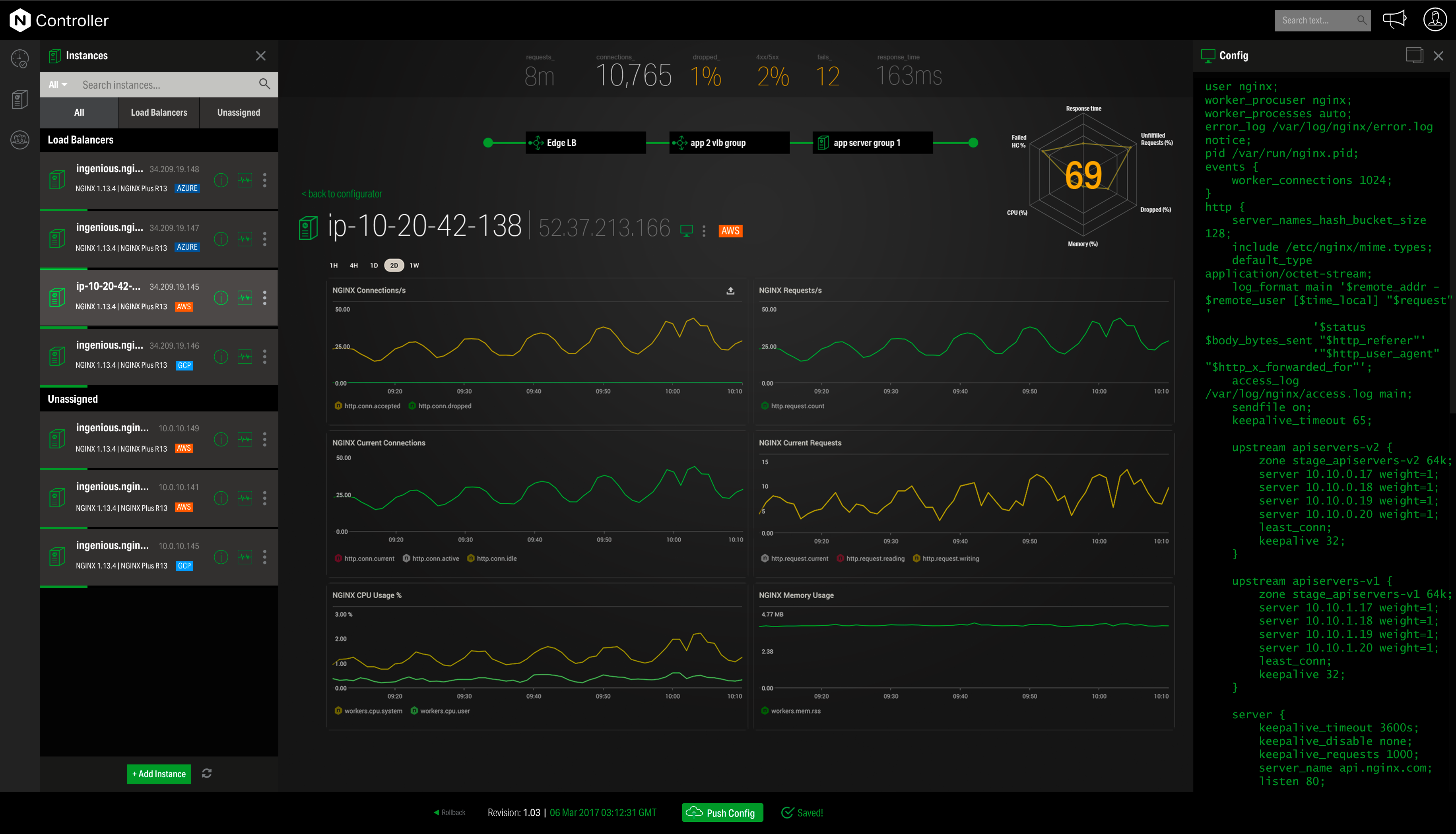
NGINX, a business unit of F5 Networks, powers over 65% of the world's busiest websites and web applications. NGINX started out as an open source web server and reverse proxy, built to be faster and more efficient than Apache. Over the years, NGINX has built a suite of infrastructure software products o tackle some of the biggest challenges in managing high-transaction applications. NGINX offers a suite of products to form the core of what organizations need to create…
Apache Tomcat is a much wider open standard than Microsoft IIS. It also seems to use fewer resources and is simpler to maintain. Troubleshooting when an issue arises is difficult. We had trouble managing the Tail logs when something strange happened. Logging is very complex and …
Apache Tomcat is very smooth tool compared to other applications. Since there are very less feature it's very smooth. NGINX server doesn't need Apache Tomcat we can directly deploy so it faster comparatively. In my working time I have never come across the UI of NGINX. Apache …
Apache Tomcat is lightweight but performs well, even when running multiple applications. Its performance and security features are the reasons for choosing Apache Tomcat among its competitors. Also, there is a huge community support than other products.
Apache and Nginx are what we use for our large websites and public data. When dealing with the type of traffic we see on our sites IIS just doesn't scale out well. For our staff levels, Apache and Nginx are very hard to support for all of our projects so we can't always use …
IIS much easier to install, configure and maintain in a Windows environment. Tomcat is more appropriate when it comes bundled with third party applications.
Apache and Nginx are both lower overhead solutions compared to IIS, but require extensive configuration through files or command lines. For someone creating a website for the first time, these solutions are difficult to understand and implement.
Nginx is hard to support for smaller multiple projects, which is one reason we use the Microsoft IIS server, which is best fit for a set-up once and forget scenario. The Apache server is more recommended for smaller sized projects due to its cost factor, as the Microsoft IIS …
After using both Microsoft IIS and free Linux alternatives, like NGINX and Apache, I have to say I much prefer the Linux products in every way. Configuration is clearer (you have to edit config files deep in Linux somewhere, but once you've done it once, it's easy). Logging is …
Tomcat & HTTP Server would be naturally choice on Linux servers. In fact, they're usually embedded so you don't even have to worry about setting up a web container.
Obviously, setting them up on a Windows server involves more effort than "just" turning on Microsoft IIS.
On Windows, Microsoft IIS is easier to implement and maintain than Apache web service. Normally if you need to host PHP or other apache native content on a Windows server, it's recommended to use WAMP or equivalent software to simplify the installation, administration, and …
Microsoft IIS is a lot more easier for Microsoft .NET developers to integrate and configure. It is MUCH more easier to install and therefore less time consuming to deliver applications to end users. IIS can be installed with a few clicks of a button by anyone with …
Microsoft IIS is more simple to configure and also to maintain against other solutions. Often IIS help me to troubleshoot with its administartive tool.
Apache is java. Java is unnecessary complex. No developer wants to invest in learning all the hundreds of text based configuration files to get something done. Also, apache gives you the most evil and un-usable user interface possible. [Microsoft] IIS makes [life] after …
Positive: Better integration with Active Directory
Negative: Appache Tomcat is open source and can be deployed on all operating systems including Linux, which allows for easier cross-platform deployments.
I have had a couple of tries at using Apache and Linux as a whole but I guess I am not of the right mindset to get over the learning barrier to make this work.
IIS is easier to configure and manage. Doesn't require deep knowledge of the product to manage it. Doesn't require for IT team to learn Linux/Unix OS for basic web hosting. However, for advanced IT specialists, all three solutions could be useful and can work together.
I feel each has their own strengths, when it came to developing the in house applications ASP gave us more features so we went with IIS to support those features.
IIS is a different animal than most webservers. I don't know that I'd compare IIS to other products. The differences and reasons to use each are so diverse.
In my experience, Microsoft IIS was definitely easier to wrap my head around and also to troubleshoot. The GUI was a great visual way to see what "sites" and "app pools" you have, what is running, what is currently up.
Microsoft IIS also offers the flexibility to have multiple …
Microsoft IIS is the only official way to run ASP.NET framework sites and for Microsoft System management tools (SCCM and WSUS). While open source options like Apache and NGINX are more commonly used in our department, to maintain the best compatibility we use IIS in certain …
Nginx is one of the top three web servers and sits in the second position in terms of the amount of servers deployed. The main competition comes from Apache and Apache-based forks on Linux based servers, and less-so from Microsoft IIS on Windows based servers. As stated …
Microsoft IIS server is not open source and it comes with its own overhead in terms of cost which is not the case with Nginx as we do not need to purchase a handful of other products in order to get an HTTP server up and running. If I compare it to Apache Server, it …
Verified User
Engineer
Chose NGINX
Nginx's cache mechanism is better than Apache and HAProxy. Also Nginx is very light weight and works for multiple sites with much less work. i.e. As front end proxy server configuration is very easy as compared to other applications. Apache sometimes crashes and is not able to …
All of those are paid solutions with very good features, but they also offer dedicated scenarios for web application hosting. If you run applications on on-premises web servers and don't have a Microsoft licence agreement, Nginx is a very good and reliable option, based on …
How does it compare? We use Apache ATP server and we also use Tom Cat also owned by Apache, but both Apache, ATP, and MKA. They are relatively older than GX and so they're one problem for Apache and MKA they need more power, more memory, and more space.
NGINX have higher market share which obviously show to us it is the preferred choice of most of the customers. Both of platform competes in the Web and Application server areas, but due the security features of NGINX be more flexible this in my opinion makes more sense.
MS IIS and Apache HTTP Server both provide many similar services. However the configuration simplicity, and performance characteristics helped us choose NGINX above the other 2 products.
Nnginx is more light-weight than many other web servers, has a very expressive configuration language, easier to configure than tools like IIS and Apache, easy to install certificates for SSL, much easier to model complex routing scenarios than IIS, easier to configure than …
Other Web servers are either not performant enough or locked to a platform. The main competitor in my opinion is the Apache Web Server, that can be extended in functionality through a diverse set of modules to perform almost any task related to a network server. But at scale, I …
I selected Nginx because it is easy to learn, use, and maintain. I almost never have to troubleshoot it ever since I deploy it. It just meets my need for a personal learning experience. It works well with PHP and MySQL on Linux. That is why I chose it at first.
It's lightweight and it does not require complex configurations for simple scenarios. If you want you can accomplish some other complicated tasks like reverse proxies which are well supported by the product.
Excellent value for companies wishing to host Java applications in the cloud. Utilizing hosting tools such as load balancers and network and application firewalls, Tomcat can be part of a powerful system to host web applications to thousands of users. There has been consistency in the development and support of Tomcat since its initial release in the late '90s and the best commonalities have been carried forward. If you host Java web applications, Tomcat is as good as any for an application server.
Publishing applications or websites is easy with Microsoft IIS. You don't need external software or complicated tutorials involving command lines and editing configuration files. On other hand, sometimes the troubleshooter needs a high knowledge of Windows Server, Registry, and tools to debug the application. If you need to host non-Microsoft technology as PHP pages or have a low budget, I recommend IIS equivalent software as Apache.
Nginx is well-suited for any web server scenarios, such as web applications, backend or reverse proxy for both application and HTTP requests, and distribution. It is less appropriate for Windows-based applications that run directly on a Windows Server host. In any case, it is very easy to manage, through separate conf files for each application or site you want to host with it.
A big advantage that we use all the time is reviewing the logs that automatically get generated in IIS. It has helped us troubleshoot various problems in our applications over the years.
IIS integrates really well with Visual Studio and TFS. We are able to quickly deploy new applications and changes to applications when requested by the business.
IIS has proven that it is easy to configure and maintain with minimal effort.
Using tomcat manager to troubleshoot is not very informative. Error messages are vague, you have to dig into log files for more information about the problems.
Is great for simple web applications, but may not work for heavy development which may require a full J2EE stack, might like JBoss better.
Security in tomcat is not straightforward, as I discovered that you have to understand how to set up realms in tomcat in order to hash passwords, which I was not overly familiar with, which is a big deal when setting up users in the tomcat-users.xml file.
Customer support can be strangely condescending, perhaps it's a language issue?
I find it a little weird how the release versions used for Nginx+ aren't the same as for open source version. It can be very confusing to determine the cross-compatibility of modules, etc., because of this.
It seems like some (most?) modules on their own site are ancient and no longer supported, so their documentation in this area needs work.
It's difficult to navigate between nginx.com commercial site and customer support. They need to be integrated together.
I'd love to see more work done on nginx+ monitoring without requiring logging every request. I understand that many statistics can only be derived from logs, but plenty should work without that. Logging is not an option in many environments.
We have no intention to replace all applications running on top of the IIS platform. Not all applications support other platforms and not all support staff are skilled in Linux/Apache platform support. Whereas IIS may not be the best performing or most secure web platform available, for the aforementioned reasons, it is impossible not to continue use of this product.
Tomcat has a very rich API set which allows us to implement our automation script to trigger the deployment, configure, stop and start Tomcat from the command line. In our projects, we embedded Tomcat in our Eclipse in all of the developer's machines so they could quickly verify their code with little effort, Azure Webapp has strong support for Tomcat so we could move our application to Azure cloud very easy. One drawback is Tomcat UI quite poorly features but we almost do not use it.
As I've mentioned earlier, Microsoft IIS is very simple and easy to use. The user interface is a little bit overloaded with a huge number of different options, but once you have a little clue of what you are doing and what you need - no issues at all.
This tool is really easy to use and configure. Consumes very less system resources. It is highly modular and configurable. You can easily use it with other tools like certbot for SSLs. You can configure basic security with configuration and headers
Tomcat doesn't have a built-in watchdog that ensures restart upon failure, so you have to provide it externally. A very good solution is java service wrapper. The community edition is able to restart Tomcat upon out of memories exceptions.
ARR (application request routing) in Microsoft IIS Server enables the web-admins to increase the web app reliability and availability through the rule based routing and load balancing of HTTP requests which in turn provides highly available server. IIS 7.0 Manager also provides kernel as well as user mode caching for faster performance and in case if the server fails, the IIS server has good amount of details logged in its log files which help understand and debug the cause quickly. Load balancing facilitates IIS server to fight against availability issues.
Tomcat support to customize memory used and allow us to define the Connection pool and thread pool to increase system performance and availability, Tomcat server itself consume very little memory and almost no footprint. We use Tomcat in our production environment which has up to thousands of concurrent users and it is stable and provides a quick response.
In my experience, I have never had significant issues with IIS performance. Sometimes I've experienced issues with loading time, but it is mostly related to the web site code. However Amazon, Microsoft and Google providing free cloud services with very limited resources, and in that scenario, "heavy" websites on IIS could be the issue. In other situations - performance is good.
As mentioned earlier there is so much documentation or guides or stack overflow questions out there that someone will have faced the same or very similar scenario to what you are going through that you will almost certainly find a solution to what you are after.
Community support is great, and they've also had a presence at conferences. Overall, there is no shortage of documentation and community support. We're currently using it to serve up some WordPress sites, and configuring NGINX for this purpose is well documented.
Eclipse Jetty is the best alternative for Apache Tomcat because which is also an open-source and lightweight servlet container like Tomcat. A major advantage of this over Tomcat is that Jetty server can easily be embedded with the source code of web applications. Since it requires less memory to operate, you may realize that it is very efficient.
Apache is java. Java is unnecessary complex. No developer wants to invest in learning all the hundreds of text based configuration files to get something done. Also, apache gives you the most evil and un-usable user interface possible. [Microsoft] IIS makes [life] after development easy, which is already complex enough to be bothered by something as mundane as exposing your work over the internet.
I have found that [NGINX] seems to perform better throughout the years with less issues although I've used Apache more. I would definitely recommend [NGINX] for any high volume site and I've seen this to usually be the case from most provided web hosts who will pick [NGINX] over alternatives
Microsoft IIS Server is scalable if the underlying server configuration is done correctly. Use x64 edition v/s 32bit and using 32bit mode application pools are some of the tweaks to be done to make the IIS server scalable. There are too many small configurations need to be carried out in order to make a highly scalable IIS server hence not giving full score in this area.
Tomcat is cheap and very quick to deploy, so it has benefited much when situation needs applications to be deployed quickly without wasting time on licensing and installations.
Plenty of documentation available so no vendor training is required. Support contract is not needed as well.
By using Nginx, we can host multiple web services on a single server, keeping our infrastructure costs lower.
Nginx maintains our HTTPS connections, allowing us to keep our promise to our customers that their data is safe in transit.
Due to Nginx's extremely low failure rate, our web addresses always return something meaningful, even when individual services go down. In sense, this means we are "always online" and allows us to maintain brand and support our customers even in the face of catastrophe.