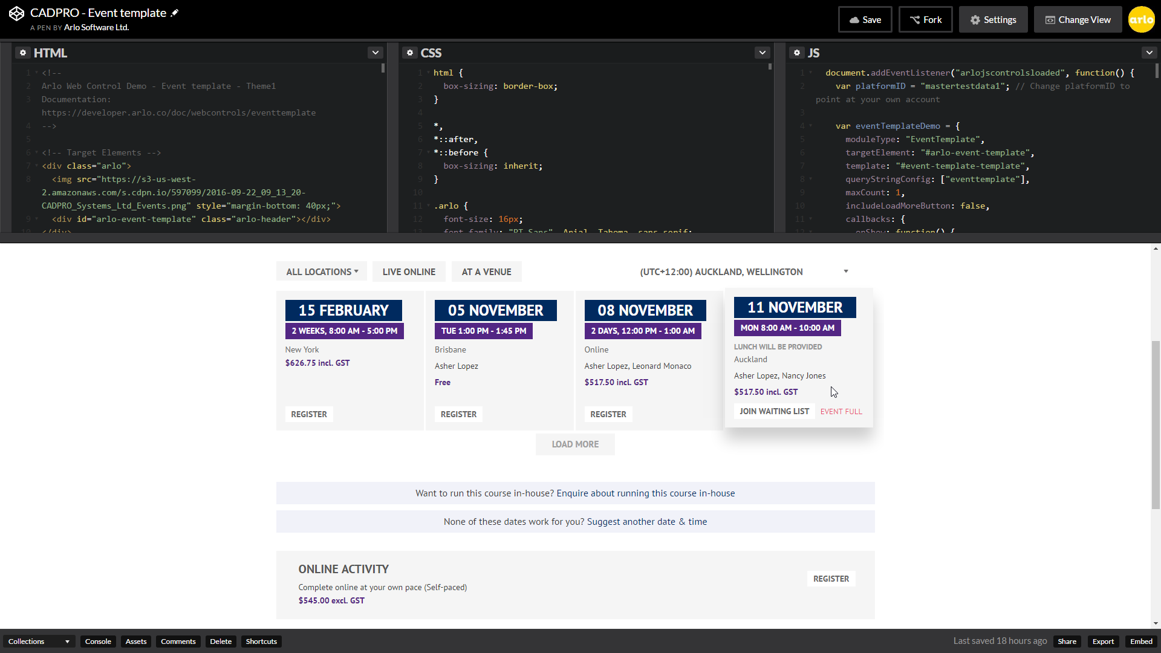
Arlo is a cloud based training and event management software designed to promote, sell and deliver courses and events. Arlo automates manual processes by providing simple scheduling, automatic communication, custom reporting, payments & invoicing. Client records are kept updated within Arlo’s robust CRM. Courses and events are easily managed within the Arlo platform and online registration can be tailored with fully customisable registration forms.…
$99
per user, per month
Qstream
Score 9.0 out of 10
N/A
Qstream headquartered in Burlington, Massachusetts offers their eponymous sales enablement application.
N/A
Trakstar Learn
Score 9.0 out of 10
Enterprise companies (1,001+ employees)
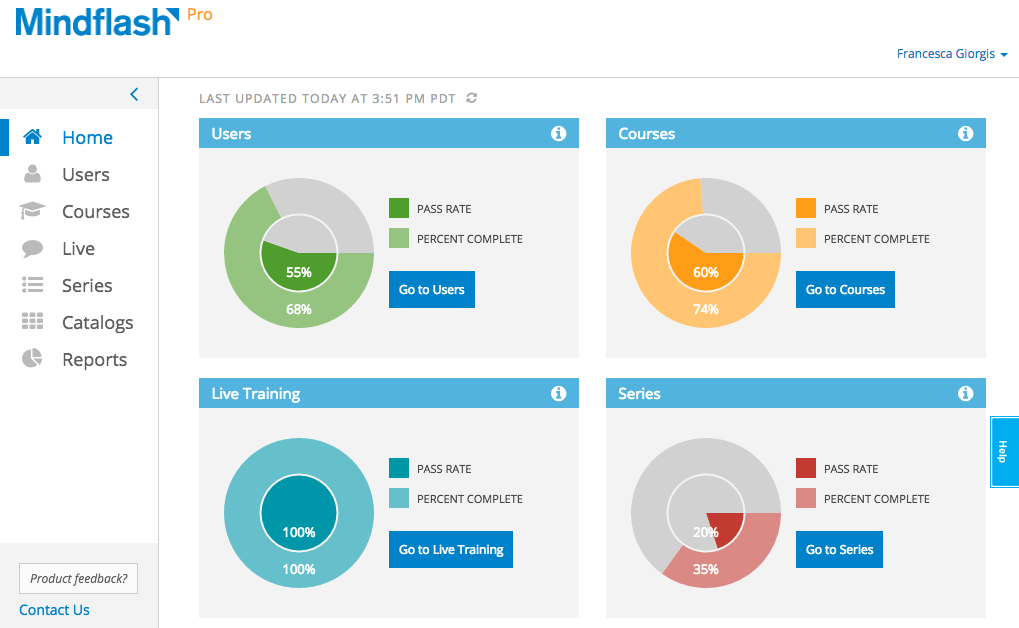
Trakstar Learn (formerly Mindflash) is an online training platform. Users can create courses, add quizzes and track results. Users can upload external content and access the platform via mobile devices. It also provides user management and reporting for internal and external training and scaling purposes.
$149
per month
Pricing
Arlo
Qstream
Trakstar Learn
Editions & Modules
Simple
$99
per user, per month
Professional
$189
per user, per month
Enterprise
$249
per user, per month
No answers on this topic
Basic
249/mo
Advanced
599/mo
500 trainees
Pro
1,199/mo
1000 trainees
Enterprise
Call for details
Unlimited
Offerings
Pricing Offerings
Arlo
Qstream
Trakstar Learn
Free Trial
Yes
No
Yes
Free/Freemium Version
No
No
No
Premium Consulting/Integration Services
Yes
No
No
Entry-level Setup Fee
$99 per user, per month
No setup fee
No setup fee
Additional Details
Usage charges are as follows:
95¢ per registration for free events/online activities and $2 per registration for paid events/online activities
—
—
More Pricing Information
Community Pulse
Arlo
Qstream
Trakstar Learn
Features
Arlo
Qstream
Trakstar Learn
Sales Gamification
Comparison of Sales Gamification features of Product A and Product B
Arlo
-
Ratings
Qstream
7.3
1 Ratings
6% below category average
Trakstar Learn
-
Ratings
Sales contest templates
00 Ratings
8.01 Ratings
00 Ratings
Custom sales contests
00 Ratings
5.01 Ratings
00 Ratings
Team competitions
00 Ratings
8.01 Ratings
00 Ratings
Contest flexibility
00 Ratings
6.01 Ratings
00 Ratings
Sales rep view
00 Ratings
8.01 Ratings
00 Ratings
Game notifications & updates
00 Ratings
7.01 Ratings
00 Ratings
Social competition / Game collaboration
00 Ratings
8.01 Ratings
00 Ratings
Sales performance reporting
00 Ratings
8.01 Ratings
00 Ratings
Learning Management
Comparison of Learning Management features of Product A and Product B
Its probably better suited for home-use rather than in a large office setting. Fortunately, my suite is less than 2000 sq ft so it's not much of an issue. It allows downloading and can be used amongst other managers or IT staff and the likes. I dont use any for outside.
Qstream is great when used for reinforcement of training conducted. Especially when that training is detailed or complex, Qstream will help to embed key concepts and drive adoption while ensuring reps are interacting.
We use Mindflash for a lot of our internal training needs, and it is very versatile to accomplish your needs in training employees in a variety of different areas. I've never tried to use it for external needs, but I feel like the software at the advanced level wouldn't suit that need very well at all. At the Pro level, you get a lot more flexibility, but the cost is prohibitive for the size of our company.
Gamification: gets reps involved in ways that keep it interesting while bringing in elements of competition.
Mobile: ease of use and direct access to reps while on the move. The interface is intuitive and able to be interacted with in quick increments rather than lengthy elearning.
Coaching: provides direct insights into who is coping and who is not so that enablement efforts can be focused.
Reporting: we only had access to some of the reports so would have liked to see more detail and have the ability to create custom reports.
Licensing: we accessed qstream via Growthplay so only had access to limited features. Would like to see this extended so that we could truly experience all of the qstream benefits.
Content Creation: we were not able to create our own questions and streams but had to rely on the external team. Self-creation and self-directed streams would have been preferable.
Integration with Salesforce using professional level software. Mindflash's limited integration to only work with the higher level of Salesforce product.
More brand customization for multiple product line trainings.
Communication of trainers using Mindflash and sales team. We have multiple trainers sending invitations for training with no way for them to communicate with our sales team when a person has completed training.
Qstream is good in terms of gamification and driving adoption. However we are looking for a platform that supports content creation, ILT training as well as gamification. Qstream would meet only one of those criteria. We may still use them again if we are unable to find a compete platform in future
The number of people using Mindflash is only going to rise and we need a system that remains easy to use for everyone involved. [update] This is especially vital now that we've lost head count in critical departments. Getting all of our training and Safety objectives met would be impossible without Mindflash.
Qstream was easy for us to use and gain insights from. Feedback from sales leaders and reps was generally positive. Having greater flexibility about creating custom reports and streams would have increased the rating
The interface is just so simple to understand. It's clean and efficient. We showed Mindflash off to the Safety group, who are not computer gurus and they were beyong excited to use it.
I have only had to contact them one time, and they were responsive and professional. It is difficult to give a rating on this unless you actually have an issue. This is the reason for a 9 out of 10. I can not give a perfect rating if I never had an opportunity to truly experience something.
Any problems or questions we have had with Mindflash have been handled promptly and effectively. I normally use the online chat option but have had to correspond with them through email and phone as well. We have never had an issue languish for weeks or months with Mindflash. They either fix the problem or let you know that the software isn't capable to handle the need at that point.
If you're going to develop a short course to demo the product internally, don't bother avoiding your own topics. Mindflash rolls whatever content you create during the trial into your production environment when you decide to buy. The time taken to go from not having a system to being live with Mindflash is virtually instant. What you'll be wanting for is time to develop content and people to test it out.
Qstream was selected by default because it was offered by Growthplay as their preferred gamification and adoption tool. We have subsequently looked at acquiring Qstream for other initiatives and are in the process of evaluating options
This is an alternate software that we have looked into, right now we don't have the need for the increased flexibility that Lesson.ly provides with learning from your mobile or tablet. We haven't seen a lot of those things as particularly useful for our current training methods, but we see the quality to be similar.
Reps have adopted our new sales methodology quicker and with more rigour meaning we are more successful in the field.
We’ve been able to create scale to drive adoption. Without technologies like Qstream, we would never be able to meet our enablement and growth targets.
More reps talking a consistent message means our customer experience has improved at the sales front. This allows us to differentiate versus the competition and ensures we win more often.
Mindflash has had a positive impact on our business because it allows us to train more new users with less effort, and ensure that trainees have access to the course materials for a period of time after they have started using our software to do their daily jobs. Review of the course materials allows them to get answers to common questions without having to submit requests to our support team, thereby reducing the administrative burden on our resources.