Arlo vs. Zendesk Suite

Overview
ProductRatingMost Used ByProduct SummaryStarting Price
Arlo
Score 10.0 out of 10
Mid-Size Companies (51-1,000 employees)
Arlo is a cloud based training and event management software designed to promote, sell and deliver courses and events. Arlo automates manual processes by providing simple scheduling, automatic communication, custom reporting, payments & invoicing. Client records are kept updated within Arlo’s robust CRM. Courses and events are easily managed within the Arlo platform and online registration can be tailored with fully customisable registration forms.…
$99
per user, per month
Zendesk Suite
Score 8.6 out of 10
N/A
Zendesk is a customer support solution with built-in ticketing, conversational messaging, and live chat, designed to help businesses of all sizes and industries deliver personalized service at scale. Zendesk's AI agents are trained in CX to help Service teams resolve customer issues faster and more accurately while still providing a human-centered experience. Zendesk ultimately aims to help businesses improve time to value, reduce effort per ticket, and keep costs low.
$69
per month per agent
Pricing
ArloZendesk Suite
Editions & Modules
Simple
$99
per user, per month
Professional
$189
per user, per month
Enterprise
$249
per user, per month
Suite Team
$69
per month per agent
Suite Growth
$115
per month per agent
Suite Professional
$149
per month per agent
Suite Enterprise
Contact Sales
Offerings
Pricing Offerings
ArloZendesk Suite
Free Trial
YesYes
Free/Freemium Version
NoNo
Premium Consulting/Integration Services
YesYes
Entry-level Setup Fee$99 per user, per monthOptional
Additional DetailsUsage charges are as follows: 95¢ per registration for free events/online activities and $2 per registration for paid events/online activities20% discount available with annual pricing.
More Pricing Information
Community Pulse
ArloZendesk Suite
Features
ArloZendesk Suite
Incident and problem management
Comparison of Incident and problem management features of Product A and Product B
Arlo
-
Ratings
Zendesk Suite
8.8
179 Ratings
7% above category average
Organize and prioritize service tickets00 Ratings9.4178 Ratings
Expert directory00 Ratings8.0122 Ratings
Subscription-based notifications00 Ratings8.7125 Ratings
ITSM collaboration and documentation00 Ratings8.1126 Ratings
Ticket creation and submission00 Ratings9.5178 Ratings
Ticket response00 Ratings9.2177 Ratings
Self Help Community
Comparison of Self Help Community features of Product A and Product B
Arlo
-
Ratings
Zendesk Suite
8.2
161 Ratings
2% above category average
External knowledge base00 Ratings8.2155 Ratings
Internal knowledge base00 Ratings8.2148 Ratings
Multi-Channel Help
Comparison of Multi-Channel Help features of Product A and Product B
Arlo
-
Ratings
Zendesk Suite
8.8
174 Ratings
10% above category average
Customer portal00 Ratings9.2142 Ratings
IVR00 Ratings8.273 Ratings
Social integration00 Ratings8.2115 Ratings
Email support00 Ratings9.3171 Ratings
Help Desk CRM integration00 Ratings8.9132 Ratings
Best Alternatives
ArloZendesk Suite
Small Businesses
Whova
Whova
Score 9.5 out of 10
Agiloft Service Desk (discontinued)
Score 9.0 out of 10
Medium-sized Companies
Cvent Event Diagramming
Score 9.2 out of 10
Agiloft Service Desk (discontinued)
Score 9.0 out of 10
Enterprises
Cvent Event Diagramming
Score 9.2 out of 10
SysAid
SysAid
Score 8.9 out of 10
All AlternativesView all alternativesView all alternatives
User Ratings
ArloZendesk Suite
Likelihood to Recommend
10.0
(3 ratings)
8.9
(217 ratings)
Likelihood to Renew
-
(0 ratings)
10.0
(43 ratings)
Usability
-
(0 ratings)
8.8
(90 ratings)
Availability
-
(0 ratings)
9.1
(14 ratings)
Performance
-
(0 ratings)
9.1
(11 ratings)
Support Rating
9.0
(1 ratings)
5.5
(31 ratings)
In-Person Training
-
(0 ratings)
10.0
(1 ratings)
Online Training
-
(0 ratings)
6.4
(10 ratings)
Implementation Rating
-
(0 ratings)
9.1
(19 ratings)
Configurability
-
(0 ratings)
9.1
(4 ratings)
Contract Terms and Pricing Model
-
(0 ratings)
9.1
(1 ratings)
Ease of integration
-
(0 ratings)
9.1
(1 ratings)
Product Scalability
-
(0 ratings)
9.1
(1 ratings)
Professional Services
-
(0 ratings)
9.1
(1 ratings)
Vendor post-sale
-
(0 ratings)
9.1
(1 ratings)
Vendor pre-sale
-
(0 ratings)
9.1
(1 ratings)
User Testimonials
ArloZendesk Suite
Likelihood to Recommend
Arlo
Its probably better suited for home-use rather than in a large office setting. Fortunately, my suite is less than 2000 sq ft so it's not much of an issue. It allows downloading and can be used amongst other managers or IT staff and the likes. I dont use any for outside.
Read full review
Zendesk
Being a customer support agent, I found it very good when it comes to send an email or call or chat- with the user. I can do all that from the one single platform which is so easy and time saving for you. It does not take much time to use this, We can chat- with the user and at the same time we can send an email to them as well.
Read full review
Pros
Arlo
  • The picture and video quality is excellent!
  • The customer support is excellent.
  • The product is excellent.
  • The app is easy to use.
Read full review
Zendesk
  • UI/UX; mature macros and automations, slick and well thought out UI.
  • Reporting, reporting, reporting. With user, org, and ticket level tags, we can track every aspect of our ticket flow.
  • Extensibility; the app marketplace is a great resource for expanding functionality from the baseline offering.
Read full review
Cons
Arlo
  • They should add power and connection monitoring to alert when a devices is offline.
  • They could add PoE
Read full review
Zendesk
  • Is there a way for AEs and CSMs to be informed in a weekly summary of all their accounts and any tickets? Example: Disney submitted a ticket on XYZ. Google has an urgent issue on X still unresolved.
  • Is there a way for CSMs or AEs to have a Dashboard that's specific to their accounts instead of seeing all the tickets in the queue that are not relevant to them?
Read full review
Likelihood to Renew
Arlo
No answers on this topic
Zendesk
Zendesk is an amazing tool for communicating with your customers easily. The communication tickets from sellers to us or from us to sellers are stored, and there are statuses used to make communication easy. We have internal conversations between departments, linked with useful software such as Zingtree, Talkdesk, and Webs.
Read full review
Usability
Arlo
No answers on this topic
Zendesk
Pros: The agent interface is sleek, contemporary, and relatively easy to learn compared to many other enterprise tools. For common tasks, admins are given point-and-click options- adding fields, modifying workflows, constructing macros. The knowledge base (Guide) editor is easy to use for non-developers. Drawbacks: Once you move past the initial things - complex automations, reporting/analytics in Explore, and/or customizations integrating the API, it requires much more advanced training to use successfully. Navigating between the different modules (Support, Explore, Chat, Guide) can feel very disconnected; often you are reminded that it really is a "suite" of products brought together -not really one unified platform. If you're using multiple brands managing simultaneous support tickets, or heavily customizing workflows to meet your brand, you may run into a bit of struggle with usability. So: it's a lot more user friendly than the palaces (Salesforce Service Cloud, ServiceNow), but is not used as quickly or with as much streamlined flow as a product made for a small shop. So if you are looking for a great balance, this is a good option if you are a net new organization or an organization on their way to scaling from 15 - 50 employee. Expect some elbow grease from the admin team once learning, adapting, and working efficiently once you move past the basics with your support tickets and initial customizations.
Read full review
Reliability and Availability
Arlo
No answers on this topic
Zendesk
In the past year, I'd say I have only noticed maybe two hours total of downtime in my own usage. Very minimal.
Read full review
Performance
Arlo
No answers on this topic
Zendesk
There has been minor performance degradation on a very few days out of the two years I have been using the product.
Read full review
Support Rating
Arlo
I have only had to contact them one time, and they were responsive and professional. It is difficult to give a rating on this unless you actually have an issue. This is the reason for a 9 out of 10. I can not give a perfect rating if I never had an opportunity to truly experience something.
Read full review
Zendesk
We rarely need to contact their support team, but when we do they are responsive. However there have been notable times when communication between myself and the support rep was challenging despite me providing clear explanation of the issue, screenshots, and a thorough explanation of the goal we hope to achieve. It took several back and forth attempt, on a few occasions, to get resolution on an otherwise simple request
Read full review
Online Training
Arlo
No answers on this topic
Zendesk
Zendesk has tons of available material for training - videos, webinars, articles, etc. The only reason this is not a 10 is because it can be hard to figure out how to navigate to these things and find what you are looking for.
Read full review
Implementation Rating
Arlo
No answers on this topic
Zendesk
I was very satisfied. They have a free trial for 30 days and I recommend you do that and use it. It is very easy to get started with the basics and the build on over time.

The only thing technically complex was single sign-on and integration to Salesforce.com required some tweaks – otherwise setting up system was very easy
Read full review
Alternatives Considered
Arlo
Im still comparing and so far Synology is a better choice for its clarity and ease of use.
Read full review
Zendesk
The customisable reporting every time. Our leadership reply on me to run my team and want to know what customers are telling us so they can elevate our products. We have extensive custom reports that tie up all aspects of our product and customer journeys. I've not found another product that allows me as much freedom as Zendesk Suite explore does, so far.
Read full review
Scalability
Arlo
No answers on this topic
Zendesk
WHY we will use Zendesk in HR and PD internally
Read full review
Return on Investment
Arlo
  • It's been positive overall using Arlo.
  • They seem to respect privacy more than their competition.
  • Haven't had any issues with the models we use.
Read full review
Zendesk
  • Integrating other AI solutions for an organization with high volumes can cost about USD5000 monthly. With Zendesk AI and by building onto the same with AI powered apps built for Zendesk Suite we save a projected USD4000 monthly.
  • Robust Zendesk APIs have enabled us to integrate our internal system with a customized app saving us hundreds of hours every quarter spent loading customer profiles that are not loaded instantly from the app.
  • Plug and play apps like Round robin save us weeks of sprint delay timelines as they do not require additional coding or developer support to install and start using.
Read full review
ScreenShots

Arlo Screenshots

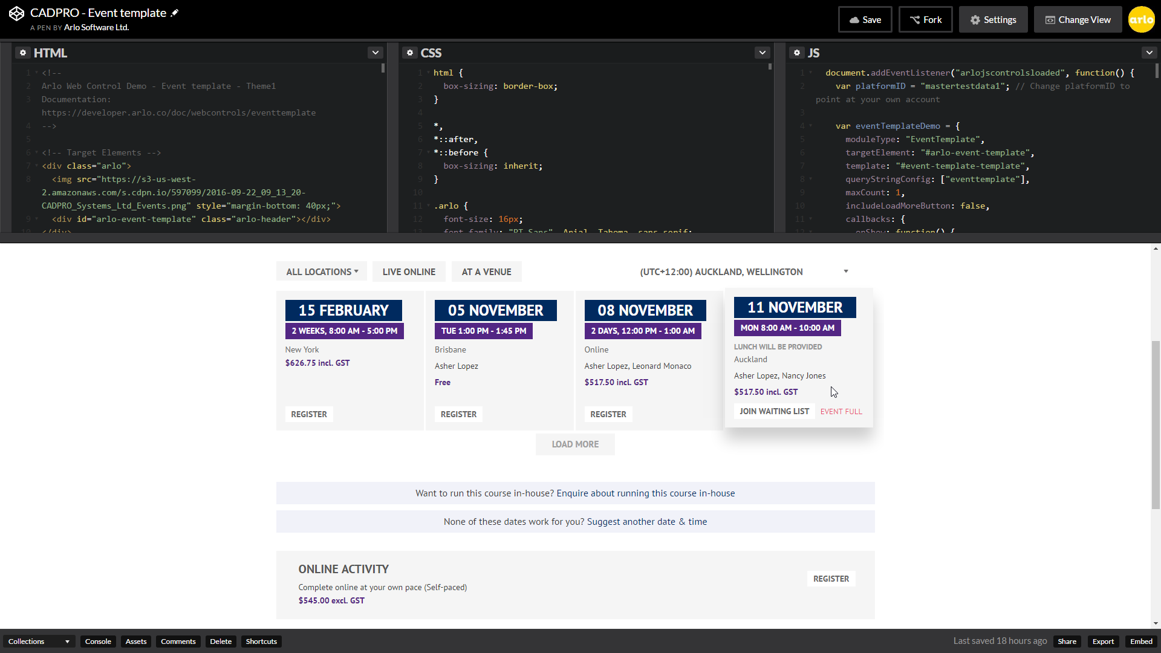
Screenshot of View information in real-time. At a glance, see what events are coming up, monitor registrations, view events people have registered interest in, track the value of orders per month, and manage your daily tasks.Screenshot of Create event registration forms with a range of options to capture the information you need for each event. Add sessions for workshop registrations, options for accommodation, and capture special information using custom fields.Screenshot of Receive payments easily with payment gateway integrations.Screenshot of Arlo makes it quick and easy to create a great looking and engaging experience for your visitors.  Use a website template and you can be up and going in no time.  Alternatively, have your web designer integrate Arlo with your website’s Content Management System (CMS) or skin up an Arlo website theme.Screenshot of Whether you are an administrator, presenter, or support staff, you’ll have access to all the information you need in the palm of your hand with Arlo for mobile.

Zendesk Suite Screenshots

Screenshot of the Zendesk Agent WorkspaceScreenshot of Omnichannel MessagingScreenshot of Zendesk TicketingScreenshot of Bots powered by Zendesk AIScreenshot of Tone shift with Zendesk AIScreenshot of Zendesk ticketing side conversations