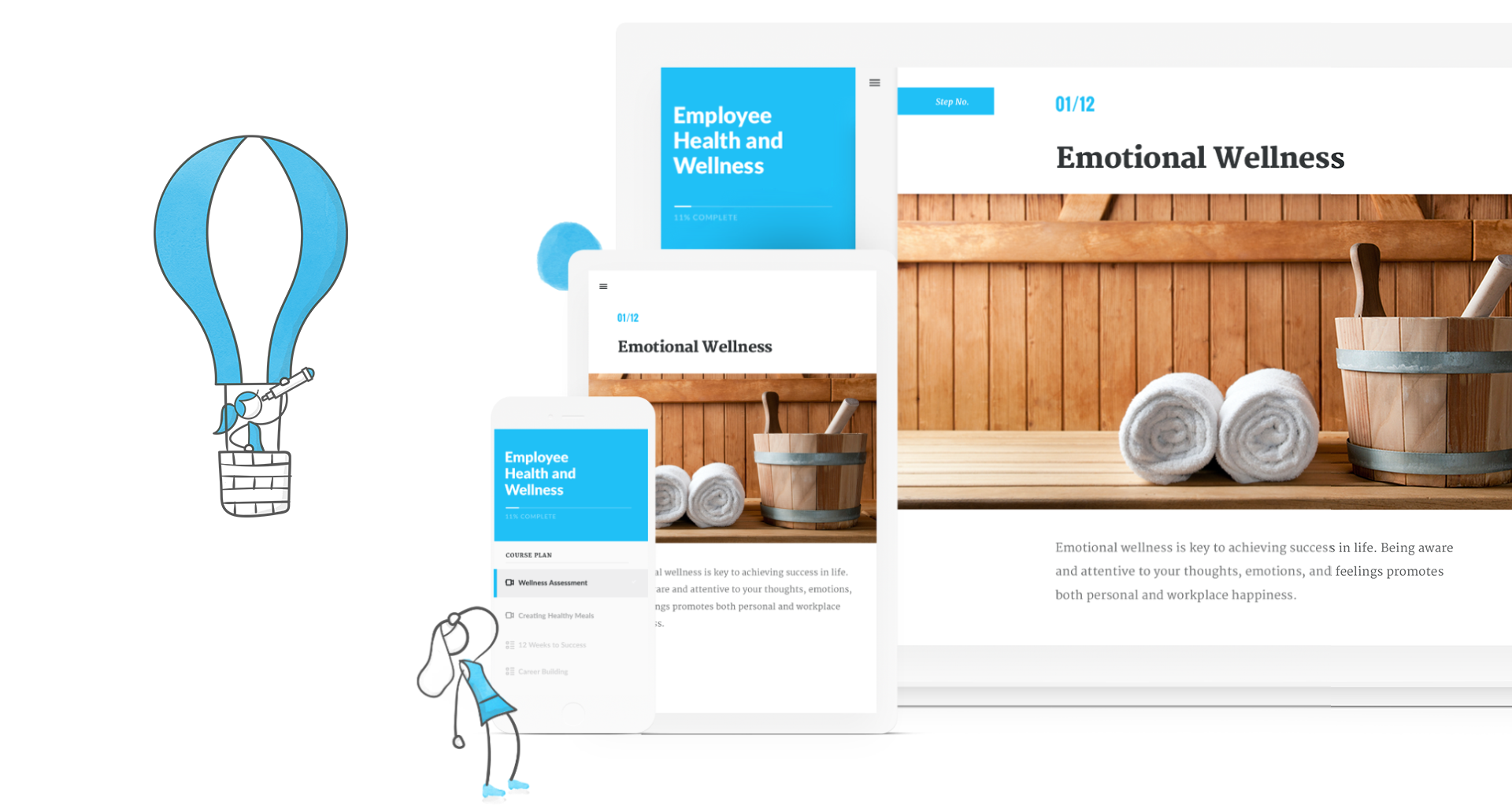
Articulate 360 is an e-learning platform for creating workplace training. Users can build engaging courses with AI-enhanced authoring, simplify collaboration, and quickly share content. A subscription includes robust onboarding resources and access to a community of 1.5M pros.
$1,449
per year
Genially
Score 7.6 out of 10
N/A
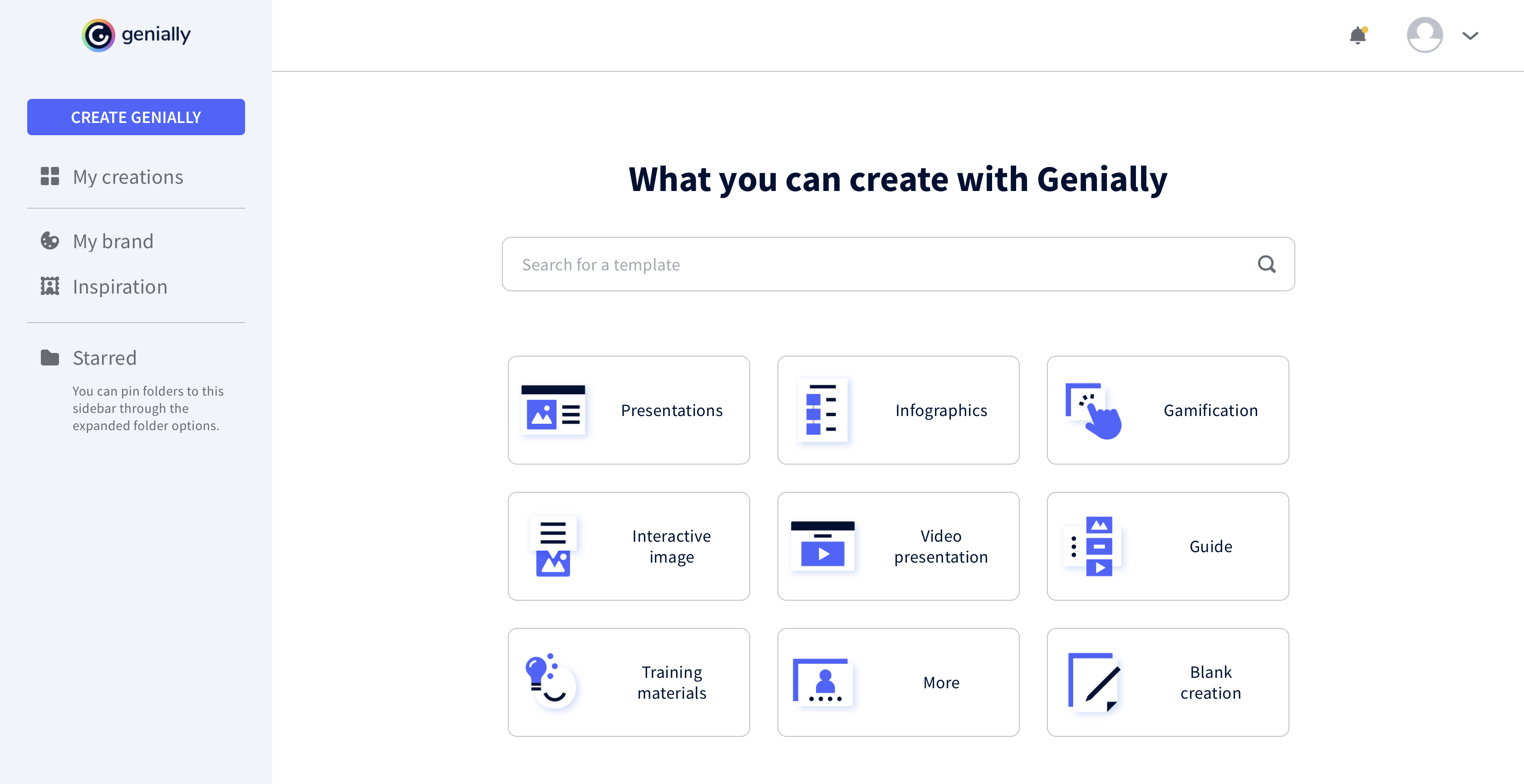
Genially is a provider of interactive visual communication and an online tool to create presentations, interactive images, infographics, dossiers, quizzes, resumes, etc. and enrich them with interactivity and animation effects. Without needing a team of designers and programmers, Genially is designed to allow enterprises to make an impact with striking, visual communication in a flash. It includes interactive and animated effects to distribute…
$7.49
per month (billed annually)
Pricing
Articulate 360
Genially
Editions & Modules
Articulate 360 AI - Personal Plan
$1,449
per year
Articulate 360 AI - Teams Plan
$1,749
per year
Pro
$7.49
per month (billed annually)
Master
$20.82
per month (billed annually) 5 members
Team
$70.79
per month (billed annually)
Offerings
Pricing Offerings
Articulate 360
Genially
Free Trial
Yes
No
Free/Freemium Version
No
Yes
Premium Consulting/Integration Services
No
No
Entry-level Setup Fee
Optional
No setup fee
Additional Details
Those new to Articulate 360 can try it free of charge for 30 days. Articulate 360 is available on the Articulate website and through Articulate Authorized Resellers.
Articulate 360 is very easy to use and can create a variety of different media and interactive activities - more than Camtasia. Camtasia is very video centered. Articulate 360 can use video but it can also use still photos, audio, interactive content, and allows users to go …
I used Adobe Captivate when I first started my role as an ID. After doing some research, I found Articulate 360 and have been hooked since. I immediately sold my leader on the idea to invest in the tool.
Articulate 360 is the industry leader for e-learning authoring. While we use the Adobe Creative Suite for artistic support, we find that when it comes to authoring tools, Articulate products are superior in both design and accessibility. Articulate 360 has strong support …
Articulate 360 is much more intuitive and user-friendly than other products. If you can imagine it, you can probably build it in Storyline, but it won’t take you weeks' worth of learning and reading to figure it out.
Articulate 360 is easier to use out of the box. It is much more intuitive and does not require as much specialized knowledge. It makes learning design simple and fun. It also allows for just as much customization and looks just as good. It really is a seamless piece of software.
We still use Camtasia for some video generation. The Camtasia timeline is easier to work with-but I find that Storyline has more customizable options when it comes to video generation.
The functionality, which includes layers,
triggers, states, and variables, provides flexibility and creative
possibilities that can’t be found in any other authoring tools.
Articulate 360 leaves Captivate in the dust. The look and feel of Articulate 360 products is so much more sleek and flexible. Captivate feels constrained and clunky in comparison.
The wide breadth of options that Articulate 360 offers is very real boon. Being able to implement simple, Cloud based builds and more robust, from scratch trainings and modules all in one place across different offerings is very helpful. I enjoy that it is easy to implement …
It stacks up very well, but I do have to utilize other tools to create the engaging content like videos and editing footage. For building basic graphics it is fine, but for more brand aligned imagery I rely on other programs. Like videos production it still mostly handled by …
I have not used any other elearning development software other than Articulate 360. Though, I have seen demos of other products and while they are great, they still don’t seem to be as great as Articulate 360. This opinion also shows up in other places like product reviews and …
It is far, far superior. Easier to use, faster, more stable, just as customizable, and meets our use cases. It doesn’t assume the devs know better how to use the tool than I do.
Captivate is clunky and hard to use by comparison. Elucidat is chasing needs I don’t really have.
The price is the number one difference. Genially is not expensive and the licence has no limitations regarding the number of learners. The ease of use: the interface of Genially is intuitive and does not require a tedious learning. The integration of multiple media is smooth, …
I prefer Genially if I need to make it interactive but use Canva when I'm more in a rush and need a nice design. Also, if I know I need to use different images I usually prefer to use Canva because you can save them there and it has more templates for me to choose from. Having …
This web tool is designed to be broad and wide-reaching because it can be used in several ways such as attracting customers, circulating news, and teaching skills. You don't have to be a programmer to create stunning digital projects that are both unique and stunning.
I use Articulate 360 for almost all my new-hire training content. It allows, as mentioned previously, for more time in the classroom setting. I would not want to use Rise specifically for systemic training processes. This would be for something like Storyline. So I believe it's about finding the right balance for your goal.
I think it's very well suited for creating collateral for internal team enablement, as well as conceptual external customer education. I also often turn to Genially (rather than Canva) to create quick graphics on the fly. This is not a stand-in for more complex e-learning needs that would require a tool like Articulate.
It goes without saying that Artculate's products are the easiest to use and offer a great deal of functions with flexibility. Once an eLearning author uses the product it becomes tempting to not use other methods, but one would be wise not to limit him or herself to a single learning authoring platform. On the other hand, if given a single choice of a tool for rapid eLearning development, Articulate's Storyline would be a top choice.
Usability is where Articulate shines. Anyone who has ever built a PowerPoint can open the tool and quickly understand how to use it. The more complex aspects of the tool are also very user-friendly, but you can build great content without ever going into advanced variables or JavaScript.
It took a minute for me to understand how to use the product. Normally, I can just click around and figure things out. I had more questions on if the interactive element was accessible or not.
I rate the overall support for Articulate 360 with a 9. On the one hand because of the smooth and accurate support from Articulate's support team (usually within 24 hours) and on the other because of the commitment / use of a community (e-learning Heroes) where I have all kinds of insights from other helpful users.
The online training options given by the online tutorials, forums, and "E-Learning Heroes" community are simply awesome. Examples galore, easy to understand descriptions including step-by-step guides, images, occasionally videos, and the "Articulate Insiders" sub-community give you more materials to learn about Storyline than you are likely to be able to read.
It is pretty straight forward and easy to implement is you are already creating eLearning. If you have old courses created in other versions of Articulate I recommend you update them to the new version even though it is not necessary (especially From Storyline3 to 360) but if you don't you may find difficulty opening and keeping things straight
Articulate 360 is very easy to use and can create a variety of different media and interactive activities - more than Camtasia. Camtasia is very video centered. Articulate 360 can use video but it can also use still photos, audio, interactive content, and allows users to go through courses in different, non-linear ways.
The price is the number one difference. Genially is not expensive and the licence has no limitations regarding the number of learners. The ease of use: the interface of Genially is intuitive and does not require a tedious learning. The integration of multiple media is smooth, except for PDFs. The compatibility with various LMS.
The immersive 360 image activities allowed us to train our field engineers on dangerous topics and environments like electrical safety and on-site safety without even putting a hard hat on.
The new AI outline features have decreased our time-to-product by at least 30%
The use of a single suite of tools, (along with the creative cloud) led to decreased annual costs over alternative piecemeal solutions.