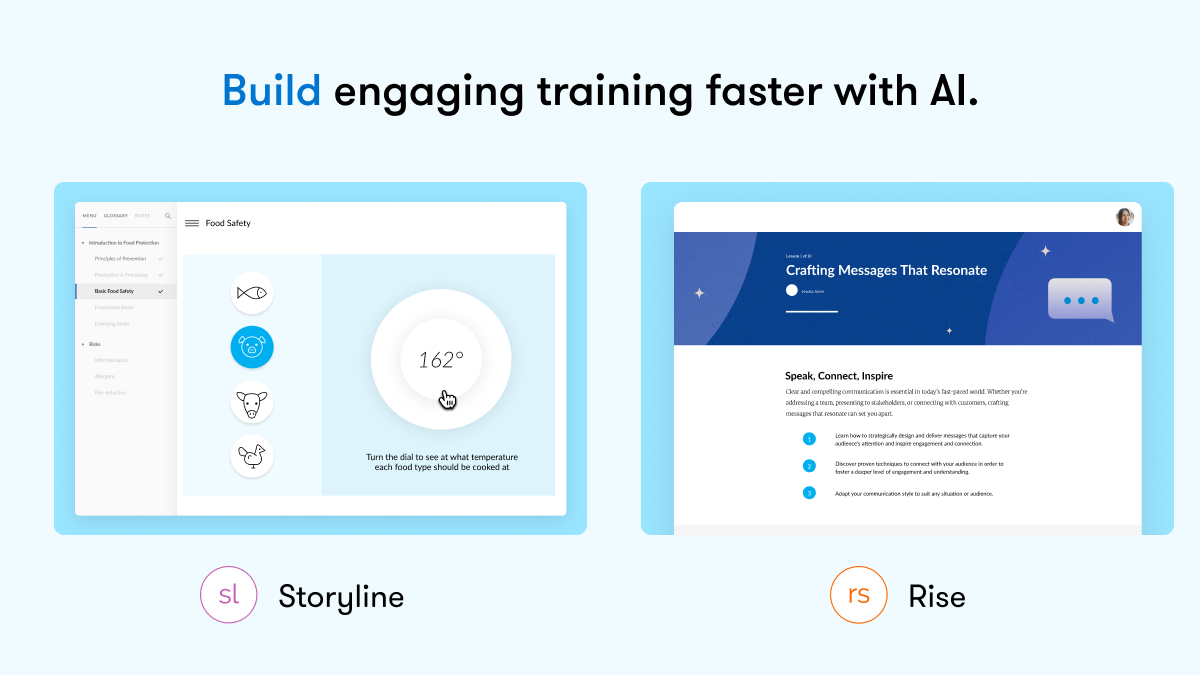
Articulate 360 is an e-learning platform for creating workplace training. Users can build engaging courses with AI-enhanced authoring, simplify collaboration, and quickly share content. A subscription includes robust onboarding resources and access to a community of 1.5M pros.
$1,449
per year per user
LEAi
Score 9.0 out of 10
N/A
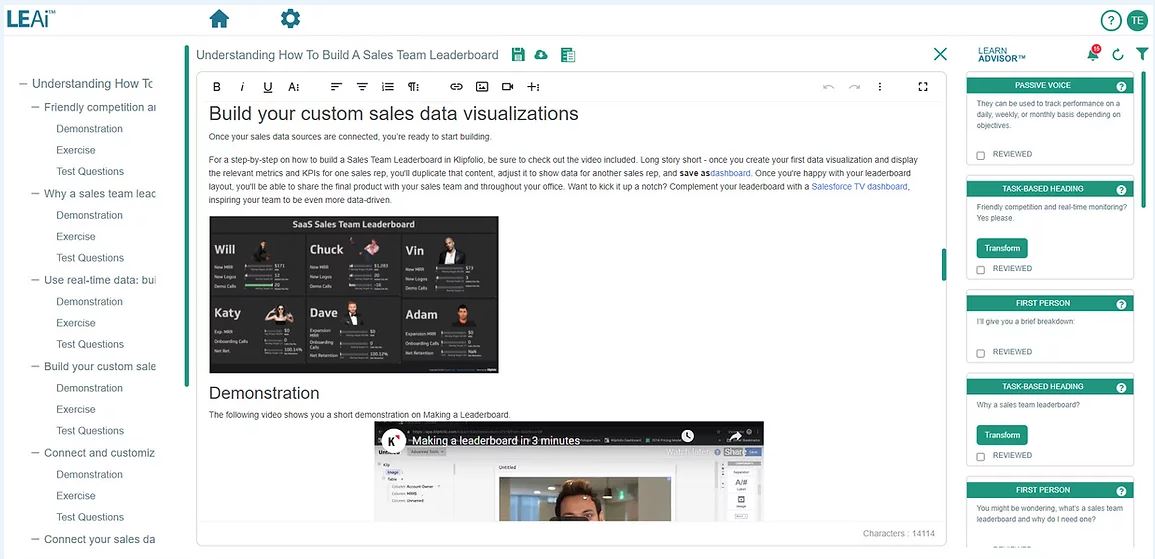
LEAi by LearnExperts is a learning content creation tool that allows businesses to use the content they already have to create well-structured knowledge-sharing and training programs. With AI and human intelligence, the content that LEAi produces is used to create instructor-led training, eLearning, knowledge base articles, virtual class content, presentations, webinars, and videos. LEAi allows content creator to overcome challenges like: - "My SMEs don’t have time…
N/A
Pricing
Articulate 360
LEAi
Editions & Modules
Articulate 360 AI - Personal Plan
$1,449
per year
Articulate 360 AI - Teams Plan
$1,749
per year
No answers on this topic
Offerings
Pricing Offerings
Articulate 360
LEAi
Free Trial
Yes
No
Free/Freemium Version
No
No
Premium Consulting/Integration Services
No
Yes
Entry-level Setup Fee
Optional
No setup fee
Additional Details
New users of Articulate 360 can try the application for free. After the trial period is over, the following packages are available:
Articulate 360 AI
Teams plan: $1,749 per user per year
Personal plan: $1,449 per user per year
We use both so it's less of a competing element than comparison. 360 stacks up fairly well as a knowledge transfer tool. LEAi allows importing of a wider range of file formats and also publishes to a wider range of outputs.
As an end-to-end product, 360 does what it does very …
Great for creating eLearning games and online puzzle games (like an escape room). Not great for traditional video games - stick to puzzle-type interactions. The various interaction types open the door for the creation of fun and engaging games (again - eLearning).
Unrivaled Power and Customization. After 15 years in the training industry, Storyline 360 remains my favorite tool because it is, simply put, the most powerful authoring tool I have ever used, giving me complete creative control.
Advanced Interactivity. I love being able to 'overengineer' content using Triggers, Variables, States, and Layers, which allows me to build the most sophisticated and deep functionality.
Superior to Basic Tools. Storyline's capability to build detailed branching scenarios and realistic simulations sets it leaps and bounds apart from basic tools like PowerPoint, which is essential for high-impact training.
I haven't seen any other platform for developing learning materials that is as comprehensive or as reliable as Articulate has proven to be for our use. Because our group has a number of PowerPoint power users, the PowerPoint integration with Articulate is particularly beneficial.
Overall, the usability and feature set of Articulate 360 is best of class. The interface is user friendly despite the incredible depth of creative tools available. Onboard help is always available, as well as a huge catalog of educational resources for using both Rise and Storyline. Two screens always helps for creating projects with many elements due to the real estate required for the timeline.
I rate the overall support for Articulate 360 with a 9. On the one hand because of the smooth and accurate support from Articulate's support team (usually within 24 hours) and on the other because of the commitment / use of a community (e-learning Heroes) where I have all kinds of insights from other helpful users.
The online training options given by the online tutorials, forums, and "E-Learning Heroes" community are simply awesome. Examples galore, easy to understand descriptions including step-by-step guides, images, occasionally videos, and the "Articulate Insiders" sub-community give you more materials to learn about Storyline than you are likely to be able to read.
Outside of having to dedicate a powerful enough PC for the installation and having to update Flash in our browsers there really isn't much pain involved in using Articulate. For the most part this is an easy to implement and roll-out product. The installation occurs quickly and smoothly with no additional steps needed.
Articulate 360 is very easy to use and can create a variety of different media and interactive activities - more than Camtasia. Camtasia is very video centered. Articulate 360 can use video but it can also use still photos, audio, interactive content, and allows users to go through courses in different, non-linear ways.