Asana is a web and mobile project management app. With tasks, projects, conversations, and dashboards, Asana lets an entire team know who's doing what by when, enabling workload balancing. Users can also add integrations for GANTT charts, time tracking and more.
$13.49
per month per user
Coda
Score 8.9 out of 10
N/A
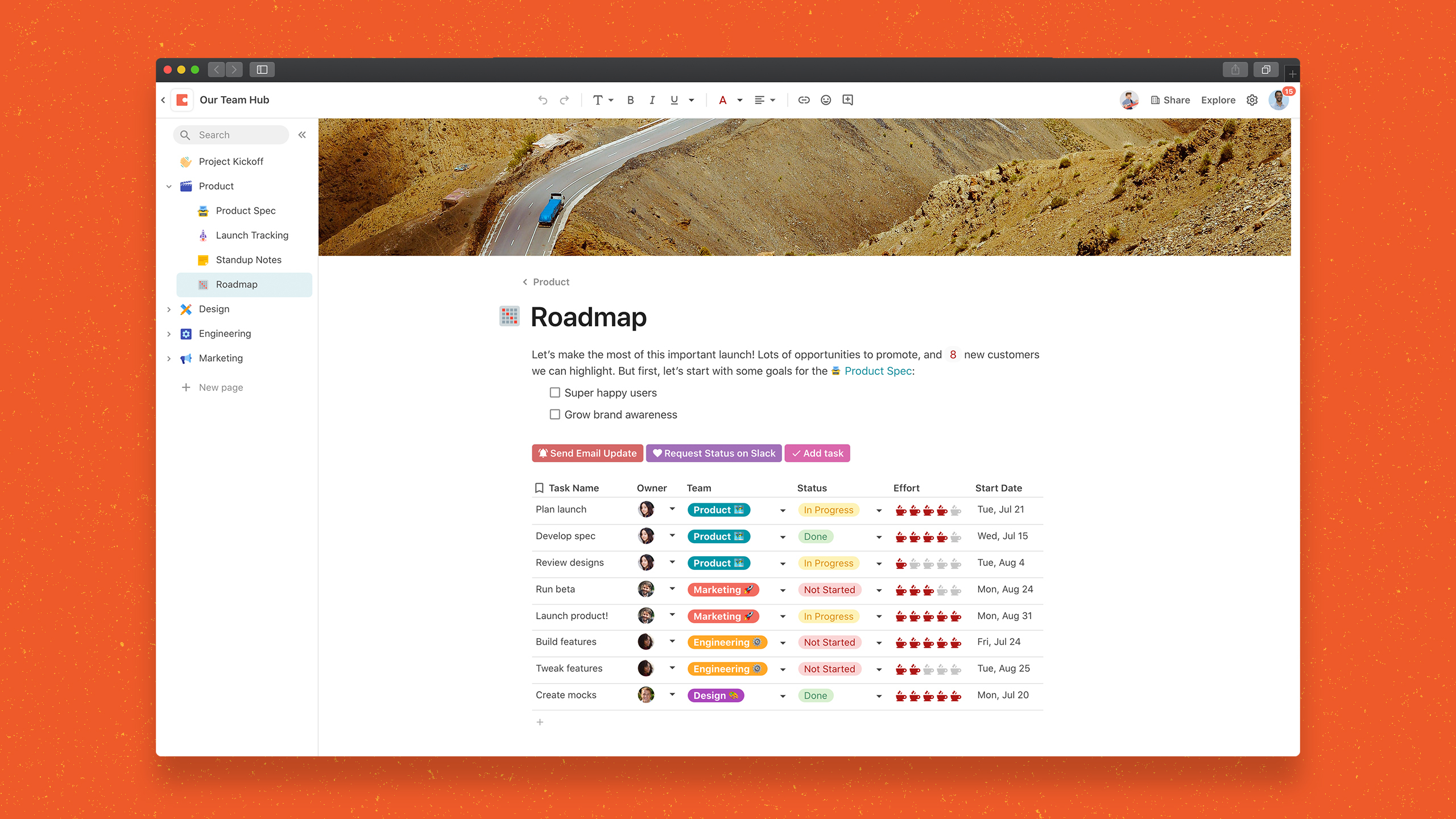
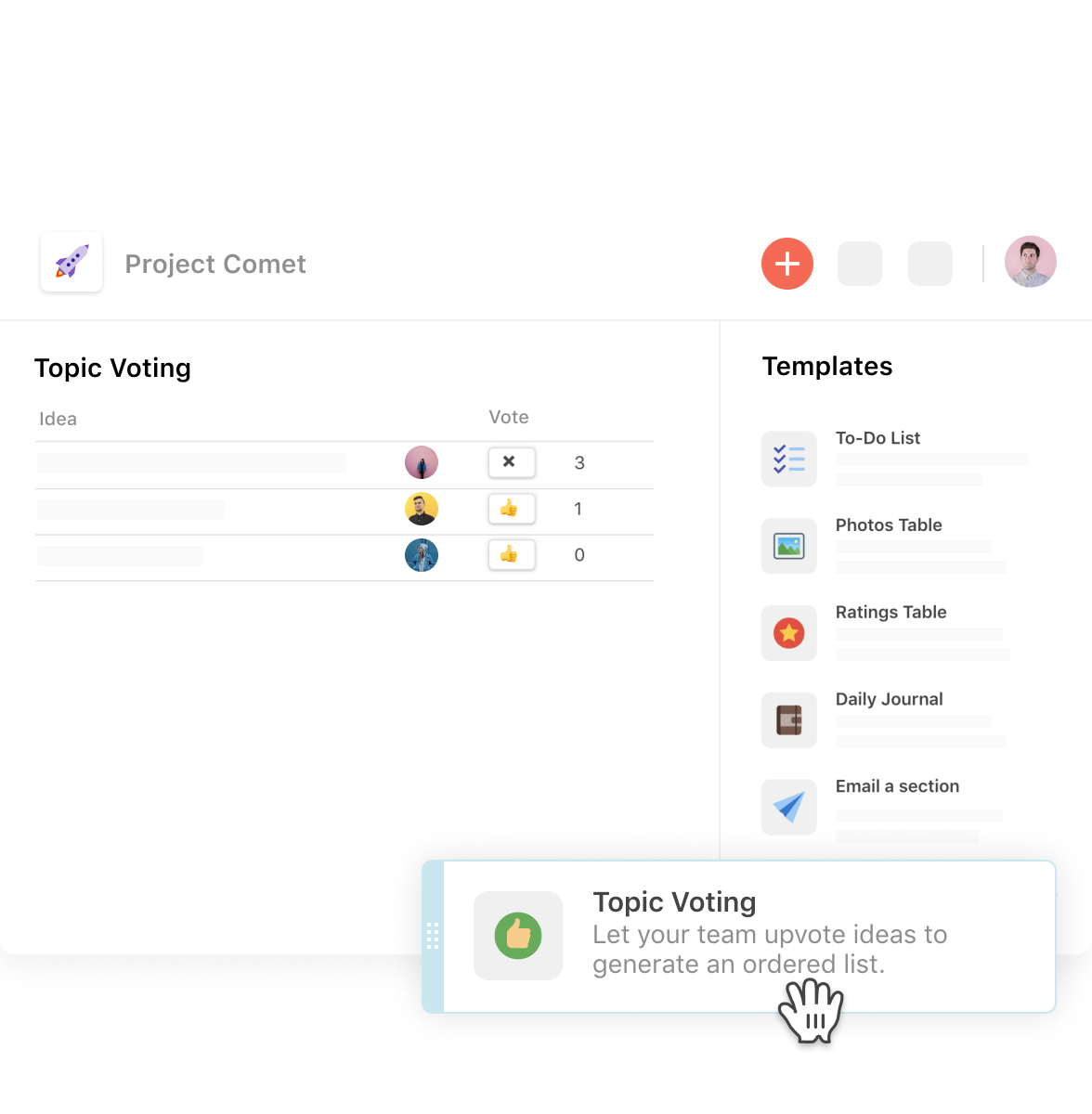
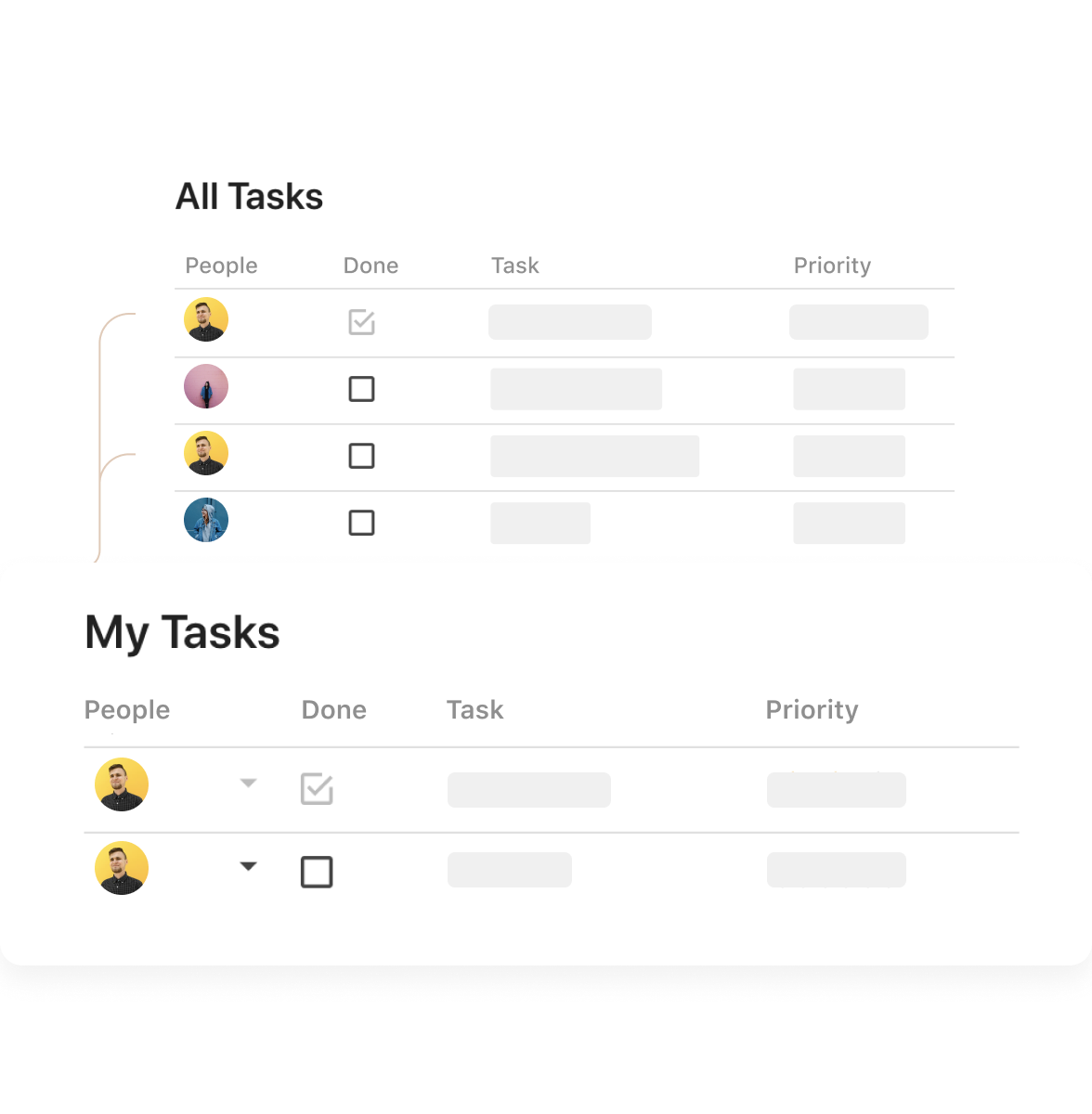
Coda is a unified workspace platform that transforms documents into interactive applications by combining documentation, spreadsheet functionality, relational databases, and AI-powered automation—enabling teams to consolidate multiple tools and automate complex workflows without writing code. The platform operates as a block-based document system where every page can contain interactive tables, buttons that trigger automations, live formulas, and conditional logic, all rendering from a shared…
$12
per month
Rally Software
Score 7.7 out of 10
N/A
Rally Software headquartered in Boulder, Colorado developed the Rally agile software development / ALM platform which was acquired by CA Technologies and rebranded as CA Agile Central. After CA's acquisition by Broadcom the software was once again rebranded as Rally.
N/A
Pricing
Asana
Coda
Rally Software
Editions & Modules
Starter
$13.49
per month per user
Advanced
$30.49
per month per user
Enterprise
Contact Sales
Personal
Free
Free
$0.00
Pro
$12
per month per Doc Maker
Team
$36
per month per Doc Maker
Enterprise
Custom
No answers on this topic
Offerings
Pricing Offerings
Asana
Coda
Rally Software
Free Trial
Yes
Yes
No
Free/Freemium Version
Yes
Yes
No
Premium Consulting/Integration Services
Yes
Yes
No
Entry-level Setup Fee
Optional
No setup fee
No setup fee
Additional Details
A discount is offered for annual billing.
Discount available for annual billing.
—
More Pricing Information
Community Pulse
Asana
Coda
Rally Software
Considered Multiple Products
Asana
Verified User
Employee
Chose Asana
Look and feel of monday.com is better, but Asana has more features and capabilities making it the better option.
Coda is a more complete package that is very robust and will meet the needs of almost any organization who wants to track project and meet desired timelines. By implementing project trackers the team can easily collaborate together and get the work done. Coda is much easier to …
Coda is very aesthetically appealing and fun to create docs. The benefit of Coda is that it makes a lot automated, but what is sacrificed is the flexibility that other tools can offer.
While all of the products listed have great features and platforms, there was always one thing missing from them that I would need to get from another application. Coda was the first one we used that really combined some of the best parts of those products and allowed us to use …
Rally and Asana have comparable features and are both valuable project management tools, but Asana's user interface is well-organized and highly intuitive. It's easy to add tasks and collaborators, edit due dates, indicate progress on tasks, close out projects, etc. However, …
The usability of Asana is broad since it's available in a variety of platforms that are widely used nowadays. I think that it would be great for people who are constantly on the move and switching devices, since it has allowed me to work from my phone, too. I also think that Asana has proven itself to handle a large quantity of work
Coda is great to build a place for your users to go to and see information. It is easy to navigate through and the variety of content creation is great. However, it is not always easy to create what you want and there is a lot of playing around and learning. Coda also sometimes misses some functionality which is expected. For example, downloading a list of users that have access to the platform. Being able to send push notifications when a new page has been created etc. Overall it is a good tool to use just be prepared to invest time!
Rally Software is well suited for large Agile or scrum teams who do sprints and it helps managing sprints and backlogs. It is well suited for organizations who want visibility into work being done and progress. Suitable for tracking is user stories, defects and release planning. Works well with CI CD too. It would not be suitable for small teams or startups. For teams that don't use agile. Teams who want lightweight tools like Jira. Companies with a limited budget.
Through it, we were able to communicate and cooperate with the rest of the team to complete the work in the required manner and at the appropriate time.
There are dashboards that provide friendly and useful metrics at the team, program and portfolio levels which help get an easy and quick visual representation of what's going on.
Story management made easier, It offers a quick way of quickly entering a number of user stories without losing the overview, by just typing the title and selecting a few attributes directly in the overview screen.
Sprint management is seamless in CA Agile Central . It allows you to drag stories from the backlog to the sprints and back again. When a story is dragged into an sprint, it automatically checks the velocity for that sprint and indicates how many more story points can be chipped in. No more manual checking needed by scrum master with respect to allocation and team velocity.
Though CA Agile Central has many inbuilt apps, but it also has an App-SDK that allows you to build free app extensions using JavaScript and HTML. So, as per their needs, teams can customize & build various apps & dashboards.
Dashboard is an awesome feature which allows you to select and drag panels with all kinds of graphical information about the current sprints and releases.
It offers tremendous support for scaled Agile & almost all scaling frameworks are supported specifically tuned to SAFe .
CA Agile Central includes several applications but it also integrates well with Jira, Confluence, Jenkins, Eclipse, Subversion, IBM, HP, Salesforce.com and many other products to allow users to organize projects to their specifications. So you can still use Jira at a team level & CA Agile Central at the program & portfolio level for efficient tracking & management.
The custom tags are very helpful in segregating the user stories based on the project needs. Even though it's a very small feature, it is very effective ( you will realize why specifically if you are using Jira).
CA Central Agile enables agile delivery with ease and provides comprehensive features to track time-boxes, Work In Progress items of the forecast increments.
Backlog management is hassle free since you can either drag and drop your user stories to the desired position on the backlog, or change a setting and manually enter priorities as a number.
It takes getting used to in terms of how the formulas per column is implemented, in contrast to how we build tables in Excel. For organization/team purchase, it would be worth considering having a training for the core team of users. Right now, we do a lot of self-learning.
Inability to email charts or image without these objects being hosted on a third party. The community has been great in providing workarounds but it would be much more convenient to be able to have such ability natively.
APAC Support. I'm based in Malaysia, due to timezone differences, even with a livechat implemented, the support for each step and conversation takes up to 24 hours per response. Having some hours covered in our timezone would greatly improve customer support experience.
User management is pretty basic and could be better. For example more filters and reports and more ability to do mass updates.
The report generator is very, very basic and is not WYSIWYG. It has limited filters to generate reports. Often a Scrum master will need to export data to Excel or a tool like Crystal Reports to get enhanced reporting capability.
Coda is definitely something that has been proven to drive positive impact in our organization. We have many divisions that can benefit from this that we have yet to explore. It would definitely be worth renewing.
It is very user-friendly. Takes a new employee an hour to start figuring out how the system works. That's an important factor. You don't want to encounter the issue where employees need a week to understand how the system works. For example, JIRA, I tried using it for a week and I still don't understand the complicated layout. Asana has a simple interface. Once you see it, you get it type of program.
There is a little bit of a learning curve on where to point and click to add in different elements and make edits. But it is still very manageable once you get the hang of it. I do still have some issues with some of my connected pages updating each other when I don't want them to sync. So I'll end up editing one page, and it will make the same edits on another page.
Great UI, recent refresh was terrific. Great graphs and metrics, inline editing for updates, and a multitude of views on sprint progress make for a great team collaboration experience. There is also an active community and forums so that if you do need help, it is readily available
We haven't done any integrations - the initial part of our experience we found that for docs with complex formulas, the page tends to load slowly but in recent months, Coda has improved and optimized the loading times in general and we generally don't find any problems in terms of speed anymore.
The screens render relatively quickly but many actions that you would expect to require a single click require multiple clicks and pop-up windows. The extra windows and clicks make the product feel ponderous.
I haven't had to use their support so I can't rate it. The fact that I haven't needed them reflects the ease of use of the product. I would recommend that any new users schedule a complete demo of the product to ensure that they are using it to it's fullest (there's a lot of useful features).
Mainly due to timezone differences. I think Coda's support in general is well implemented and executed. They know their stuff and are helpful. But since I'm not in the same timezone, solution rates are slower for me, and that's not something I prefer. I work in customer service, too, and more often than not, time is important. Shortening the solution time would be a much greater experience.
I've had to use support only one time and my issue was eventually resolved but not because of my ticket--because others complained about the functionality taken away so they brought it back. My ticket was never answered or addressed. So I can't really say much for the support factor for Rally.
It more or less confirmed that we are using it the way they had in mind. We were hoping for a epiphany in terms of how we could use it better.
They also want to be a go to source for agile processes and have an online resource center. It’s not that great but had a couple of nuggets. It hasn’t really helped us too much and we are not too far off from the classical interpretation of agile.
I would recommend training, in particular for organizations that multiple on-going projects. The product seems optimized for larger, more complex teams and getting proper training on how to configure, administer and use the system would be beneficial
I'm relatively inexperienced but this experience is meaningful. It would have been nice to have some guidance from Coda so that we understood more on Coda's purpose and potential.
Implementation of RALLY services and program satisfaction among various group,... 1) Dev Outcomes: How were our resiliencies, development, learning & practitioners “make them do the work,” but that they ask you to do it “in a way like before. 2) The Ops group: Just wish to make sure any change won't break current production envirements All the stake holders has to be on the same page
Asana is a top-tier project management software that helps us organize and track projects from start to finish. It allows us to apply tasks/to-dos to multiple projects without duplication, divide complex projects into smaller tasks, and track project progress. It also helps us organize work on Kanban boards or linear lists. It stands out from the crowd in a big way compared to the competition.
While all of the products listed have great features and platforms, there was always one thing missing from them that I would need to get from another application. Coda was the first one we used that really combined some of the best parts of those products and allowed us to use it in one place. I also appreciate the flexibility of creating your own framework and workflow, unlike in other tools where you have to follow how they capture data and organize projects.
Rally and Asana have comparable features and are both valuable project management tools, but Asana's user interface is well-organized and highly intuitive. It's easy to add tasks and collaborators, edit due dates, indicate progress on tasks, close out projects, etc. However, Rally's interface is somewhat cluttered and difficult to navigate. My team ended up choosing Asana over Rally due to these concerns.
I think scalability is definitely good here since it's based on number of doc makers. Implementation into each dept becomes simpler. That being said, due to the nature of our work, we find it easier that we have a "super user" and then a team of other doc makers. This would make the doc creation and management more efficient.
it helped organizing many of the processes management use to communicate tasks with engineers, and provided detailed charts on the speed/blockage during any iteration
with time Rally became the main tool we used to track and report tasks/defects in our projects, but frequent service outages made it very hard to continue consider as a reliable solution
too much features is good, but for engineers a few features (User Stories section, iterations, defects, and Kanban boards) are necessary and the rest is just noise