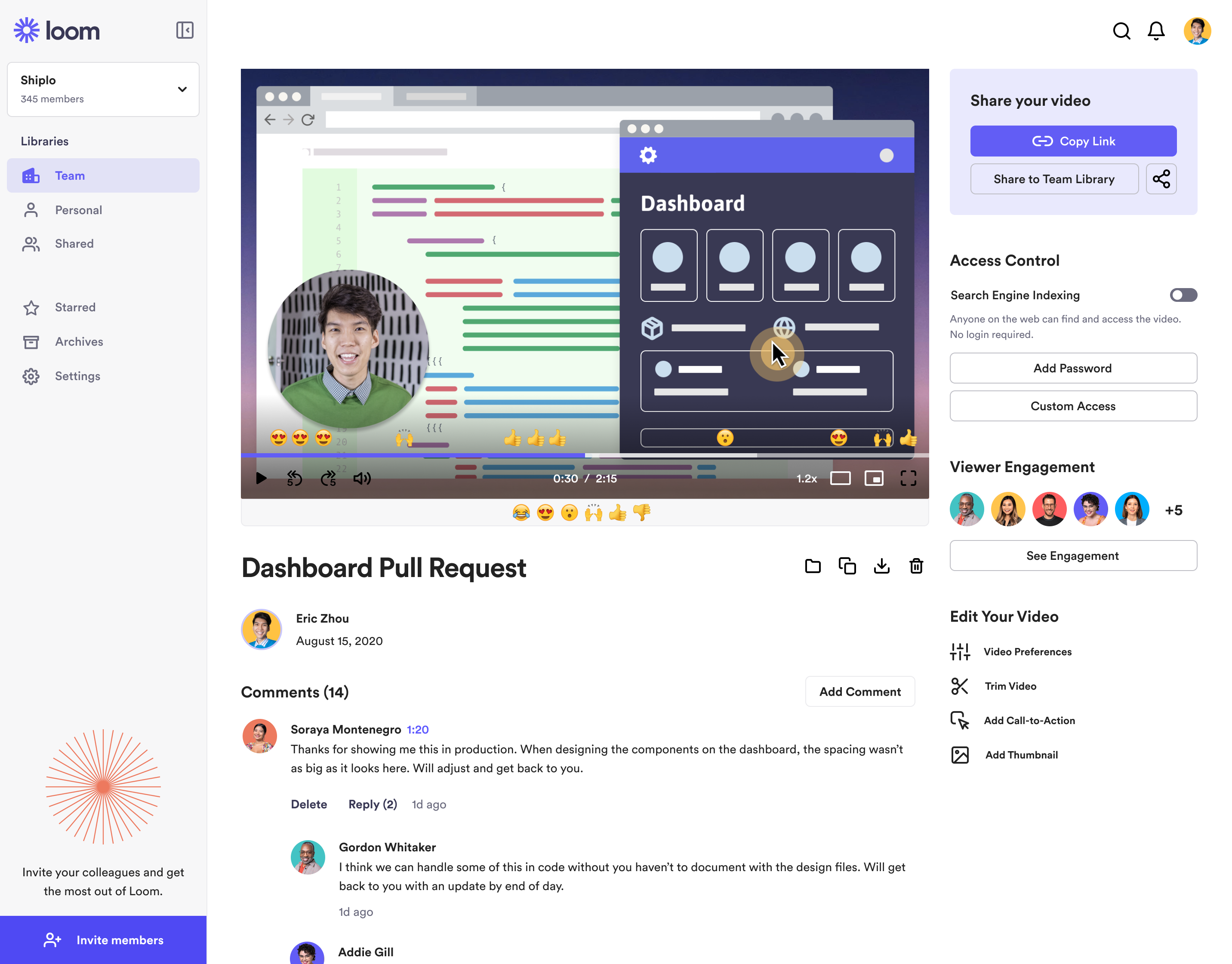
Loom is a screen recorder for Chrome, Mac, Windows, and iOS from Atlassian, presented as quick to install, easy to use, and boasting a functional free edition.
$8
per month
Cincopa
Score 9.8 out of 10
N/A
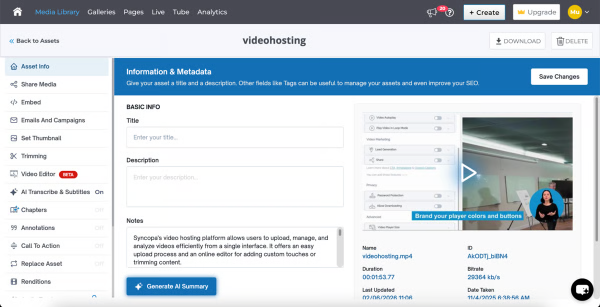
Cincopa is a video knowledge management platform that converts video and document assets into searchable, structured knowledge environments. The solution utilizes Artificial Intelligence (AI) to index multimedia content, allowing users to query libraries using natural language to locate specific information within media files. Key Capabilities Structured Knowledge Environments: The platform organizes Video Assets and Digital Documents into categorized…
$99
per month
Pricing
Atlassian Loom
Cincopa
Editions & Modules
Business
$10
per creator/per month
Starter
Free
Enterprise
Custom Pricing
Starter
$99.00
per month
Growth
$349.00
per month
Offerings
Pricing Offerings
Atlassian Loom
Cincopa
Free Trial
No
No
Free/Freemium Version
Yes
No
Premium Consulting/Integration Services
No
No
Entry-level Setup Fee
Optional
Optional
Additional Details
—
—
More Pricing Information
Community Pulse
Atlassian Loom
Cincopa
Features
Atlassian Loom
Cincopa
Video Marketing
Comparison of Video Marketing features of Product A and Product B
Atlassian Loom
-
Ratings
Cincopa
8.6
17 Ratings
12% above category average
Lead generation
00 Ratings
7.014 Ratings
Video personalization
00 Ratings
9.914 Ratings
eCommerce
00 Ratings
8.76 Ratings
Support for advertisements
00 Ratings
8.59 Ratings
Video SEO
00 Ratings
8.913 Ratings
Integration to Marketing Automation
00 Ratings
8.69 Ratings
Video Platform Integrations
Comparison of Video Platform Integrations features of Product A and Product B
Atlassian Loom
-
Ratings
Cincopa
8.2
5 Ratings
28% above category average
Integration to Salesforce.com
00 Ratings
8.24 Ratings
Integration to Marketo
00 Ratings
8.24 Ratings
Integration to HubSpot
00 Ratings
8.35 Ratings
Video Security
Comparison of Video Security features of Product A and Product B
Atlassian Loom
-
Ratings
Cincopa
9.2
16 Ratings
7% above category average
Video access controls
00 Ratings
9.016 Ratings
User management
00 Ratings
9.016 Ratings
Video link sharing
00 Ratings
9.915 Ratings
Internal video
00 Ratings
9.013 Ratings
External video
00 Ratings
9.014 Ratings
Video Player
Comparison of Video Player features of Product A and Product B
Atlassian Loom
-
Ratings
Cincopa
9.0
19 Ratings
9% above category average
Player customization
00 Ratings
9.019 Ratings
Embedded videos
00 Ratings
9.018 Ratings
Video quality / Bandwidth controls
00 Ratings
9.016 Ratings
Mobile compatibility
00 Ratings
9.017 Ratings
Video Analytics
Comparison of Video Analytics features of Product A and Product B
Atlassian Loom
-
Ratings
Cincopa
9.9
14 Ratings
23% above category average
Per viewer tracking
00 Ratings
10.013 Ratings
Per video tracking
00 Ratings
9.914 Ratings
Video analytics dashboard
00 Ratings
9.712 Ratings
Video Hosting, Management & Storage
Comparison of Video Hosting, Management & Storage features of Product A and Product B
Atlassian Loom
-
Ratings
Cincopa
8.7
15 Ratings
1% above category average
On-Demand video
00 Ratings
9.010 Ratings
Live streaming
00 Ratings
9.06 Ratings
Video upload & format support
00 Ratings
8.115 Ratings
Video library / File management
00 Ratings
9.015 Ratings
Video portal
00 Ratings
8.110 Ratings
Video Engagement
Comparison of Video Engagement features of Product A and Product B
Loom is a must, I am not sure how many other tools like this one there are but Loom really becomes a key player in a team collaboration, specially if that team collaborates remotely or internationally. You can use the video links to embedded these in other places or downloadthem for editing
I would say that Cincopa is a first-stop for any dev project without an internal gallery option. This is especially true if the person in charge of content or building the galleries is not a coder. Cincopa makes designing a good looking gallery and inserting it into nearly any webpage a pretty simple process, so it is a great starting place. There may be other options that would fit a different development project better (internal gallery functions or a full-scale DAM with importable galleries), but for our purposes Cincopa was (and is) a perfect fit.
Loom is valuable for creating video tutorials and onboarding materials.
It allows trainers to record step-by-step instructions, share best practices, and provide visual demonstrations, facilitating the learning process for new employees or team members.
Sales teams can create personalized video pitches or product demonstrations to engage prospects effectively.
Collaborating between timezones and replacing meetings/ emails with quick videos.
The still screenshot feature should let us edit/mark up the images.
I work on 3 X monitors and the desktop version of Loom still can't seem to know that I always want to record on the screen from which I open the app. Short of that, it should ask us what screen we want to record on instead of making us catch the fact that it's set to record on some other screen. This causes me to have to stop the recording and restart because it was recording the wrong screen.
You can't yet transfer a video seamlessly between workspaces. This causes you to have to download and then re-upload to the other workspace if you happen to work for numerous companies using Loom.
The number of pictures for the upload should be slightly higher.
The previous calculation of the traffic is difficult.
If many pictures have to be deleted from a gallery, that does not happen so fast, because only 50 pictures are loaded. Then you have to scroll all the way down and wait until the next 50 images are loaded, in order to be able to mark them for deletion. This takes a while with 800 pictures for example.
It's dirt easy for the one thing it does exceptionally well. If you think, "hmmm, I should make a quick screen capture of this thing on screen, you can start recording in seconds with almost no additional effort." Once you're done, the recording is automatically uploaded to your account site, and automatically creates a URL you can copy and share with your target audience. From IDEA to EXECUTION to DISTRIBUTION is literally seconds.
Cincopa is very easy to use, especially to the uninitiated. You don't need a degree in CS or years of experience to set-up a fantastic looking gallery. The interface is self-explanatory for the most part and very easy to use. The drag-and-drop functionality makes it simple and inviting for all users.
Loom is one of my favorite solutions and I've been a raving fan since they first launched. The value of quickly sharing videos in seconds is amazing. Our customers love it so much that they have even downloaded the Loom Chrome extension for their own use with their clients! It's so simple, and nothing else compares or competes.
I use Loom for simple tasks. Never used customer support really. It's so simple to use. I haven't had any real issue with Loom which would require customer support to help me out. So I just put 5 because I don't know if the customer support is good or bad since I never used, so I'm kind of neutral.
When we evaluated the alternatives, Loom was by far the most advanced tool, with multiple types of integrations. Additionally, Loom also provided a Free plan, which made it easy to consider as an alternative. Vidyard and similar tools integrated better with certain other tools (Vidyard + HubSpot), but Loom had better overall integrations with most tools we use.
Cincopa has nice templates that are easy to use. The images can be moved about, more images added, and the size changed.
I particularly like the Pinterest style template, as it fits in well with the number of images that I need to display on my website. The more choices displayed, the more likely customers are to order.
Loom has increased my efficiency and value to clients so much. I save a ton of time by being able to send them video recordings walking through their website rough drafts and final tutorials.
Loom is incredibly affordable. I am satisfied with their subscription cost.
Loom has helped me communicate clearly to clients, so there's less room for error/misunderstanding (especially when talking about design decisions).
The video that we uploaded to our website will show prospects in the area around our apartment community and hopefully give them a good idea of how close they can be to work/school.
Our video will result in more apartments being rented which will have a positive impact on our ROI.
Our video will give residents and prospects a positive image of our community.