
Atlassian Service Collection, with Jira Service Management vs. Front
Atlassian Service Collection, with Jira Service Management vs. Front
| Product | Rating | Most Used By | Product Summary | Starting Price |
|---|---|---|---|---|
 Atlassian Service Collection | N/A | The Atlassian Service Collection, including the no longer available standalone Jira Service Management, is an integrated suite of service management applications built on Atlassian's unified Jira platform architecture. Designed to bring development, operations, internal IT, and external support teams onto a single workflow engine, the Service Collection consolidates support infrastructures to deliver service at high velocity. | $0 per month | |
 Front | N/A | Front is a communication hub that helps businesses keep the human touch in every interaction. | $29 per month per user |
| Atlassian Service Collection, with Jira Service Management | Front | |||||||||||||||
|---|---|---|---|---|---|---|---|---|---|---|---|---|---|---|---|---|
| Editions & Modules |
|
| ||||||||||||||
| Offerings |
| |||||||||||||||
| Entry-level Setup Fee | No setup fee | No setup fee | ||||||||||||||
| Additional Details | — | Discount for annual pricing on Starter and Growth plans. Scale and Premier plans are annual price only. | ||||||||||||||
| More Pricing Information | ||||||||||||||||
| Atlassian Service Collection, with Jira Service Management | Front |
|---|
| Atlassian Service Collection, with Jira Service Management | Front | ||||||||||||||||||||||||||||||
|---|---|---|---|---|---|---|---|---|---|---|---|---|---|---|---|---|---|---|---|---|---|---|---|---|---|---|---|---|---|---|---|
| Incident and problem management |
| ||||||||||||||||||||||||||||||
| ITSM asset management |
| ||||||||||||||||||||||||||||||
| Change management |
| ||||||||||||||||||||||||||||||
| Self Help Community |
| ||||||||||||||||||||||||||||||
| Multi-Channel Help |
|
| Atlassian Service Collection, with Jira Service Management | Front | |
|---|---|---|
| Small Businesses |  Agiloft Service Desk (discontinued) Score 9.0 out of 10 | Agiloft Service Desk (discontinued) Score 9.0 out of 10 |
| Medium-sized Companies | Agiloft Service Desk (discontinued) Score 9.0 out of 10 | Agiloft Service Desk (discontinued) Score 9.0 out of 10 |
| Enterprises |  TeamDynamix IT Service Management (ITSM) Score 9.8 out of 10 |  SysAid Score 8.9 out of 10 |
| All Alternatives | View all alternatives | View all alternatives |
| Atlassian Service Collection, with Jira Service Management | Front | |
|---|---|---|
| Likelihood to Recommend | 8.3 (87 ratings) | 9.1 (35 ratings) |
| Likelihood to Renew | 10.0 (2 ratings) | 9.0 (1 ratings) |
| Usability | 8.7 (12 ratings) | 9.4 (9 ratings) |
| Availability | 10.0 (1 ratings) | - (0 ratings) |
| Performance | 10.0 (1 ratings) | - (0 ratings) |
| Support Rating | 10.0 (26 ratings) | 9.8 (5 ratings) |
| In-Person Training | 10.0 (1 ratings) | - (0 ratings) |
| Online Training | 10.0 (1 ratings) | - (0 ratings) |
| Implementation Rating | 10.0 (1 ratings) | - (0 ratings) |
| Configurability | 10.0 (1 ratings) | - (0 ratings) |
| Contract Terms and Pricing Model | 10.0 (1 ratings) | - (0 ratings) |
| Ease of integration | 10.0 (1 ratings) | - (0 ratings) |
| Product Scalability | 10.0 (1 ratings) | - (0 ratings) |
| Professional Services | 10.0 (1 ratings) | - (0 ratings) |
| Vendor post-sale | 10.0 (1 ratings) | - (0 ratings) |
| Vendor pre-sale | 10.0 (1 ratings) | - (0 ratings) |
| Atlassian Service Collection, with Jira Service Management | Front | |
|---|---|---|
| Likelihood to Recommend |  Atlassian
|  Front
|
| Pros | Atlassian
| Front
 Jonatan Serna Supervisor |
| Cons | Atlassian
| Front
 Rick Scouffas Head of Sales Operations at Sentry.io |
| Likelihood to Renew | Atlassian
 RaviShankar Sundaresan Senior Enterprise Cloud Architect | Front
|
| Usability | Atlassian
| Front
|
| Reliability and Availability | Atlassian
RaviShankar Sundaresan Senior Enterprise Cloud Architect | Front No answers on this topic |
| Performance | Atlassian
RaviShankar Sundaresan Senior Enterprise Cloud Architect | Front No answers on this topic |
| Support Rating | Atlassian
| Front
|
| In-Person Training | Atlassian
RaviShankar Sundaresan Senior Enterprise Cloud Architect | Front No answers on this topic |
| Online Training | Atlassian
RaviShankar Sundaresan Senior Enterprise Cloud Architect | Front No answers on this topic |
| Alternatives Considered | Atlassian
 Gary Smolyak Development Operations Systems Administrator | Front
|
| Scalability | Atlassian
RaviShankar Sundaresan Senior Enterprise Cloud Architect | Front No answers on this topic |
| Professional Services | Atlassian
RaviShankar Sundaresan Senior Enterprise Cloud Architect | Front No answers on this topic |
| Return on Investment | Atlassian
| Front
 Tom Davies Customer Success Manager |
| ScreenShots | Atlassian Service Collection Screenshots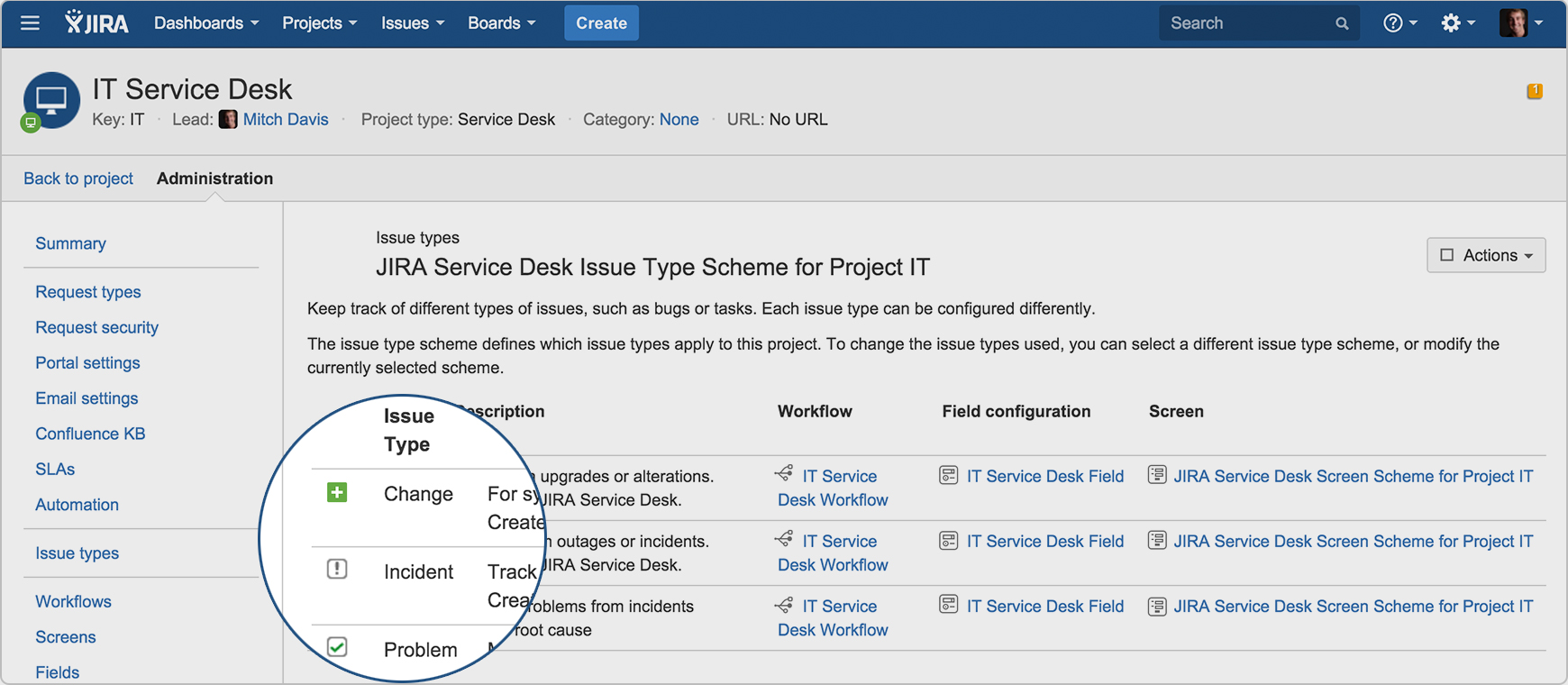  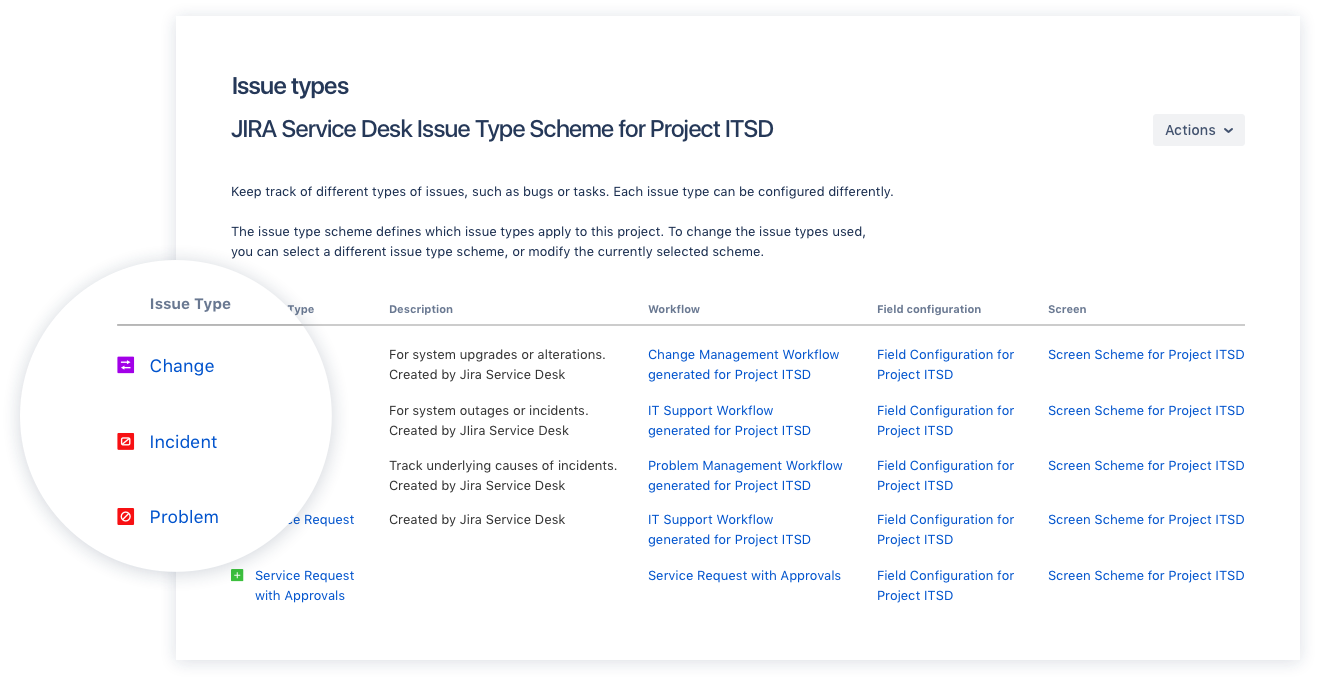  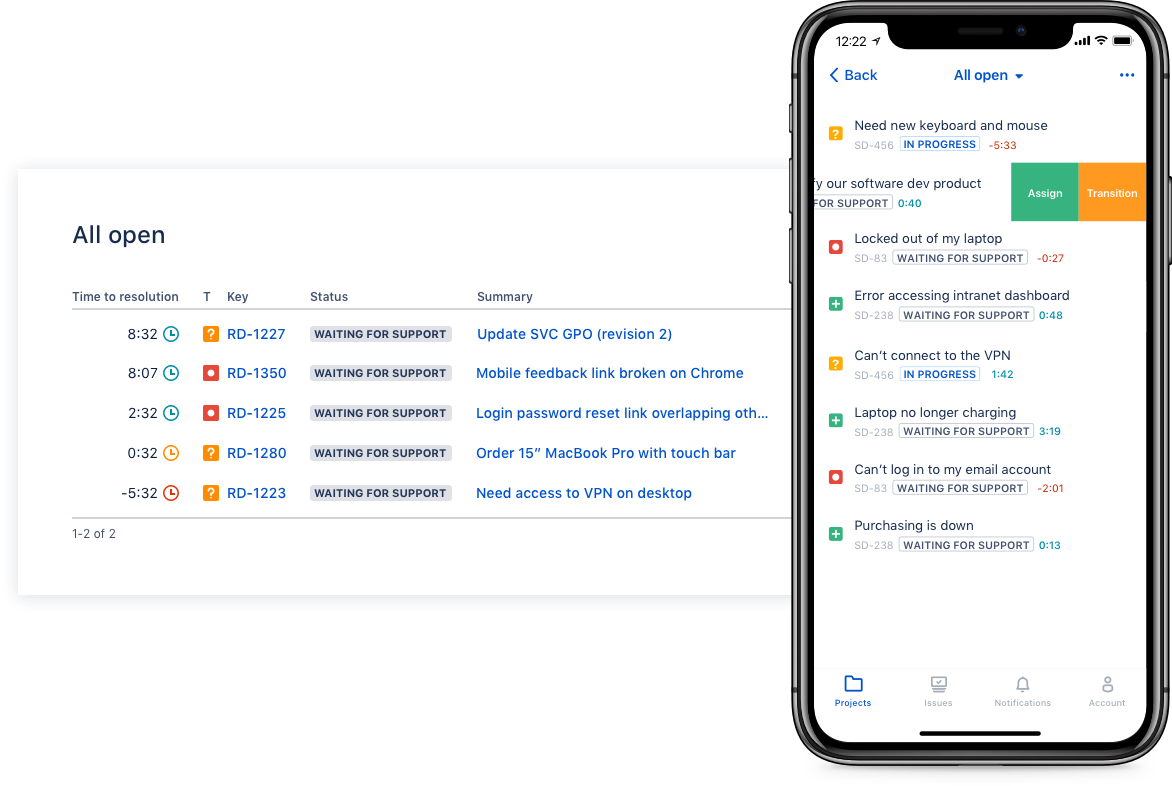  | Front Screenshots     |