Automox vs. RemoteCall PC/Mobile/Visual

Overview
ProductRatingMost Used ByProduct SummaryStarting Price
Automox
Score 8.9 out of 10
N/A
Automox is an endpoint management platform built for the era of autonomous operations. It provides a cloud-native foundation that unifies automation, speed, visibility, and trust.
$1
per month per endpoint
RemoteCall PC/Mobile/Visual
Score 9.7 out of 10
Enterprise companies (1,001+ employees)
RemoteCall is a cloud based remote support solution bridging the agents and clients. Support client PCs, mobile devices and via camera using the cloud based service or in-house server solution. It is a solution for IT professionals and it can be used from PCs, mobile devices, websites and apps with 100% RSUPPORTs remote service technology. The vendor's flagship products, RemoteCall WebViewer boasts users among all types of companies, governments, public institutions, manufacturers, as well as…
$30
per installation
Pricing
AutomoxRemoteCall PC/Mobile/Visual
Editions & Modules
No answers on this topic
RemoteCall Server
30k+ USD
per installation
RemoteCall PC
59.90 / month
per seat
RemoteCall PC + visual
74.90 / month
per seat
RemoteCall PC + mobile
79.90 / month
per seat
RemoteCall PC + mobile + visual
129.90 / month
per seat
Offerings
Pricing Offerings
AutomoxRemoteCall PC/Mobile/Visual
Free Trial
YesYes
Free/Freemium Version
NoNo
Premium Consulting/Integration Services
NoNo
Entry-level Setup FeeNo setup feeNo setup fee
Additional DetailsAutomox can patch macOS, Windows, and Linux endpoints with PatchOS, an offering at $1 per endpoint/ month with an annual commitment. The Automate Essentials or Automate Enterprise packages are for scaling IT automation, endpoint configuration, and software updates. Modules are available with Automox Assist, a one-on-one remote endpoint control and assistance for helpdesk technicians.** RemoteCall Server pricing is calculated as [one-time server software fee] + [one-time per device license fee] + [optional yearly maintenance] ** SaaS plan's device can be Windows / Mac PC or Android / iOS mobile devices.
More Pricing Information
Community Pulse
AutomoxRemoteCall PC/Mobile/Visual
Best Alternatives
AutomoxRemoteCall PC/Mobile/Visual
Small Businesses
Avast CloudCare
Avast CloudCare
Score 10.0 out of 10
Getscreen.me
Getscreen.me
Score 9.6 out of 10
Medium-sized Companies
KACE Systems Management Appliance
Score 8.3 out of 10
Action1
Action1
Score 9.5 out of 10
Enterprises
KACE Systems Management Appliance
Score 8.3 out of 10
Remote Desktop Manager
Score 9.5 out of 10
All AlternativesView all alternativesView all alternatives
User Ratings
AutomoxRemoteCall PC/Mobile/Visual
Likelihood to Recommend
8.7
(150 ratings)
10.0
(1 ratings)
Likelihood to Renew
8.4
(7 ratings)
-
(0 ratings)
Usability
9.0
(116 ratings)
-
(0 ratings)
Availability
5.5
(1 ratings)
-
(0 ratings)
Performance
1.0
(1 ratings)
-
(0 ratings)
Support Rating
8.4
(10 ratings)
-
(0 ratings)
Implementation Rating
9.1
(4 ratings)
-
(0 ratings)
Product Scalability
6.4
(1 ratings)
-
(0 ratings)
User Testimonials
AutomoxRemoteCall PC/Mobile/Visual
Likelihood to Recommend
Automox
I was able to update browsera like edge and chrome which have updates every few days, automatically. No more emails to ask people to update edge or chrome. Display drivers and dell drivers are not visible for users, having Automox update them make it much easier for users as not all of the users are technical.
Read full review
Rsupport
There was an engineer call due to an emergency failure at the customer. It took an hour for the engineer to move and get to the site. So, using RemoteCall, I immediately supported the problem while moving. The customer's problems were resolved before arriving on-site, and the customer was satisfied thanks to the quick handling and response. Without RemoteCall, the golden hour would have been missed.
Read full review
Pros
Automox
  • Shows applications installed on a specific asset
  • Able to push policies and updates remotely , creating policies is easy.
  • Keep track of compliant devices and when is the last time they have connected to the servers
  • All the great information provided within one single device
Read full review
Rsupport
  • low cost.
  • fast access.
  • Remote mobile service.
Read full review
Cons
Automox
  • Server patching orchestration. There is no way to patch and reboot systems in order of importance, such as database servers before application servers.
  • Worklets for patching .net core and similar.
  • Worklets for removing unwanted Java installs or other unwanted software.
  • Integration with Tenable Vulnerability Management.
  • AI script development should be included at no additional cost; GPT or Gemini can be used instead for free and pasted into Automox. Why charge when others are free?
  • Official worklets are slow to be added or updated.
Read full review
Rsupport
  • They need to invest more in advertising.
  • Fewer users than competitors.
Read full review
Likelihood to Renew
Automox
This is a software that just works. Once configured its a set and forget kind of tool that keeps things up to date and alerts me if something is wrong. I was able to work through an expansion project to deploy an additional 500 devices in almost no time and create a robust self-patching environment.
Read full review
Rsupport
No answers on this topic
Usability
Automox
It's great at what it does. We're able to veiw endpoints that are online in real time, and run scans on them to ensure they're still compliant. The software itself is very easy to use and set up on end points, with the main admin portal having a clean and very easy to understand set up
Read full review
Rsupport
No answers on this topic
Support Rating
Automox
I did not need to reach out to support often but when I did the answers were relatively correct and they were answered quickly. The only thing I might "ding" their support on was their lack of understanding of OS's different from Windows and especially Linux. Other than that I was satisfied
Read full review
Rsupport
No answers on this topic
Implementation Rating
Automox
Implementing Automox successfully starts with a clear strategy for organizing and grouping devices based on operating systems, environments, or business criticality. This ensures that patching and configuration policies can be applied with precision. A phased rollout approach is essential—beginning with a pilot group allows teams to test patching schedules, reboot behaviors, and custom Worklets before scaling across the organization. Leveraging Worklets from the start can significantly boost automation by enforcing security baselines and performing routine system tasks. Integration with existing SOC tools, such as SIEMs, enhances visibility and response time by correlating patch compliance with threat intelligence. Additionally, aligning patching schedules with operational downtimes minimizes disruptions, and consistent monitoring and reporting helps maintain compliance and prepare for audits. Overall, Automox offers a streamlined and effective solution, but its true value is unlocked through thoughtful planning, testing, and integration with existing IT and security workflows.
Read full review
Rsupport
No answers on this topic
Alternatives Considered
Automox
We felt that Automox provided us with the functionality our MSP offered, including OS and device patching, as well as remote control capabilities, but in a better and more manageable way. We also felt the usability of the tool gave us the ability to be effective in our way of working, as well as integrating with Rapid7 was a massive benefit for us.
Read full review
Rsupport
RemoteCall and TeamViewer are both good products. However, technical support for TeamViewer is difficult. When a problem occurred, it did not respond immediately and took a long time and it took too much time and money to customize it for the company. On the other hand, RemoteCall provided various services at a low cost. In particular, it was customized to satisfy 100% of our requirements with a demanding customer.RemoteCall is the best value for money.
Read full review
Return on Investment
Automox
  • Being a start up, we have pivoted our strategies a number of times. The pay as you go model has worked very well for us, and has prevented us from overprovisioning
  • The time saved pulling reports to provide to auditors has been well worth our small spend on the solution
  • We have no need to maintain a scanning tool or invest in hardware thanks to the SaaS nature of Automox
Read full review
Rsupport
  • Saved a lot of time and money.
  • Low cost.
Read full review
ScreenShots

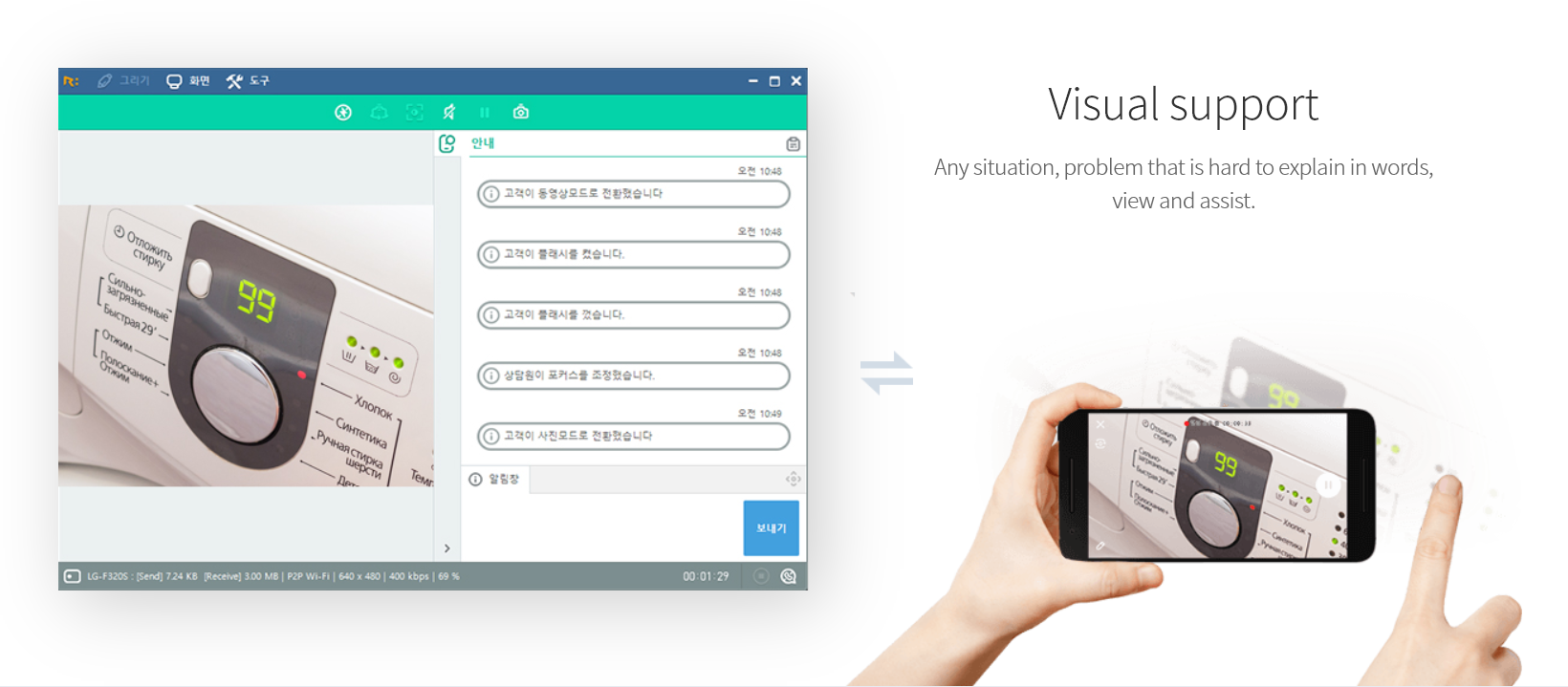
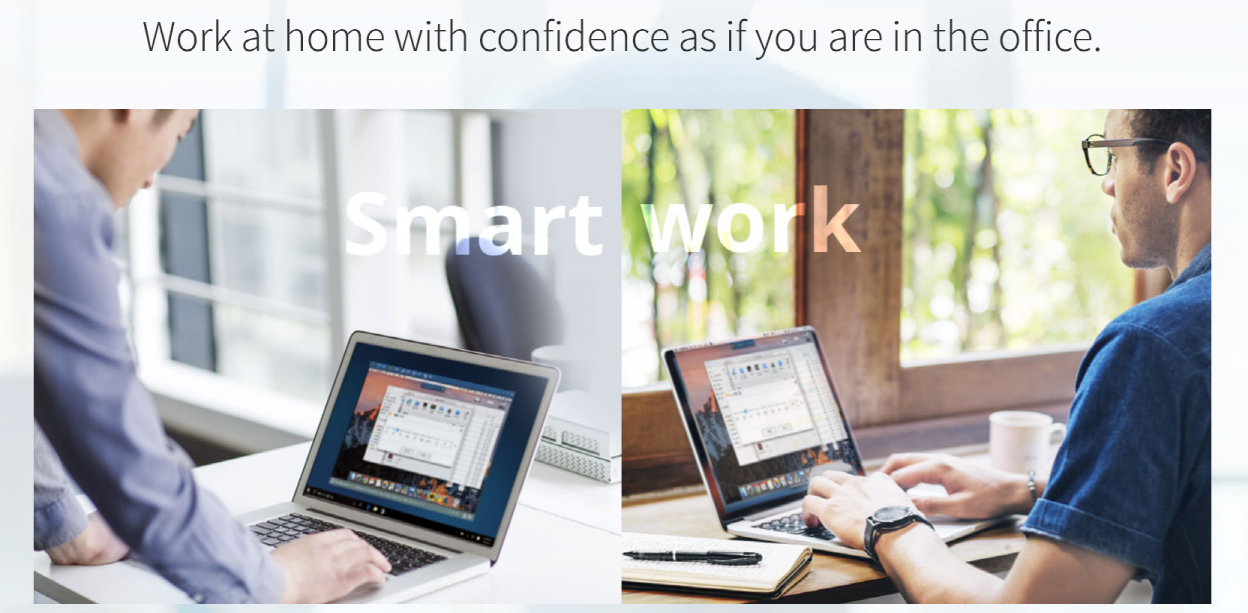
RemoteCall PC/Mobile/Visual Screenshots

Screenshot of PC supportScreenshot of Mobile supportScreenshot of Visual supportScreenshot of Remote support work-from-homeScreenshot of RemoteCall WebViewer