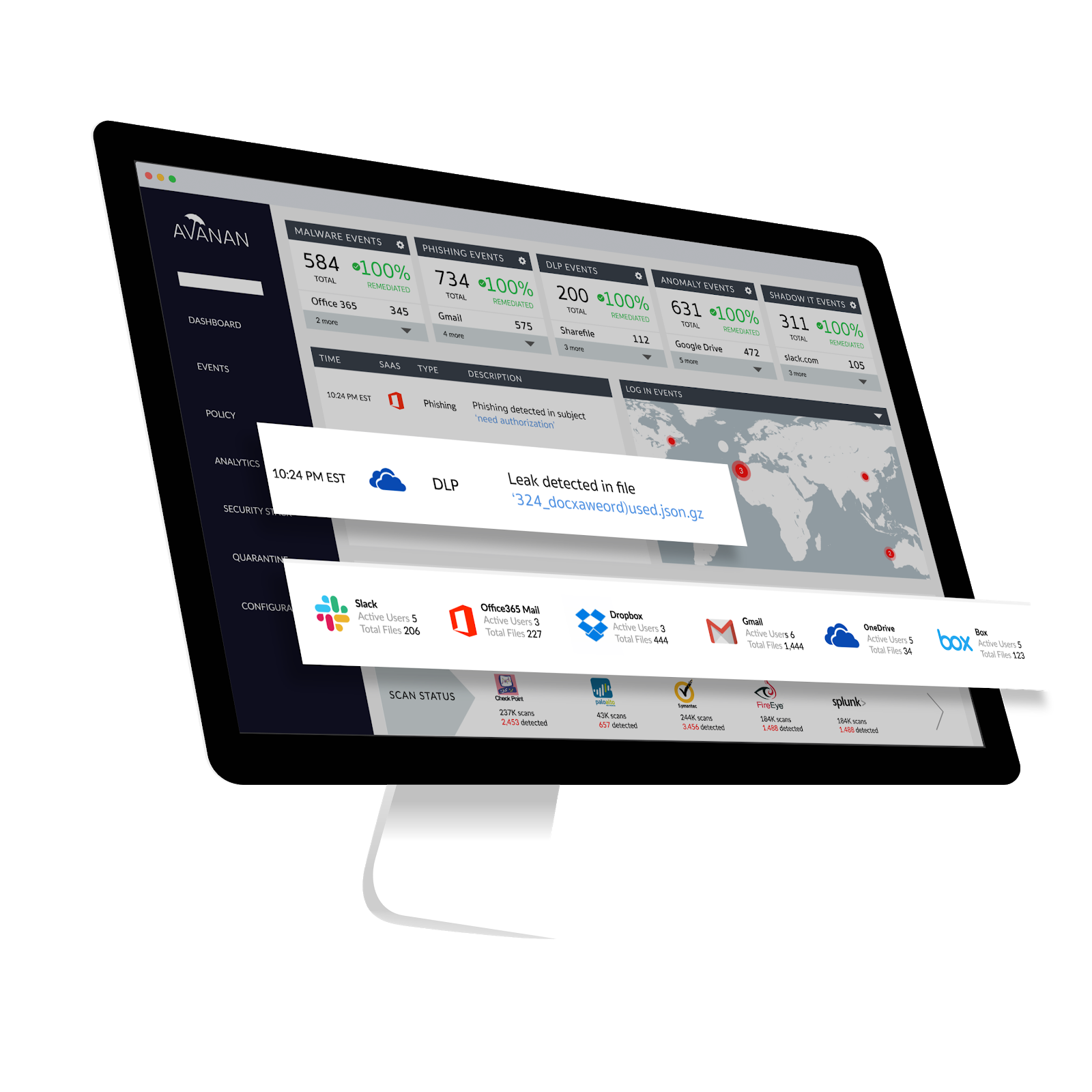
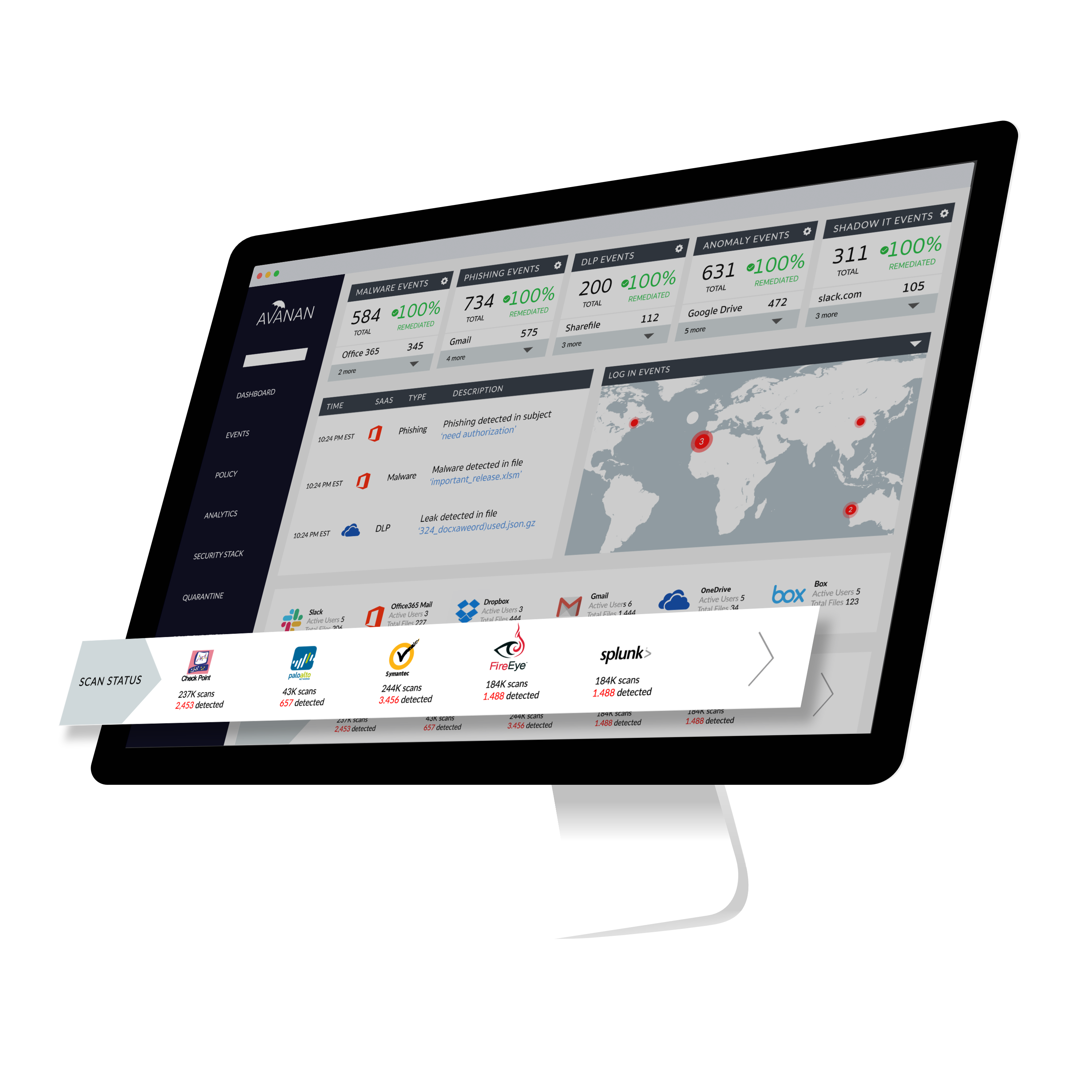
Avanan, from Check Point since the August 2021 acquisition, connects security technologies to enterprise cloud applications in order to improve protection of sensitive corporate data and IP. According to the vendor, Avanan's one-click deployment allows customers to deploy a new security solution in seconds. Because it requires no appliance, agent or gateway proxy, Avanan can begin protecting any cloud application immediately, with no effect on users.
$4
per user per month
Microsoft Defender for Cloud Apps
Score 7.7 out of 10
N/A
Microsoft Defender for Cloud Apps (formerly Microsoft Cloud App Security) is a multimode cloud access security broker.
N/A
Pricing
Avanan
Microsoft Defender for Cloud Apps
Editions & Modules
Advanced Anti-Phishing
$4.00
per user per month
Complete Malware Protection
$5.00
per user per month
Full-Suite Protection
$8.00
per user per month
No answers on this topic
Offerings
Pricing Offerings
Avanan
Microsoft Defender for Cloud Apps
Free Trial
Yes
No
Free/Freemium Version
No
No
Premium Consulting/Integration Services
No
No
Entry-level Setup Fee
No setup fee
No setup fee
Additional Details
Prices for fewer than 500 users.
—
More Pricing Information
Community Pulse
Avanan
Microsoft Defender for Cloud Apps
Considered Both Products
Avanan
Verified User
Anonymous
Chose Avanan
I tried other products, but they did not work in line with Microsoft Exchange, so emails were delivered first, causing the opportunity for a user to still click on a bad link if the email was not pulled from their inbox quickly enough. This product does not do that, it scans …
Proton seems to be a great way for starters but we felt that with Avanan, they take it to another level with their security. The less we have to worry about in our emails, the easier we can do our jobs for our clients and those we work for daily.
I have used Cisco's secure Email, one of the major dislike is User Interface that is buggy and not user friendly. It does not update it's database for spam sites. Integration process takes much time whereas Avanan takes very less time. Cisco Secure Email sometimes deletes the …
Avanan has the best integration suite and is well recognised in the industry for its email security and malware protection. I would definitely go with Avanan in the future, too, to ensure the best level of security for my organisation. Avanan connects with my GSuite account …
Avanan is seamless, so we can prevent losing any sensitive data even before it happens. Avanan also has an advanced malware analysis system for file attachments and URLs including click time protection feature. Avanan can detect almost all the malicious content available up to …
Avanan comes with many advanced features which can be very user-friendly. The overall cost is slightly cheaper than Proofpoint Email Protection. Technical support from Avanan is quite responsive and able to resolve the reported issue in timely manners. Anomaly detections are …
Avanan is the email and data security platform that we have come to depend on in our organization. All of our information that is stored in cloud servers is effectively protected by Avanan from potential hackers. This product effectively lets us manage how and when emails are …
Cisco has a strong competitor with Avanan although the immense suite of Cisco products brings strong competition. Avanan's strength lies in rapidity to implement and ease of use which more established players are less able to do, due to a lack of agility. Avanan has a promising …
I believe that the price point and easiness of implementation were better for Avanan versus competitors. It also offered better ongoing customer support.
the best feature is Avanan is easy setup within minutes and has True AI-based API solutions to help and protect from all email threats and a single point of the suite for all attacks before delivery and post-delivery protection. better in terms of malware detection, email …
I have not used the same featured platform as Avanan. In my experience with this platform, I have the full belief that this product delivers beyond our imagination. It has protected us from viruses that could have destroyed our systems and interfered with our data. We have been …
Avanan is easy to implement and to use with an excellent intuitive user interface and a team of professionals for a quick response and quality support. Avanan meets our requirements and we are able to manage quarantine on emails mistakenly released or change an email and …
Avanan is excellent for the control of attacks on cloud-based applications like malware and ransomware. The anti-phishing feature is excellent ensuring business continuity with good reporting to problem identification within the organization. Good for an organization supporting …
The cloud deployment of this software when getting started is nice and easy. Avanan tools allow easy adjustment and the data moving speed is excellent. Avanan allows effective data encryption, easy data visualization, and generating reports for multiple [processes] is easy. …
Avanan has a one-click solution, which subscribers or clients use to deploy a new security update. Further, Avanan has the protection of any cloud application, which means, it bypasses any security threat and maintain the set safety processes. Finally, data leakage is a shield …
Avanan has numerous security operations, [like anti-phishing], which is a vital step in controlling the safety of the firm. Besides, the [anti-malware] from Avanan has perfect endpoint capabilities, which offers the application more [power]. Sandboxing and data protection also …
Avanan has a smooth process of implementation and nothing that keeps it away from customers. Further, the sandbox and the shadow IT features are things that allow better coordination and preparedness in a company. Finally, Avanan has deployed a post-delivery safety feature, …
What makes Avanan special is that it is affordable. In addition, it not only protects [the] email system from threats but also makes email encryption easy.
Microsoft Defender for Cloud Apps stacks up against Netskope. There are areas in which Netskope offers more insights into web traffic however because of the tight integration to the Microsoft ecosystem is one of the reasons why we choose Microsoft Defender for Cloud Apps. It …
Many of the competitors who started in the CASB space have expanded into the SASE category. If organizations do not need the additional controls provided by a SASE solution, then Defender for Cloud Apps is pretty good. If an organization needs a true SASE solution, you would be …
Microsoft Defender for Cloud Apps was chosen primarily due to its ability to work perfectly within our mostly M365 environment. Given that this was an added feature of our E5 license, we chose to dive into it and use it due to it's good visibility into user actions and the …
Microsoft Defender for Cloud Apps acts as an additional security layer for all SaaS applications our organizations uses to do business and helps providing detailed information about this Apps that we normally use across the entire organizations on a single dashboard, enabling …
We had a past experience with Microsoft ATA, one of the engines that Cloud App Security now uses to provide insights on internal threats, Microsoft ATA was discontinued and all of its features became part of the Microsoft Defender suite, surely, Cloud App Security and the …
Microsoft Cloud App Security is more professional than Google 360. It helped organize documents better and staff [was] more willing to integrate it into their daily routines. Microsoft offered more options for organizations and it made more sense the way their application was …
More flexible and more features with easy integration with cloud services like Microsoft Azure and other cloud services. Overall both gives similar features but we prefer Microsoft cloud app security due to its high threat detection rate. mostly we have been able to stop the …
MCAS works well for our particular needs in the DLP, Data Protection, cloud discovery and Threat Detection spaces; most of these tools can accomplish the same tasks and also do enforcements with a forward proxy solution - MCAS does not offer that and if you need it you will …
This software is well-suited for a company that is looking to protect its data from common security breaches. It is very user-friendly and easy to implement, which is why these few things make it easily usable on a daily basis. This software also allows for much faster cloud performance and provides regular reports which provide security analytics.
It is well suited if your team is working with Microsoft tools and Azure services. but if you are using other cloud service providers and don't want to spend efforts in learning integration with third-party software then this is not a great fit for you. overall we are very satisfied with the product. If your corporation with Microsoft tools then I would recommend it.
The integration to Microsoft Entra ID is seamless, which allows Conditional Access to redirect the session to Microsoft Defender for Cloud App for it to take actions (Block or Monitor).
Tracker users' activity is very good when troubleshooting or running an investigate.
Detecting risky users through tight integration with Microsoft Entra ID is a very good feature.
Detecting mass downloads and blocking the download of files from non-manage company devices is a very good feature as well.
I only ever had one complaint, we had a few hiccups during the setup process. We have now been a customer for two years and have had no further issues. It is likely that the setup pain points have now been resolved as well. Overall the product does what it claims while providing a very intuitive interface.
Cost, need to make sure the cost is competitive for how many users are using email protection as we move users to MS Teams and don't rely so much on full access to email accounts (both sending and receiving internal and external).
Usability is so easy. It was a quick configuration with entering in some credentials, accepting terms and permissions and before you know it it's already going through and taking a look at existing emails. Portal is very easy to use and there are always updates with decent logs. The new UI is great and highly intuitive.
The interface is pretty simple and easy to use; however, you will need to do a lot of investigative research on your own to get comfortable with it. Originally, many of the Microsoft security tools had their own seperate consoles. Overtime, they have blended into one interface which is the ideal state. In some cases it is clear Microsoft had to pick which console a certain feature or setting was going to reside in and this leads to some confusion. For example, DLP is managed through Defender for Cloud Apps but you will also need to jump into Purview. For things like reverse proxy on your M365 tenant, you will need to go into Azure and setup conditional access rules. Not a big problem and I can understand why the settings are located where they are but for someone just starting out with Defender for Cloud Apps, it will take some time to figure out.
Avanan support always is ready to respond to user requests and typically does it in an exceptionally quick timeframe. Most requests are not even needed to be escalated as their team will look at active threats and deal with them before they are even a problem. Monthly meetups are also great in obtaining our needs as well as showing us what is new and in the horizon.
I have not utilized actual support but the Sales and Product teams have been super helpful in moving our implementation forward and showing us the best practices.
I have used Cisco's secure Email, one of the major dislike is User Interface that is buggy and not user friendly. It does not update it's database for spam sites. Integration process takes much time whereas Avanan takes very less time. Cisco Secure Email sometimes deletes the important emails and that is worst where as Avanan has good AI/ML integration there are very rare false positive in deleting emails.
Microsoft Defender for Cloud Apps stacks up against Netskope. There are areas in which Netskope offers more insights into web traffic however because of the tight integration to the Microsoft ecosystem is one of the reasons why we choose Microsoft Defender for Cloud Apps. It also offered savings. We didn't have to invest in another tool to gain the benefits of a CASB. For productivity tools we use Micorosft Office 365 and therefore Microsoft Defender for Cloud Apps provides very good insight into these applications because of the tight integration with the Microsoft ecosystem. These are both Microsoft products.
It has good features which helps our organization to quickly fix challenges.
It depends on the requirements. Certain requirements are really complex.
The deployment itself is quite fast because [Microsoft Cloud App Security] is on the cloud, but there are a lot of requirements from the regulations and the bank's standards perspective.