Chose Azure DevOps
This is the first platform our dev team shared to us so I can't really compare but overall its such a great tool to have even if you are not from tech or dev team.

| Product | Rating | Most Used By | Product Summary | Starting Price |
|---|---|---|---|---|
 Azure DevOps | N/A | Azure DevOps (formerly VSTS, Microsoft Visual Studio Team System) is an agile development product that is an extension of the Microsoft Visual Studio architecture. Azure DevOps includes software development, collaboration, and reporting capabilities. | $2 per GB (first 2GB free) | |
 Jira Service Management | N/A | Jira Service Management (formerly Jira Service Desk, now including features from the former Mindville Insight, acquired by Atlassian in June 2020) is a service desk software that is purpose-built for IT, service, and support teams. The software provides everything IT and support teams need out-of-the-box for service request, incident, problem and change management. Jira Service Management integrates seamlessly with Jira Software so that IT and development teams can work better together. Users… | $0 per month |
| Azure DevOps | Jira Service Management | |||||||||||||||
|---|---|---|---|---|---|---|---|---|---|---|---|---|---|---|---|---|
| Editions & Modules |
|
| ||||||||||||||
| Offerings |
| |||||||||||||||
| Entry-level Setup Fee | No setup fee | No setup fee | ||||||||||||||
| Additional Details | — | — | ||||||||||||||
| More Pricing Information | ||||||||||||||||
| Azure DevOps | Jira Service Management | |
|---|---|---|
| Considered Both Products | Azure DevOps  Tim Kikke Head of PMO Chose Azure DevOps We love the multi-tier hierarchy in Azure DevOps for tasks, with epics, features, stories, bugs and tasks all available in a nice nested hierarchy. It's not as pretty as Monday.com and doesn't work as well OOTB as ServiceNow SPM however.  Chris Studebaker Technical Architect Chose Azure DevOps Jira is fantastic for project management and customer facing portal. It is not good for pure development (no integration with Git, pipeline management, automated testing features). If DevOps were to integrate and adopt the project features of Jira as well as the customer facing …  Harsh Shukla Release Train Engineer Chose Azure DevOps Azure DevOps provides integrated environment vs Jira is dependent on third party for couple of features  Ruth Carson Software Engineer Chose Azure DevOps The moment I have been working with this tool everything has benn operating efficiently. The software development process has borne positive results under scalable environment. The cost of running Azure DevOps Services us much lower as compared to other tools in the market. It …  Ben Friedberg Sr. Software Architect Chose Azure DevOps Jira is super clunky and doesn't behave in a modern fashion. monday.com is too flexible and doesn't provide enough feature set. AWS is the most competitive, but it's hard to wrap your brain around all of the features and offerings provided by amazon. ADO does a better job of …  Hugo Martínez Arroyo Software Engineer, Devops Chose Azure DevOps Graphically it overtakes the grade of traceability of artifacts delivered to environments More user-friendly to orchestrate the deliveries.  Dilip kumar Application/Cloud support Senior Analyst Chose Azure DevOps Writing the Docker Images, Storing them in Azure Container Registry and then Deploying onto Azure Kubernetes Services is an Easier process which no other software/product is currently providing in the market. Best till date in terms of End to End deployment and maintaining … |  Jira Service Management  RaviShankar Sundaresan Senior Enterprise Cloud Architect Chose Jira Service Management Pricing was attractive when compared to other solutions.  Pardeep Singh Composition developer for CCM and CX Chose Jira Service Management Jira has every necessary feature, including tracking tasks and helping teams to plan tasks. You can create user stories for tasks and also can create documentation for tasks. It can easily integrate with APIs and other service platforms. You can easily assign work to anyone who …  ZEESHAN RANA Software Engineer Chose Jira Service Management I didn't use any other services before this. I love this product. By the way I am using Bitbucket, too, which is also awesome, easy to manage versions.  Glenn Burnside Executive Vice President of Operations & Strategy Chose Jira Service Management We selected Jira Service Desk because we were already Jira users, and the price point was easy to absorb. Our experience as Jira administrators made it easy to customize Jira Service Desk to our needs.  Meenakshi Kartheek Project Manager Chose Jira Service Management Being a past user of JIRA has helped a lot in making a decision. When I first used it, I could learn to navigate in a day's time. I knew my way through most of the functionalities. The dashboard creation was also a piece of cake. The CRM software that we used in the team was …  Irina Danilova Marketing email coordinator Chose Jira Service Management We use Trello along the Jira Service Desk. Jira Service Desk is universal and is better for IT and specific requests (bugs), while Trello is work better for the tasks dividing on the team level. Jira Service Desk is on a higher price range than other tools, but it worth it, …  Rob Domenico Senior Systems Administrator Chose Jira Service Management Compared to other products I have used, like, Fresh Desk Service or Manage Engine it has more features included per user and technician (others may require a license for each type). Portal setup can be integrated to the Confluence Portal for easy access to Jira for service …  Matthew Andrien Senior Consultant Chose Jira Service Management I think JIRA Service Desk is very similar to many products out there, but for users who currently use JIRA for their projects, it makes the transition much easier and users will be able to see the progress of their ticket throughout. The price is higher than many of the other … |
| Azure DevOps | Jira Service Management | ||||||||||||||||||||||||
|---|---|---|---|---|---|---|---|---|---|---|---|---|---|---|---|---|---|---|---|---|---|---|---|---|---|
| Incident and problem management |
| ||||||||||||||||||||||||
| ITSM asset management |
| ||||||||||||||||||||||||
| Change management |
|
| Azure DevOps | Jira Service Management | |
|---|---|---|
| Small Businesses |  GitHub Score 9.2 out of 10 |  Agiloft Service Desk (discontinued) Score 9.0 out of 10 |
| Medium-sized Companies | GitHub Score 9.2 out of 10 | Agiloft Service Desk (discontinued) Score 9.0 out of 10 |
| Enterprises |  Perforce P4 Score 7.4 out of 10 |  ManageEngine ServiceDesk Plus Score 9.2 out of 10 |
| All Alternatives | View all alternatives | View all alternatives |
| Azure DevOps | Jira Service Management | |
|---|---|---|
| Likelihood to Recommend | 8.8 (0 ratings) | 8.3 (0 ratings) |
| Likelihood to Renew | 10.0 (0 ratings) | 10.0 (0 ratings) |
| Usability | 8.3 (0 ratings) | 8.7 (0 ratings) |
| Availability | - (0 ratings) | 10.0 (0 ratings) |
| Performance | - (0 ratings) | 10.0 (0 ratings) |
| Support Rating | 8.1 (0 ratings) | 10.0 (0 ratings) |
| In-Person Training | - (0 ratings) | 10.0 (0 ratings) |
| Online Training | - (0 ratings) | 10.0 (0 ratings) |
| Implementation Rating | 10.0 (0 ratings) | 10.0 (0 ratings) |
| Configurability | - (0 ratings) | 10.0 (0 ratings) |
| Ease of integration | - (0 ratings) | 10.0 (0 ratings) |
| Product Scalability | - (0 ratings) | 10.0 (0 ratings) |
| Vendor post-sale | - (0 ratings) | 10.0 (0 ratings) |
| Vendor pre-sale | - (0 ratings) | 10.0 (0 ratings) |
| Azure DevOps | Jira Service Management | |
|---|---|---|
| Likelihood to Recommend |
Chris Studebaker Technical Architect |
|
| Pros |
|
 Gary Smolyak Development Operations Systems Administrator |
| Cons |
|
|
| Likelihood to Renew |
 Raylene Wall, PMP Business Analyst |
RaviShankar Sundaresan Senior Enterprise Cloud Architect |
| Usability |
|
|
| Reliability and Availability | No answers on this topic |
RaviShankar Sundaresan Senior Enterprise Cloud Architect |
| Performance | No answers on this topic |
RaviShankar Sundaresan Senior Enterprise Cloud Architect |
| Support Rating |
|
|
| In-Person Training | No answers on this topic |
RaviShankar Sundaresan Senior Enterprise Cloud Architect |
| Online Training | No answers on this topic |
RaviShankar Sundaresan Senior Enterprise Cloud Architect |
| Implementation Rating |
| No answers on this topic |
| Alternatives Considered |
Tim Kikke Head of PMO |
|
| Scalability | No answers on this topic |
RaviShankar Sundaresan Senior Enterprise Cloud Architect |
| Return on Investment |
|
|
| ScreenShots | Jira Service Management Screenshots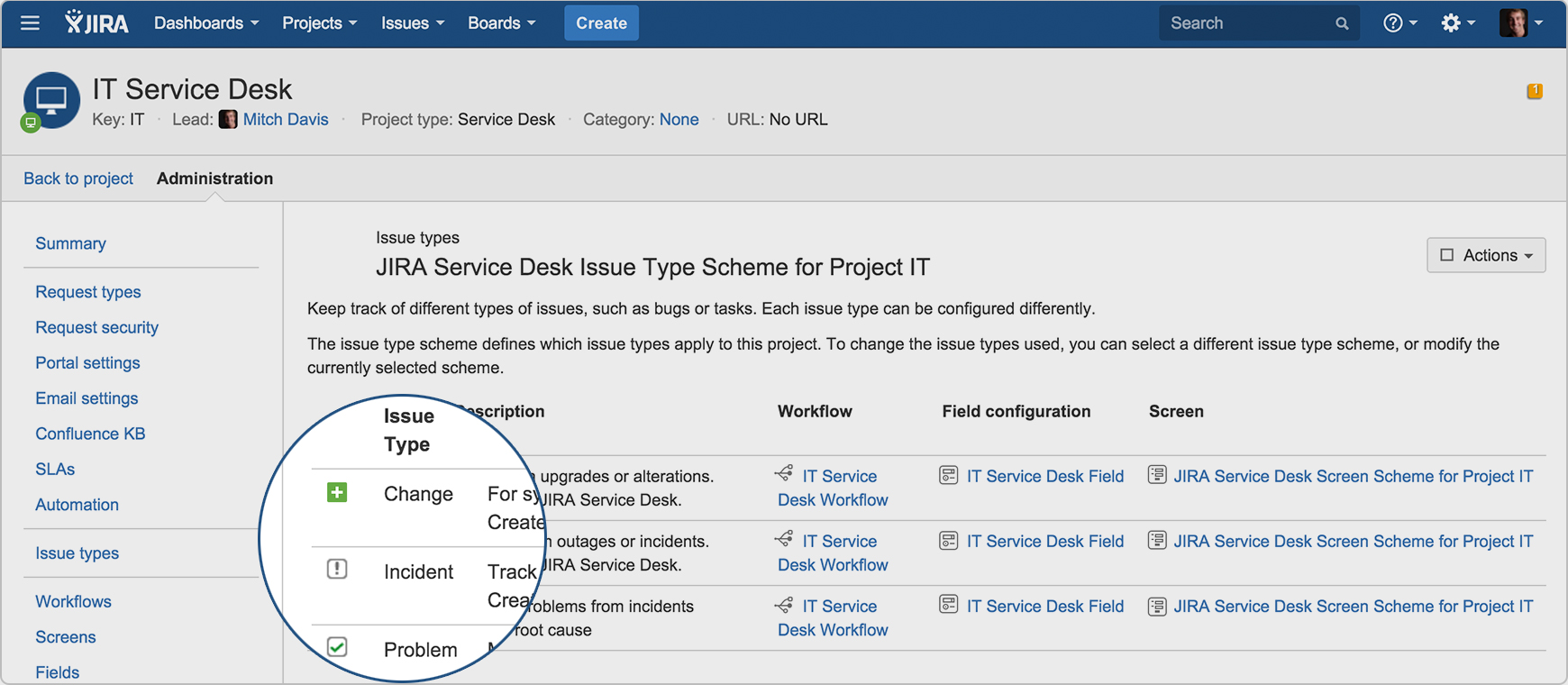  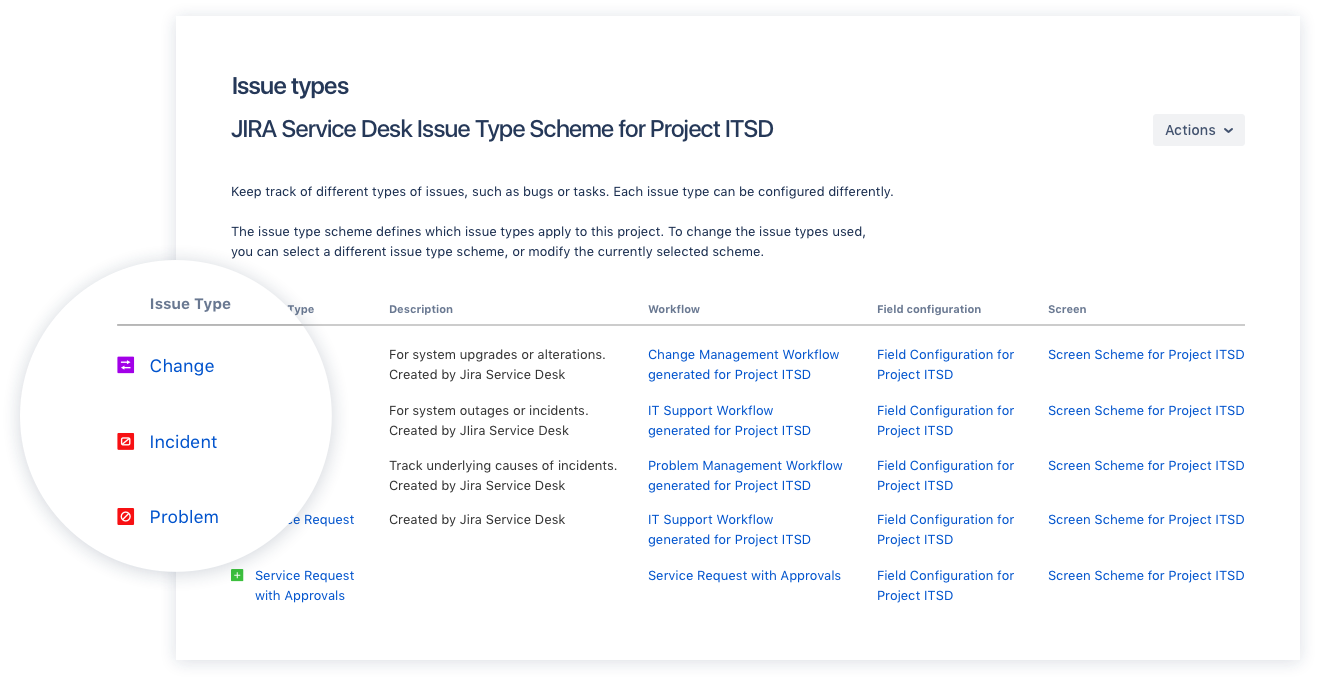  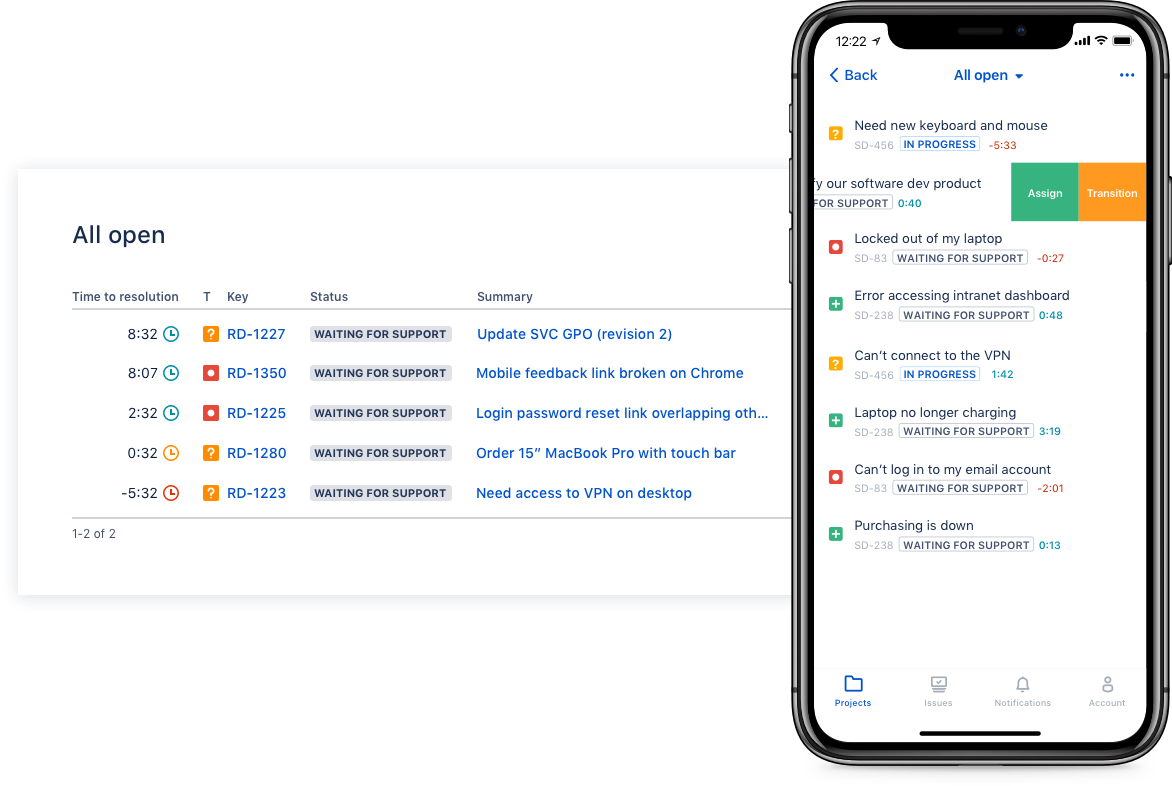  |