
Bluescape vs. Nuclino
| Product | Rating | Most Used By | Product Summary | Starting Price |
|---|---|---|---|---|
 Bluescape | Score1.1 out of 10 | N/A | Bluescape is a cloud-based, software as a service company based in Silicon Valley, CA, that provides a digital whiteboard of the same name. | $10 per month |
 Nuclino | Score7.1 out of 10 | N/A | Nuclino is a unified workspace where teams can organize knowledge, manage projects, and share ideas. Progress can be tracked in a Kanban board, work structured in a hierarchical list, or data organized in a visual graph — Nuclino adapts to a team's workflow. Presented as simple and lightweight by design, Nuclino focuses on the essentials, doing away with clunky menus and rarely-used settings, to minimize the learning curve for new users. Teams from across the globe can use Nuclino… | $0 |
| Bluescape | Nuclino | |||||||||||||||
|---|---|---|---|---|---|---|---|---|---|---|---|---|---|---|---|---|
| Editions & Modules |
|
| ||||||||||||||
| Offerings |
| |||||||||||||||
| Entry-level Setup Fee | No setup fee | No setup fee | ||||||||||||||
| Additional Details | — | Nuclino offers a free plan for up to 50 items and 2GB total storage. Commercial plans support unlimited items, advanced features, and 10GB storage per user. 25% discount for annual pricing. | ||||||||||||||
| More Pricing Information | ||||||||||||||||
| Bluescape | Nuclino | |
|---|---|---|
| Considered Both Products | No answer on this topic | No answer on this topic |
| Key User Insights | ||
| Would buy again | ||
100% Would buy again 5 Answers | 100% Would buy again 13 Answers | |
| Delivers good value for the price | ||
100% Delivers good value for the price 5 Answers | 100% Delivers good value for the price 12 Answers | |
| Happy with the feature set | ||
100% Happy with the feature set 5 Answers | 92% Happy with the feature set 12 Answers | |
| Lived up to sales and marketing promises | ||
No answers on this topic | 100% Lived up to sales and marketing promises 11 Answers | |
| Implementation went as expected | ||
No answers on this topic | 100% Implementation went as expected 11 Answers | |
| Bluescape | Nuclino | ||||||||||||||||||||||||||||
|---|---|---|---|---|---|---|---|---|---|---|---|---|---|---|---|---|---|---|---|---|---|---|---|---|---|---|---|---|---|
| Project Management |
| ||||||||||||||||||||||||||||
| Communication |
| ||||||||||||||||||||||||||||
| File Sharing & Management |
| ||||||||||||||||||||||||||||
| Bluescape | Nuclino | |
|---|---|---|
| Small Businesses | No answers on this topic |  Flock Score9.5 out of 10 |
| Medium-sized Companies | No answers on this topic |  Troop Messenger Score9.8 out of 10 |
| Enterprises | No answers on this topic |  Cisco Business Edition 7000 (discontinued) Score9 out of 10 |
| All Alternatives | View all alternatives | View all alternatives |
| Bluescape | Nuclino | |
|---|---|---|
| Likelihood to Recommend | 9.2 | 7.1 |
| Usability | - | 8.2 |
| Support Rating | - | 10.0 |
| Bluescape | Nuclino | |
|---|---|---|
| Likelihood to Recommend |
|
|
| Pros |
|
|
| Cons |
|
|
| Usability | No answers on this topic |
|
| Support Rating | No answers on this topic |
|
| Alternatives Considered |
|
|
| Return on Investment |
|
|
| ScreenShots | Bluescape Screenshots | Nuclino Screenshots 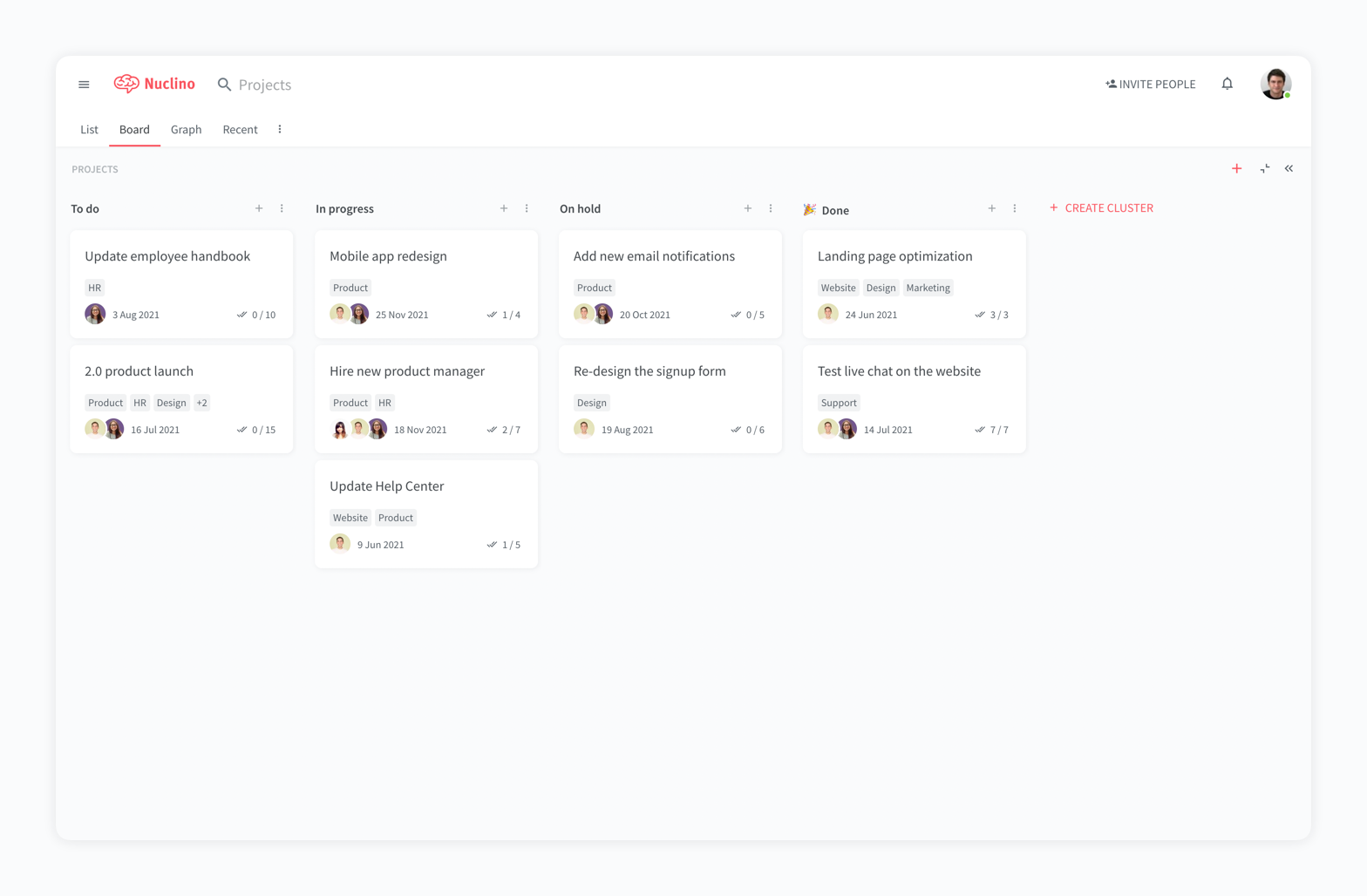  |


