Bonita is an open-source business process and workflow management platform created by the French National Institute for Research in Computer Science. It is available as a free community edition or as a commercial subscription product.
N/A
Oracle Java SE
Score 8.0 out of 10
N/A
Oracle Java SE is a programming language and gives customers enterprise features that minimize the costs of deployment and maintenance of their Java-based IT environment.
N/A
Pricing
Bonita Platform
Oracle Java SE
Editions & Modules
No answers on this topic
No answers on this topic
Offerings
Pricing Offerings
Bonita Platform
Oracle Java SE
Free Trial
No
No
Free/Freemium Version
Yes
No
Premium Consulting/Integration Services
Yes
No
Entry-level Setup Fee
No setup fee
No setup fee
Additional Details
—
—
More Pricing Information
Community Pulse
Bonita Platform
Oracle Java SE
Considered Both Products
Bonita Platform
Verified User
Program Manager
Chose Bonita Platform
Bonita has a community version, open-source, so it´s easy to test the benefits of process automation for any enterprise. Bonita Platform is also very near to Java architecture, so the learning curve for developers is not difficult, and they only need to understand how processes …
Well suited for low code/no code applications centered around approval flows. It has built-in task management for users to see their pending actions, comments, statuses, etc. It has a very nice design for process flows. Less appropriate may be for generic type applications with complex screens and logic within those screens that need a lot of data to process.
Oracle Java SE is well suited to long-running applications (e.g. servers). Java Swing (UI toolkit) is now rather outdated, lacking support for modern UI features. JavaFX, the potential replacement for Swing, has now been separated out of Java core. Ideally, there would be a path to migrate a large application incrementally from Swing to JavaFX, but due to different threading models and other aspects, it is difficult. At this point, it is probably better to use an embedded web browser (e.g. JxBrowser) to provide a modern UI in HTML/Javascript and keep just the business logic in Java.
Bonita seems particularly suited for processes requiring a great deal of human interaction. Its user model allows you to control access to business processes in a fine-grained way. This allows for business processes to move smoothly between users and services as the process advances.
The definition and usage of custom forms from the latest version of Bonita seems particularly powerful. It allows for a thorough customization of the look-and-feel and does not require complex developments.
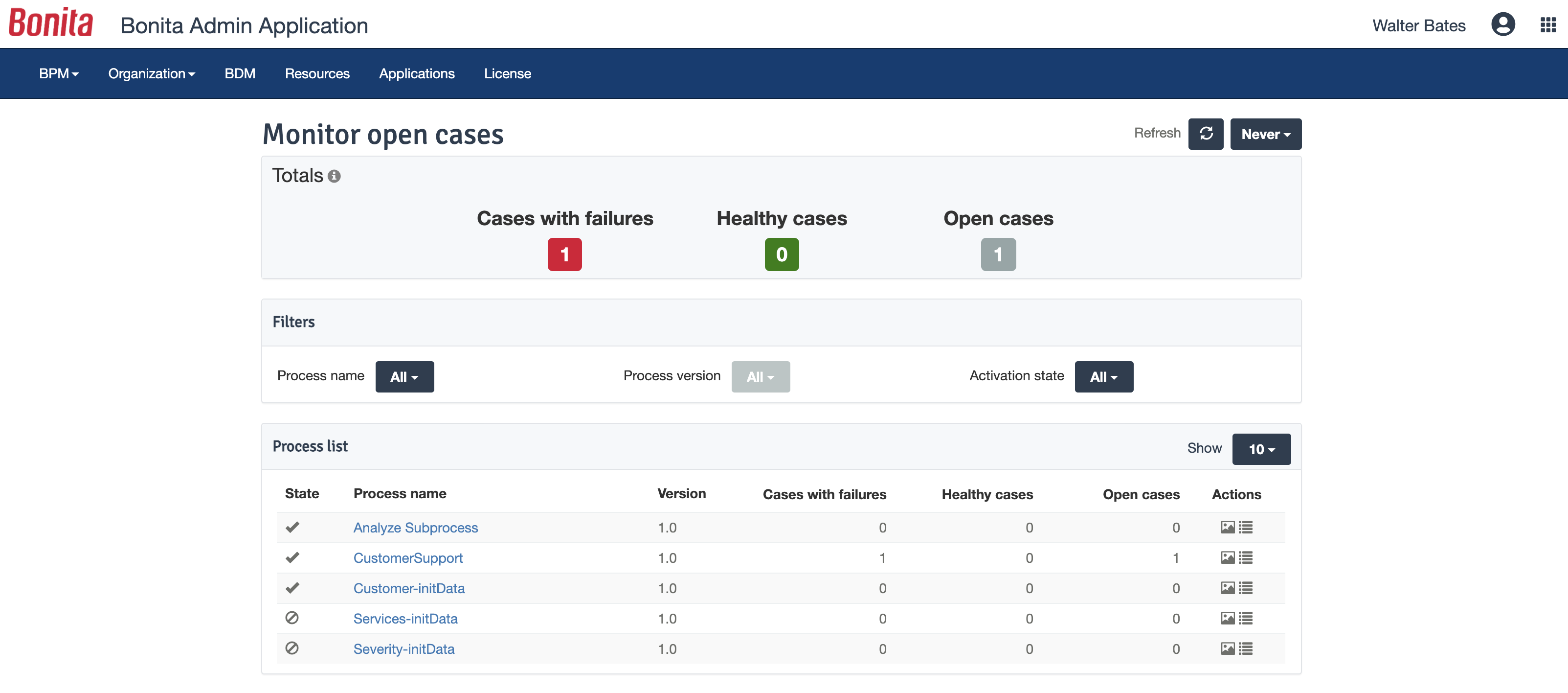
The web interface and administration section have greatly improved in the latest versions. Installation and configuration of processes has become more flexible and more structured. The administration section gives a good view on failed processes, allowing to analyse problems in an efficient way.
There is a learning curve beyond the boot camps that needs to be addressed with more structured curriculum.
The full stack technologies are industry standard, but these [are] challenging to learn and could use a learning path and orientation. There's probably opportunity for third-parties here to help with learning and adoption.
Commercial Licensing in 2019. Oracle will charge commercial organizations using Java SE for upgrading to the latest bug fixes and updates. Organizations will now need to either limit their implementation of Java SE or may need to drop it altogether.
Slow Performance. Due to the all of the abstraction of the JVM, Java SE programs take much more resources to compile and run compared to Python.
Poor UI appearance on all of the major GUI libraries (Swing, SWT, etc.). Through Android Studio, it is easy to get a native look/feel for Java apps, but when it comes to desktops, the UI is far from acceptable (does not mimic the native OS's look/feel at all).
Bonita Platform has allowed us to develop GUI relatively fast using its UI Designer while being able to seamlessly integrate our business logic in Java in a BPMN2 process diagram. It gives a nice productivity boost but still requires programming know-how to be able to deliver the final solution to your business problems.
Oracle Java SE provides the new features along with timely security patches. New features like Record patterns and pattern matching for switches are very useful. With every new release of Java, it is getting better. Sequenced collections are also an interesting feature added to Java. With all these new features, backward compatibility is also maintained.
Engine itself is efficient enough for most cases I dealt with. It can also be extended by clustering. I have done performance tests with JMeter and only managed to induce the crash of... JMeter. If there are efficiency issues they usually concern bad design/implementation of created apps or bottlenecks in integrated systems. Although I have met two cases with efficiency loss.
1. Java 7 related PermGen saturation caused by big number of installed apps (there is no jar dependency reusal between apps option).
2. Big number of waiting event handlers in processes stresses the database.
Java is such a mature product at this point that there is little support from the vendor that is needed. Various sources on the internet, and especially StackOverflow, provide a wealth of knowledge and advice. Areas that may benefit from support is when dealing with complex multithreading issues and security libraries.
Chose to go with Java instead of Python or C++ due to the expertise on the ground with the technology, for its ease of integration with our heterogeneous setup of production servers, and for the third party library support which we've found was able to address some challenging aspects of our business problem.
Respect of BPMN standard over the long term. Good enhancements by Bonitasoft for new use cases, for example the introduction of a real form editor even if it has been technically difficult to manage. Once done though, we have far greater possibility of human interaction.
The different versions make it harder to work with other companies where some use newer versions while some use older versions, costing time to make them compatible.
Licenses are getting to be costly, forcing us to consider OpenJDK as an alternative.
New features take time to learn. When someone starts using them, everyone has to take time to learn.