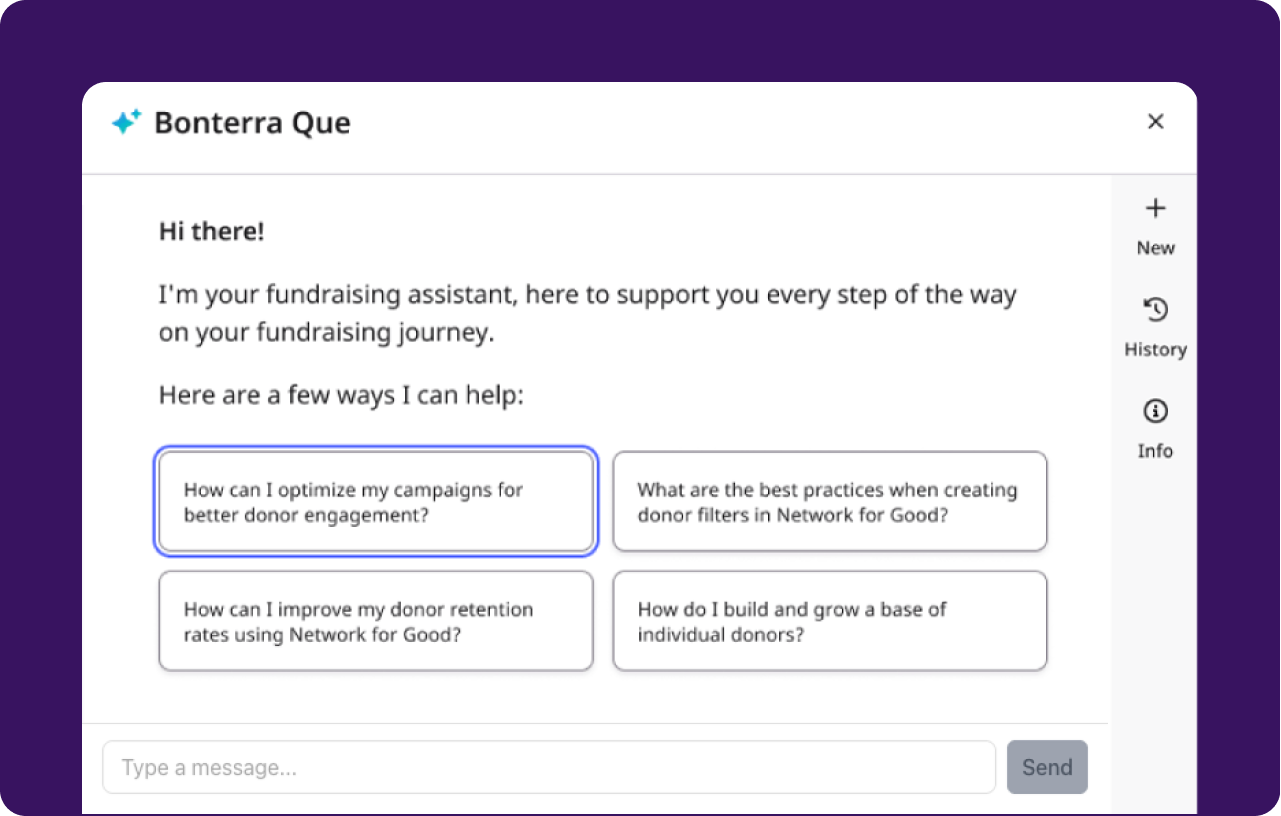
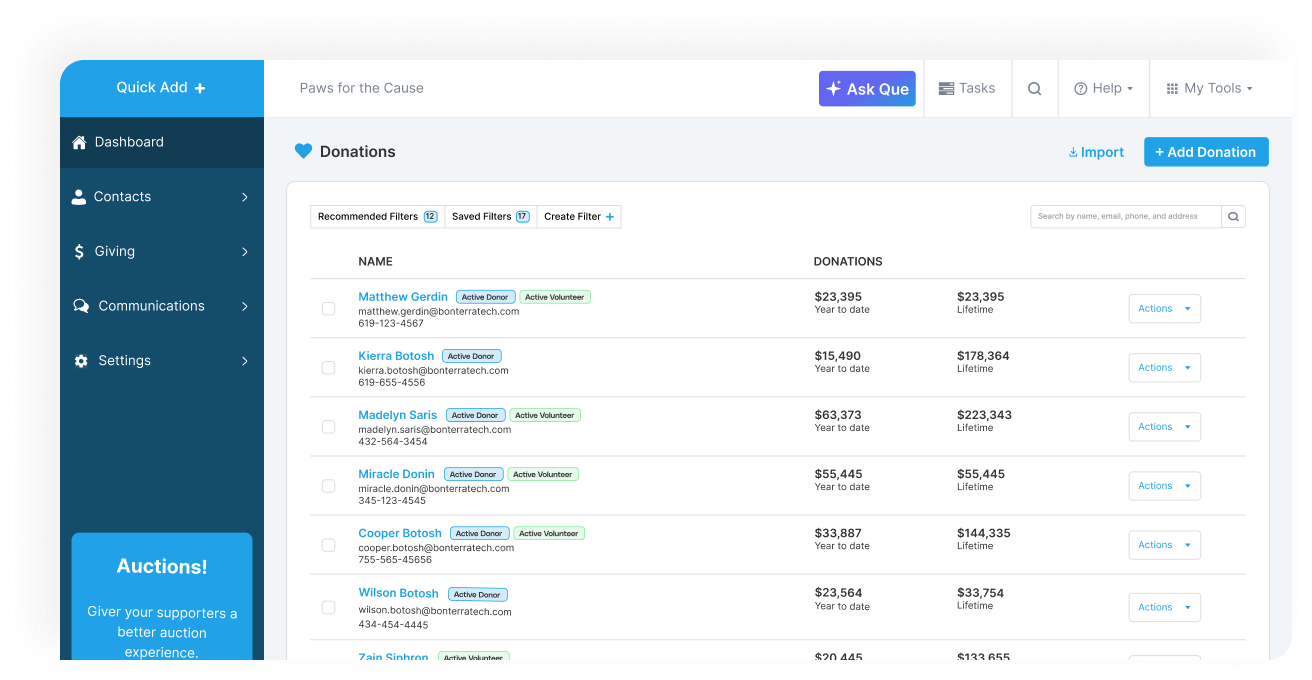
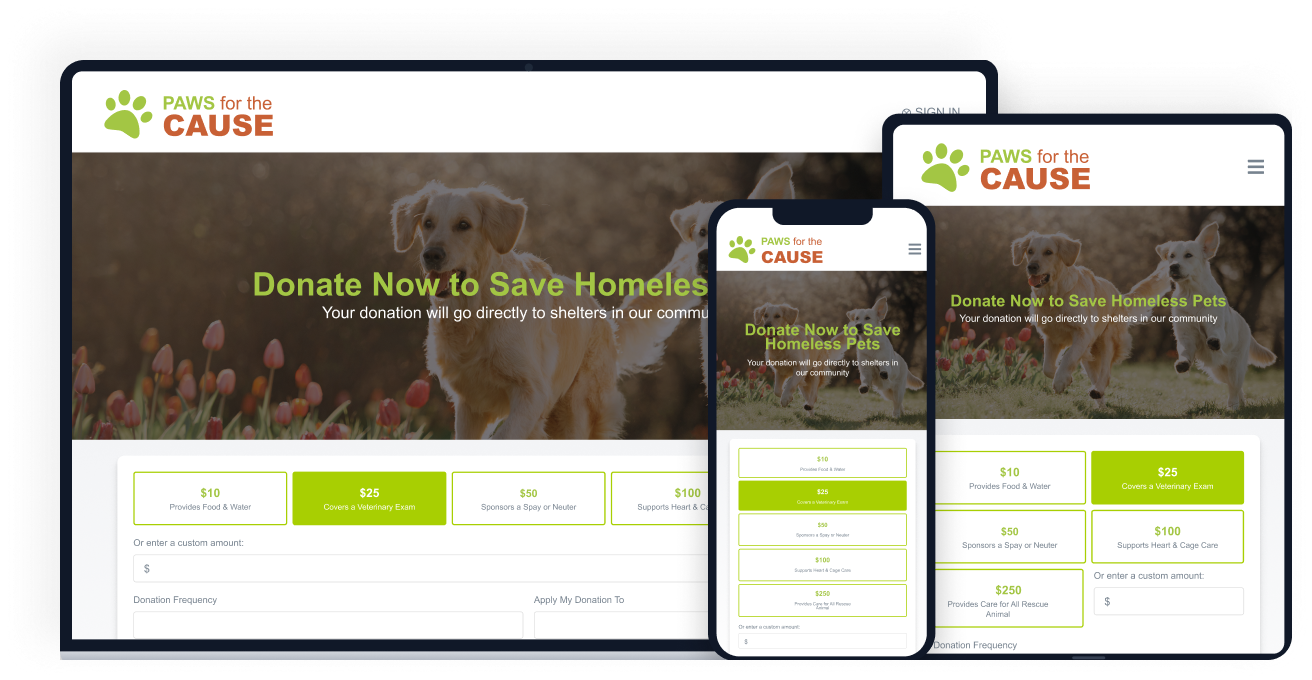
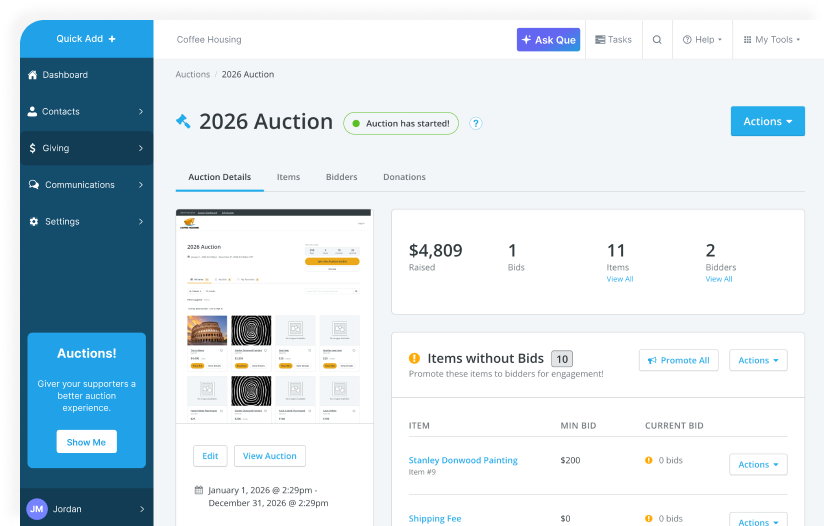
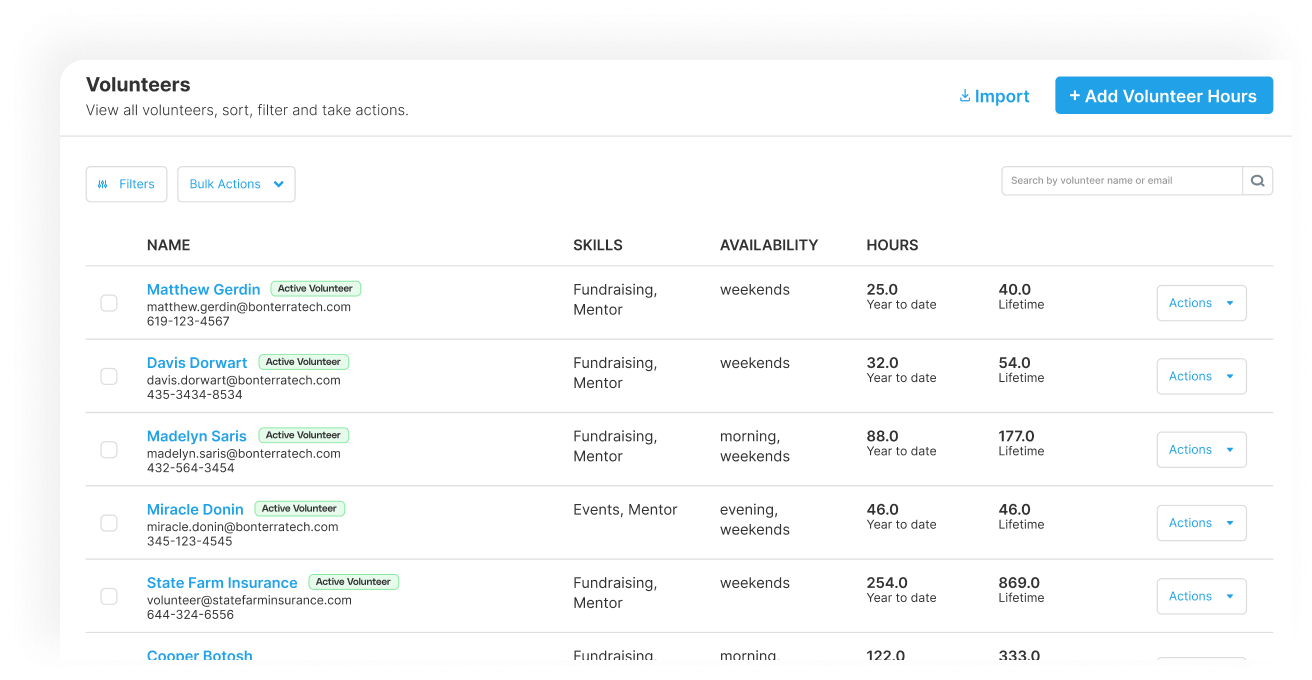
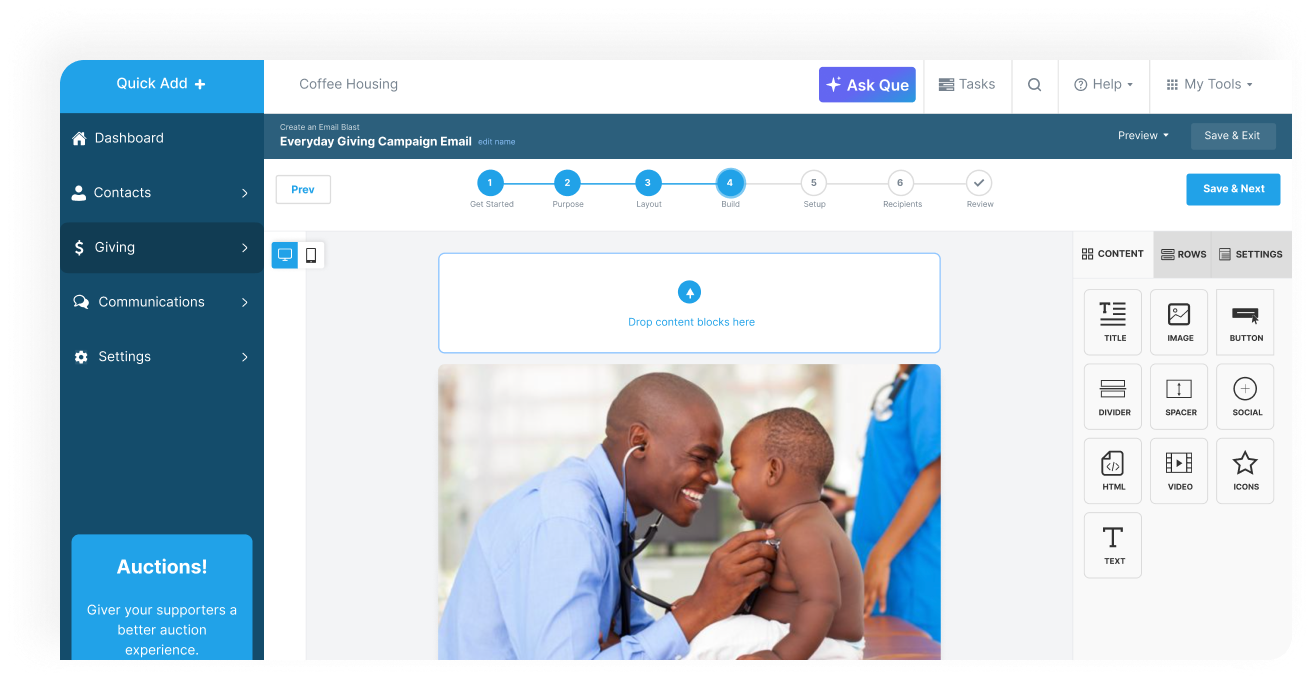
Bonterra Network for Good offers a nonprofit fundraising suite of applications, with donor management features like intelligent tracking of donor readiness and targeted messaging.
N/A
Tiltify Catalyst
Score 8.2 out of 10
N/A
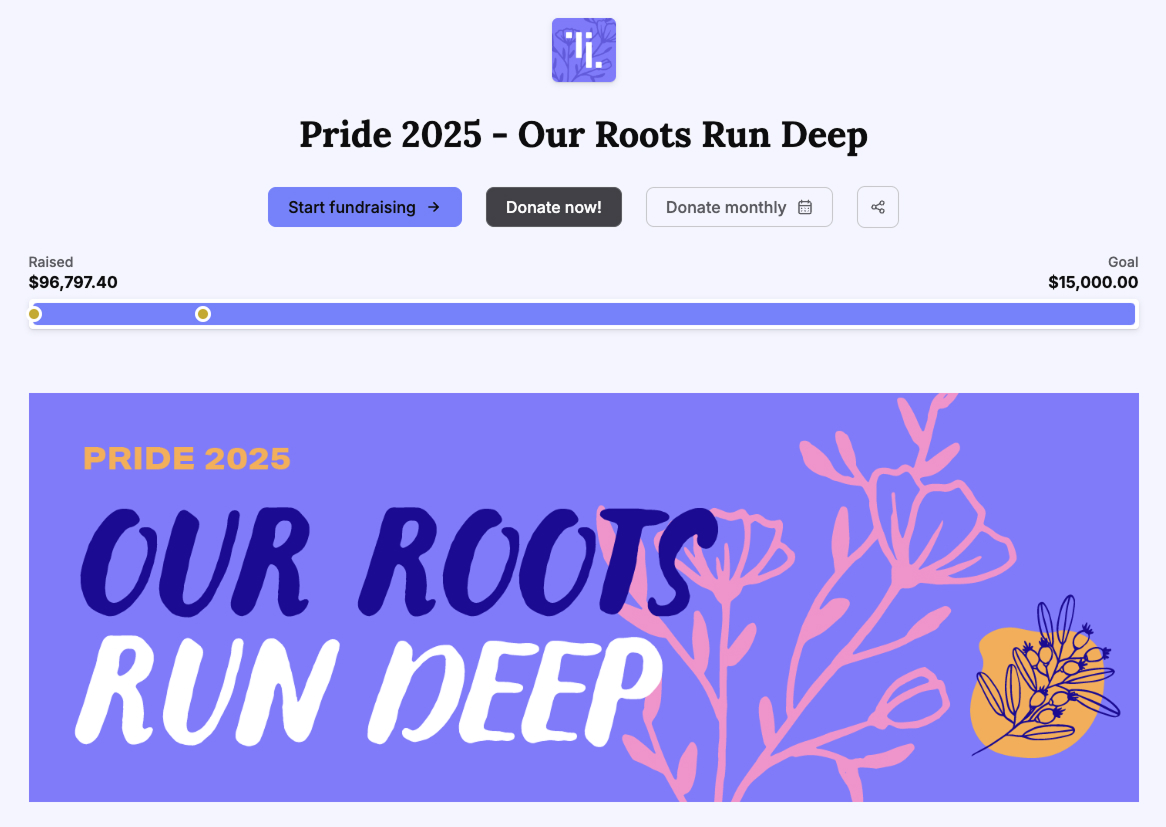
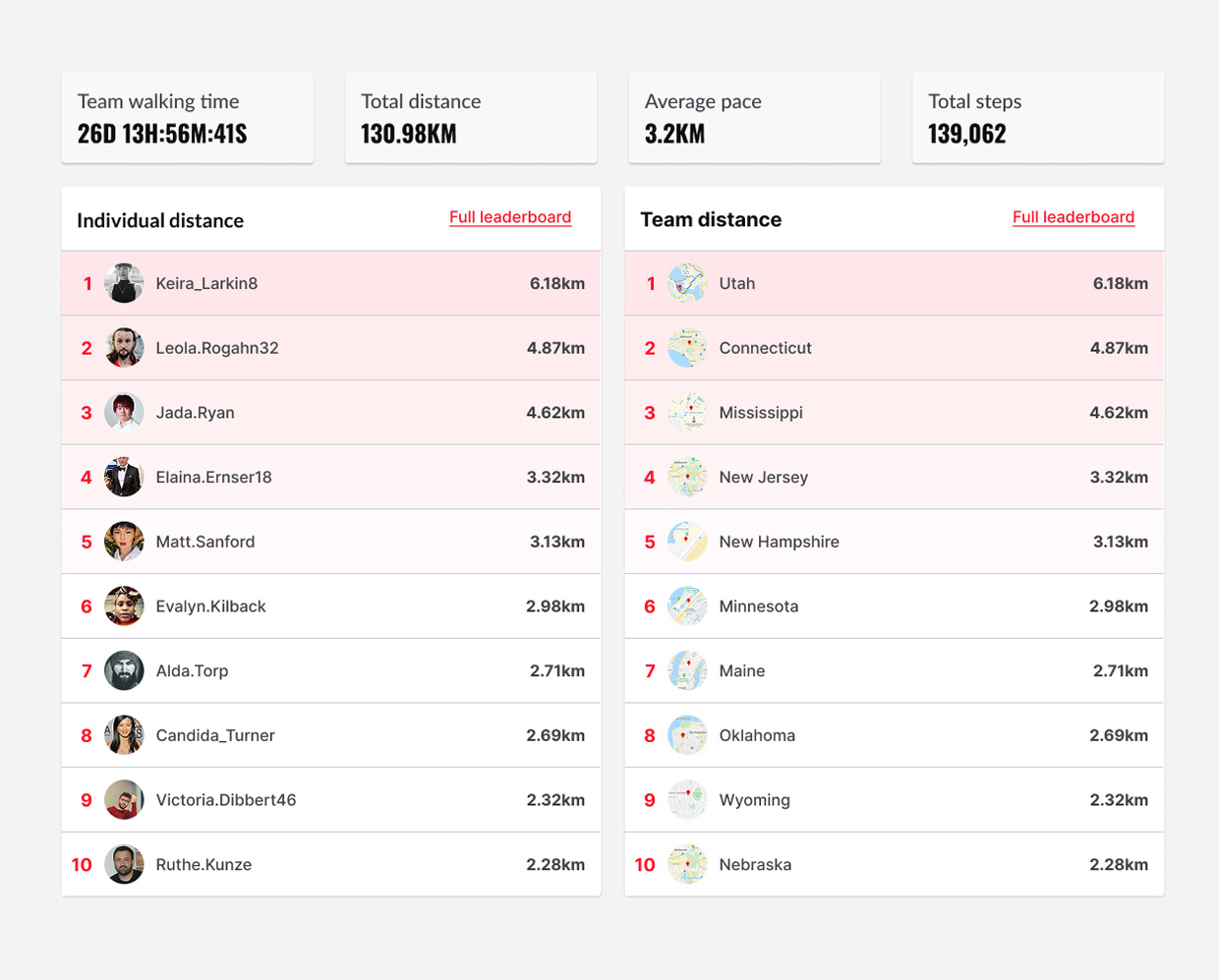
Tiltify Catalyst is a community-driven peer-to-peer fundraising platform designed to help nonprofits turn supporters into active fundraisers and expand donor reach. Built for modern fundraising strategies, Catalyst supports DIY fundraising, team campaigns, fitness challenges, corporate engagement initiatives, livestream fundraising, and large-scale peer-to-peer events. Catalyst prioritizes the volunteer fundraiser experience with built-in engagement tools that…
N/A
Pricing
Bonterra Network for Good
Tiltify Catalyst
Editions & Modules
No answers on this topic
No answers on this topic
Offerings
Pricing Offerings
Bonterra Network for Good
Tiltify Catalyst
Free Trial
Yes
No
Free/Freemium Version
No
Yes
Premium Consulting/Integration Services
Yes
Yes
Entry-level Setup Fee
$500
No setup fee
Additional Details
Pricing is based on how many contacts are imported into the Donor Management System. All packages have unlimited users, unlimited campaigns, unlimited peer-to-peer pages, unlimited emails and communications, and optional events and auctions. All packages also include support and data migration.
We have a small team leading our international nonprofit. Bonterra Network for Good allows us to keep track of our donations quickly and easily, including private donors, larger donor-advised funds, foundations and grants, and easily designate the donation to different campaigns or sub-categories within our organization. The platform syncs well with Quickbooks and we rarely have issues. The issues we do have are always around pulling reports. The platform does not make it easy to pull a quick report, even with suggested filters provided.
I mean, I love having any and all non-profits use Tiltify! From a fundraising standpoint —having all my favorite orgs easily accessible for fundraising across my platforms is SO NICE. That said, I've also worked with orgs that are just getting into the space, and they really struggled with getting set up due to a lack of resources. Yes, I can walk them through everything and encourage the use of all of Tiltify's features, but there isn't a readily available/accessible source to learn what's available to them and how it works.
In exporting reports, it would be helpful to have a "select all" option so you can easily select everything without having to manually click each one.
In exporting reports, it may be helpful to have the option of saving various options for different needs so you don't have to manually click or unclick each choice every time, as you can currently only save one type.
It would be helpful to be able to change an event/ticket information after it has already gone live for sales as we recently had an issue with this.
(1) How Tos for the charity, please! Donors/fundraisers have them available, which we LOVE, but not having a "How Set Up An Event" or "How To Use Your Reporting" for the non-profits, I feel, is a bit of an oversight, as, you know, they're users too!
(2) Event Page Design: Under the Fundraiser Rewards section, there is a tiny corner of pixels that pokes out from behind the "Top 100" or "Raise $200.00" labels, and it BOTHERS ME TO NO END. I understand the labels over the rewards images have curved corners, and the rewards have the hard 90-degree corners, which is why it happened. It's just like when someone goes to erase what's on a whiteboard but leaves a single line in the middle. My current solution has been to just cut that corner off my rewards images prior to upload —anyways, super tiny and just a pet peeve.
(3) Event Page Design: You've given us so many customization options, and I'm not taking those for granted. I would love the option to change the color of the buttons, just as we can change the color of each individual section.
(4) Branding, Social Links: Two things. "Twitter" is still on there (I know it's annoying, but "X"). Would love a "Bluesky" option.
(5) Event Options, Lifetime donor rewards: Is there something we could get for Lifetime Fundraiser rewards?
(6) Reports: When I download the Donations report is has the Date & Time of donation in a single column. I don't know how other people use this report, but I usually have to download the donations, create a new column, delineate the data for date/time, then pivot table from there. Plus, the "time" data we receive is delivered in a way that's borderline unusable. Example: 2023-12-31 07:46:07.667963Z -- *I* know to read this as December 31, 2023 @ 7:46:07 AM , but do we *really* need the ".667963Z" ? All it does is mess up any automated data analysis.
(7) Repots: Could we get a disclaimer at the top of the page that says if you don't toggle the UTC, the reports pulled will be from the time zone of the user pulling them? It took *way* too long to figure out why the report pulled by my colleague in Pacific time was different than the report pulled in Central time.
We are still learning and rebuilding our nonprofit using this platform, so this year is a trial run to see how we can increase our network and our donations. So long as we are able to see a significant return on investment in terms of donations received through the platform, we will renew for next year.
There is no perfect all-in-one product that works for every organization. We enjoyed using Network for Good. I am giving it a 9 because the cost was out of our range, and the peer-to-peer options (at the time) were limited. We were not able to make it work for our peer-to-peer event. We also weren't thrilled with the online forms. However, the donation pages, donor profiles, and communication tools were excellent.
Again, as someone who has been on this platform for a very long time, I find it easy to use. Where I find myself mostly having issues: Navigation. I have built out 40+ events & campaigns over the years (both on the fundraiser & charity side) and still find myself getting lost in the language hierarchy and difference between Setup/Event detail/Brand & marketing/Options (like those all feel semantically the same??).
In 5+ years we have never had an issue with it not working when we needed it to. It is very reliable and doesn't seem to have a lot of bugs or interruptions in service.
It is always fast for us and reports have a very quick upload time. We don't integrate it into other programs so I'm not 100% sure about that, but it always works when we use it and is very reliable. Even when we run Excel files for complete information on donors, it always works very fast.
Most of the time they are quick and friendly and help me resolve any issues. There have only been a couple of times that we couldn't find a resolution and I was just told that NFG didn't have that capability.
We only had one hiccup with the domain that was an issue on our end but NFG struggled to help us. It was finally resolved and we've been good ever since
We used Little Green Light for several years at a previous employer. LGL did not have the extensive integration capabilities or the level of sophistication that BGF has in terms of email, video, donor campaign pages, and exceptional customer support. For these reasons, we chose to go with BGF instead of LGL.
Minimized the resources necessary to run an online presence. For instance, one moderately tech-savvy person can handle it.
Provides a pathway to increase the number of events the organization can manage.
By being part of a larger group of non-profits that utilize Network For The Good, we receive additional assistance and ideas from related organizations.