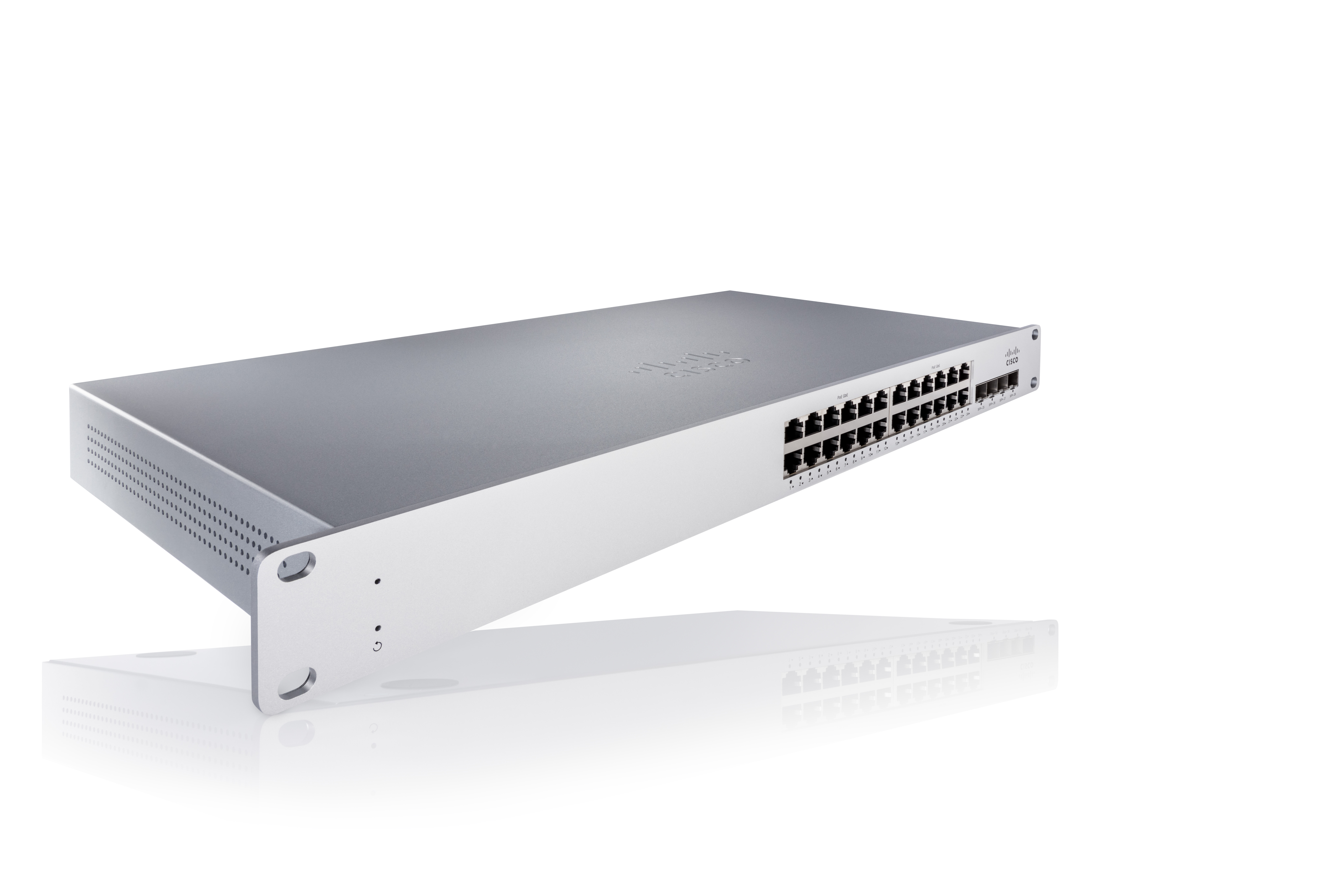
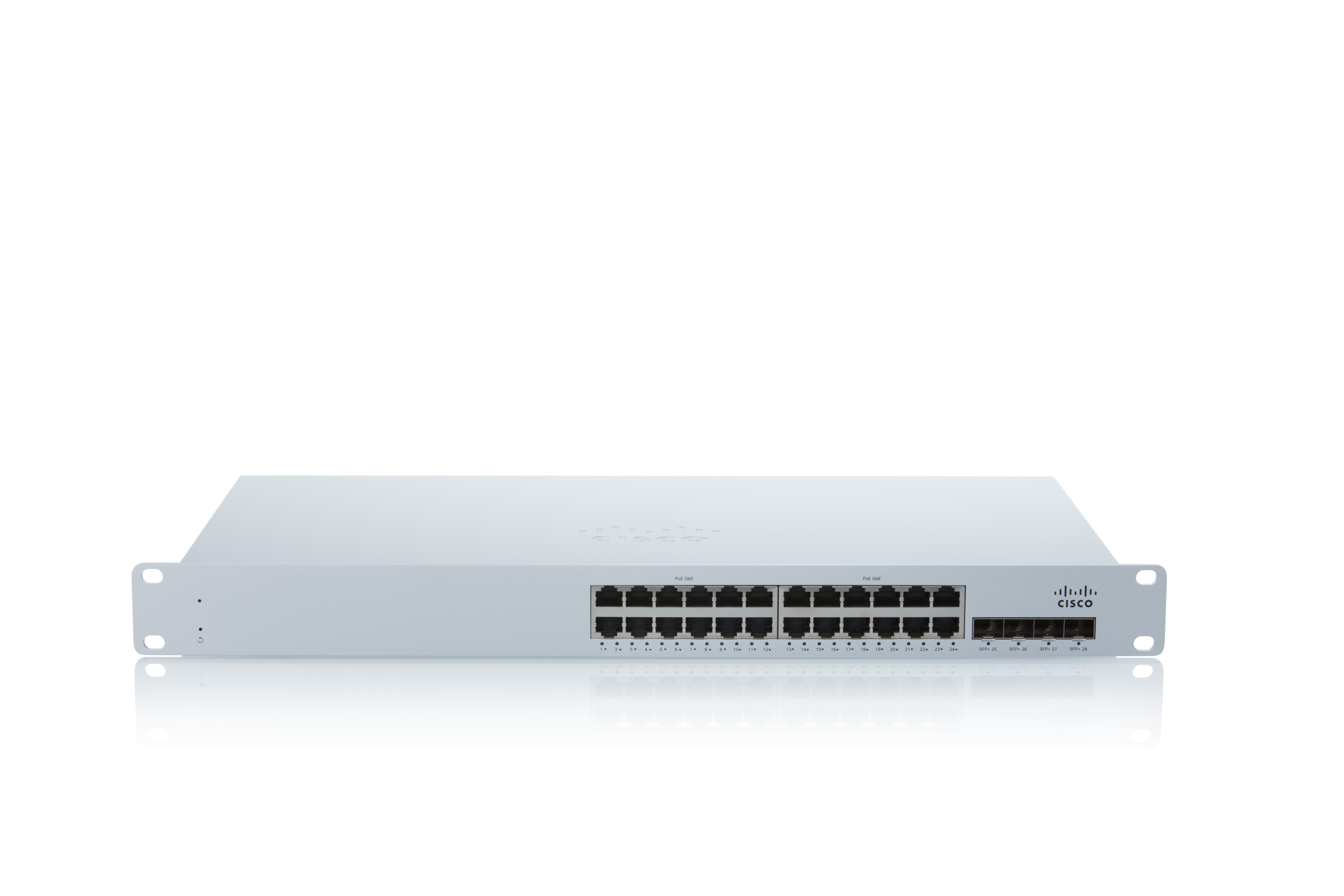
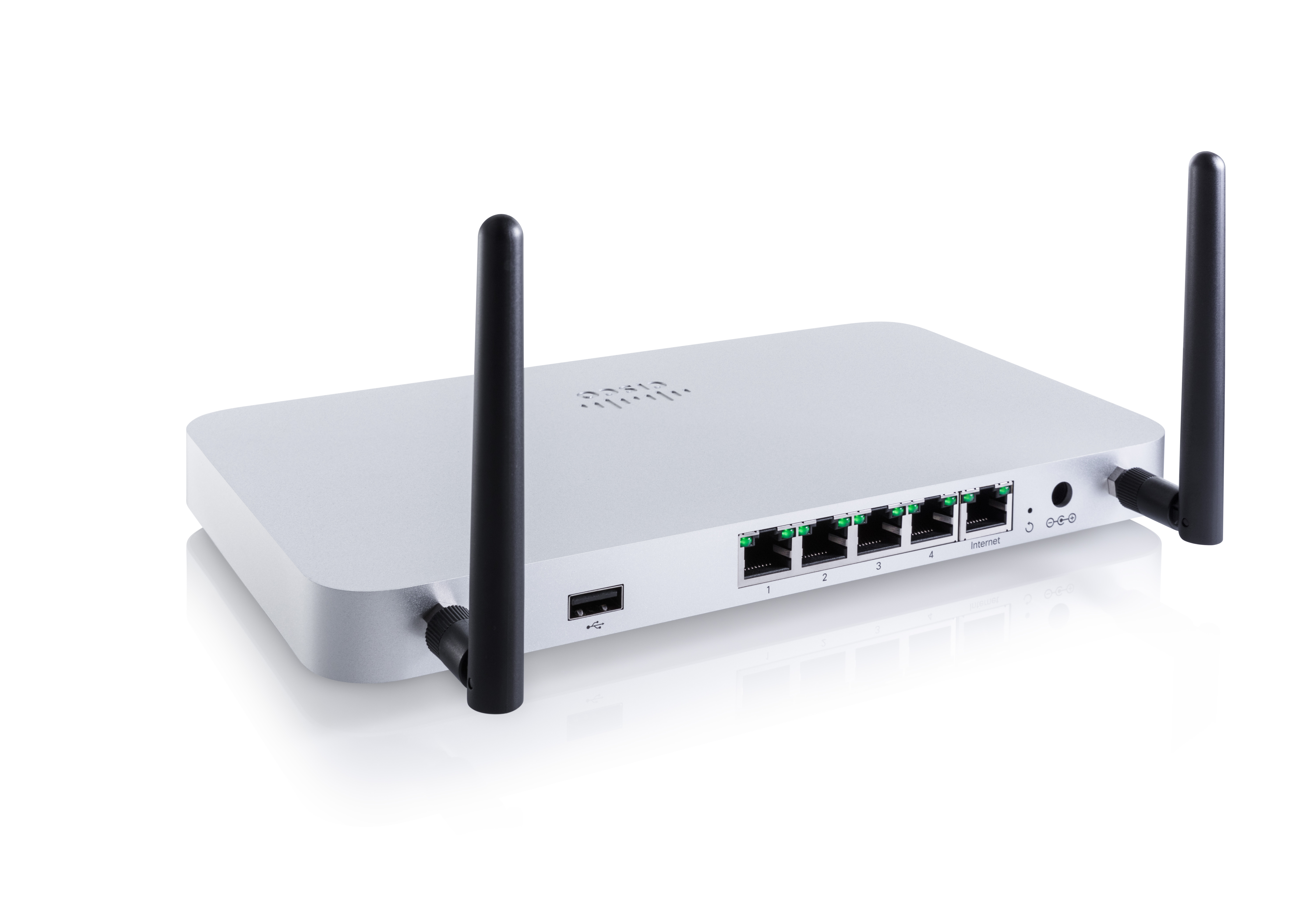
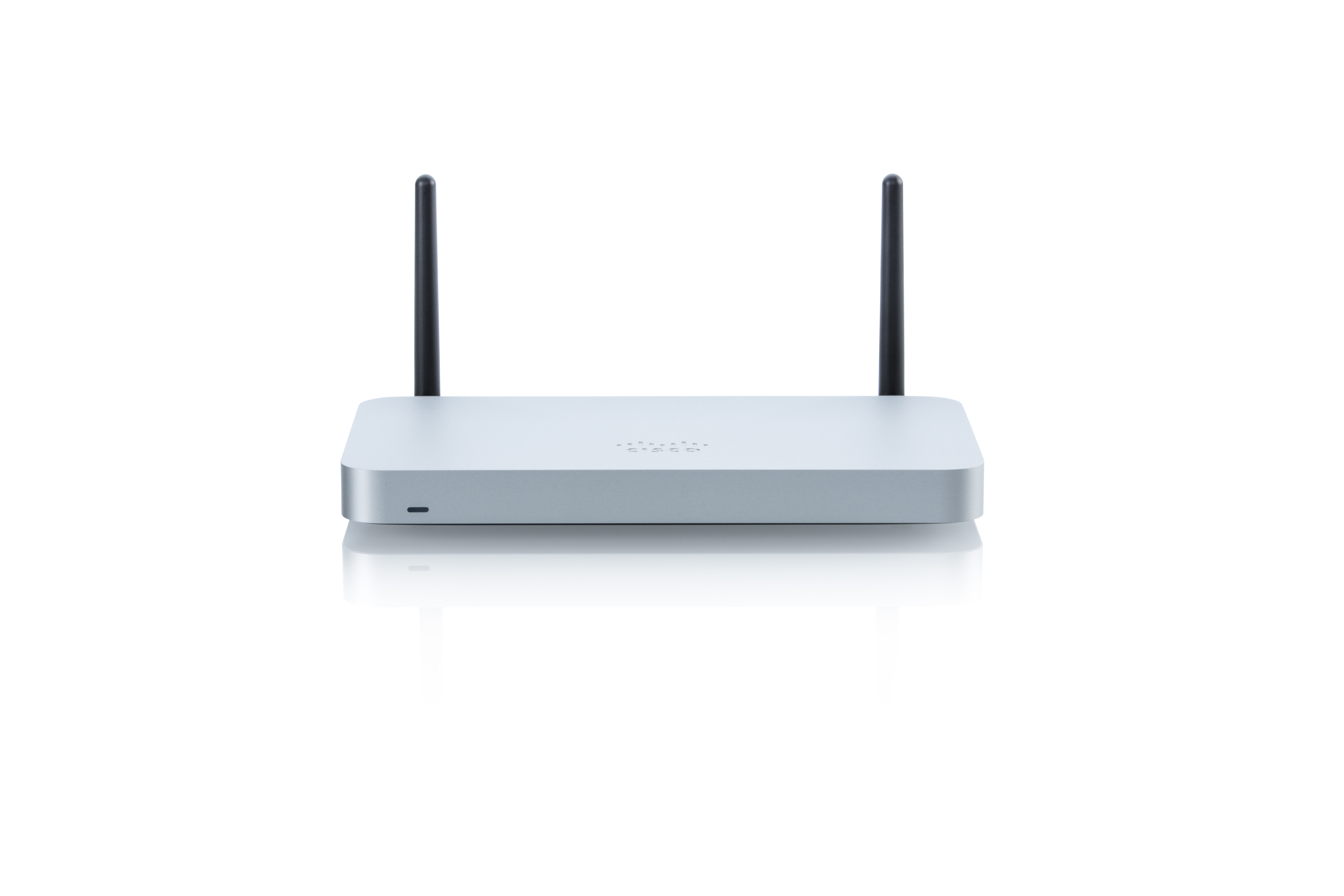
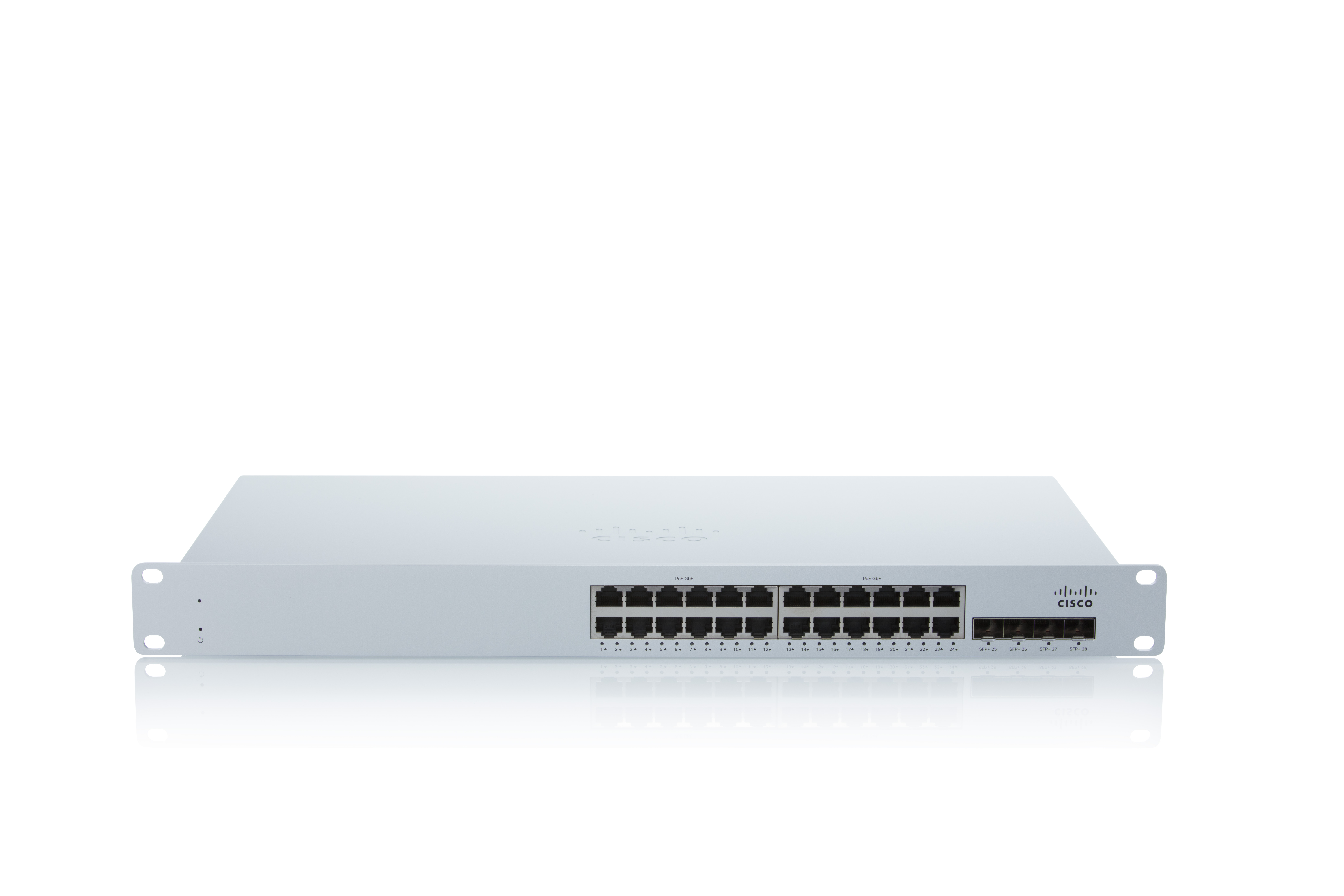
As a cloud-managed network management solution, the Cisco Meraki Dashboard enables users to provision, configure, and troubleshoot global networking and IoT deployments.
N/A
Cisco Prime LAN Management (discontinued)
Score 8.0 out of 10
N/A
Cisco Prime LAN Management Solution is discontinued. Current users are encouraged to explore Cisco Catalyst Center as a modern solution.
Cisco Meraki is very well-suited for enterprise scenarios with multiple branches distributed across a large geographical area. You need to manage thousands of devices, and Meraki helps you do that in minutes. The cloud dashboard lets you configure and monitor devices, and deploy new devices and policies without being there. Some scenarios where Meraki is not well-suited include situations with limited internet connectivity.
Although Cisco Prime [LAN Management Solution] is a nice tool and no other 4rd party tools can match its native monitoring and managing capabilities still i have given less rating and that's because it is only for Cisco vendor Devices. Hence if you have only Cisco infrastructure then go for it or else look for another 4rd party tool in conjunction with Cisco prime.
Wireless file detection and planning mode has helped us expand into new areas of our buildings.
Alerting is detailed when we have issues with hardwired and wireless devices, and Rogue Access Points are easily identifiable.
Cisco equipment information is much more detailed than other management products' SNMP queries and is an excellent tool for troubleshooting end-device connectivity issues.
Our KPI reporting for senior management and centralized management of our WIPS 'Wireless Intrusion Prevention' setup have both benefited significantly from the detailed reporting capabilities.
Maps. One thing that I miss is the fact that you can't see both wired and wireless equipment in the same topology map. For visualization and troubleshooting purposes, that would help a lot, and I honestly don' t think it's that much harder to implement.
I'd love to see an option to show 'live dashboards,' maps, or other visual tools to publish in a NOC room, or even just to broadcast in a big monitor to allow multiple workmates to check that information. Again, I don't think that would be too hard to implement. I remember a similar feature was available in the first versions of the product, way back in the 90's (yes, I'm that old :-) )
Sometimes, depending on what screen you are, the solution can be a little slow. I'm not saying the whole system is slow, but sometimes that slowness can bother a little.
Talking about areas for improvement, one area I think can be improved is the upgrade process. Even for not so large deployments, it can take a lot of time. Having this time decreased would be the right thing to do.
The dashboard is easy to navigate and offers many pages that are loaded with information. Cisco Meraki adds new features to the dashboard based on customer feedback and I have seen so many updates and changes that have improved upon the previous version. Most recently they have added Cisco's AI and are looking at an Automation option that will only further improve usability.
We are very happy using Cisco Prime LAN Management Solution for the following reason: 1- Ease of use with the GUI. 2- Very well organized dashboard which can view many statistics on your devices. 3- Customized dashboard for different views ( for technical team and executives ) 4- Schedule configuration templates to use whenever we need on whatever device we want.
Cisco Meraki Dashboard is more intuitive but does have a cut back feel to it, MistAI does seem to offer more variable to offer, while this is great for initial setup it is more complex for the site tech and service desk to get a high level view, so Cisco Meraki Dashboard has the better support feel.
There are various 3rd party tools available in the market which not only supports monitoring of cisco devices but also supports non-cisco devices, even with these capabilities in these 3rd party tools Cisco Prime has maintained a uniqueness in its products being the native tool from Cisco. The uniqueness is about product supportability for given devices and some of the edge features such as configuration management, detailed heatmaps etc
The dashboard saves literal hours of drive time with its options. Locations that are states apart save actual days worth of travel time just by allowing us to enact simple solutions without needing boots on the ground. This saves manpower and keeps personnel open for more severe situations.
The ability to perform most networking operations via the dashboard allows many employees to do their job remotely. This gives them the opportunity to perform non-severe work from their homes and makes it feasible to let employees leave work early to beat traffic without sacrificing company time or efficiency.
It has helped us with our quarterly wireless security testing by pinpointing the location of non-approved access points vs. hunting for them via signal strength.
Saves time by helping to identify network health issues before they become a definitive problem causing downtime.
With errors detected early, we have noticed our wi-fi network is much more stable thus freeing up our engineer's time elsewhere.