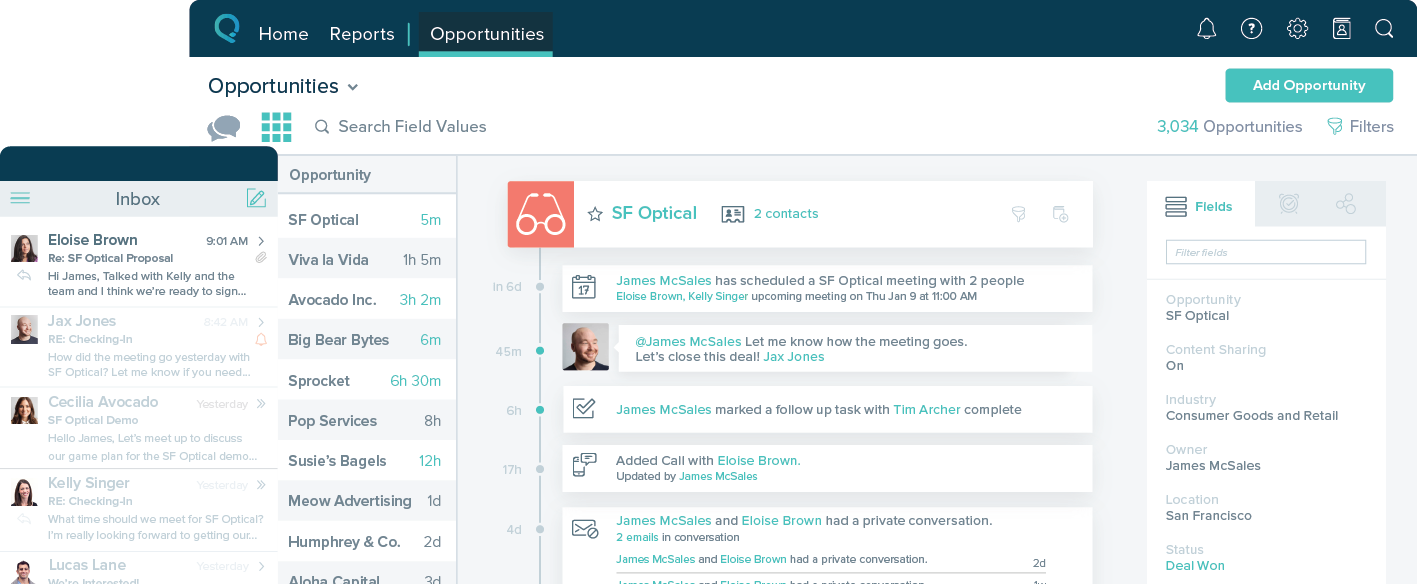
CloudSoft is a simple, cloud-based CRM system for SMBs.
$39
per month
Salesforce Starter
Score9 out of 10
Small Businesses (1-50 employees)
Salesforce Starter (formerly Salesforce Essentials) is a small business CRM that replaces the former SalesforceIQ product. It is priced at $35 per user, on a monthly basis, or at $25 per month for if billed annually ($300) and can be tried free for 14 days on a trial.
Claritysoft is well suited if you need more of an address book as your CRM. Situations where sales are more passive and based on increasing awareness instead of hard, closing sales. In my previous role selling medical equipment, this would NOT work. However, in my current role where awareness is the key factor that drive smaller sales amounts, it does it's job. I've just been in a lot more roles where I need to upload contracts with signatures and track sales Opportunities, and Claritysoft doesn't seem able to do that.
A de minimis incentive was given to thank the reviewer for their time. The incentive was not used to bias or drive a particular response, nor was the incentive contingent on a positive endorsement. More Info
If you own a business that has complex selling processes or requires integrations with 3rd party tools/systems, you should look at Professional, Enterprise, or Unlimited editions. Salesforce operates very well across pretty much every industry, but not all sales, marketing, and operational processes are created equal. If your marketing process requires a long list of sendable contacts then I would recommend adding on Pardot or Hubspot. Always start small and scale up, to avoid boxing yourself in down the road.
A de minimis incentive was given to thank the reviewer for their time. The incentive was not used to bias or drive a particular response, nor was the incentive contingent on a positive endorsement. More Info
A de minimis incentive was given to thank the reviewer for their time. The incentive was not used to bias or drive a particular response, nor was the incentive contingent on a positive endorsement. More Info
A de minimis incentive was given to thank the reviewer for their time. The incentive was not used to bias or drive a particular response, nor was the incentive contingent on a positive endorsement. More Info
There is no spell-check function to use when you are sending emails.
Some of the functions you need when deleting records and the like are not always available on every page when you are working in the application.
When moving quotes to opportunities, the attachments go with the move so when you go back to the quote, it is not there. Also, when you move a quote it does not automatically fill in the quote number as it was on the quote, it creates a new number. This should be fixed.
When you convert a lead it does not move the lead to archives or get rid of it. It leaves it in the Leads area and so you have to manually get rid of it.
There is no auto-dial feature built into Claritysoft.
The mobile app needs to look and feel just like the online version.
A de minimis incentive was given to thank the reviewer for their time. The incentive was not used to bias or drive a particular response, nor was the incentive contingent on a positive endorsement. More Info
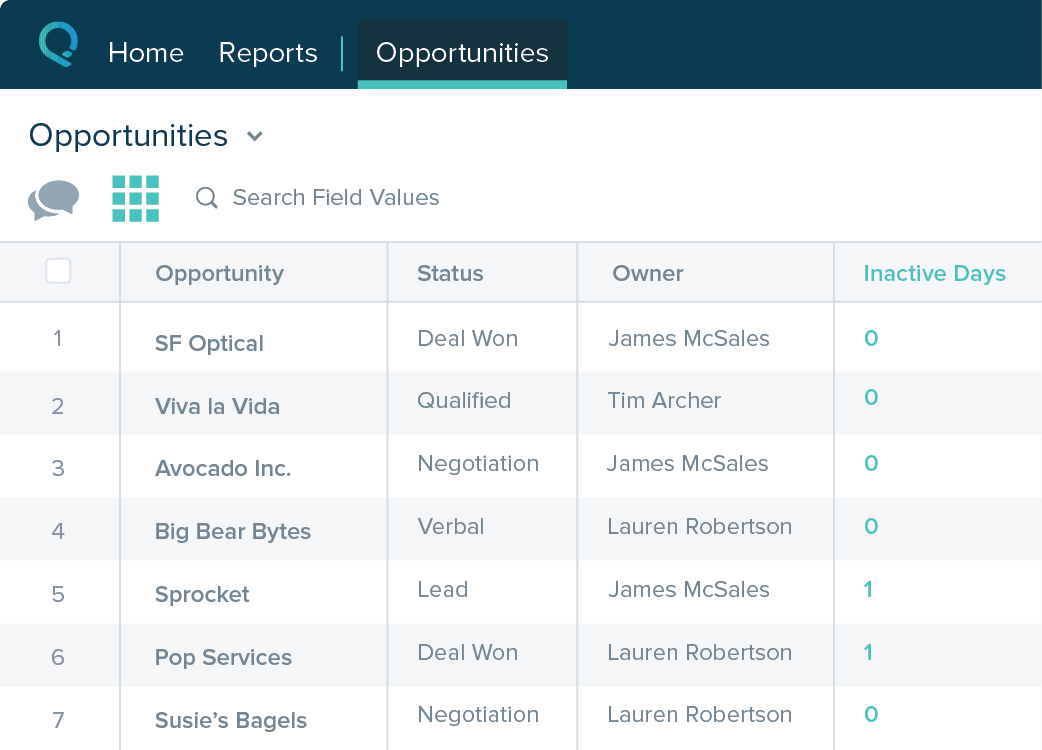
Table views can be sorted by column. Filters can be applied, but only to one column. Multi-column filtering like Excel allows would be extremely useful and a big improvement.
The ability to quick copy data in a table view would also be helpful, like (ctrl ') in excel.
A de minimis incentive was given to thank the reviewer for their time. The incentive was not used to bias or drive a particular response, nor was the incentive contingent on a positive endorsement. More Info
A de minimis incentive was given to thank the reviewer for their time. The incentive was not used to bias or drive a particular response, nor was the incentive contingent on a positive endorsement. More Info
It is VERY, VERY, simple and easy to use and learn. All I needed was a super brief 30 minute overview to understand how to use it, and their Customer Support is pretty good. I was raised on Salesforce, which is much more complicated, but allows you to do so much more.
A de minimis incentive was given to thank the reviewer for their time. The incentive was not used to bias or drive a particular response, nor was the incentive contingent on a positive endorsement. More Info
The system is very user-friendly on a desktop but lacks mobile friendliness. The Customer relationship manager disappears after the deal is signed. We struggled to get the system in a usable format, which was not cost-effective. The CRM system on desktop was great but way more complicated than it should be.
A de minimis incentive was given to thank the reviewer for their time. The incentive was not used to bias or drive a particular response, nor was the incentive contingent on a positive endorsement. More Info
They are very helpful and quick whenever I have a question about Claritysoft CRM. I think the guy I've spoken with is named Evan, and he's been very helpful. Claritysoft, give the man a raise if you know who I'm talking about. He responds super quick with truly helpful insights.
A de minimis incentive was given to thank the reviewer for their time. The incentive was not used to bias or drive a particular response, nor was the incentive contingent on a positive endorsement. More Info
A de minimis incentive was given to thank the reviewer for their time. The incentive was not used to bias or drive a particular response, nor was the incentive contingent on a positive endorsement. More Info
Claritysoft's emails are much easier to use since Salesforce is in the middle of switching from Classic to Lightning. Also, Salesforce does not have a native group edit option. Claritysoft is much more data driven and you can use all functions of Excel to customize reports. However, Claritysoft does not have as many third-party add-on options compared to Salesforce's app exchange.
A de minimis incentive was given to thank the reviewer for their time. The incentive was not used to bias or drive a particular response, nor was the incentive contingent on a positive endorsement. More Info
A de minimis incentive was given to thank the reviewer for their time. The incentive was not used to bias or drive a particular response, nor was the incentive contingent on a positive endorsement. More Info
It has made it easier to see our overall sales for each sales rep.
The only negative is that we cannot change over the account, contacts, leads, and opportunities with one ownership field. You have to do each one separate and when you are transferring 1000 clients this takes much too long to do. No reason for it.
A de minimis incentive was given to thank the reviewer for their time. The incentive was not used to bias or drive a particular response, nor was the incentive contingent on a positive endorsement. More Info
A de minimis incentive was given to thank the reviewer for their time. The incentive was not used to bias or drive a particular response, nor was the incentive contingent on a positive endorsement. More Info