ClickLearn vs. Spekit

Overview
ProductRatingMost Used ByProduct SummaryStarting Price
ClickLearn
Score 8.0 out of 10
Mid-Size Companies (51-1,000 employees)
ClickLearn automates the process of creating training material and documentation of popular business systems such as Microsoft D365, SAP, and Oracle. With ClickLearn, users click through processes and ClickLearn records actions. When these are recorded, ClickLearn automatically delivers the resulting content in these 7 different formats to be used in training situation: Step-by-step instructions in HTML for posting online Step-by-step instructions in Word and…
$208
per installation
Spekit
Score 9.1 out of 10
N/A
Spekit is a just-in-time enablement engine that embeds answers, coaching, and sales content directly in the tools revenue teams use. From drafting prospect emails to updating deal stages in Salesforce or reviewing Gong calls, Spekit’s AI Sidekick understands what sellers need in the moment and surfaces the precise message, content asset, or process guidance to keep momentum moving. Built for Sales Enablement & Product Marketing Teams Spekit supports various use…N/A
Pricing
ClickLearnSpekit
Editions & Modules
Basic
208/mo
per installation
Basic
208/mo
per installation
Essentials
360/mo
per installation
Essentials
360/mo
per installation
Professional
740/mo
per installation
Professional
740/mo
per installation
Enterprise
1023/mo
per installation
Enterprise
1023/mo
per installation
No answers on this topic
Offerings
Pricing Offerings
ClickLearnSpekit
Free Trial
YesNo
Free/Freemium Version
NoNo
Premium Consulting/Integration Services
NoYes
Entry-level Setup FeeNo setup feeOptional
Additional Details
More Pricing Information
Community Pulse
ClickLearnSpekit
Best Alternatives
ClickLearnSpekit
Small Businesses
ChurnZero
ChurnZero
Score 8.4 out of 10
Lead411
Lead411
Score 8.2 out of 10
Medium-sized Companies
ChurnZero
ChurnZero
Score 8.4 out of 10
Paperflite
Paperflite
Score 8.0 out of 10
Enterprises
Nexthink
Nexthink
Score 7.4 out of 10
Paperflite
Paperflite
Score 8.0 out of 10
All AlternativesView all alternativesView all alternatives
User Ratings
ClickLearnSpekit
Likelihood to Recommend
9.0
(4 ratings)
9.0
(12 ratings)
Usability
-
(0 ratings)
9.5
(2 ratings)
User Testimonials
ClickLearnSpekit
Likelihood to Recommend
ClickLearn
Even though ClickLearn is quite a handy tool, it takes time to create new records, or more like modifying those to be suitable for use. Also, when I have had questions about ClickLearn and considering that the software is for generating for example manuals, I have struggled with finding solutions to cases from the ClickLearn site. For example how to enable/disable Assistant -functionality. Had two private sessions, with two different support persons, getting two different ways to do things. Not good.
Read full review
Spekit
Spekit is extremely well-suited for customer-facing teams who truly have a business need for "just-in-time learning." While we all benefit from the concept of just-in-time learning, organizational representatives who must perform to a high standard in front of external-facing stakeholders particularly benefit from having quick access to processes, definitions, answers, contacts, and more in a tool that is easy to navigate. Spekit may not, however, be well suited for cash-strapped organizations that already have a content management tool like Confluence or SharePoint and can't afford to meet their customer-facing teams in the middle. While Confluence and SharePoint serve very important needs, they don't do a particularly good job of making content easy to find in a pinch. Spekit does.
Read full review
Pros
ClickLearn
  • Creating easy-to-follow work instructions.
  • Provides different methods of delivery (text, video, try-me).
Read full review
Spekit
  • Looks great, the design of the plug-in looks very streamlined. It makes a difference if a plugin is ugly.
  • Integration is great. It installs into Google Chrome in seconds. It's always accessible when you need it
  • Usability is amazing. It automatically places itself near tabs that you might need help on.
Read full review
Cons
ClickLearn
  • It would be nice to take a couple of seconds off screen capture
Read full review
Spekit
  • Honestly, there are a lot of tools that do the same thing - there are lots of search tools for orgs that use too many tools to host content.
  • I truly despise all the little helpers when I download the extension. Its the worst, stop cluttering my chrome.
Read full review
Usability
ClickLearn
No answers on this topic
Spekit
As an administrator, it is very easy to navigate. I can easily see which content is performing well, which content has not been touched. It's simple to teach new team members how to create content. We have added new authors easily in multiple groups in the business.
Read full review
Alternatives Considered
ClickLearn
No answers on this topic
Spekit
Spekit may not be as robust as Confluence or organized as SharePoint, but its use of embedded tooltips (Speks) and browser extension put it in the S Tier for "just-in-time learning" platforms - particularly for customer-facing teams.
Read full review
Return on Investment
ClickLearn
  • Help is received faster.
  • New customers created faster - Quoting faster made possible.
Read full review
Spekit
  • The time saved from using Spekit is incredible. No more calls/emails asking "what's this field for?" or "How do I do ?" It's all right there, thanks to Spekit.
  • Using Spekit has provided an unexpected morale boost because it's not only easy to use, but it's making work more enjoyable too.
Read full review
ScreenShots

ClickLearn Screenshots

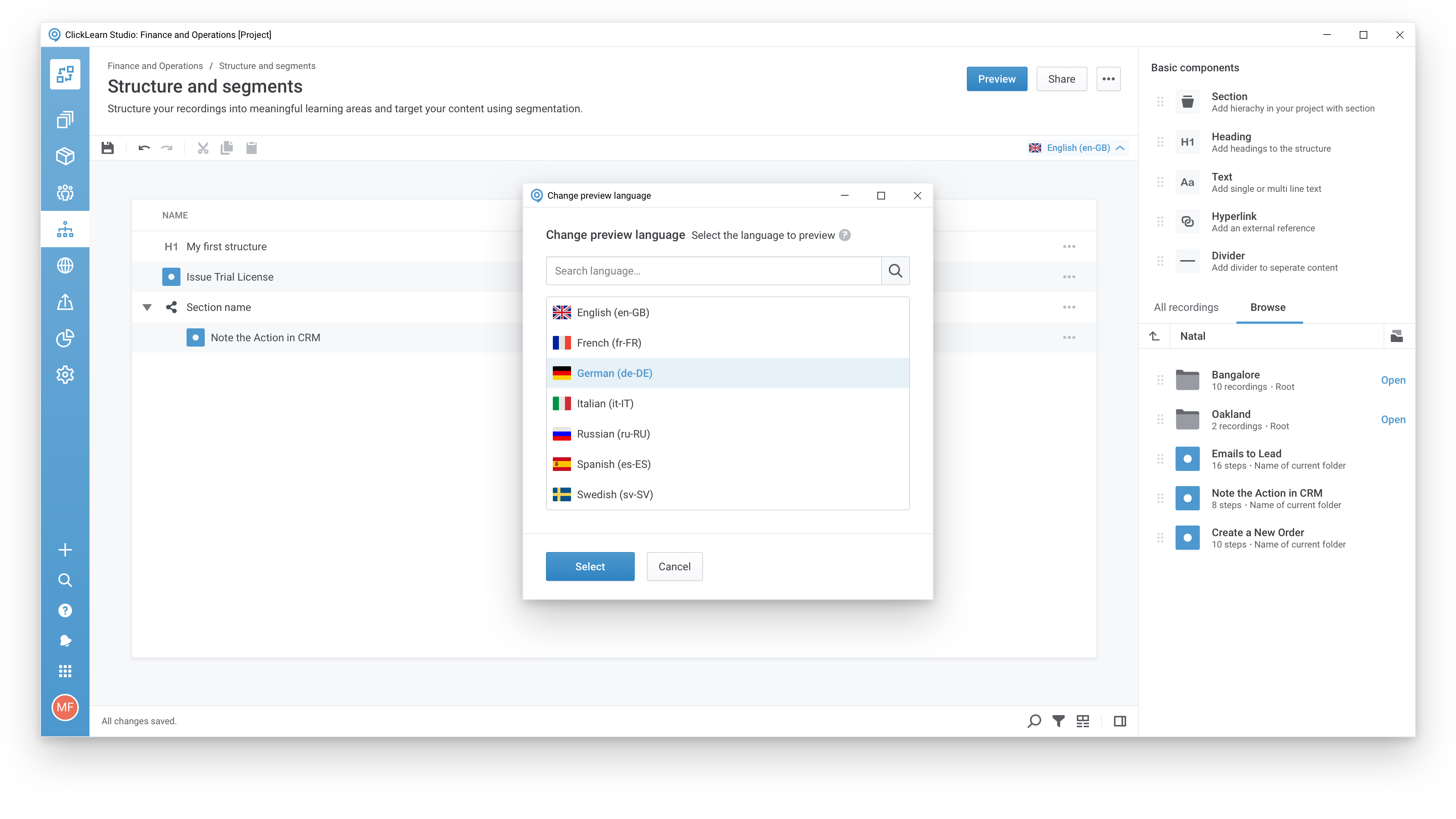
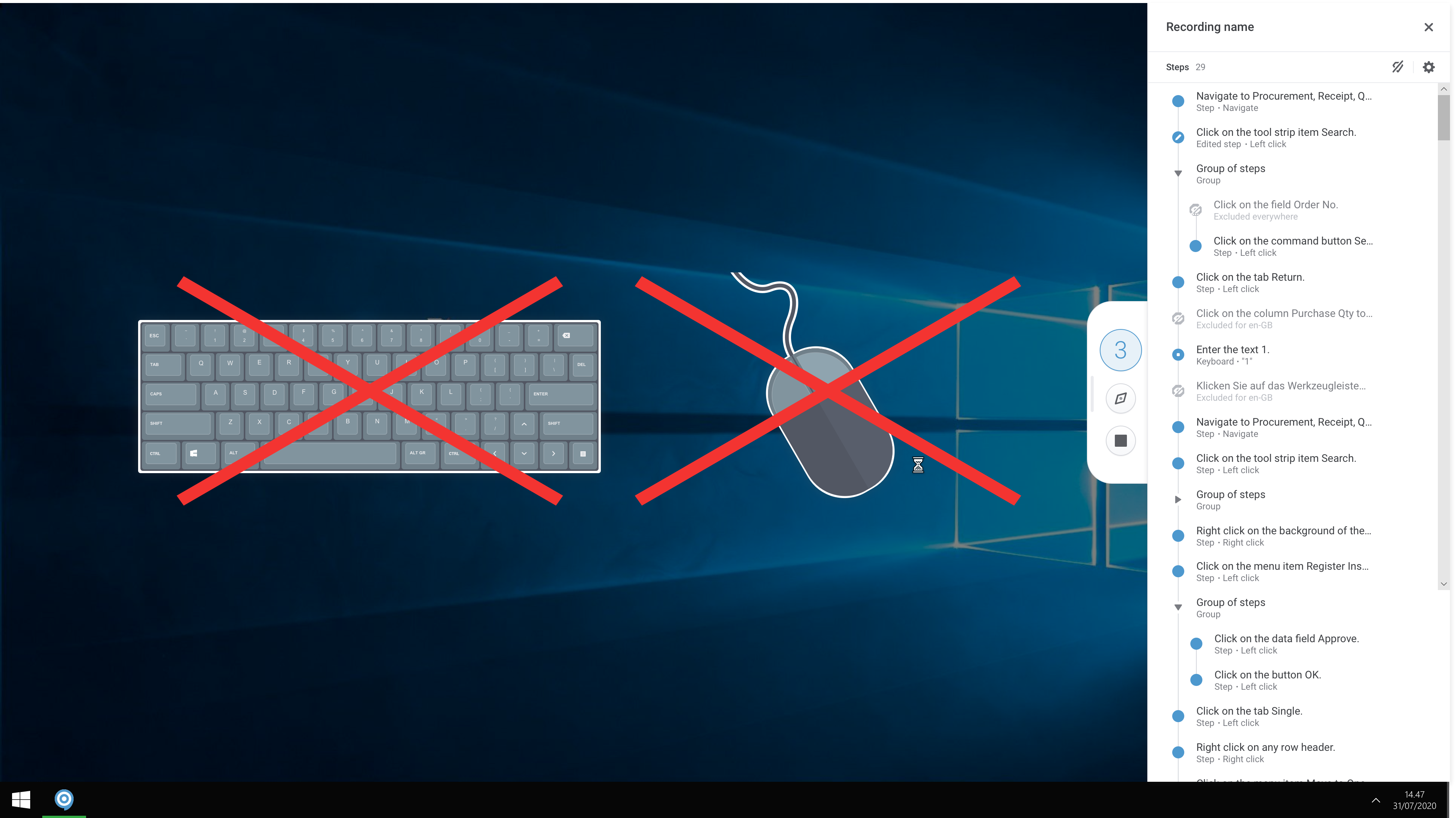
Screenshot of A modern and responsive learning portal - created from a single clickScreenshot of Create content in any languageScreenshot of Start recording your processes with ClickLearnScreenshot of The Replay feature automatically runs through your processes in your business software and re-records all steps and screenshots - you just need to click once to start the replay.

Spekit Screenshots

Screenshot of where to sync and centralize content from existing content repositoriesScreenshot of the interface to surface answers and content with AI SidekickScreenshot of the AI used to create content and surface contentScreenshot of content engagement trackingScreenshot of Deal Rooms, used to accelerate the sales pipelineScreenshot of a curated learning path, which can be created with the Playlists feature