Overview
ProductRatingMost Used ByProduct SummaryStarting Price
Creately
Score 5.2 out of 10
Small Businesses (1-50 employees)
Creately is a visual collaboration platform that supports genograms, flowcharts, org charts, mind maps, and UML diagrams. Featuring template-based AI diagram generation, Creately boasts speed and accuracy in visual planning.
$8
per month (single user)
SmartDraw
Score 8.3 out of 10
N/A
SmartDraw is a diagramming and flow chart building tool from SmartDraw Software in San Diego, California.
$131.40
per year (for a single user on an individual plan)
Stack Overflow for Teams
Score 8.3 out of 10
N/A
Stack Overflow for Teams is a team knowledge management and Q & A platform for development billed per teammate, featuring roles and permissions, and integrations with popularly used collaboration tools.
$7
per month per teammate (up to 250 teammates)
Pricing
CreatelySmartDrawStack Overflow for Teams
Editions & Modules
Creately Personal
$8
per month
Creately Team
$8
per month per user
Creately Team
$60
per year per user
Creately Personal
$60
per year
Creately Business
$149
per month Unlimited Users
Creately Business
$1,068
per year Unlimited Users
Team
$119.40
per year per user (3 minimum)
Individual
$131.40
per year single user
Enterprise
Contact Sales
Basic
$7
per month per teammate (up to 250 teammates)
Business
$14
per month per teammate (unlimited)
Enterprise
Custom
Offerings
Pricing Offerings
CreatelySmartDrawStack Overflow for Teams
Free Trial
YesYesNo
Free/Freemium Version
YesNoYes
Premium Consulting/Integration Services
YesNoNo
Entry-level Setup FeeNo setup feeNo setup feeNo setup fee
Additional DetailsDiscounted prices for non profits, educational institutes, and charities.Discount available for annual pricing.
More Pricing Information
Community Pulse
CreatelySmartDrawStack Overflow for Teams
Best Alternatives
CreatelySmartDrawStack Overflow for Teams
Small Businesses
OmniGraffle
OmniGraffle
Score 9.7 out of 10
OmniGraffle
OmniGraffle
Score 9.7 out of 10
Front
Front
Score 9.1 out of 10
Medium-sized Companies
Cvent Event Diagramming
Score 9.3 out of 10
Cvent Event Diagramming
Score 9.3 out of 10
Guru
Guru
Score 9.6 out of 10
Enterprises
Cvent Event Diagramming
Score 9.3 out of 10
Cvent Event Diagramming
Score 9.3 out of 10
Guru
Guru
Score 9.6 out of 10
All AlternativesView all alternativesView all alternativesView all alternatives
User Ratings
CreatelySmartDrawStack Overflow for Teams
Likelihood to Recommend
8.5
(5 ratings)
2.8
(14 ratings)
9.0
(10 ratings)
Support Rating
6.0
(1 ratings)
8.4
(2 ratings)
-
(0 ratings)
User Testimonials
CreatelySmartDrawStack Overflow for Teams
Likelihood to Recommend
Cinergix
Creately sells itself as software specializing in a wide variety of areas, which is true in some cases. Visualizing and creating marketing processes, research, user flows, and general flowcharts is an extremely powerful tool. However, in other areas, such as Human Resources, UI/UX prototyping, and Wireframe design, it leaves a little to be desired compared to the competition.
Read full review
SmartDraw Software
I believe SmartDraw is a great tool for small- to mid-sized organizations for simplifying the production and management of org charts. We've also had the PMO experiment with the use of some of their flow charts as well. If an organization has an HCM with the capability of producing (good!) org charts, that is likely the best option... but many that I have used in my 30-year HR career don't. So there is definitely a need for SmartDraw in the market!
Read full review
Stack Overflow
In my opinion, Stack Overflow for Teams is well suited for an organization that is on a hiring spree for the engineering teams. The reason for it is because instead of catering to doubts of new joinees individually, they can be asked to refer to the Stack Overflow and hence will save a lot of time for both new joiners as well as the existing employees.
Read full review
Pros
Cinergix
  • Helps to create wonderful charts.
  • Helps co-worker to work on a similar project.
  • It allows importing multiple templates.
Read full review
SmartDraw Software
  • Provides examples to work off of--these are helpful when you don't know exactly where to start.
  • Provides a number of stylistic options without making things too complex, so you can be creative without getting overwhelmed.
  • Provides a wide variety of templates, meets a wide variety of needs.
Read full review
Stack Overflow
  • Sharing technical solutions to problems we encounter in our internal development environment.
  • Sharing best practices we find in external resources.
  • Discussions on design patterns and conventions we can use in our projects.
Read full review
Cons
Cinergix
  • Can add more tutorials to guide the users in the tool
  • Tools lags sometimes when a diagram with lot of data is loaded
  • It also gets stuck sometime when an Undo functionality is used
Read full review
SmartDraw Software
  • A month-to-month plan would be ideal for users that don't have a need to create many projects
  • The sidebar navigation can be a little confusing with all of the tools listed.
  • Offering customizable plans with only the feature you need would simplify navigation
Read full review
Stack Overflow
  • I would recommend an increased engineering focus on the Microsoft Teams integration.
  • It would be nice to make more medals.
  • Easier ways to earn points.
Read full review
Usability
Cinergix
No answers on this topic
SmartDraw Software
I rated 8 because its simple to use and easy to create network topologies quickly. I liked the drag and drop option which makes designing the network topology and flow chart easier. In general its does what it needs to.
Read full review
Stack Overflow
No answers on this topic
Support Rating
Cinergix
It definitely could be better, but it may also depend on the type of license you are subscribing to.
Read full review
SmartDraw Software
They are always very helpful, we get computers every two years and I have to call them to move the license from one computer to another and they do it with a smile in their voice!
Read full review
Stack Overflow
No answers on this topic
Alternatives Considered
Cinergix
Creately is a more intuitive solution and has better looking elements, shapes etc.
Read full review
SmartDraw Software
We have used Corel Draw and Adobe Acrobat. Both of those tools were good when they came out but the abilities of SmartDraw far outweigh both those tools. Corel Draw was also more complex to operate and do tasks, as was Adobe Acrobat in which some basic tasks took additional steps to complete.
Read full review
Stack Overflow
It's easier to use Stack Overflow for Teams Q&A to maintain our knowledge base over time, over the Confluence wikis that we also maintain. You don't need to bother about folders, filenames, templates - just ask a question and answer it or get it answered. It feels less formal, so developers feel more free to add content.
Read full review
Return on Investment
Cinergix
  • We were able to save a lot of time in visualizing strategic processes.
  • We saved meeting time by simply showing our workflows and keeping our coworkers in the loop.
Read full review
SmartDraw Software
  • SmartDraw has provided good return for our internal purposes. Using it to understand an organization's structure and inner workings has been valuable. On the client side, creating steps and businesses processes has also been a big plus. It has helped decrease confusing reporting structures and has provided a detailed map for individuals to understand where they fit within their organization.
  • Unfortunately, SmartDraw has been somewhat inefficient with some of the more complex projects on our plate and has really deterred certain employees from even wanting to use it.
Read full review
Stack Overflow
  • It makes the search for answers more efficient, so devs can focus in more important things.
  • Knowledge is not lost, even if people leave the company.
Read full review
ScreenShots

Creately Screenshots

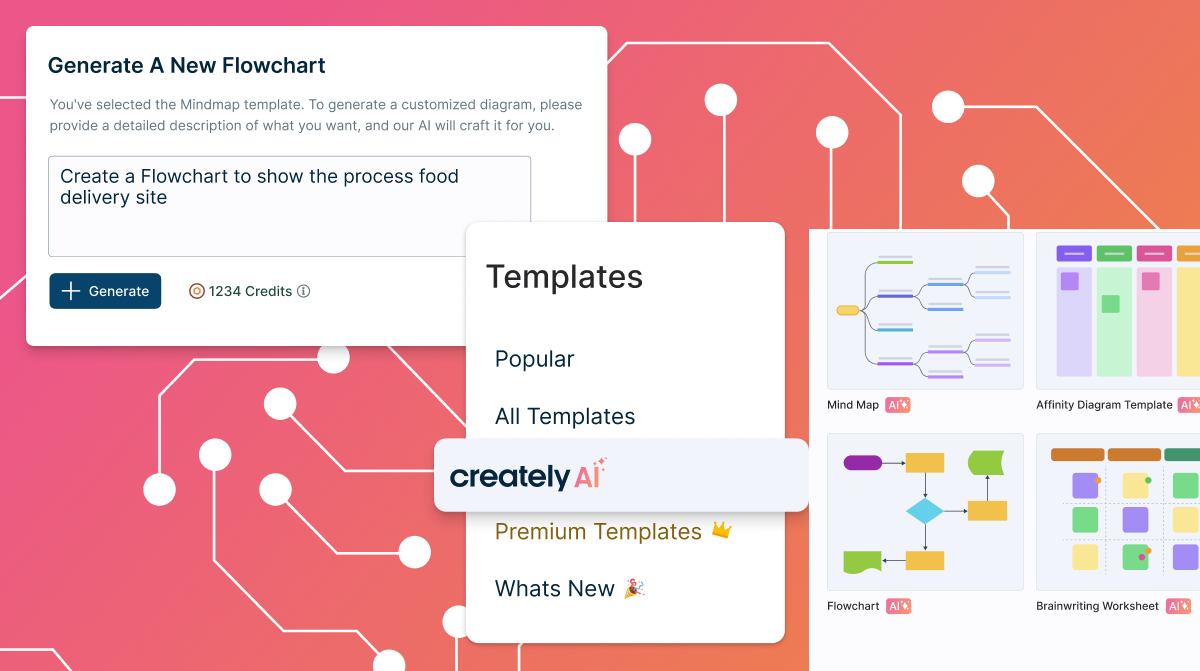
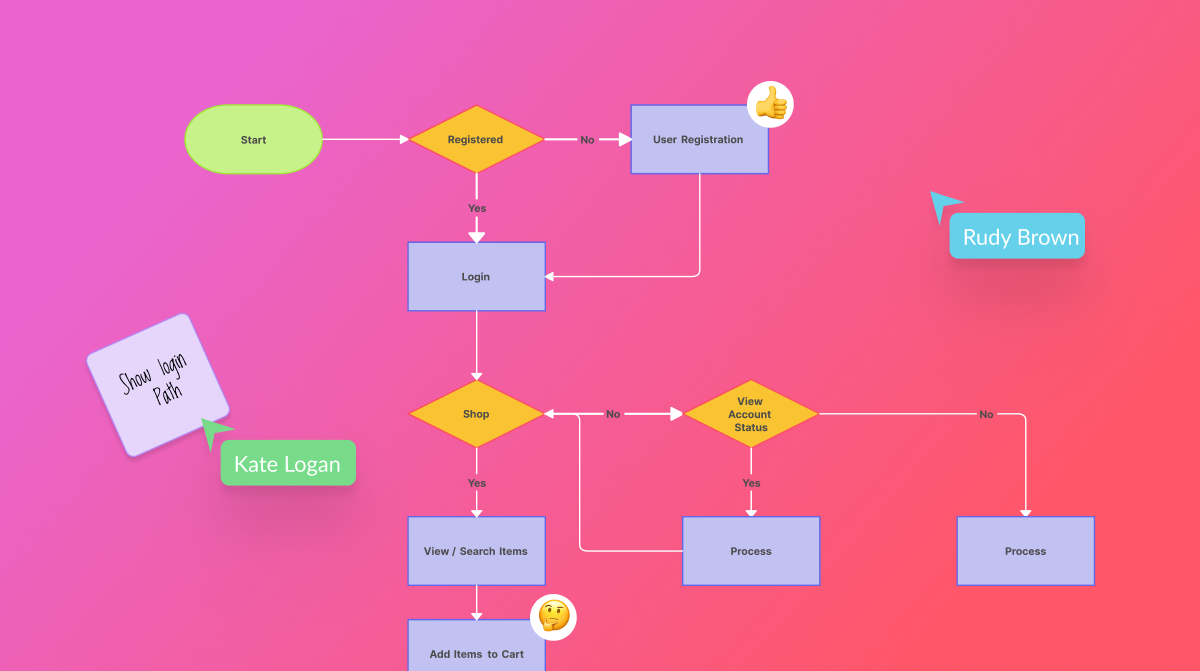
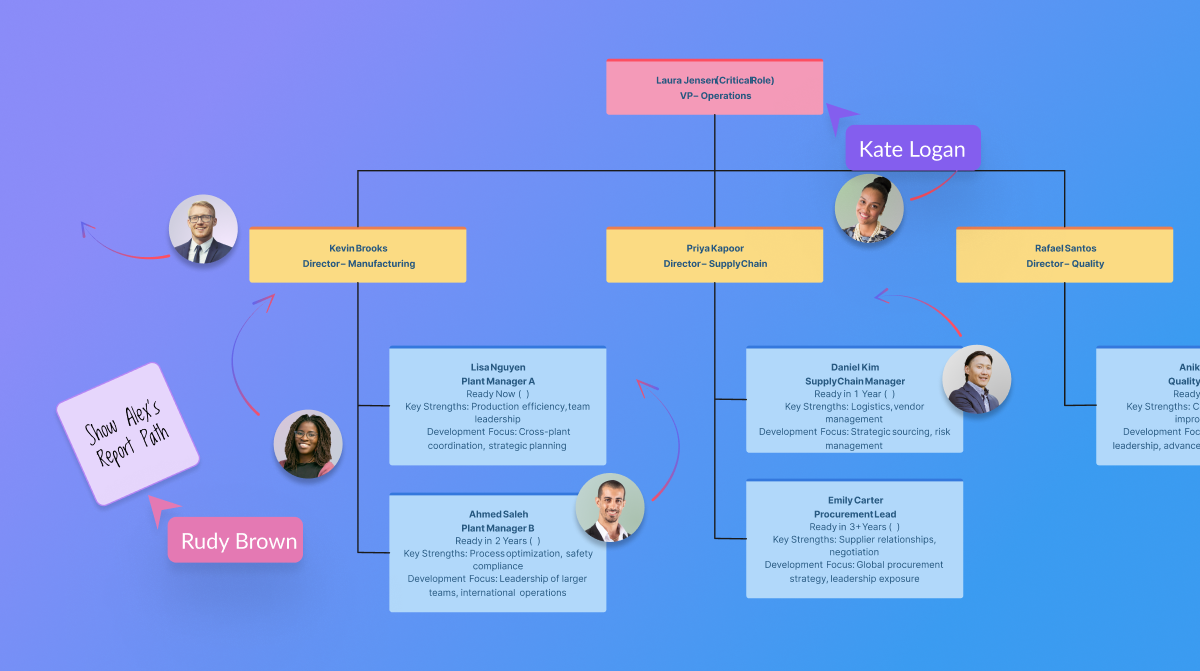
Screenshot of templated instructions for Creately AIScreenshot of the AI base templates and text promptsScreenshot of real-time collaborationScreenshot of the AI org chart toolScreenshot of certifications

SmartDraw Screenshots

Screenshot of where to create diagrams, including: flowcharts and swimlanes, organizational charts, mind maps, CAD drawings & floor plans, project charts, network diagrams, and wireframes & mockups.Screenshot of a workspace that combines brainstorming with technical diagrams. SmartDraw can be used to visualize processes, organizations, roadmaps, and even generate diagrams from data.Screenshot of SmartDraw's templates and tools used to make flowcharts, swimlanes, and process maps.Screenshot of the org chart tool, used to document organizational structure and work as a team to plan for growth or manage change. Data can be imported to generate a chart automatically.Screenshot of the CAD drawing and floor plan tools, used to design a home or optimize office space to improve traffic flow in a retail space.Screenshot of an example of the built-in templates for landscapes, gardens, backyards used to design outdoor spaces. Users can drag-and-drop flowers, shrubs, and other plants, or add sprinkler systems, lights, and walkways, and apply photo-realistic textures for a professional finish.