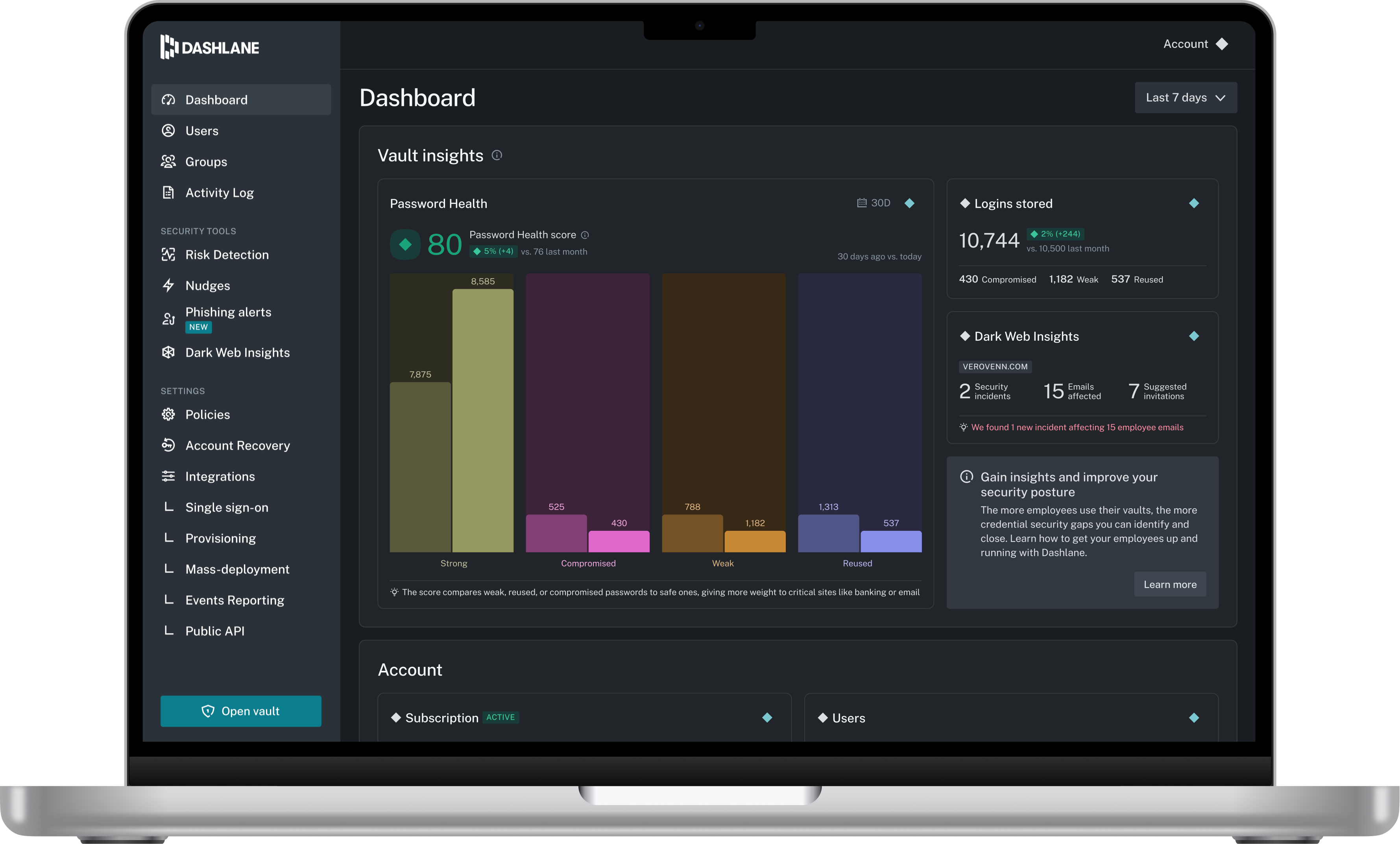
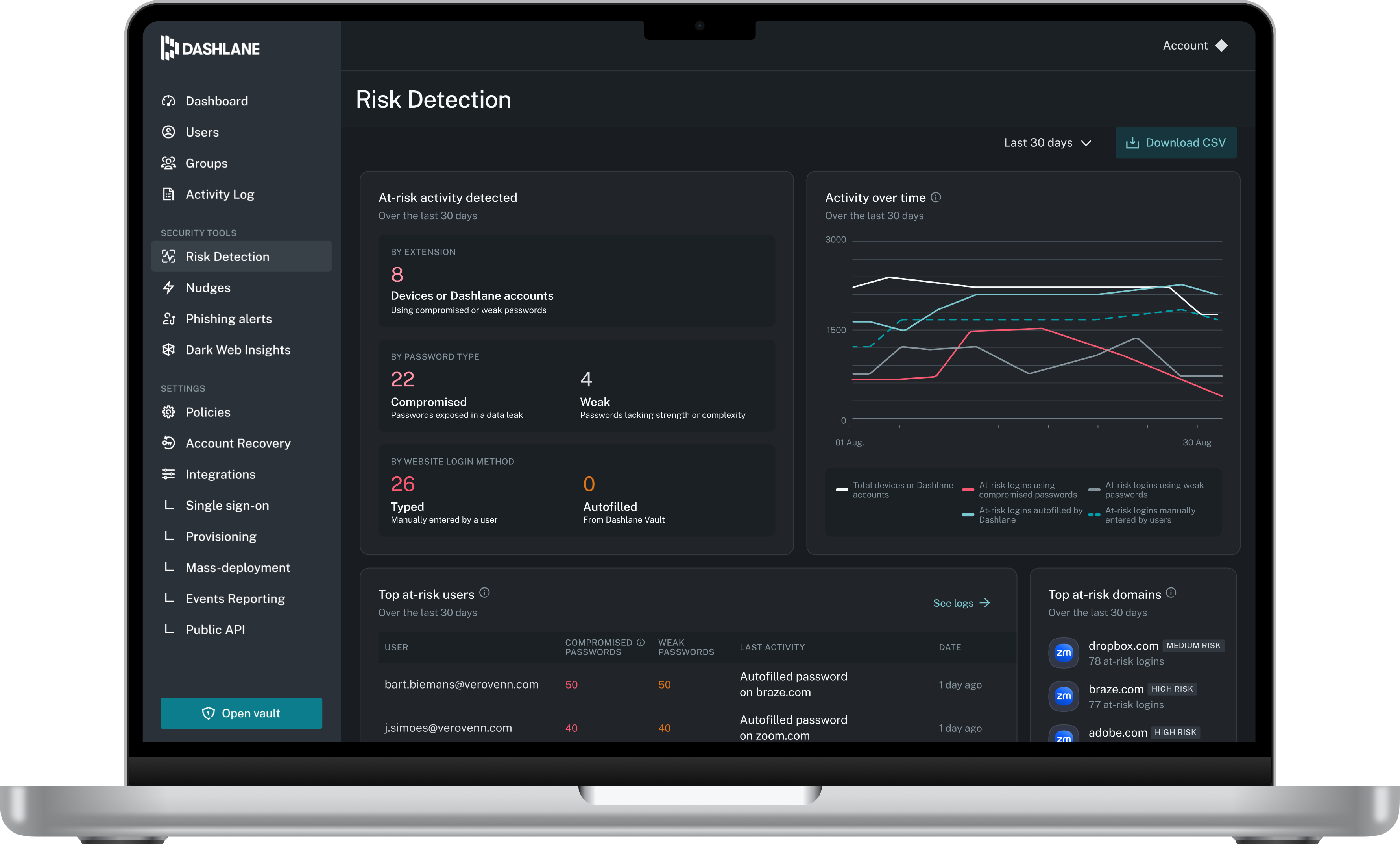
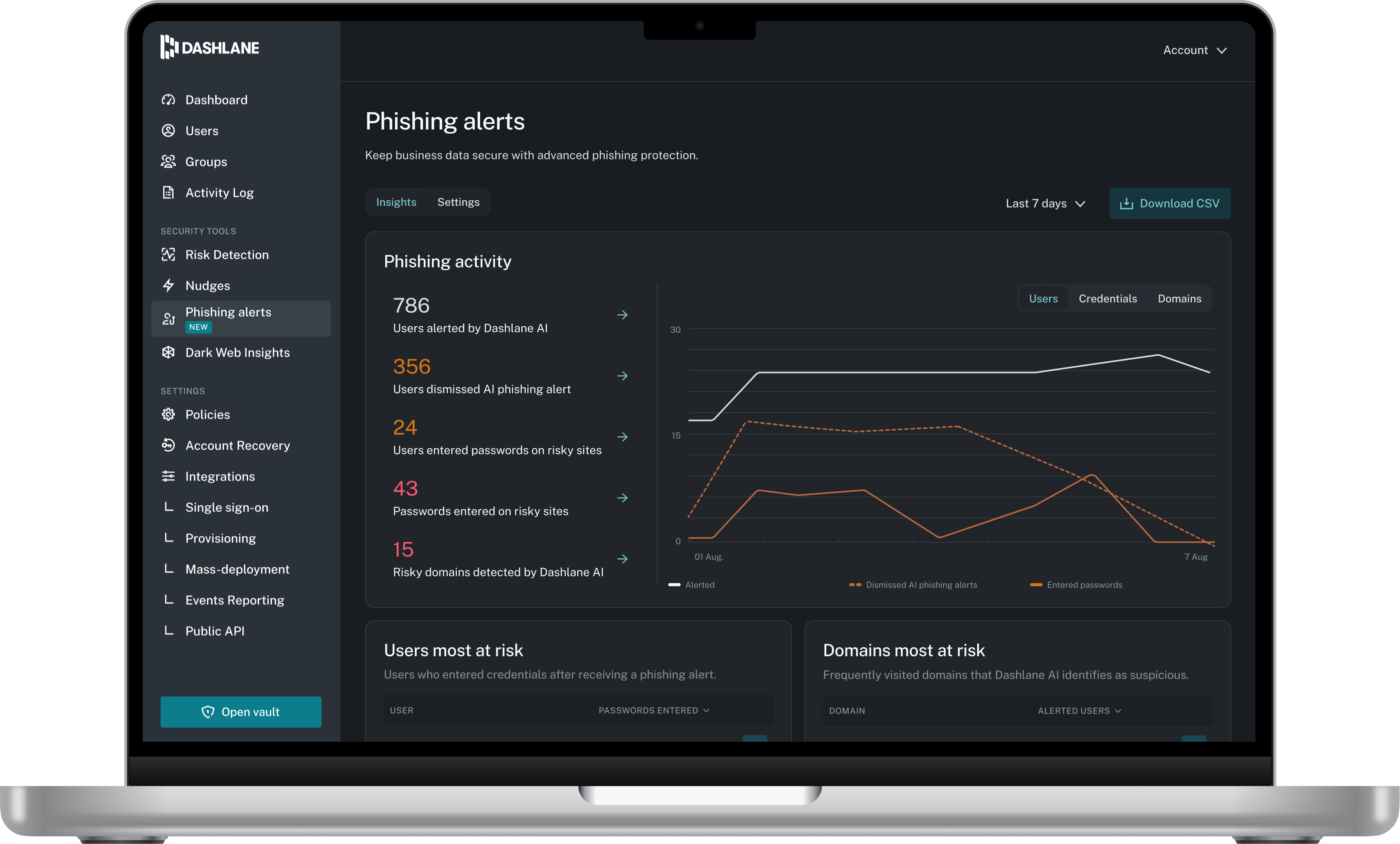
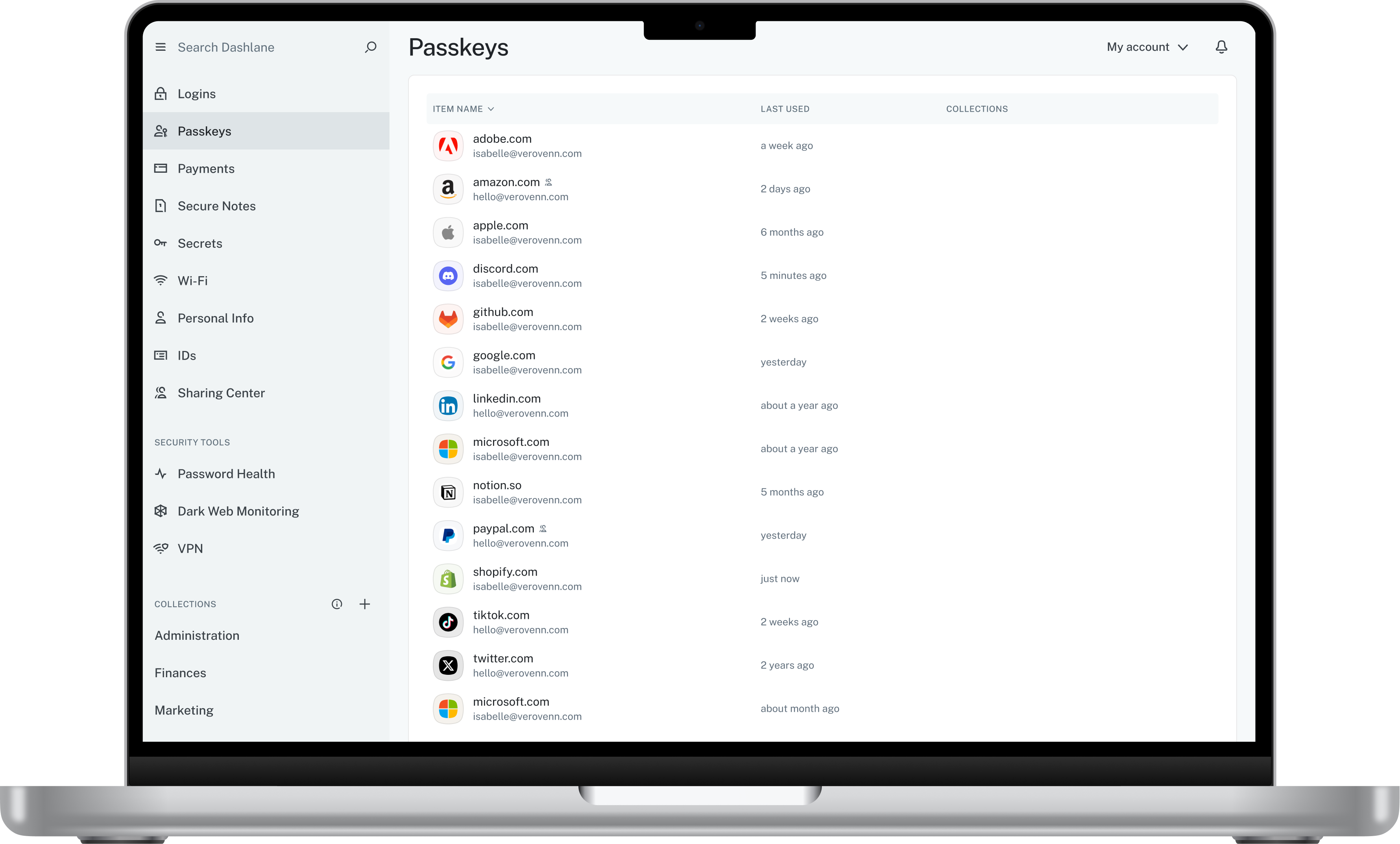
Dashlane is a credential manager that secures every credential, every user, and every employee device to proactively protect against breaches. Brands worldwide can use Dashlane to stay ahead of evolving threats.
$240
per year 10 employees
Middesk
Score 8.9 out of 10
N/A
Middesk is a business intelligence (BI) software used to onboarded clients working in three primary verticals — Fintech, Credit Reporting, and Business Marketplaces.
$1,000
per month
Pricing
Dashlane Password Manager
Middesk
Editions & Modules
Business
$8
per month (billed annually) per seat
Omnix™
Contact Sales
per year for organizations of 100+
No answers on this topic
Offerings
Pricing Offerings
Dashlane Password Manager
Middesk
Free Trial
Yes
No
Free/Freemium Version
Yes
Yes
Premium Consulting/Integration Services
No
No
Entry-level Setup Fee
No setup fee
No setup fee
Additional Details
—
Users may also pay per use if they are expecting a lower volume of usage.
More Pricing Information
Community Pulse
Dashlane Password Manager
Middesk
Features
Dashlane Password Manager
Middesk
BI Standard Reporting
Comparison of BI Standard Reporting features of Product A and Product B
Dashlane Password Manager
-
Ratings
Middesk
7.7
1 Ratings
6% below category average
Pixel Perfect reports
00 Ratings
8.01 Ratings
Customizable dashboards
00 Ratings
7.01 Ratings
Report Formatting Templates
00 Ratings
8.01 Ratings
Ad-hoc Reporting
Comparison of Ad-hoc Reporting features of Product A and Product B
Dashlane Password Manager
-
Ratings
Middesk
8.0
1 Ratings
0% below category average
Drill-down analysis
00 Ratings
8.01 Ratings
Formatting capabilities
00 Ratings
8.01 Ratings
Integration with R or other statistical packages
00 Ratings
8.01 Ratings
Report sharing and collaboration
00 Ratings
8.01 Ratings
Report Output and Scheduling
Comparison of Report Output and Scheduling features of Product A and Product B
Dashlane Password Manager
-
Ratings
Middesk
6.4
1 Ratings
25% below category average
Publish to Web
00 Ratings
7.01 Ratings
Publish to PDF
00 Ratings
5.01 Ratings
Report Versioning
00 Ratings
5.01 Ratings
Report Delivery Scheduling
00 Ratings
8.01 Ratings
Delivery to Remote Servers
00 Ratings
7.01 Ratings
Data Discovery and Visualization
Comparison of Data Discovery and Visualization features of Product A and Product B
I think Dashlane is a great service for anyone who uses the internet. We need to create accounts on almost every website, and Dashlane helps generate secure passwords and store them safely, but easily accessible through its seamless browser extension. Any business or personal lifestyle can benefit from Dashlane when you go online
Middesk majorly provides us with real-time access to the data and documents which are required for automating KYB and CIP regulatory compliance, mitigating front and backend risk. In addition, it is the easiest way for financial services companies to verify and monitor their business customers. It for us very much makes the process of onboarding customers very easy.
The mobile app works fine for quick access, but autofill across different apps can be inconsistent. Sometimes it doesn’t recognize the login field, which slows people down when they’re on the go.
Occasionally the browser extension logs users out or doesn’t sync immediately with the desktop app, which causes frustration if someone just updated a password.
Dashlane is usable, but there are 2 key issues that annoy me. 1. The mobile app and the browser extension are not synced and i cannot find passwords in the app that are clearly in the extension. 2. The system doe snot make it easy to assign a password to a specific subdomain. I get hundreds of passwords that i have to go through any time i go to any subdomain on my main site because of the nature of my business. I need the option back to assign a password to only work with a specific subdomain (and all related paged on that subdomain) note: The search features have been annoying in the past. I just went to test them to verify my issues and found that notes inside of a password are finally searchable. This helps
UI is not as intuitive as other systems we use. For states that require income tax withholding, some of them require registration with multiple agencies - the UI doesn't easily tell you which login credentials are tied to which agency.
We've had no issues with Dashlane. I can't speak to their customer service because I have not personally needed to contact them. I guess that speaks about their product if we've not had any issues to reach out about. Great for supporting data/information on multiple platforms that are shared among team members.
The user experience of this tool must be rearchitected. I am able to observe a lot of lag in the process when initiated. There are sometimes when the tool's navigation becomes difficult. The time taken at times is large to process a request and this can also be highly improved in the future.
Dashlane’s customer support is often rated higher, providing more responsive and helpful assistance. LastPass has a slightly steeper learning curve than Dashlane, but it offers more flexibility with user permissions, which can benefit teams. Dashlane includes unlimited passkey support and a clean breach history, while LastPass is more accommodating for smaller teams.
ADP Workforce Now offers a module to handle payroll tax registrations. The interface is confusing and the information is hard to find. The service and support are awful - nobody ever knows who can answer tax account questions, they escalate to a different department and promise a callback but they never call back.