
DeskTime vs. Patriot Payroll
| Product | Rating | Most Used By | Product Summary | Starting Price |
|---|---|---|---|---|
 DeskTime | Score10 out of 10 | N/A | DeskTime is an automatic time tracking software that tracks and analyzes employee productivity, and is a project from DeskTime.com of the Draugiem Group of companies and tech startups in Latvia. | $7 per month per user |
 Patriot Payroll | Score8.6 out of 10 | N/A | Patriot Software headquartered in Canton, Ohio offers Patriot PAY, their benefits administration and payroll software. | $17 per month |
| DeskTime | Patriot Payroll | |||||||||||||||
|---|---|---|---|---|---|---|---|---|---|---|---|---|---|---|---|---|
| Editions & Modules |
|
| ||||||||||||||
| Offerings |
| |||||||||||||||
| Entry-level Setup Fee | No setup fee | No setup fee | ||||||||||||||
| Additional Details | 1 month free for annual pricing. | Patriot Software has two payroll options to choose from: Basic Payroll, and Full Service payroll software. Both start with a simple three-step payroll process. With the Full Service Payroll, Patriot will collect, deposit, and file federal, state, and local payroll taxes on the customer's behalf; end-of-the-year payroll tax filing is included at no extra charge. Print W2s on 8 x 1/2 x 11 plain white office paper to hand to employees, or post to the free employee portal. Also, Patriot Software offers free direct deposit. | ||||||||||||||
| More Pricing Information | ||||||||||||||||
| DeskTime | Patriot Payroll | |
|---|---|---|
| Considered Both Products | No answer on this topic | No answer on this topic |
| Key User Insights | ||
| Would buy again | ||
No answers on this topic | 100% Would buy again 10 Answers | |
| Delivers good value for the price | ||
No answers on this topic | 100% Delivers good value for the price 10 Answers | |
| Happy with the feature set | ||
No answers on this topic | 100% Happy with the feature set 10 Answers | |
| Lived up to sales and marketing promises | ||
No answers on this topic | 100% Lived up to sales and marketing promises 9 Answers | |
| Implementation went as expected | ||
No answers on this topic | 100% Implementation went as expected 9 Answers | |
| DeskTime | Patriot Payroll | |||||||||||||||||||||||||
|---|---|---|---|---|---|---|---|---|---|---|---|---|---|---|---|---|---|---|---|---|---|---|---|---|---|---|
| Payroll Management |
| |||||||||||||||||||||||||
| DeskTime | Patriot Payroll | |
|---|---|---|
| Small Businesses |  Time Doctor Score8 out of 10 |  RUN Powered by ADP® Score9 out of 10 |
| Medium-sized Companies |  Toggl Track Score9 out of 10 |  APS Score5.7 out of 10 |
| Enterprises |  TimeCamp Score7.3 out of 10 | ADP Streamline Payroll Score6.1 out of 10 |
| All Alternatives | View all alternatives | View all alternatives |
| DeskTime | Patriot Payroll | |
|---|---|---|
| Likelihood to Recommend | 9.5 | 9.7 |
| Likelihood to Renew | - | 9.0 |
| Usability | - | 9.3 |
| Support Rating | - | 8.7 |
| DeskTime | Patriot Payroll | |
|---|---|---|
| Likelihood to Recommend |
|
|
| Pros |
|
|
| Cons |
|
|
| Likelihood to Renew | No answers on this topic |
|
| Usability | No answers on this topic |
|
| Support Rating | No answers on this topic |
|
| Alternatives Considered |
|
|
| Return on Investment |
|
|
| ScreenShots | DeskTime Screenshots  | Patriot Payroll Screenshots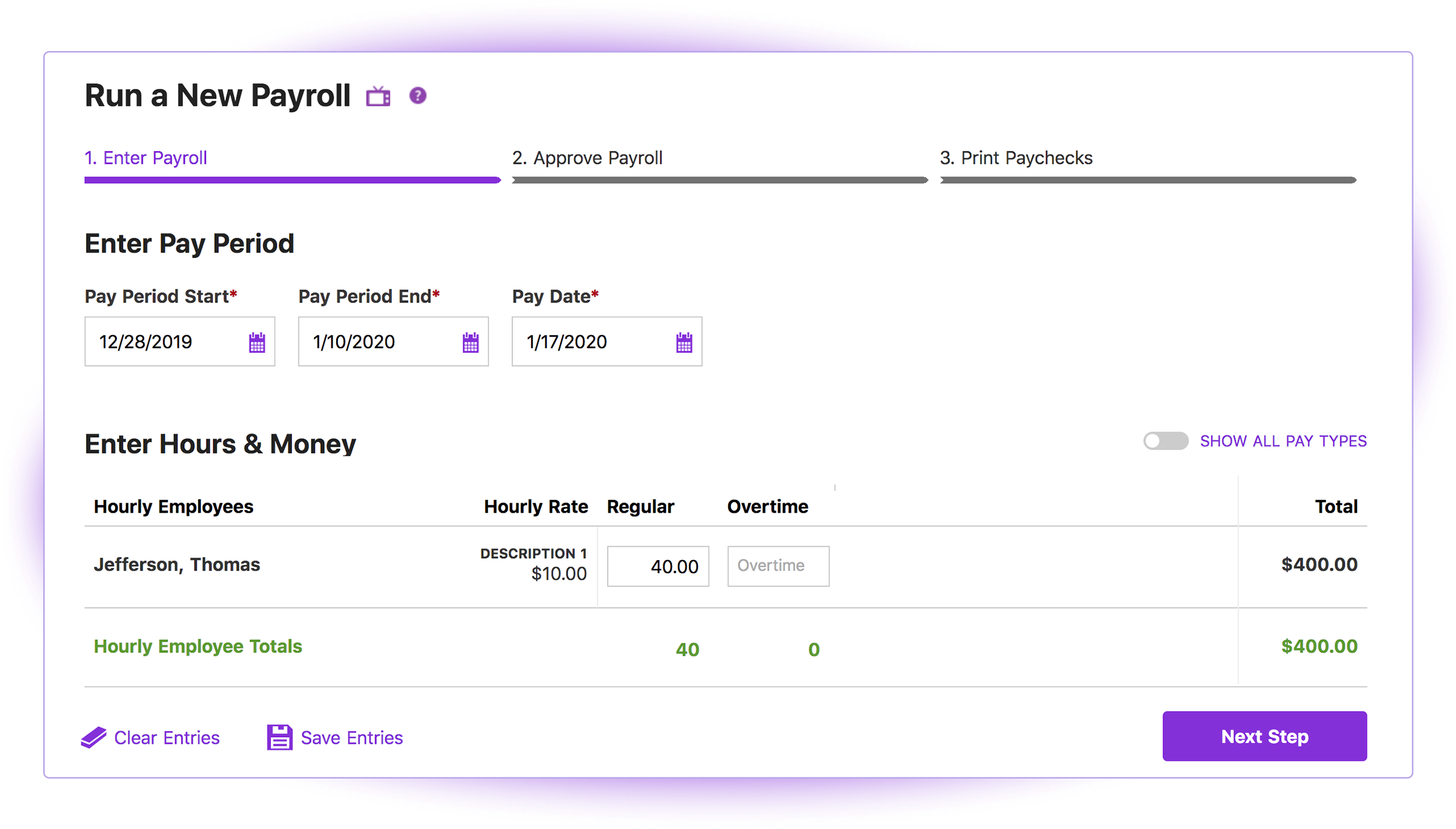 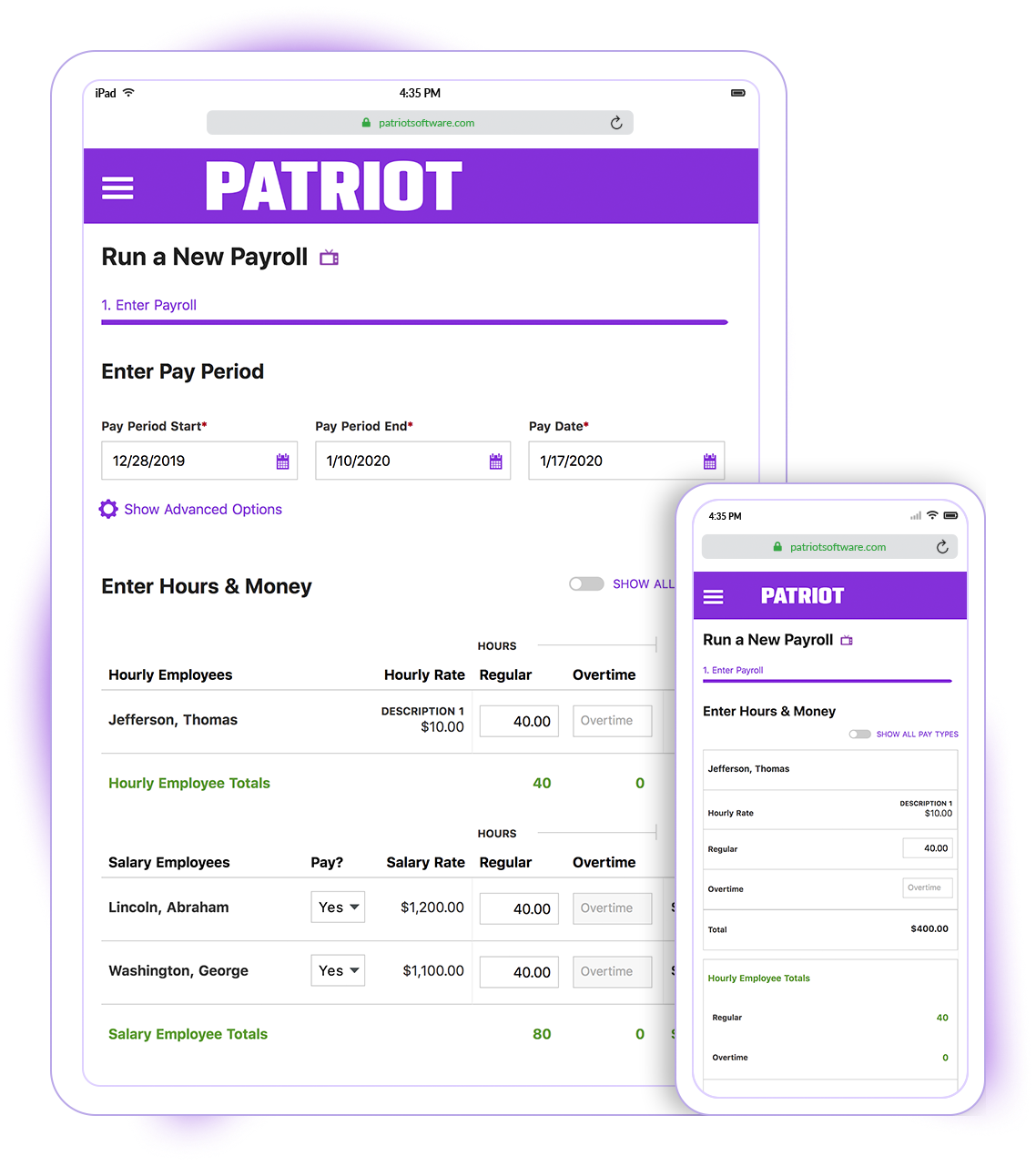 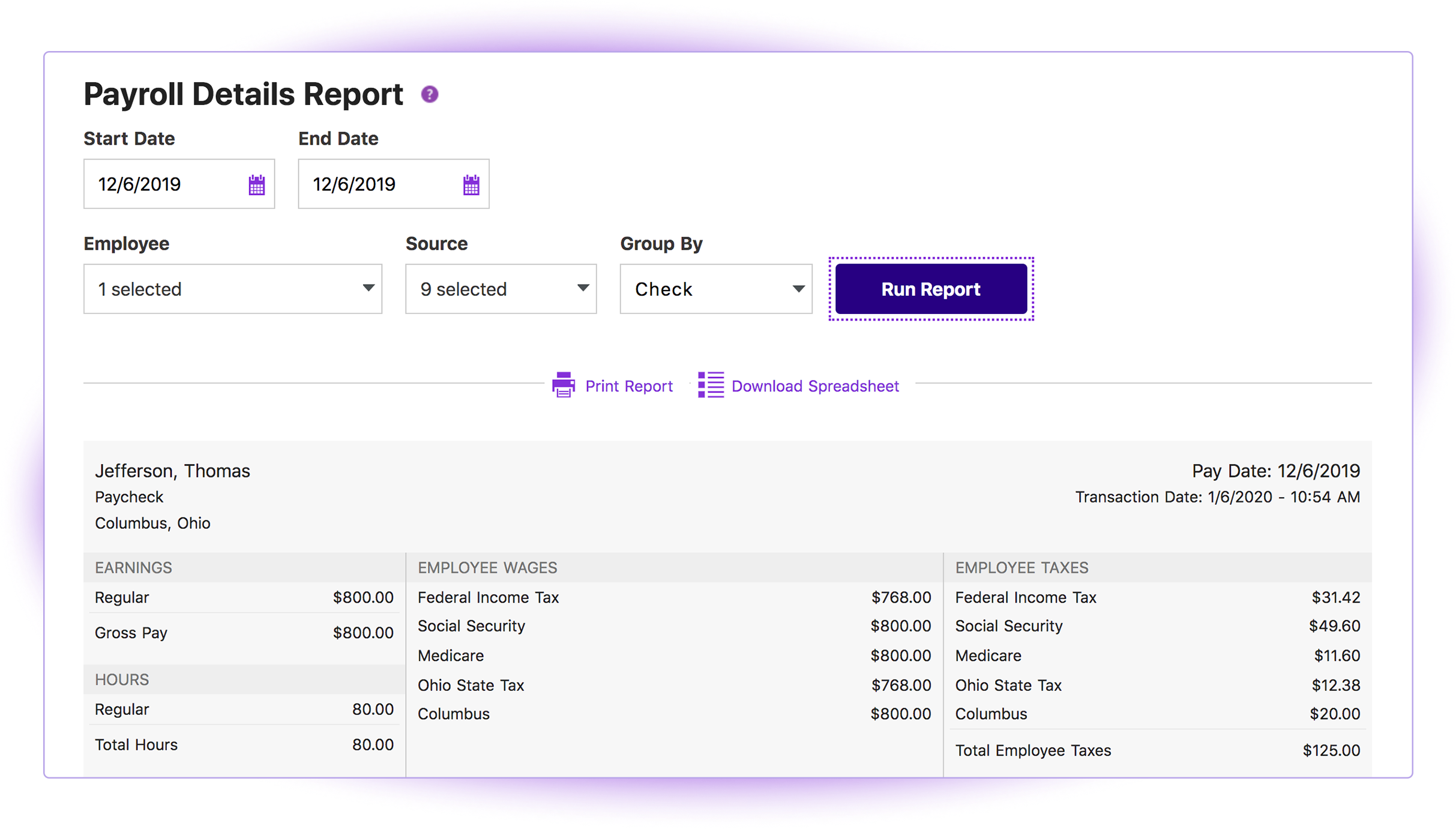 |


