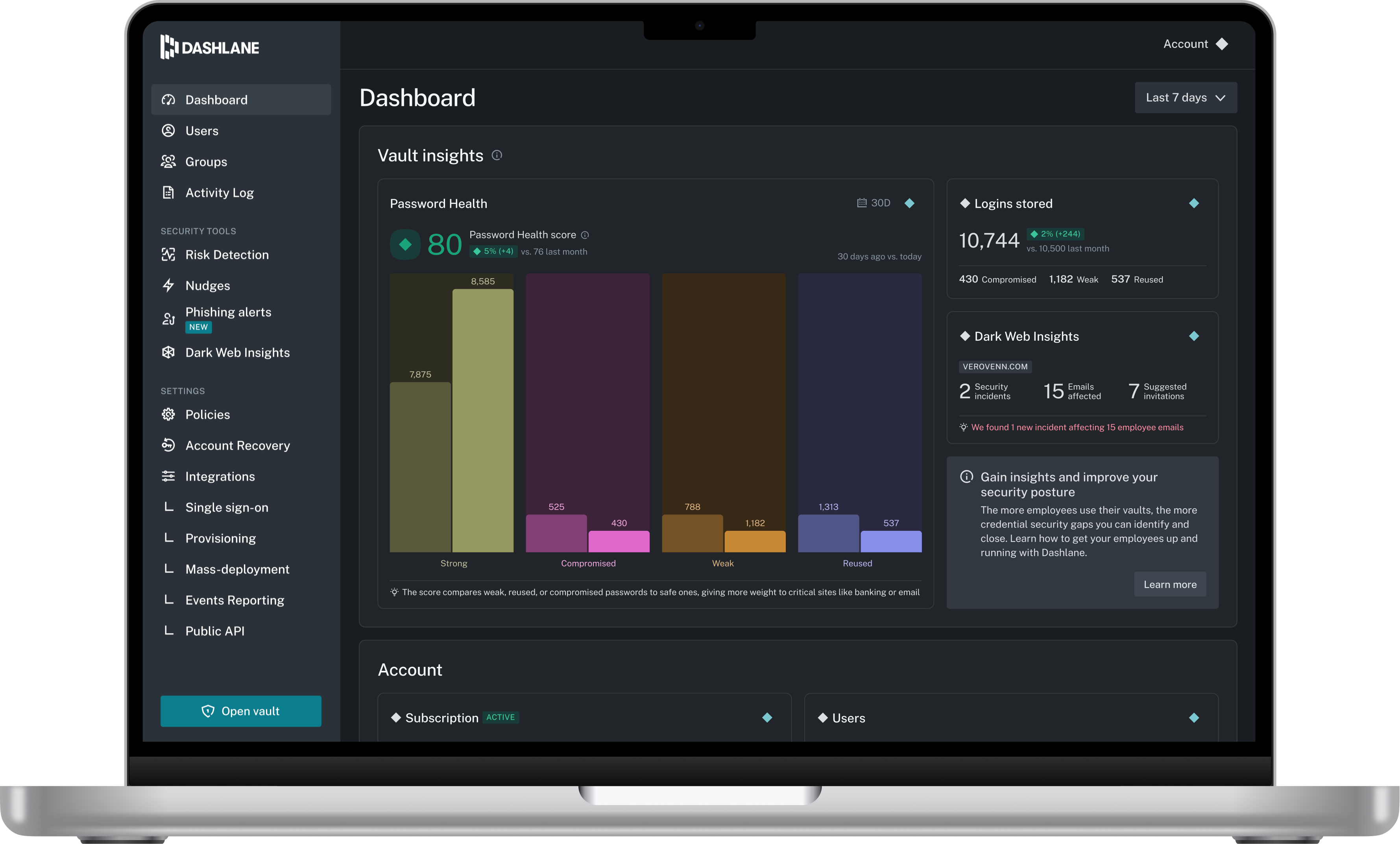
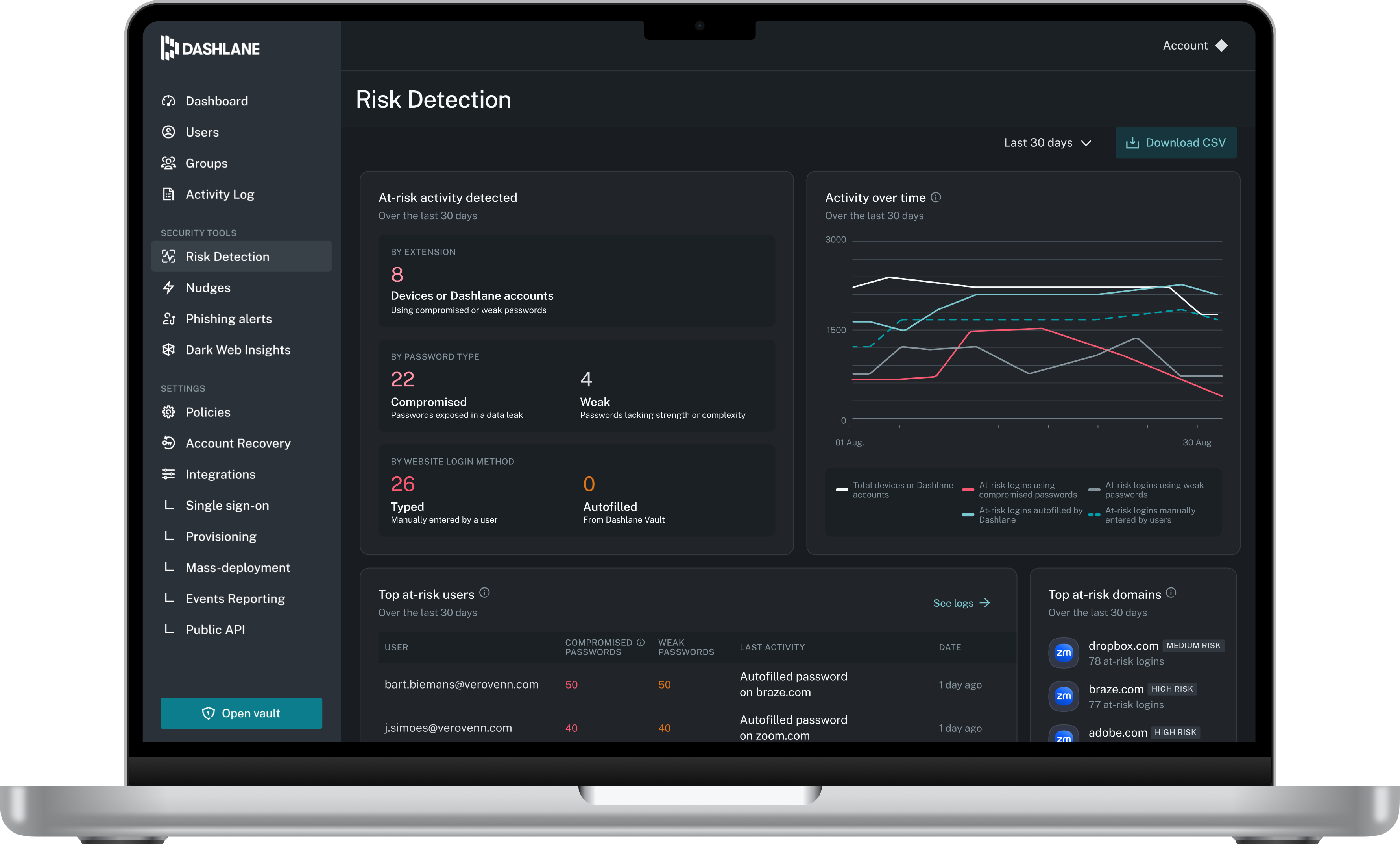
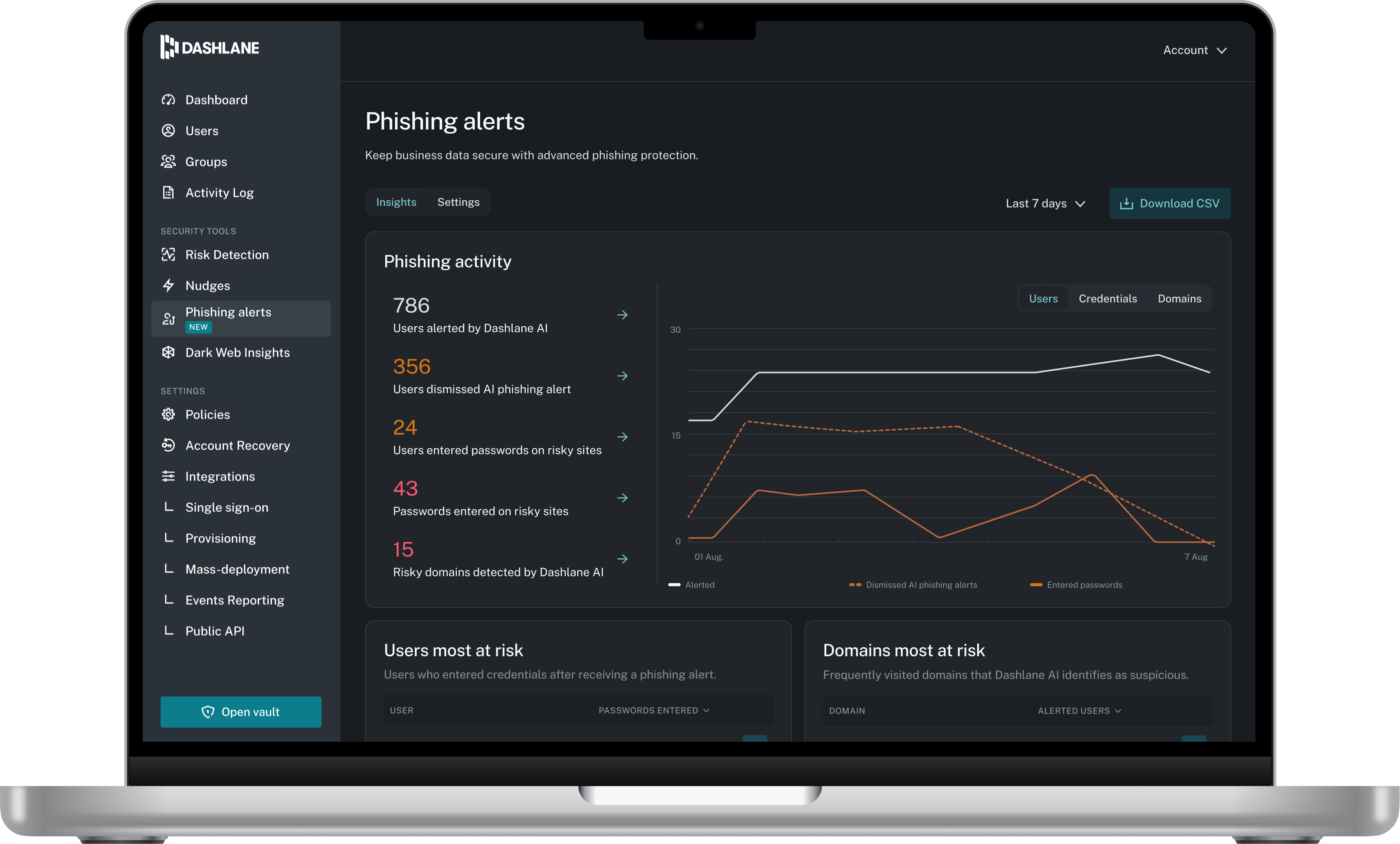
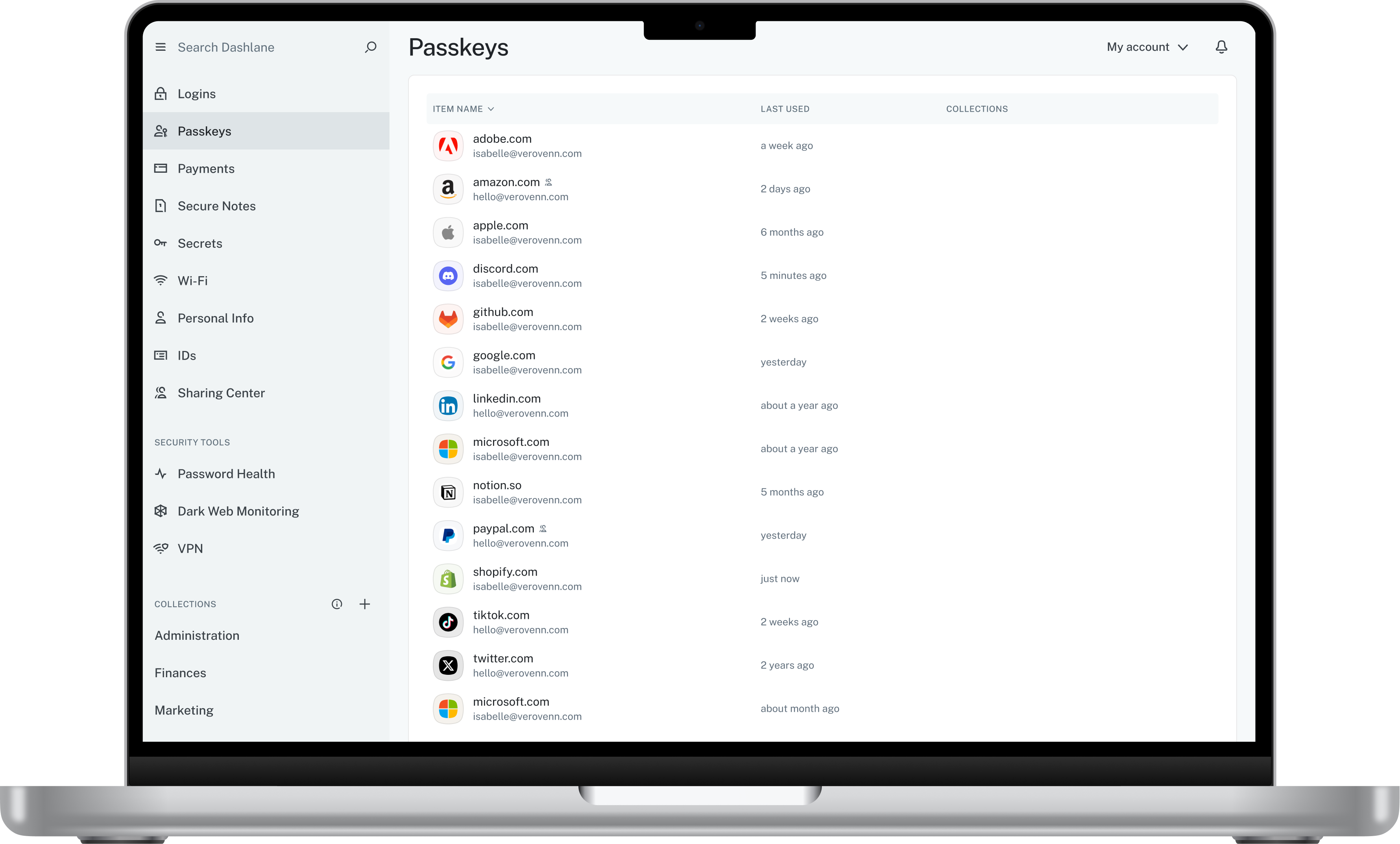
Dashlane is a credential manager that secures every credential, every user, and every employee device to proactively protect against breaches. Brands worldwide can use Dashlane to stay ahead of evolving threats.
$240
per year 10 employees
Devolutions Server
Score8.9 out of 10
N/A
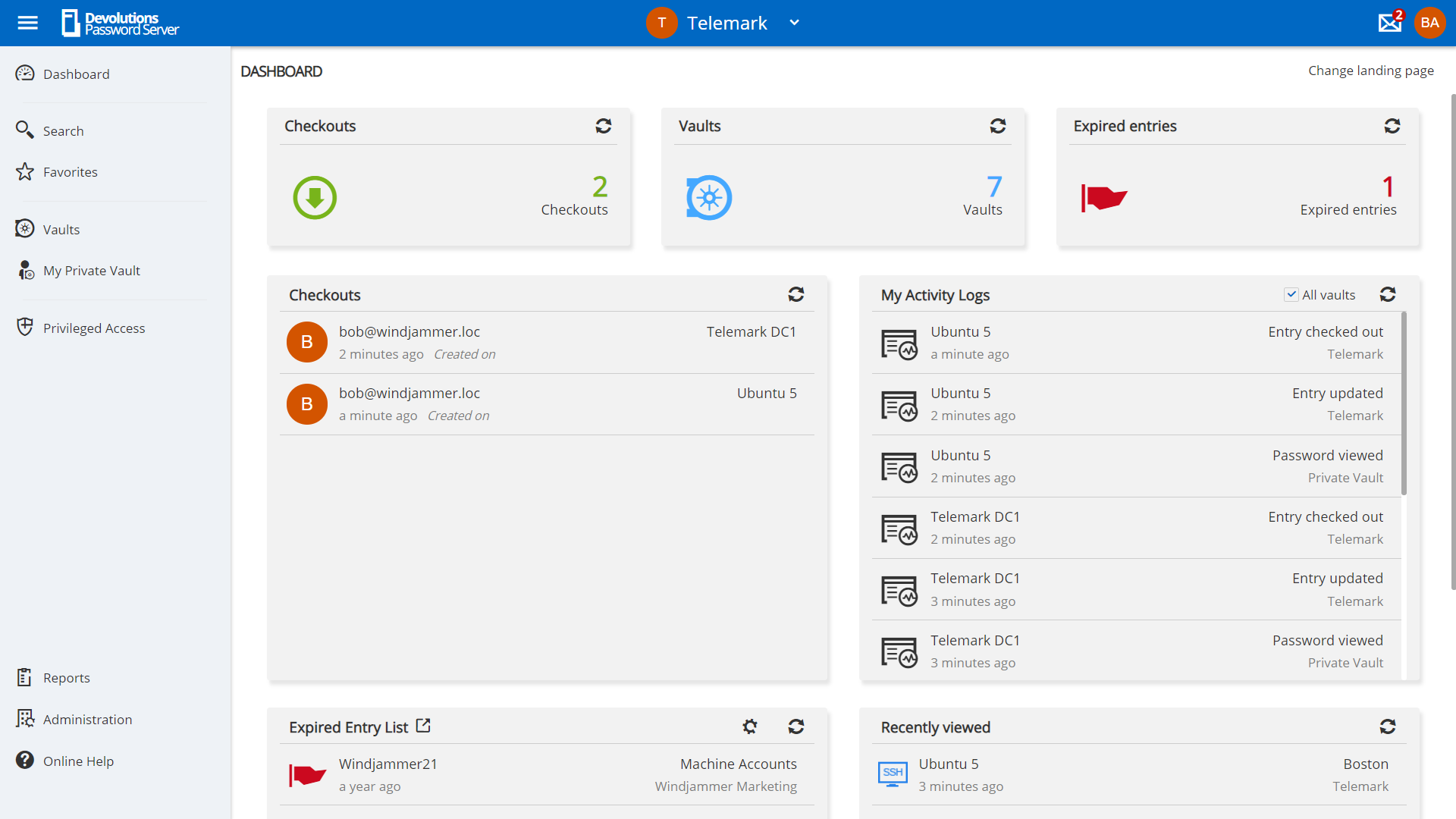
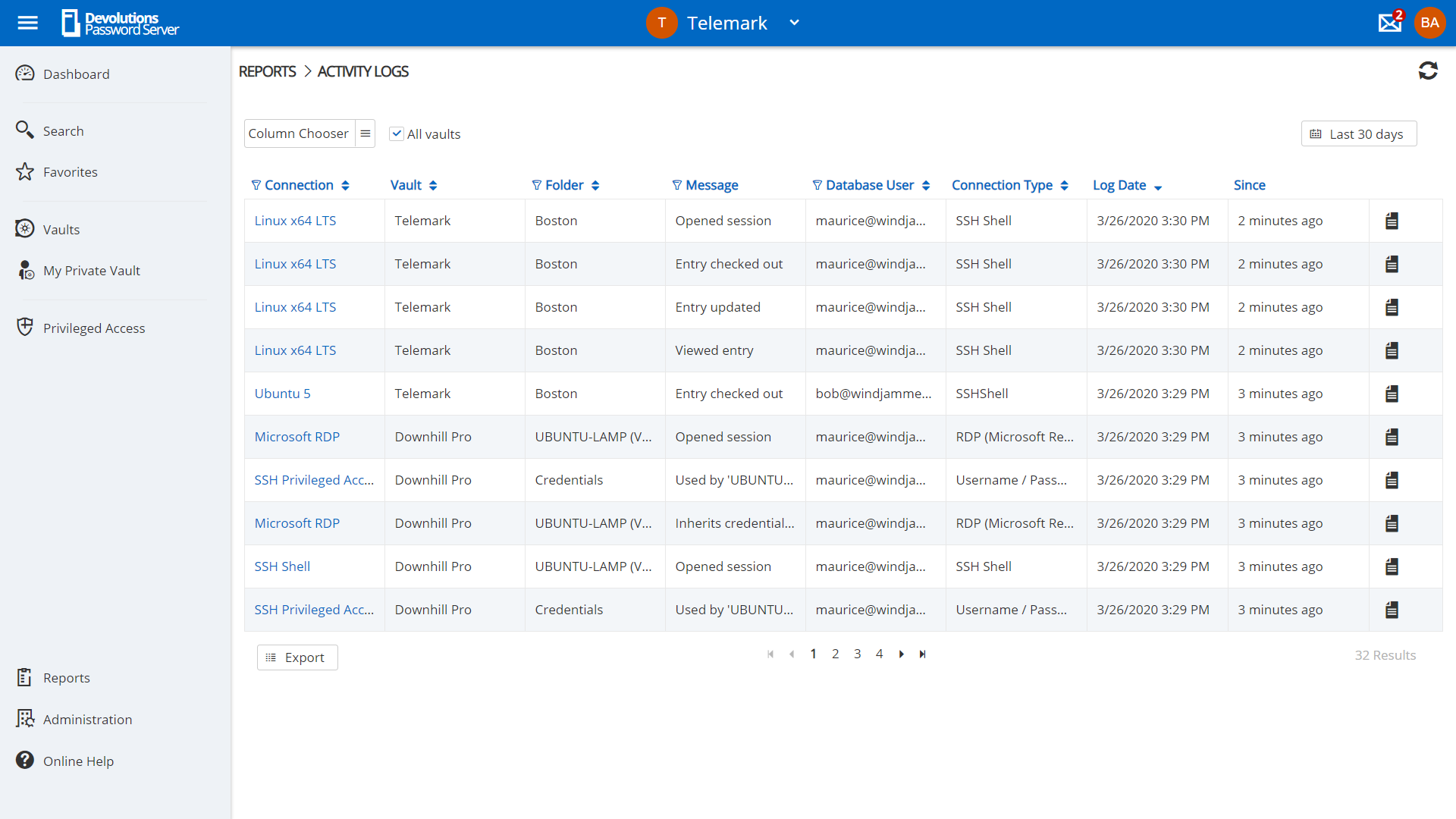
Devolutions Server (DVLS) is a self-hosted, centralized platform designed to manage shared accounts, credentials, and privileged access for businesses of all sizes. DVLS offers high-level security with advanced encryption, role-based access controls (RBAC), session auditing, and privileged session management. Its key differentiators include integration with Remote Desktop Manager and Devolutions Hub, as well as support for custom security policies and extensive compliance reporting. By enforcing…
$499.99
per year
Pricing
Dashlane Password Manager
Devolutions Server
Editions & Modules
Business
$8
per month (billed annually) per seat
Omnix™
Contact Sales
per year for organizations of 100+
Team Edition
$499.99
per year Up to 15 Named Users, 1 Instance, 1 Domain
Enterprise Edition
1,999.99
per year Up to 50 Named Users, 1-3 Instances, 1 Domain
Platinum Edition
Contact Sales
per year No User Limitations, 4+ Instances, 2+ Domains
Offerings
Pricing Offerings
Dashlane Password Manager
Devolutions Server
Free Trial
Yes
Yes
Free/Freemium Version
Yes
Yes
Premium Consulting/Integration Services
No
No
Entry-level Setup Fee
No setup fee
No setup fee
Additional Details
—
Devolutions Server is offered on a subscription-based model, ensuring that users receive ongoing updates and support. Pricing is based on the number of users and the specific features required, with optional add-ons for enhanced security, privileged access management, and integration capabilities.
Project engineer in Information Technology at Goodtech (Industrial Automation, 201-500 employees)
Chose Devolutions Server
I didn't have much of a say in what we used, but it seems to med that Devolutions beats everyone in uptime, response time to incidents or personal questions and their teams knowledge. We've had multiple meetings and tasks for them to fix, and they have given us better answers …
A de minimis incentive was given to thank the reviewer for their time. The incentive was not used to bias or drive a particular response, nor was the incentive contingent on a positive endorsement. More Info
I think Dashlane is a great service for anyone who uses the internet. We need to create accounts on almost every website, and Dashlane helps generate secure passwords and store them safely, but easily accessible through its seamless browser extension. Any business or personal lifestyle can benefit from Dashlane when you go online
A de minimis incentive was given to thank the reviewer for their time. The incentive was not used to bias or drive a particular response, nor was the incentive contingent on a positive endorsement. More Info
I feel that Devolutions VLS is a great product which makes storing of secrets a hassle free job, as you can access your data in so many ways. Whether you are a small team who wants easy access to devices or for storing passwords to your internet sites to large teams with many types of devices to manage, and many types of information to keep safe.
A de minimis incentive was given to thank the reviewer for their time. The incentive was not used to bias or drive a particular response, nor was the incentive contingent on a positive endorsement. More Info
The mobile app works fine for quick access, but autofill across different apps can be inconsistent. Sometimes it doesn’t recognize the login field, which slows people down when they’re on the go.
Occasionally the browser extension logs users out or doesn’t sync immediately with the desktop app, which causes frustration if someone just updated a password.
A de minimis incentive was given to thank the reviewer for their time. The incentive was not used to bias or drive a particular response, nor was the incentive contingent on a positive endorsement. More Info
Easier ways to adjust inherit or at least access directly into a file/folder. If I want to give a user access to a specific folder inside a project, I have to manually remove his access to other folders in that project.
A de minimis incentive was given to thank the reviewer for their time. The incentive was not used to bias or drive a particular response, nor was the incentive contingent on a positive endorsement. More Info
Dashlane is usable, but there are 2 key issues that annoy me. 1. The mobile app and the browser extension are not synced and i cannot find passwords in the app that are clearly in the extension. 2. The system doe snot make it easy to assign a password to a specific subdomain. I get hundreds of passwords that i have to go through any time i go to any subdomain on my main site because of the nature of my business. I need the option back to assign a password to only work with a specific subdomain (and all related paged on that subdomain) note: The search features have been annoying in the past. I just went to test them to verify my issues and found that notes inside of a password are finally searchable. This helps
A de minimis incentive was given to thank the reviewer for their time. The incentive was not used to bias or drive a particular response, nor was the incentive contingent on a positive endorsement. More Info
We've had no issues with Dashlane. I can't speak to their customer service because I have not personally needed to contact them. I guess that speaks about their product if we've not had any issues to reach out about. Great for supporting data/information on multiple platforms that are shared among team members.
A de minimis incentive was given to thank the reviewer for their time. The incentive was not used to bias or drive a particular response, nor was the incentive contingent on a positive endorsement. More Info
Dashlane’s customer support is often rated higher, providing more responsive and helpful assistance. LastPass has a slightly steeper learning curve than Dashlane, but it offers more flexibility with user permissions, which can benefit teams. Dashlane includes unlimited passkey support and a clean breach history, while LastPass is more accommodating for smaller teams.
A de minimis incentive was given to thank the reviewer for their time. The incentive was not used to bias or drive a particular response, nor was the incentive contingent on a positive endorsement. More Info
LastPass has a browser extension that I use daily. Granted I am a free user of the application not a paid user so there is probably a difference. LastPass does have the autofill option which is a great option when accessing multiple sites instead of having to open the password vault itself.
A de minimis incentive was given to thank the reviewer for their time. The incentive was not used to bias or drive a particular response, nor was the incentive contingent on a positive endorsement. More Info
A de minimis incentive was given to thank the reviewer for their time. The incentive was not used to bias or drive a particular response, nor was the incentive contingent on a positive endorsement. More Info