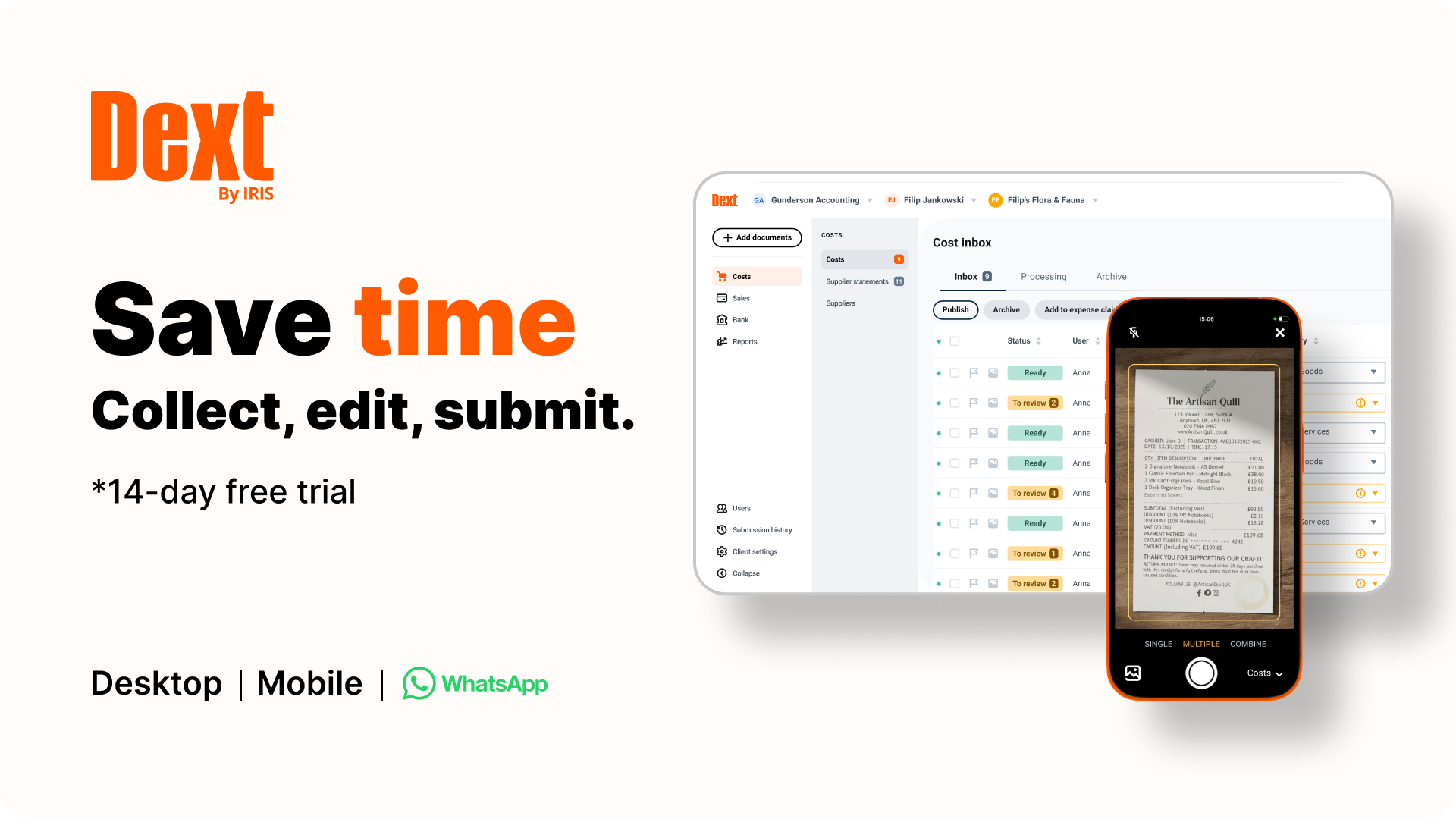
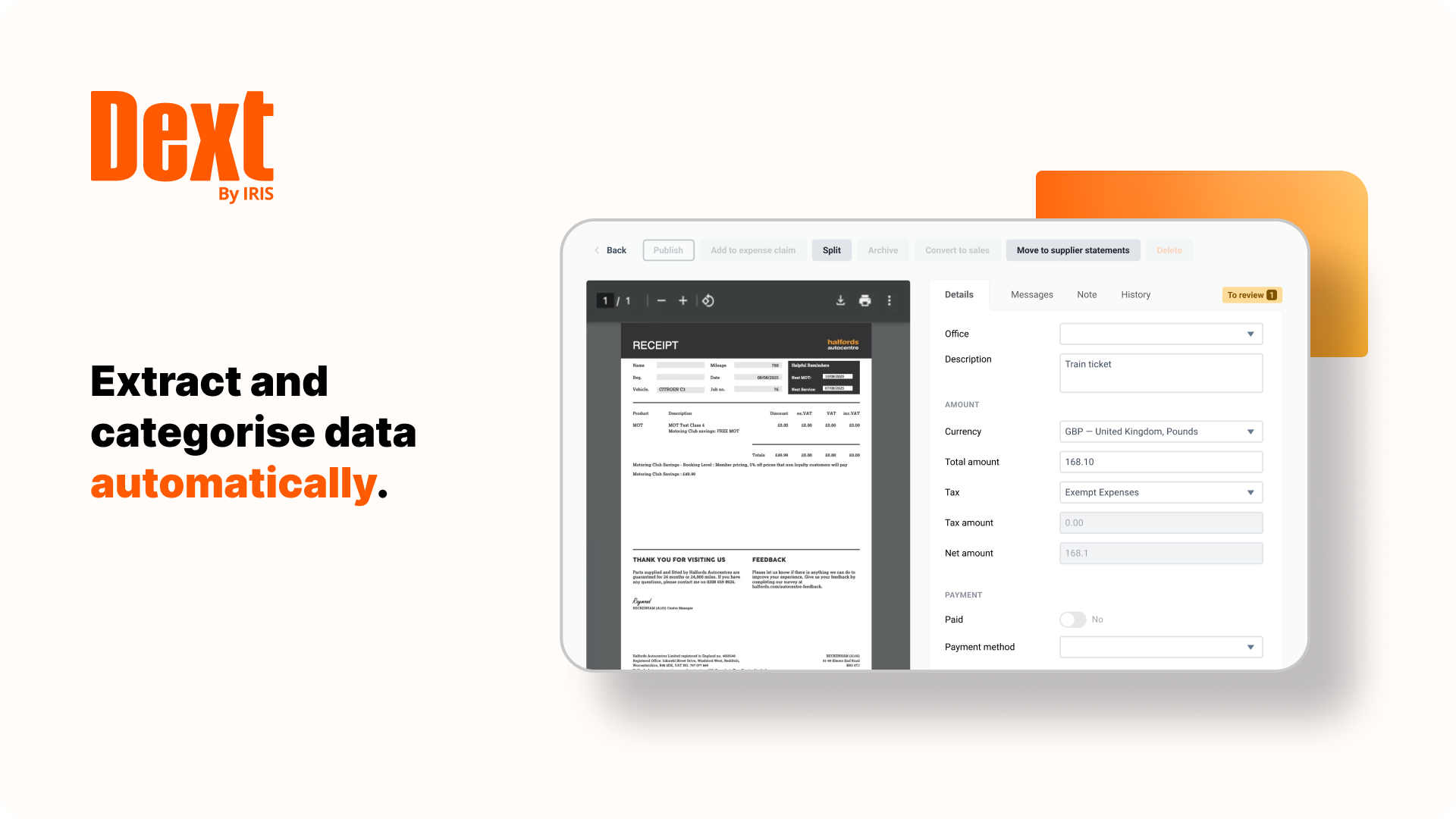
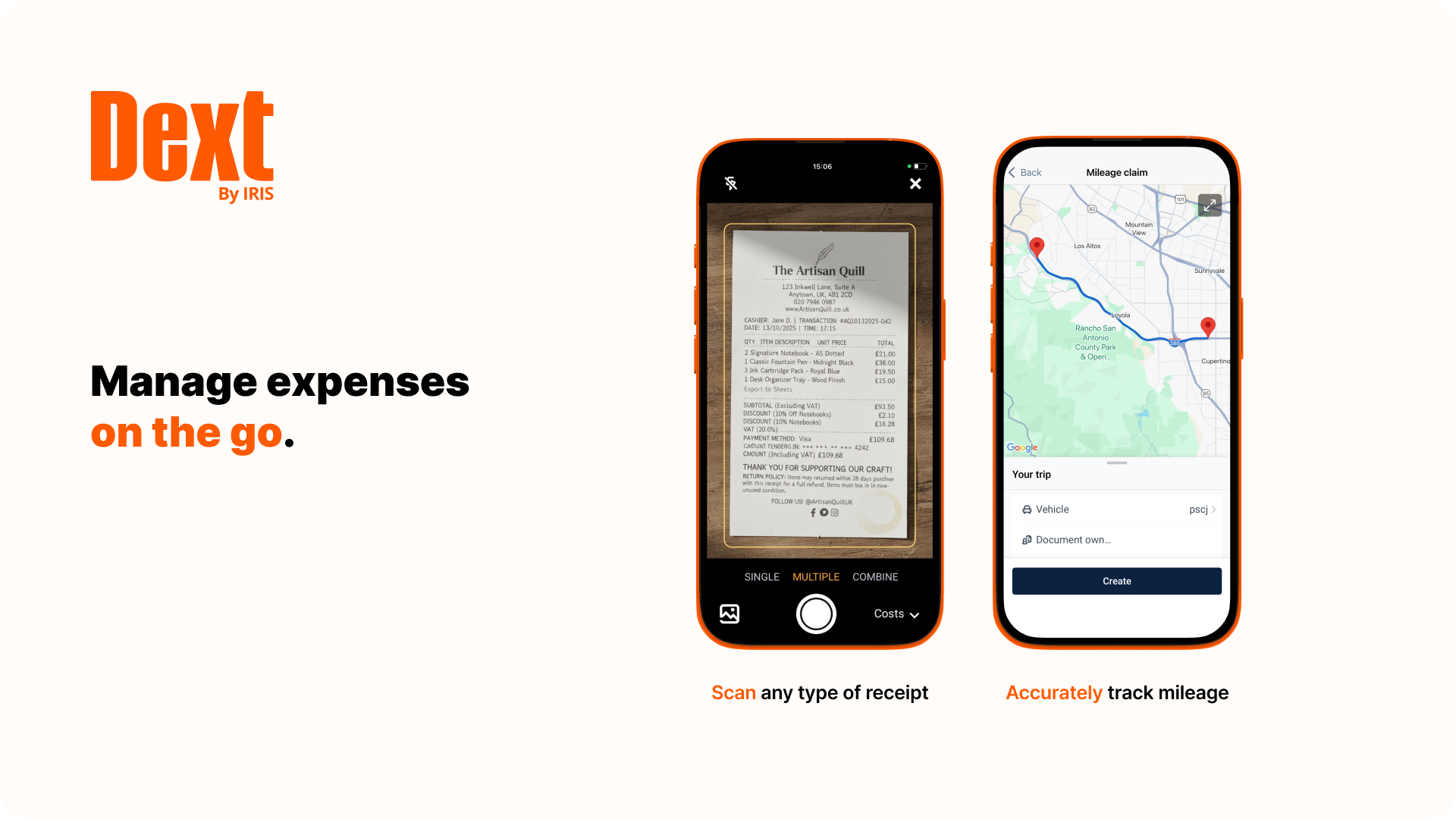
Dext is a bookkeeping automation platform now from IRIS (acquired December 2024) that eliminates much of the manual work associated to accounting processes.
$32
per month for 5 users (minimum) and 250 documents per month
Zoho Books
Score8.8 out of 10
N/A
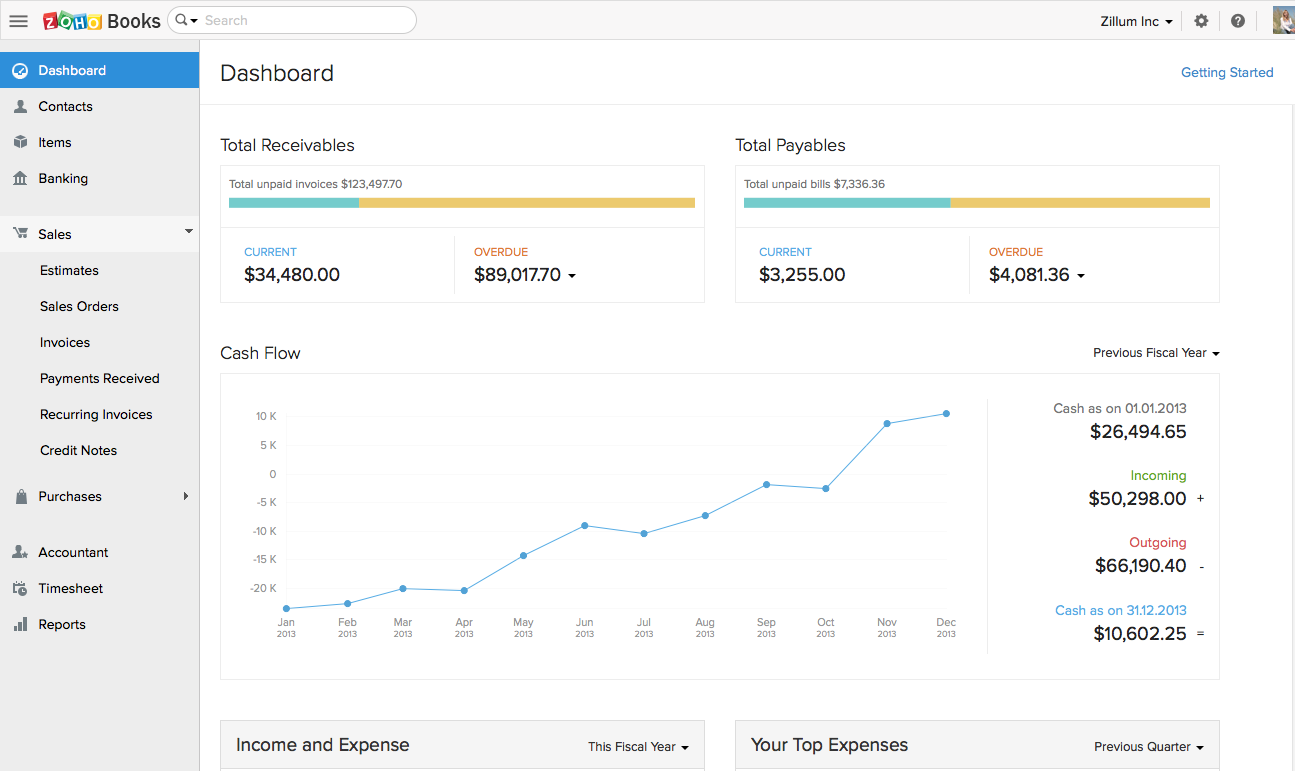
Zoho Books is an accounting solution that is designed to help small businesses manage their finances. This solution includes dashboards and a wide variety of reports. Business users can automate tasks and set up custom workflows.
Zoho offers a 14 day free trial.
$20
per month
Pricing
Dext
Zoho Books
Editions & Modules
Dext Essential (Pricing for practices)
$23.92
per month per client (10 minimum, for accounting & bookkeeping firms)
Dext Advanced (Pricing for practices)
$25.64
per month per client (10 minimum, for accounting & bookkeeping firms)
Dext for Businesses
starting at $31.50
per month for 5 users
Free
$0
For businesses with turnover <50K USD per annum
Standard
$20
per month per org
Professional
$50
per month per org
Premium
$70
per month per org
Offerings
Pricing Offerings
Dext
Zoho Books
Free Trial
Yes
Yes
Free/Freemium Version
No
Yes
Premium Consulting/Integration Services
No
No
Entry-level Setup Fee
No setup fee
No setup fee
Additional Details
Discount available for annual pricing.
Zoho Books is available for both monthly and yearly plans. Users who sign up for the annual plan get a discount.
It is great for accounting firms. Easy to add and administer client accounts. Easy to integrate with QuickBooks Online. Easy for clients to capture and submit receipts on the go. It is hard to use for manual data entry, and if your clients frequently have very long receipts the Dext Mobile app does not work well as it compresses the image to the point where it is completely illegible. It does not seem to be designed for business owners to use directly rather than using it through their accounting firm.
A de minimis incentive was given to thank the reviewer for their time. The incentive was not used to bias or drive a particular response, nor was the incentive contingent on a positive endorsement. More Info
If using other cloud applications and you wish to create Zoho Books transactions via APIs, Zoho Books is great. The overall UI and flow of the application are great. If you need a detailed job cost accounting solution and robust reporting there is some room for improvement here.
A de minimis incentive was given to thank the reviewer for their time. The incentive was not used to bias or drive a particular response, nor was the incentive contingent on a positive endorsement. More Info
Receipt Bank does a stellar job of extracting information from photos of receipts and bills. I'd say 95% of the time the information pulled is correct, so very rarely do I have to correct an amount or date.
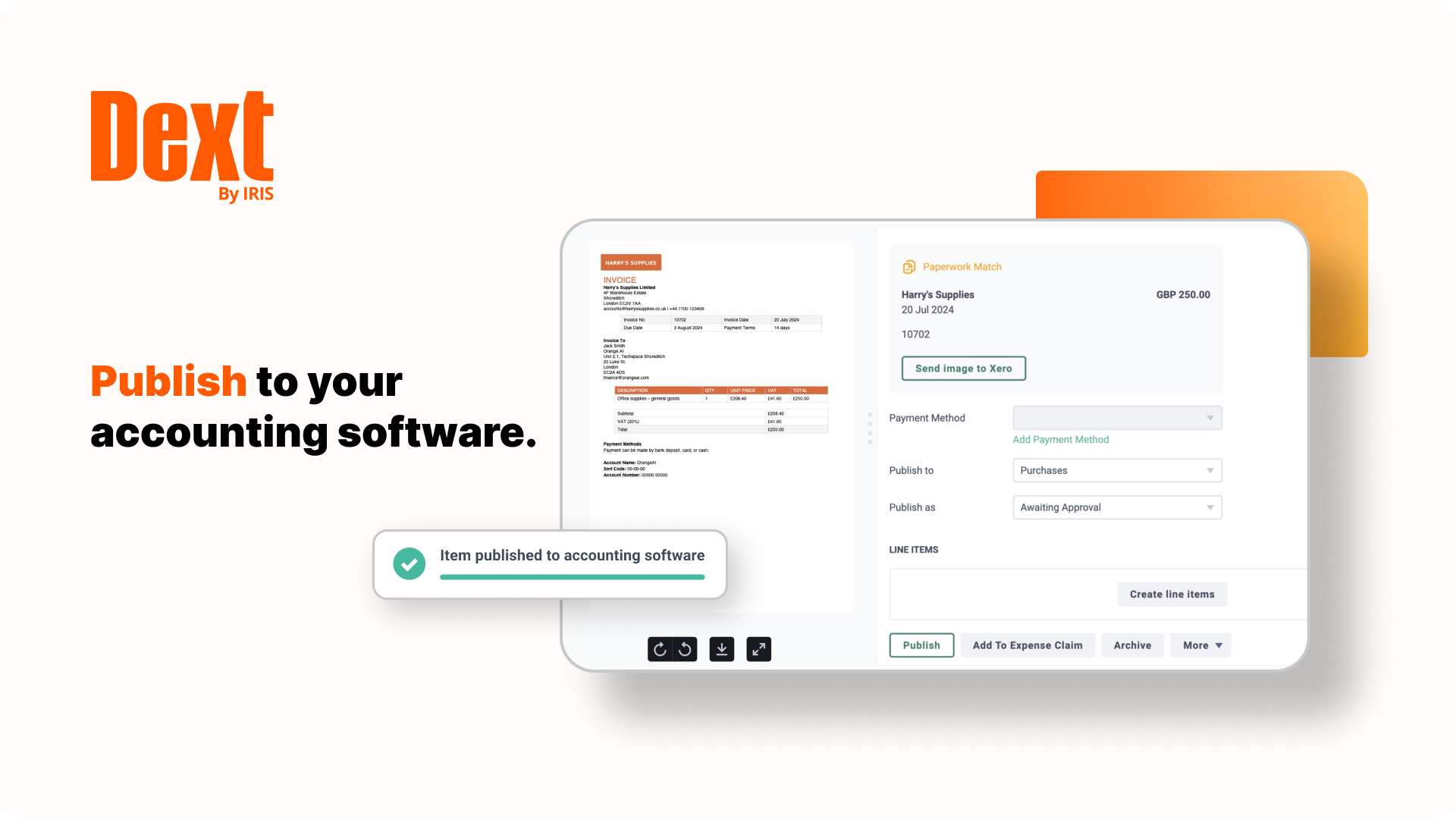
One feature I really enjoy is not only the syncing with Quickbooks Online, but the fact that it also pushes the image to Quickbooks Online as an attachment! This means that for every expense/bill processed through Receipt Bank, an image of it is available inside of the transaction inside of Quickbooks Online. This makes researching a breeze.
Receipt Bank makes it very simple for users to add documents to the platform. Each company receives a dedicated Receipt Bank email address, which they can email to and upload documents, or users can use the phone apps (which are really easy to use), or they can upload documents from their computer. Training our clients to use it really can't be any easier!
A de minimis incentive was given to thank the reviewer for their time. The incentive was not used to bias or drive a particular response, nor was the incentive contingent on a positive endorsement. More Info
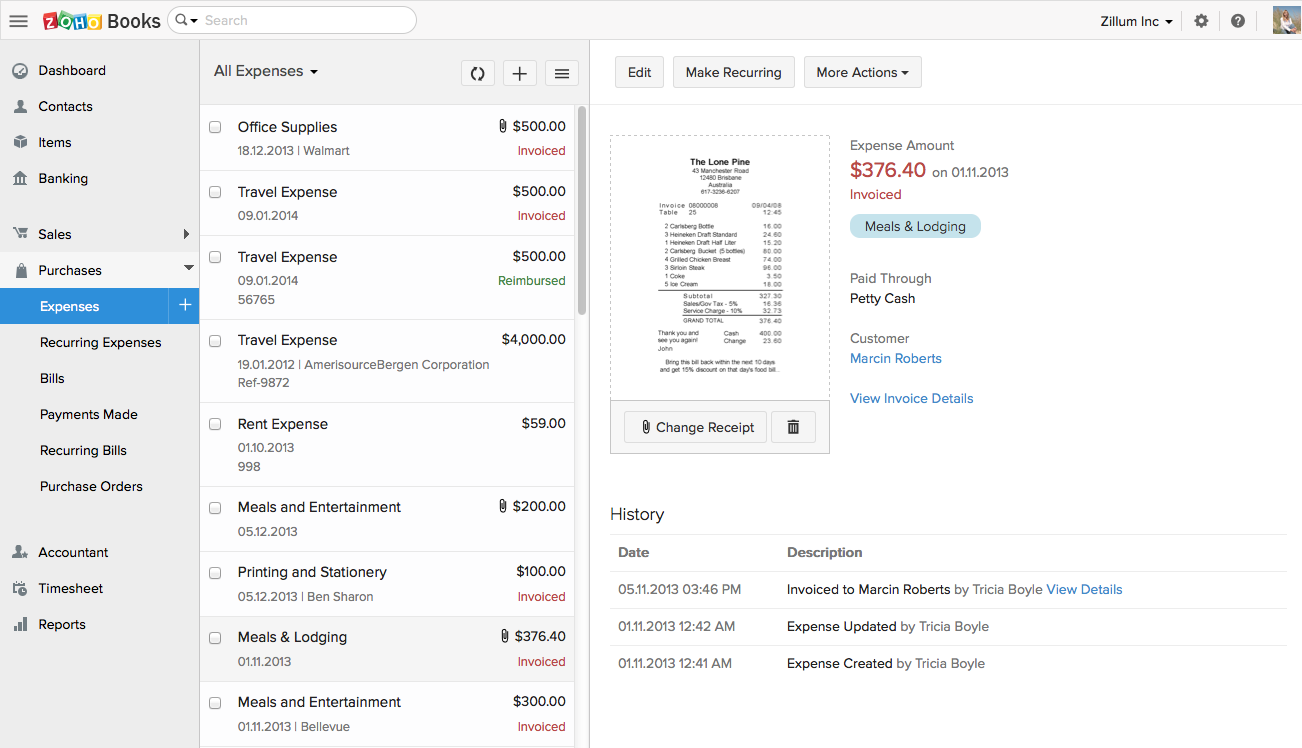
Zoho Books invoicing and receipting features are second to none. We find it easy to quickly invoice clients and add items to their bills and also for our own receipting internally.
The accounting features are great for our accounting team to be able to see where we are financially and how the business is doing.
The ability to add contacts and run a mini CRM channel with clients within Zoho is invaluable. Since we use this in conjunction with our other CRM channels, it helps to have a centralized place to follow up and see through a sales funnel.
Zoho Books allows us to take payments from clients around the globe a feature we didn't have when we used another accounting system.
The pricing for Zoho Books is fairly reasonable for an SME organization which is a great for us as it pays itself back many times over every month.
A de minimis incentive was given to thank the reviewer for their time. The incentive was not used to bias or drive a particular response, nor was the incentive contingent on a positive endorsement. More Info
Receipt Bank Practice Platform has many great features. As they develop the platform I would like to see a rigorous review of all features so as not to add too many and overwhelm my team.
Having the flexibility to pick and choose from a suite of features and implement the ones that best suit my practice. A tailor made Receipt Bank Practice Platform. this would allow my practice to grow into the features rather than be overwhelmed by too many.
A de minimis incentive was given to thank the reviewer for their time. The incentive was not used to bias or drive a particular response, nor was the incentive contingent on a positive endorsement. More Info
Zoho Books is only available in Texas and California. There is no integration allowed for paying employee expenses. The absolute worst aspect is the fact that if you make even the slightest error in data input there is no backing up. You cannot undo an error.
The system does not allow change once implemented, so you must get every one of your beginning balances perfect. The practice of Journal Entries is cumbersome. When reconciling, Zoho Books has adopted a number of required steps that significantly overcomplicate reconciliation using practices that are not consistent with general accounting principles in the US.
On the customer side, you must look in two places to see the beginning balance and the current receivables that might exist for current invoicing.
The way the system works, you must avoid having much trust with the balances depicted. So far, it appears that Zoho Books uses what we called in school "that new math."
It would be terrifying to rely on this bookkeeping system to support an IRS Audit. The system violates too many fundamental accounting principles.
The software is used by so few people that there is concern that we might never find a skilled bookkeeper.
Dext is the best way for us to manage our business expenses. Physical and PDF receipts/invoices will be around for a while, but the move to eInvoicing is very good and we look forward to Dext adding this feature
A de minimis incentive was given to thank the reviewer for their time. The incentive was not used to bias or drive a particular response, nor was the incentive contingent on a positive endorsement. More Info
Dext Prepare's usability is great, it has lots of functions and you can scan any type of document, including hard copy handwritten documents. It is not very accurate but it is handwritten!! Apart from it, you can use multiple functions like one page at a time, multiple, in bulk. You can send emails with multiple attachments and one of the greatest function is the mobile application capabilities.
A de minimis incentive was given to thank the reviewer for their time. The incentive was not used to bias or drive a particular response, nor was the incentive contingent on a positive endorsement. More Info
Customization is the biggest struggle for us and most of the time we need to involve a tech person. The chat support is a great feature and very helpful. It would be great to be able to customize and create invoices and correspondence (templates) such are reminders in multiple languages within one organization. The currency (USD) would be the same. We have clients in different countries that don't speak English but pay in USD.
A de minimis incentive was given to thank the reviewer for their time. The incentive was not used to bias or drive a particular response, nor was the incentive contingent on a positive endorsement. More Info
When I think I have broken the platform the help guys and girls are simply fantastic. They take time to understand the problem and usually resolve the issue on the spot. I have not had to wait more than an hour to get anything resolved - be that an issue I have created or a fault in my understanding of the program. Can't rate their support I have received to date highly enough.
A de minimis incentive was given to thank the reviewer for their time. The incentive was not used to bias or drive a particular response, nor was the incentive contingent on a positive endorsement. More Info
The support team feels very disjointed. We have filtered through a number of "lead" contacts and are frequently spammed by other Zoho members. Once getting an appropriate support contact on the phone - the team is very helpful, it just takes a lot of hoop jumping to get there. We actually unsubscribed from their support package as we were not getting the value we were looking for.
A de minimis incentive was given to thank the reviewer for their time. The incentive was not used to bias or drive a particular response, nor was the incentive contingent on a positive endorsement. More Info
Dext is much easier to use than Hubdoc. You can approve documents in batches whereas in Hubdoc you need to review each document separately. Once Dext is set up properly, there is little need to review every document.
Hubdoc does have the ability to save documents to an external site, like Google docs as a backup.
We had a lot of problems with Exact Online, support-wise and price-wise. So Zoho Books wins on every point there. While Exact offers way more options, it tends to be really slow... and complex. Again Zoho Books wins. If you want an easy-to-use tool and not pay a lot of money, or if you are a small administration office with a few clients, this tool will be perfect for you.
A de minimis incentive was given to thank the reviewer for their time. The incentive was not used to bias or drive a particular response, nor was the incentive contingent on a positive endorsement. More Info
I am a single operator Bookkeeping business and run a very profitable business because DEXT provides me a very efficient process to capture critical data without the need for additional manpower.
The information DEXT captures, stores and reports helps me plan an present relevant information to the client to support pricing increases at client reviews
The information DEXT contains helps me present business insights to the client thereby assisting in their business aspirations which helps deepen client relationships
A de minimis incentive was given to thank the reviewer for their time. The incentive was not used to bias or drive a particular response, nor was the incentive contingent on a positive endorsement. More Info
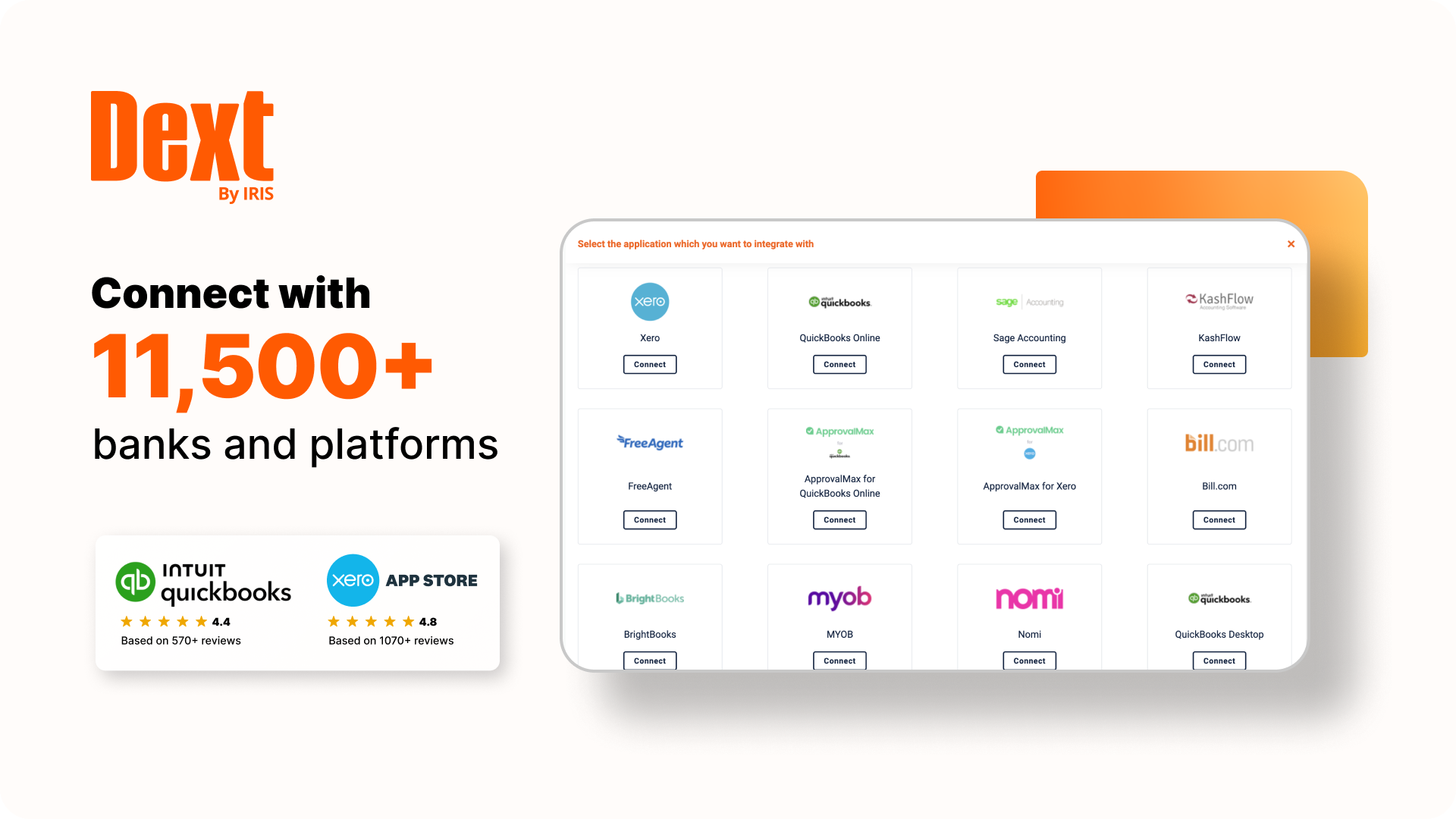
Integration: Zoho Books offers out of the box integrations to extend the functionality and connect with the applications you love like MailChimp, Microsoft Outlook, PandaDoc, and Quickbooks, etc.
Flexibility makes Zoho Books great!
Since I can use forecast reports, I can create customizable sales forecast data from the dashboard to accurately measure revenue forecasts and establish sales quotas.
A de minimis incentive was given to thank the reviewer for their time. The incentive was not used to bias or drive a particular response, nor was the incentive contingent on a positive endorsement. More Info