Overview
ProductRatingMost Used ByProduct SummaryStarting Price
Docmosis
Score 10.0 out of 10
Small Businesses (1-50 employees)
Docmosis is a self-hosted or SaaS template-based document generation solution that integrates with custom-built software applications or popular third-party apps using the API. Templates can be created using using MS Word or LibreOffice, and plain-text placeholders control: the insertion of text/images/tables; conditionally add/remove any content; perform calculations; loop over repeating data; and format data/numbers. Used by customers in Finance, Health,…
$50
Monthly
DocuSign
Score 8.7 out of 10
N/A
DocuSign supports transactions with document sharing and electronic signature, as well as automated and guided data collection and entry, record updating across disparate systems and payment collection upon agreement, as well as analytics and reporting.
$15
per month
S-Docs
Score 8.7 out of 10
Small Businesses (1-50 employees)
S-Docs headquartered in New York offers what they present as a secure document generator and E-signature solution built on the Salesforce Platform. It aims to help users to create and e-sign sophisticated documents that improve efficiency, reduce errors and eliminate tedious work.
$65
per month per user
Pricing
DocmosisDocuSignS-Docs
Editions & Modules
Cloud
$50.00
Monthly
Tornado
$2895.00
Docmosis-Java
$2895.00
Personal
$15
per month
Real Starter
$15
per month
DocuSign for Realtors
$35
per month
Standard
$40
per month
Business Pro
$60
per month
Advanced Solutions
Custom Pricing
S-Docs for Salesforce
$25
per month (billed annually) per user
S-Docs for Salesforce with e-Signature
$40
per month (billed annually) per user
S-Docs & S-Sign Bundle
$40
per month per user (Minimum contract of $8,400)
S-Docs for HubSpot Team Edition
$65
per month per installation
S-Docs for HubSpot Professional Edition
$275
per month per installation
Offerings
Pricing Offerings
DocmosisDocuSignS-Docs
Free Trial
YesYesYes
Free/Freemium Version
NoNoYes
Premium Consulting/Integration Services
NoNoNo
Entry-level Setup FeeNo setup feeNo setup feeOptional
Additional DetailsS-Docs for Salesforce is priced by seat. Organizations that are interested in the enterprise edition - including per-document pricing and Experience Cloud plans, can reach out to sales. S-Docs for HubSpot is priced by usage. S-Docs for HubSpot Team Edition comes with 500 documents and 250 e-Signature requests per year. S-Docs for HubSpot Professional Edition comes with 2,500 documents and 800 e-Signature requests per year. Nonprofit discounts are available.
More Pricing Information
Community Pulse
DocmosisDocuSignS-Docs
Considered Multiple Products
Docmosis

No answer on this topic

DocuSign

No answer on this topic

S-Docs
Chose S-Docs
just as easy to use as dousign. Since I do not make the purchasing decisions, I am not sure how these prices compare to each other.
Best Alternatives
DocmosisDocuSignS-Docs
Small Businesses
airSlate WorkFlow
airSlate WorkFlow
Score 9.9 out of 10
Foxit eSign
Foxit eSign
Score 9.3 out of 10
airSlate WorkFlow
airSlate WorkFlow
Score 9.9 out of 10
Medium-sized Companies
Foxit PDF Editor
Foxit PDF Editor
Score 8.6 out of 10
MSB Docs
MSB Docs
Score 9.4 out of 10
Foxit PDF Editor
Foxit PDF Editor
Score 8.6 out of 10
Enterprises
Conga Composer
Conga Composer
Score 8.3 out of 10
Conga Sign
Conga Sign
Score 8.5 out of 10
Conga Composer
Conga Composer
Score 8.3 out of 10
All AlternativesView all alternativesView all alternativesView all alternatives
User Ratings
DocmosisDocuSignS-Docs
Likelihood to Recommend
10.0
(1 ratings)
8.5
(161 ratings)
9.0
(1 ratings)
Likelihood to Renew
-
(0 ratings)
7.0
(12 ratings)
-
(0 ratings)
Usability
-
(0 ratings)
8.1
(19 ratings)
-
(0 ratings)
Availability
-
(0 ratings)
10.0
(3 ratings)
-
(0 ratings)
Performance
-
(0 ratings)
10.0
(2 ratings)
-
(0 ratings)
Support Rating
10.0
(1 ratings)
10.0
(46 ratings)
-
(0 ratings)
Online Training
-
(0 ratings)
10.0
(1 ratings)
-
(0 ratings)
Implementation Rating
-
(0 ratings)
10.0
(5 ratings)
-
(0 ratings)
Product Scalability
-
(0 ratings)
10.0
(1 ratings)
-
(0 ratings)
User Testimonials
DocmosisDocuSignS-Docs
Likelihood to Recommend
Docmosis
With customer support and flexibility in handling specific, unique scenarios, they are able to provide solutions quickly. There are no scenarios currently which we are aware that it may be less appropriate. If you have very large documents you should review architecture choices on how best to optimize your performance using Docmosis.
Read full review
DocuSign
This product is well suited in the use case that I provided before: when it comes to onboarding employees and providing a clear channel for decision making for human resources, this is an excellent tool to accomplish that. I would say the weak points is when you have back and forth communication with users that it might seem a little redundant to have that back and forth communication in that scenario.
Read full review
S-Docs Inc.
S-Docs would be great for anyone looking to make the process of getting signatures more seamless and less time intensive. You can get a signature in minutes no matter where the signee is located. No more having to worry about printing, scanning, and emailing over important and time-sensitive documents.
Read full review
Pros
Docmosis
  • Docmosis is excellent at support and will work with you to find a solution for your particular use cases.
  • During our evaluation process, they were very helpful to get us up and running and we were one of the first docker based implementations so they worked quickly to get our infrastructure support setup.
  • Their solution is very flexible and allows several ways to allow support dynamic document generation at a very good value.
Read full review
DocuSign
  • Ease of sending the same document out to multiple recipients, at multiple locations, for multiple signatures
  • Quick turnaround - once the recipient signs the document, we receive notification and the document back immediately
  • Can resend, alter, change, and/or add to the email and/or document that is sent out very easily
  • The recipient can save the document after signing, so they too have their own electronic copy for their records
Read full review
S-Docs Inc.
  • onboarding
  • approval of marketing spend
  • approval of travel expenses
Read full review
Cons
Docmosis
  • There isn't much in terms of what could be improved, but the only challenge we have which is in terms of future scaling and isn't a limitation, but just something we're trying to be cognizant of as it might increase our infrastructure costs. Since we have large numbers of multi-nested document templates, and large documents. Although Docmosis did help us reduce the time to generate our largest documents by a large percentage. This is likely an area of improvement that all providers would need to address.
Read full review
DocuSign
  • Tracking, particularly when collecting signatures through connected applications, such as an ATS, is not always clean or easily traceable.
  • Formatting documents to handle electronic signature types (signatures, initials, etc.) is not always easy, and highly dependent on the partner's technology.
  • It is not convenient to have to use DocuSign as a stand alone product if the signatures are required for 3rd party applications. It definitely excels on its own, but the scope of that usage, at least for us, is slim.
Read full review
S-Docs Inc.
No answers on this topic
Likelihood to Renew
Docmosis
No answers on this topic
DocuSign
I can't imagine doing business without DocuSign now. I would never want to go back to the way we used to do things. The "new way" is "the way" is "the right way." We can honestly be proud of a "one right way" process and not have to suffer through "5 ways for 5 days."
Read full review
S-Docs Inc.
No answers on this topic
Usability
Docmosis
No answers on this topic
DocuSign
Generally user-friendly once you have command of the basics, but also has a lot of nuances that can make it difficult to train others on. DocuSign University is a helpful tool, but understandably a lot of content to get through to become a well-versed user. A lot of different functionalities but only a few I use on a weekly basis.
Read full review
S-Docs Inc.
No answers on this topic
Reliability and Availability
Docmosis
No answers on this topic
DocuSign
It does not go down. I have had zero issues with DocuSign, approaching 4 years.
Read full review
S-Docs Inc.
No answers on this topic
Performance
Docmosis
No answers on this topic
DocuSign
Everything loads quickly. Reports are generated in a reasonable time. No noticeable difference in integrated software processing speeds.
Read full review
S-Docs Inc.
No answers on this topic
Support Rating
Docmosis
They always respond to support and provide resolutions quickly and even provide the ability for new features/support to be incorporated very cooperatively by help with with alternate solutions as necessary.
Read full review
DocuSign
I'd give them a 10, but there has been 1 or 2 small cases that seemed to fall to the wayside, but I was able to call them up and get them resolved. We were having a bad implementation night (after midnight) and we needed assistance from Docusign. They were able to get an engineer to help us in the early morning hours
Read full review
S-Docs Inc.
No answers on this topic
Online Training
Docmosis
No answers on this topic
DocuSign
Docusign is super easy to use, and apart from a few administration details, there was really nothing to train on. Post implementation, there were issues with configuration of auto-filled documents with the integrating 3rd party. That training required some time, because the DocuSign expert took the time to walk me through the 3rd party's configuration (how often does that happen?) so I could see how DocuSign should be best used to overcome weaknesses in the 3rd party platform. 10/10 expert care.
Read full review
S-Docs Inc.
No answers on this topic
Implementation Rating
Docmosis
No answers on this topic
DocuSign
Until you get the hang of it, I recommend doing several internal tests before sending a document to a client. As I mentioned earlier, you have to go through a bit of trial and error at first to verify that the workflow works as expected.
Read full review
S-Docs Inc.
No answers on this topic
Alternatives Considered
Docmosis
We also evaluated Winward Studios solution along with HotDocs, we selected Docmosis for the following reasons:
1. We were using docker very early on, so they were very cooperative in helping us get our infrastructure working during the early evaluation phases, and went above and beyond to help with some of our template processing efforts.
2. When we were looking to improve the processing speed due to our complex large number of dynamically inserted templates, Docmosis was helpful with ideas. We were able to improve speed quite significantly with Docmosis' help by managing some dynamic aspects of our templates and including them inline vs. having them loaded dynamically.
Read full review
DocuSign
There has never been anything that we could really compare to Docusign. We have tried sending documents in a PDF version, but that was not nearly as efficient. DocuSign saves your signature in the system and uses that as it goes through your documents.
Read full review
S-Docs Inc.
just as easy to use as dousign. Since I do not make the purchasing decisions, I am not sure how these prices compare to each other
Read full review
Scalability
Docmosis
No answers on this topic
DocuSign
In my years of using DocuSign, I have never had an outage. I haven't even encountered a bug.
Read full review
S-Docs Inc.
No answers on this topic
Return on Investment
Docmosis
  • Very strong impact on ROI as it's value has been able to scale with our user growth.
Read full review
DocuSign
  • Less paper use, faster signature times, less time standing at the printer/scanner to send documents to yourself
  • Security over your signature! Security over your company's signature and authorization to approve projects, cash flow etc
  • Love audit trails and the seamless tracking of the status of the document
Read full review
S-Docs Inc.
  • increased efficiency
  • increased security
Read full review
ScreenShots

Docmosis Screenshots

Screenshot of Screenshot of Screenshot of Screenshot of

DocuSign Screenshots

Screenshot of Screenshot of Screenshot of

S-Docs Screenshots

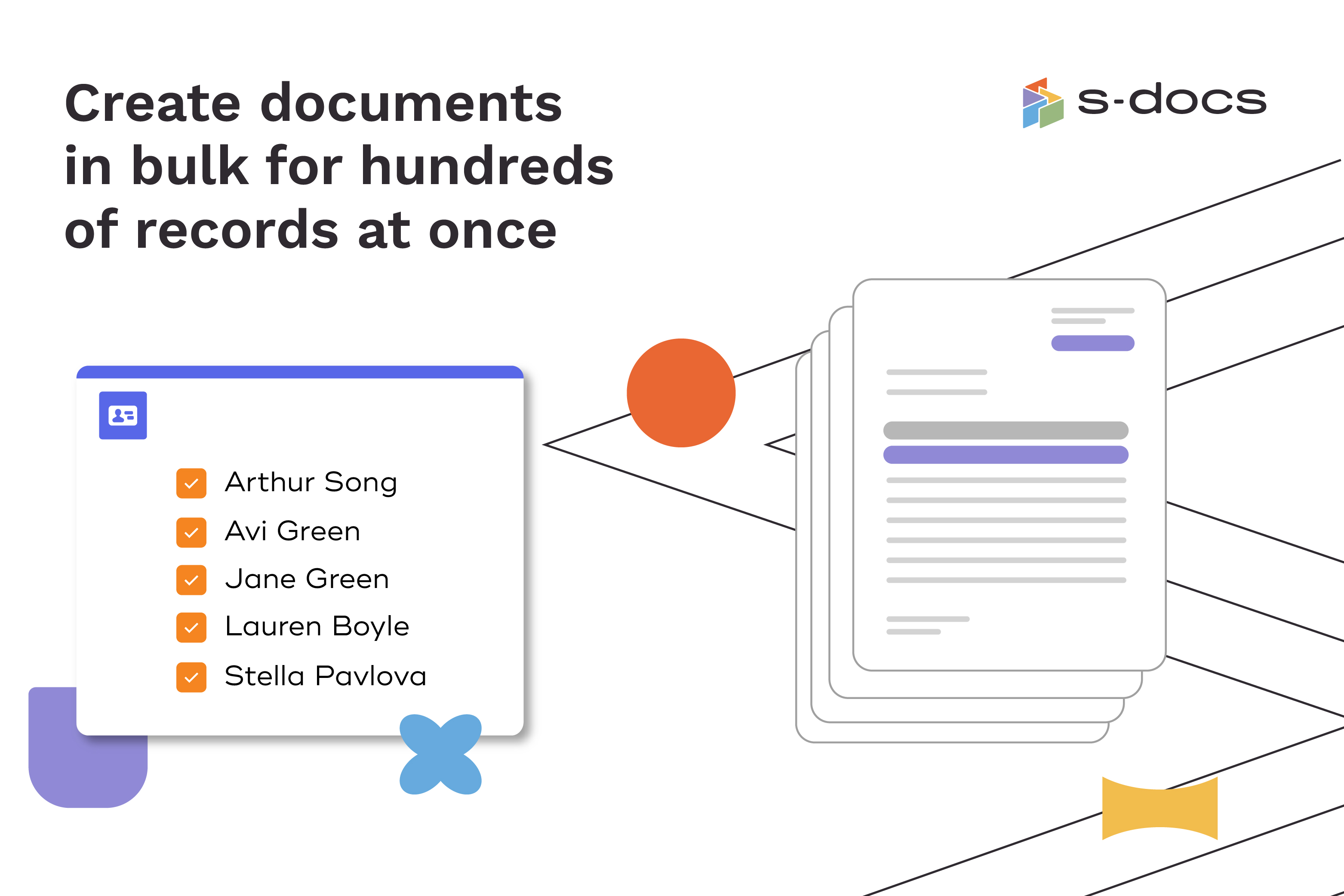
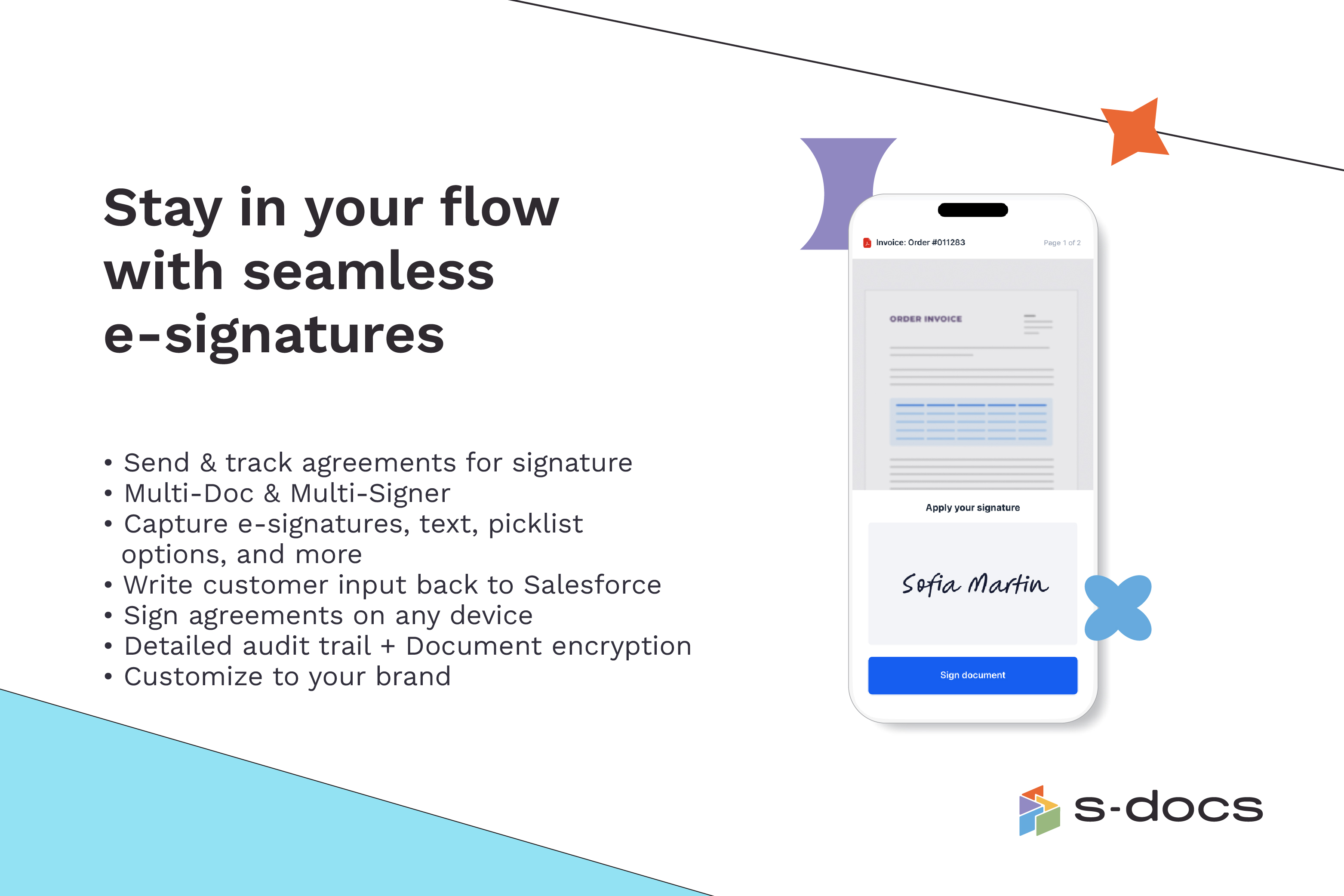
Screenshot of how to create business documents in flexible formatsScreenshot of how to create documents via clicks or automaticallyScreenshot of how to generate documents in bulk for hundreds of records at onceScreenshot of how to edit generated documents without downloading external programsScreenshot of how to request secure e-Signatures via email or in personScreenshot of how to create templates with the drag-and-drop interface