Drupal is a free, open-source content management system written in PHP that competes primarily with Joomla and Plone. The standard release of Drupal, known as Drupal core, contains basic features such as account and menu management, RSS feeds, page layout customization, and system administration.
N/A
Jira Service Management
Score 7.9 out of 10
N/A
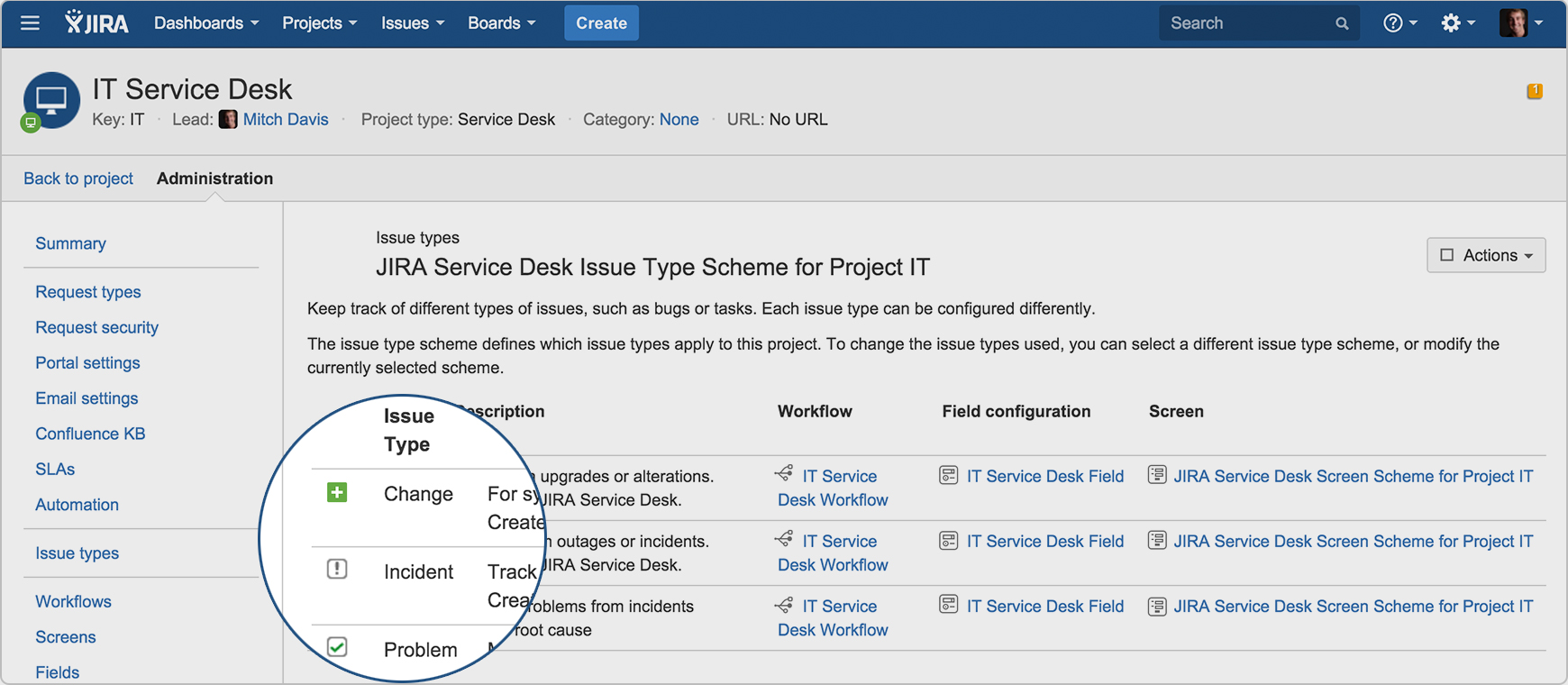
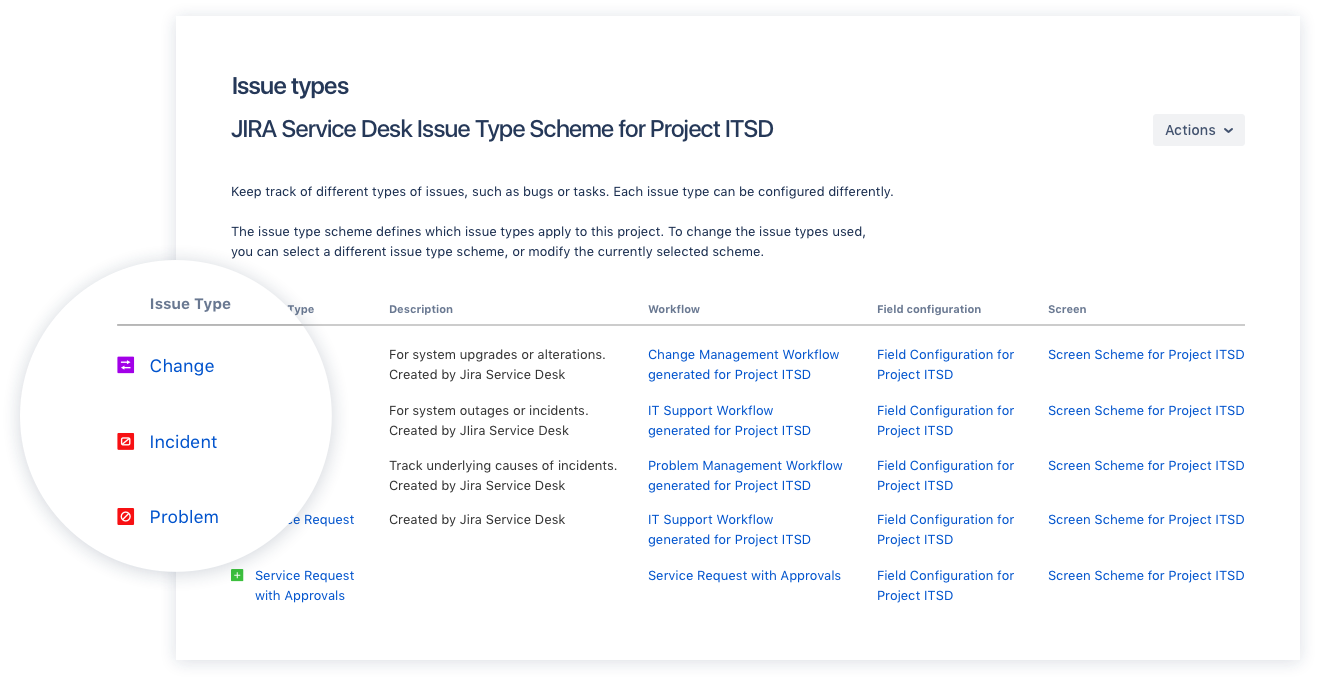
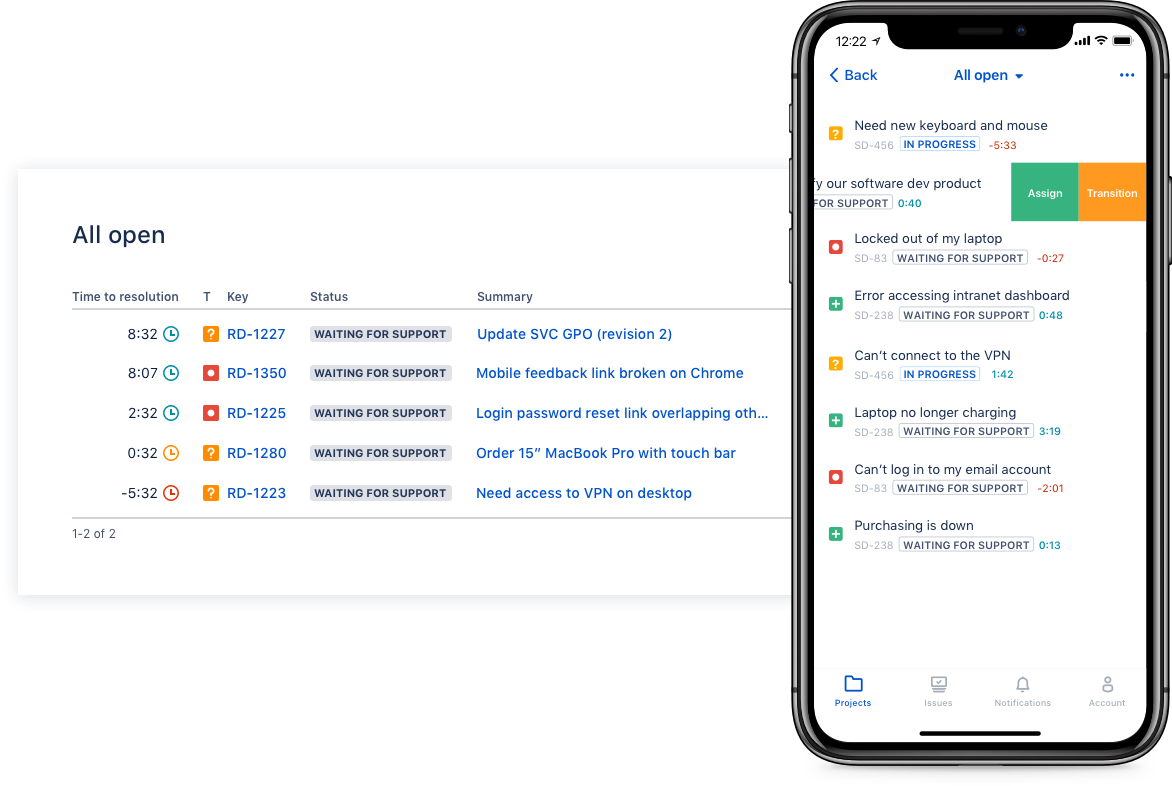
Jira Service Management (formerly Jira Service Desk, now including features from the former Mindville Insight, acquired by Atlassian in June 2020) is a service desk software that is purpose-built for IT, service, and support teams. The software provides everything IT and support teams need out-of-the-box for service request, incident, problem and change management. Jira Service Management integrates seamlessly with Jira Software so that IT and development teams can work better together. Users…
$0
per month
Pricing
Drupal
Jira Service Management
Editions & Modules
No answers on this topic
Free
$0
per month
Standard
$20
per agent/per month
Premium
$40
per agent/per month
Enterprise
Contact sales team
Offerings
Pricing Offerings
Drupal
Jira Service Management
Free Trial
No
Yes
Free/Freemium Version
No
No
Premium Consulting/Integration Services
No
Yes
Entry-level Setup Fee
No setup fee
No setup fee
Additional Details
—
—
More Pricing Information
Community Pulse
Drupal
Jira Service Management
Features
Drupal
Jira Service Management
Security
Comparison of Security features of Product A and Product B
Drupal
8.1
74 Ratings
1% below category average
Jira Service Management
-
Ratings
Role-based user permissions
8.174 Ratings
00 Ratings
Platform & Infrastructure
Comparison of Platform & Infrastructure features of Product A and Product B
Drupal
7.7
69 Ratings
1% below category average
Jira Service Management
-
Ratings
API
7.264 Ratings
00 Ratings
Internationalization / multi-language
8.160 Ratings
00 Ratings
Web Content Creation
Comparison of Web Content Creation features of Product A and Product B
Drupal
6.5
78 Ratings
18% below category average
Jira Service Management
-
Ratings
WYSIWYG editor
6.271 Ratings
00 Ratings
Code quality / cleanliness
8.175 Ratings
00 Ratings
Admin section
6.878 Ratings
00 Ratings
Page templates
5.577 Ratings
00 Ratings
Library of website themes
5.568 Ratings
00 Ratings
Mobile optimization / responsive design
6.572 Ratings
00 Ratings
Publishing workflow
6.776 Ratings
00 Ratings
Form generator
6.472 Ratings
00 Ratings
Web Content Management
Comparison of Web Content Management features of Product A and Product B
Drupal
6.5
77 Ratings
14% below category average
Jira Service Management
-
Ratings
Content taxonomy
6.971 Ratings
00 Ratings
SEO support
6.272 Ratings
00 Ratings
Bulk management
6.367 Ratings
00 Ratings
Availability / breadth of extensions
6.570 Ratings
00 Ratings
Community / comment management
6.669 Ratings
00 Ratings
Incident and problem management
Comparison of Incident and problem management features of Product A and Product B
Drupal
-
Ratings
Jira Service Management
8.7
86 Ratings
5% above category average
Organize and prioritize service tickets
00 Ratings
8.985 Ratings
Expert directory
00 Ratings
9.02 Ratings
Service restoration
00 Ratings
9.52 Ratings
Self-service tools
00 Ratings
8.477 Ratings
Subscription-based notifications
00 Ratings
10.01 Ratings
ITSM collaboration and documentation
00 Ratings
8.072 Ratings
ITSM reports and dashboards
00 Ratings
6.973 Ratings
ITSM asset management
Comparison of ITSM asset management features of Product A and Product B
Drupal
-
Ratings
Jira Service Management
10.0
1 Ratings
19% above category average
Configuration mangement
00 Ratings
10.01 Ratings
Asset management dashboard
00 Ratings
10.01 Ratings
Policy and contract enforcement
00 Ratings
10.01 Ratings
Change management
Comparison of Change management features of Product A and Product B
If you want to set up a basic Not For Profit (NFP) Membership system and content base, Word Press is easier than Drupal. However, if you have specific needs that require a fair bit of customisation then Drupal is the best CRM available. If the webmaster is confident with PHP and SQL, Drupal allows a lot of creativity.
I think using a ticketing system is very easy to use and allows multiple teams to create help desks in the same portal. In terms of internal usage, I think this is a great option. However, suppose you're trying to keep internal items and external helpdesks in the same instance. In that case, this is not ideal, as there is no effective way to separate the two instances to protect internal data better.
Integration with many of the most common tools companies are using (Slack, MS Teams, Salesforce, ... etc)
Natural workflow with Jira (as product development / project management tool) which makes the full fix and follow up of the tickets / issues very easy to follow
Allow multiple different entry points and work flows for as many different needs your teams / company have
This is not an easy CMS to work with if you don't have a good understanding of website development. It isn't "plug-and-play" like Wordpress or Shopify.
Over time, doing major updates to the system can be taxing, especially if you aren't well-versed enough in doing system updates in line with your "child" theme and code.
The CMS can become somewhat cumbersome with server resources if not carefully optimized while you build and customize it to your liking.
The time and money invested into this platform were too great to discontinue it at this point. I'm sure it will be in use for a while. We have also spent time training many employees how to use it. All of these things add up to quite an investment in the product. Lastly, it basically fulfills what we need our intranet site to do.
In the current contect the requirments is around having a tool that is focused and can handle large ticket volumes and tracking incident, problem and user requests concerning end users. Jira has built in functionality to address the above practice needs faily easily and has a substantial amount of customizable reports for generating the relevant intelligence.
As a team, we found Drupal to be highly customizable and flexible, allowing our development team to go to great lengths to develop desired functionalities. It can be used as a solution for all types of web projects. It comes with a robust admin interface that provides greater flexibility once the user gets acquainted with the system.
If you're used to other tools in the Atlassian ecosystem, you'll feel right at home with JSM. It's also a platform that technical folk can easily pick up. However, I wouldn't recommend using JSM as a company's first jumping off point into Atlassian. There are a lot of other 'newer' tools that provide sleeker ITSM systems at a similar cost.
Drupal itself does not tend to have bugs that cause sporadic outages. When deployed on a well-configured LAMP stack, deployment and maintenance problems are minimal, and in general no exotic tuning or configuration is required. For highest uptime, putting a caching proxy like Varnish in front of Drupal (or a CDN that supports dynamic applications).
Drupal page loads can be slow, as a great many database calls may be required to generate a page. It is highly recommended to use caching systems, both built-in and external to lessen such database loads and improve performance. I haven't had any problems with behind-the-scenes integrations with external systems.
As noted earlier, the support of the community can be rather variable, with some modules attracting more attraction and action in their issue queues, but overall, the development community for Drupal is second to none. It probably the single greatest aspect of being involved in this open-source project.
I gave JIRA a 9 rating since for me JIRA works according to its purpose. Since there is a customer portal, our clients can leave a comment or communicate with us using the PR ticket that way it is easier for us to also request any additional information we need for our investigation.
I was part of the team that conducted the training. Our training was fine, but we could have been better informed on Drupal before we started providing it. If we did not have answers to tough questions, we had more technical staff we could consult with. We did provide hands-on practice time for the learners, which I would always recommend. That is where the best learning occurred.
The on-line training was not as ideal as the face-to-face training. It was done remotely and only allowed for the trainers to present information to the learners and demonstrate the platform online. There was not a good way to allow for the learners to practice, ask questions and have them answered all in the same session.
Plan ahead as much you can. You really need to know how to build what you want with the modules available to you, or that you might need to code yourself, in order to make the best use of Drupal. I recommend you analyze the most technically difficult workflows and other aspects of your implementation, and try building some test versions of those first. Get feedback from stakeholders early and often, because you can easily find yourself in a situation where your implementation does 90% of what you want, but, due to something you didn't plan for, foresee, or know about, there's no feasible way to get past the last 10%
Drupal can be more complex to learn, but it offers a much wider range of applications. Drupal’s front and backend can be customized from design to functionality to allow for a wide range of uses. If someone wants to create something more complex than a simple site or blog, Drupal can be an amazing asset to have at hand.
Zendesk is a similar ticketing system that our organization used before JIRA Service Desk. The main drawback of Zendesk was that it can only be used as a cloud service. This means that our company data would be living on the internet at the hands of their security team. Another drawback of this is the price is significantly more expensive rather than hosting it yourself. Zendesk does have some additional features such as commenting on multiple tickets at once that JSD does lack. However, switching to JSD was significantly more cost effective because we have the ability and the infrastructure to host our own ticketing system, something that Zendesk could not provide. Ultimatley switching to JSD saved us money and allows the ability for integration with all of the other Atlassian Suite products that we use on a day to day basis.
Drupal is well known to be scalable, although it requires solid knowledge of MySQL best practices, caching mechanisms, and other server-level best practices. I have never personally dealt with an especially large site, so I can speak well to the issues associated with Drupal scaling.