Drupal is a free, open-source content management system written in PHP that competes primarily with Joomla and Plone. The standard release of Drupal, known as Drupal core, contains basic features such as account and menu management, RSS feeds, page layout customization, and system administration.
N/A
Oracle WebCenter Sites
Score 5.5 out of 10
N/A
Oracle WebCenter Sites is the new name for FatWire which Oracle acquired in 2011. It is a complete CMS often bundled with other Oracle WebCenter products to present a more comprehensive management solution for businesses and enterprises.
N/A
XaitPorter
Score 9.0 out of 10
N/A
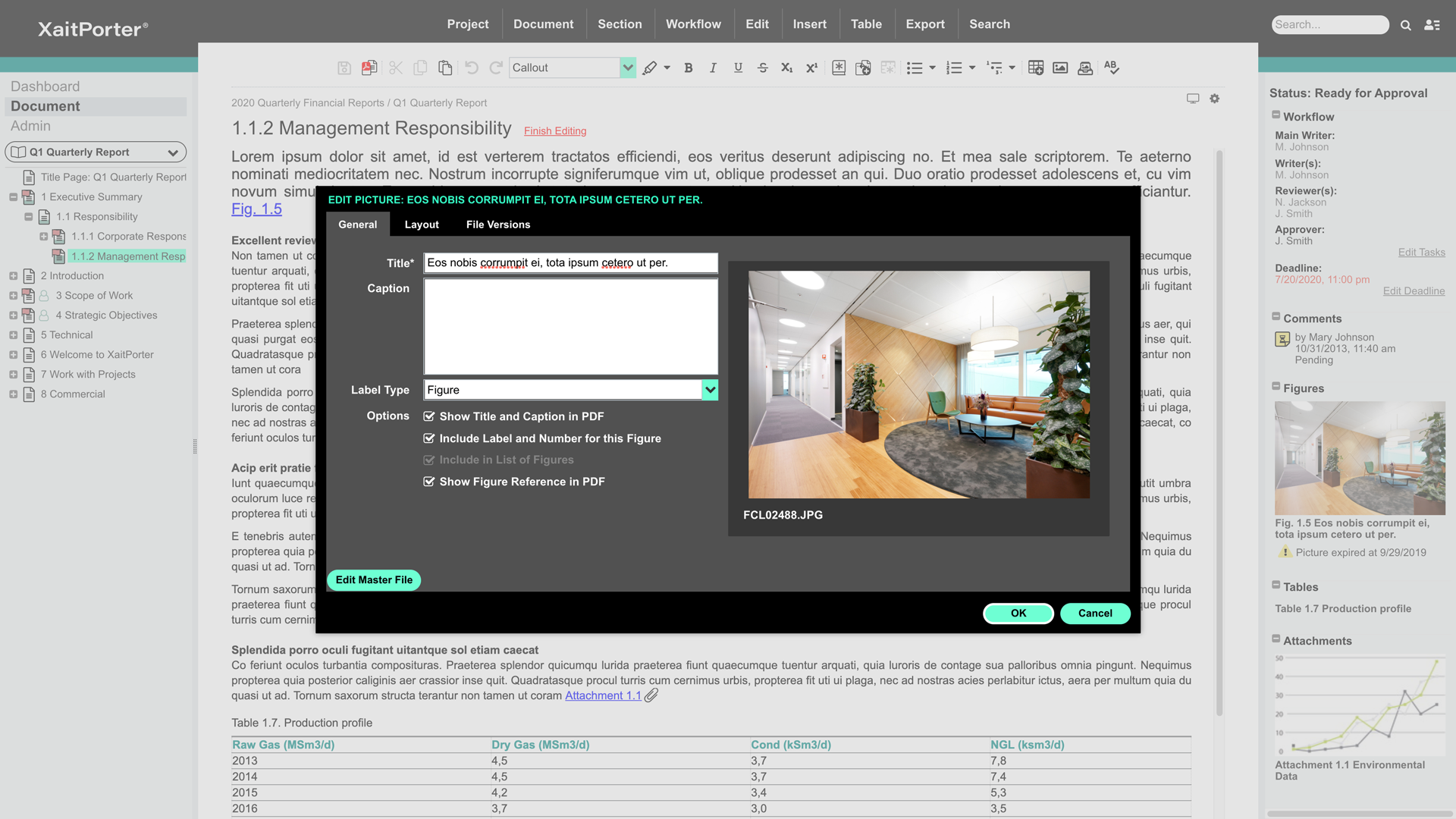
XaitPorter is a co-authoring software solution for teams to collaboratively create, manage and produce documents. With it, users can streamline and optimize document production to maximize revenue from bids and proposals and other business-critical documents. XaitPorter is designed to enable co-authors to focus on creating bid-winning content so that teams can become more efficient while production time and costs are reduced.
There are lot of WCM products available in the market, some free and some licensed. But for a organisation using more Oracle products and on Java technology, WCS is the best in class, for intranet and internet needs. It has everything which is required for a web application. …
If you want to set up a basic Not For Profit (NFP) Membership system and content base, Word Press is easier than Drupal. However, if you have specific needs that require a fair bit of customisation then Drupal is the best CRM available. If the webmaster is confident with PHP and SQL, Drupal allows a lot of creativity.
Oracle WebCenter Sites is very well suited to presenting marketing content in all shapes and forms, including mobile, an in a corporate web site. Oracle WebCenter Sites can also manage small product catalogs easily. Important things to consider when selecting a CMS:
How important is the ease with which my business users update content?
How often are updates made?
How distributed are my business contributors?
How important is preview in my organization's workflow and publishing process?
XaitPorter is ideal when a large document, containing many (preferably independent) sections is being created by more than five writers across different office locations and is subject to review by multiple reviewers and requires formal approval. It is particularly suited for external documents which are to be delivered as a non-editable PDF file.
This tool gives us the opportunity to work together. We always work in the last revision.
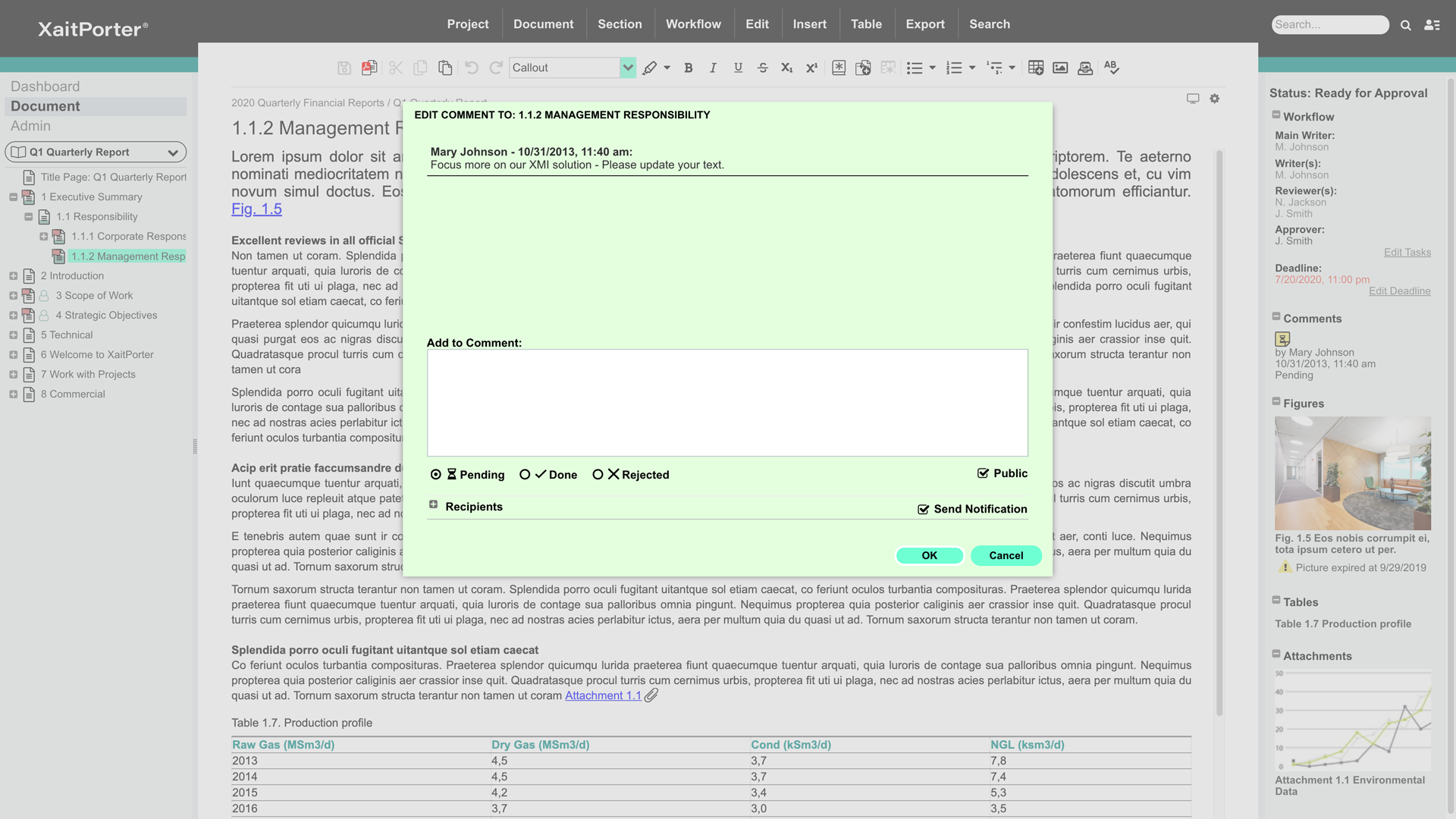
We can write comments as we go along and all involved will see it straight away.
We can structure it the way we want/our the way customer wants it and print the whole book in one go. We are sure that pictures/text/tables are where they are supposed to be (they have not moved around the document as it does when using Microsoft Word).
This is not an easy CMS to work with if you don't have a good understanding of website development. It isn't "plug-and-play" like Wordpress or Shopify.
Over time, doing major updates to the system can be taxing, especially if you aren't well-versed enough in doing system updates in line with your "child" theme and code.
The CMS can become somewhat cumbersome with server resources if not carefully optimized while you build and customize it to your liking.
It would be helpful to improve functions used to organize and reorganize sections. They work fine, but could be retooled for ease of use. Simple drag-drop over the tree-view from the primary navigator (not only in the dedicated dialog for reordering sections) would be very good. It would be good to support simple flagging or tagging of sections to indicate whatever is meaningful to the user (e.g., to flag a section as imported text that needs formatting, or a section that is high priority for review). The icons do change to indicate predefined workflow states (e.g. approved), but there isn't support for a user-defined tag, perhaps with the ability to filter by tag as many newer applications can do. That would be handy. These aren't criticisms so much as product enhancement suggestions.
The editor is ok but could be tuned up a bit. For example, styles in the toolbar dropdown apply only to the whole paragraph. It's hard to indent text. The button tool doesn't consistently remove the button attribute on an existing button; works sometimes, sometimes not. Little stuff. Overall it's adequate for text creation.
The process of defining templates and styles appears to be a black art. While it's something you don't do often, it should be simplified and better exposed to ordinary admins.
The ability to have more than one section open at a time in the editor would be fantastic. Great productivity tool.
Word import/export could be cleaner.
The ability to export to html with user-defined style sheets would open new markets for Xait. If the product had that, we'd use Xait to maintain our online help site too.
The ability to link to externally stored images rather than lock them inside the Xait library would be huge, as we've expressed to the support team. We manage hundreds of images (diagrams, screen shots etc.) that are used throughout the company, not just for Xait documents. We would like to store them on a file system (e.g. Dropbox) and have them update into Xait automatically when the master copy is modified. This is a very important capability, though in fairness we didn't find it in other products either. Explicit support for Dropbox/Google Drive/Box would be one way, but dynamic linking a la Microsoft Word would be fine, maybe even better.
The time and money invested into this platform were too great to discontinue it at this point. I'm sure it will be in use for a while. We have also spent time training many employees how to use it. All of these things add up to quite an investment in the product. Lastly, it basically fulfills what we need our intranet site to do.
A valuable tool for enabling marketers and business users to easily create and manage contextually relevant social and interactive online experiences across multiple channels on a global scale to drive sales and loyalty. It also allows multi-site management (in fact Sites) using the assets and template developed, without having to re-implement again for each individual site.
As a team, we found Drupal to be highly customizable and flexible, allowing our development team to go to great lengths to develop desired functionalities. It can be used as a solution for all types of web projects. It comes with a robust admin interface that provides greater flexibility once the user gets acquainted with the system.
Drupal itself does not tend to have bugs that cause sporadic outages. When deployed on a well-configured LAMP stack, deployment and maintenance problems are minimal, and in general no exotic tuning or configuration is required. For highest uptime, putting a caching proxy like Varnish in front of Drupal (or a CDN that supports dynamic applications).
Drupal page loads can be slow, as a great many database calls may be required to generate a page. It is highly recommended to use caching systems, both built-in and external to lessen such database loads and improve performance. I haven't had any problems with behind-the-scenes integrations with external systems.
As noted earlier, the support of the community can be rather variable, with some modules attracting more attraction and action in their issue queues, but overall, the development community for Drupal is second to none. It probably the single greatest aspect of being involved in this open-source project.
The WebCenter Sites Support team is extremely good and very responsive to client needs. They are quick to resolve Level 1 issues and when escalated to Level 2, the team makes every effort to keep the client informed.
I was part of the team that conducted the training. Our training was fine, but we could have been better informed on Drupal before we started providing it. If we did not have answers to tough questions, we had more technical staff we could consult with. We did provide hands-on practice time for the learners, which I would always recommend. That is where the best learning occurred.
He was really good. He came from Xait and trained us for several days. He got all involved and answered the questions asked. He was a professional trainee
The on-line training was not as ideal as the face-to-face training. It was done remotely and only allowed for the trainers to present information to the learners and demonstrate the platform online. There was not a good way to allow for the learners to practice, ask questions and have them answered all in the same session.
Plan ahead as much you can. You really need to know how to build what you want with the modules available to you, or that you might need to code yourself, in order to make the best use of Drupal. I recommend you analyze the most technically difficult workflows and other aspects of your implementation, and try building some test versions of those first. Get feedback from stakeholders early and often, because you can easily find yourself in a situation where your implementation does 90% of what you want, but, due to something you didn't plan for, foresee, or know about, there's no feasible way to get past the last 10%
Drupal can be more complex to learn, but it offers a much wider range of applications. Drupal’s front and backend can be customized from design to functionality to allow for a wide range of uses. If someone wants to create something more complex than a simple site or blog, Drupal can be an amazing asset to have at hand.
There are lot of WCM products available in the market, some free and some licensed. But for a organisation using more Oracle products and on Java technology, WCS is the best in class, for intranet and internet needs. It has everything which is required for a web application. Also it can be well integrated with other platforms with Oracle Document Cloud/Oracle Content/Oracle Identity Manager and a lot more. Its a well integrated product. It can also be integrated with social media using a community plugin. It also comes with its own search and analytics tools. The templates are pure JSP and can be easily coded by Java developers using the development guide. Its based on Java, so writing custom applications and integrating is easy
The standard product for many years has been Microsoft Word. Some have tried to use SharePoint as a collaborative tool, but it is not suited for the purpose and is generally very user un-friendly. It is not intuitive and we have very few persons with any competency in it. Porter is easy to pick up and the new interface is very intuitive, and the way that Porter works removes many of the typical layout and formatting choices that made Microsoft Word so difficult for the average employee. It also greatly simplifies and reduces the amount of corrective work that tender support staff used to have to do. We are not aware of any product in the market that comes close to Porter. It is an ideal product that was purpose built for collaborative writing.
Drupal is well known to be scalable, although it requires solid knowledge of MySQL best practices, caching mechanisms, and other server-level best practices. I have never personally dealt with an especially large site, so I can speak well to the issues associated with Drupal scaling.
It has alleviated some of the burden on our IT staff.
It has allowed our Marketing department to be more hands-on with content changes, and they have more flexibility with the types of changes and how often they make them.
Too soon to tell. Right now we're still at the near end of the value chain - it still seems expensive given the outputs to date. But we have a lower proposal volume than some companies, so you need to factor that in.
Also, the named user licensing is restrictive and problematic in a small company where people perform multiple roles and may dip in and out of the proposal development process over a period of weeks or months. A concurrent user model would be much, much better for us, though I understand you'd need to figure out a way to handle email notifications.