
e-Builder vs. Simpro
| Product | Rating | Most Used By | Product Summary | Starting Price |
|---|---|---|---|---|
 e-Builder | Score7.3 out of 10 | N/A | e-Builder is a cloud-based construction program management solution that manages capital program cost, schedule, and documents. It allows owners to measure and manage the capital project delivery process from planning, design, procurement, construction and operations. | N/A |
 Simpro | Score8.4 out of 10 | N/A | Simpro, headquartered in Brisbane, provides business management software for the trades and services industry. The solution combines field service management with asset tracking and maintenance, project management features with resource scheduling, and invoicing. For enterprises, Simpro helps manage business complexity such as franchises, multiple companies or multiple locations with a tailored Simpro framework that aims to handle complexity while maintaining the simplicity of working with one… | N/A |
| e-Builder | Simpro | |||||||||||||||
|---|---|---|---|---|---|---|---|---|---|---|---|---|---|---|---|---|
| Editions & Modules | No answers on this topic | No answers on this topic | ||||||||||||||
| Offerings |
| |||||||||||||||
| Entry-level Setup Fee | Required | No setup fee | ||||||||||||||
| Additional Details | — | Simpro uses quote-based pricing tailored to each business and its requirements. A personalized demo and consultation are available. Simpro does not offer a self-service free trial or free version. Pricing varies based on the selected platform capabilities, add-ons, onboarding, training, and professional services. | ||||||||||||||
| More Pricing Information | ||||||||||||||||
| e-Builder | Simpro | |
|---|---|---|
| Considered Both Products | No answer on this topic | No answer on this topic |
| Key User Insights | ||
| Would buy again | ||
No answers on this topic | 86% Would buy again 6 Answers | |
| Delivers good value for the price | ||
No answers on this topic | 80% Delivers good value for the price 4 Answers | |
| Happy with the feature set | ||
No answers on this topic | 100% Happy with the feature set 7 Answers | |
| Lived up to sales and marketing promises | ||
No answers on this topic | No answers on this topic | |
| Implementation went as expected | ||
No answers on this topic | 83% Implementation went as expected 5 Answers | |
| e-Builder | Simpro | ||||||||||||||||||||||||||||||||||
|---|---|---|---|---|---|---|---|---|---|---|---|---|---|---|---|---|---|---|---|---|---|---|---|---|---|---|---|---|---|---|---|---|---|---|---|
| Construction Project & Field Management |
| ||||||||||||||||||||||||||||||||||
| e-Builder | Simpro | |
|---|---|---|
| Small Businesses |  CMiC Construction Platform Score7.5 out of 10 |  Kickserv Score9.3 out of 10 |
| Medium-sized Companies |  Autodesk Build Score8.6 out of 10 | No answers on this topic |
| Enterprises |  Revit Score8.9 out of 10 | No answers on this topic |
| All Alternatives | View all alternatives | View all alternatives |
| e-Builder | Simpro | |
|---|---|---|
| Likelihood to Recommend | 7.1 | 8.0 |
| Likelihood to Renew | 8.0 | - |
| Usability | 7.0 | 9.0 |
| Support Rating | 5.0 | 9.0 |
| Implementation Rating | 8.0 | - |
| e-Builder | Simpro | |
|---|---|---|
| Likelihood to Recommend |
|
|
| Pros |
|
|
| Cons |
|
|
| Likelihood to Renew |
| No answers on this topic |
| Usability |
|
|
| Support Rating |
|
|
| Implementation Rating |
| No answers on this topic |
| Alternatives Considered |
|
|
| Return on Investment |
|
|
| ScreenShots | Simpro Screenshots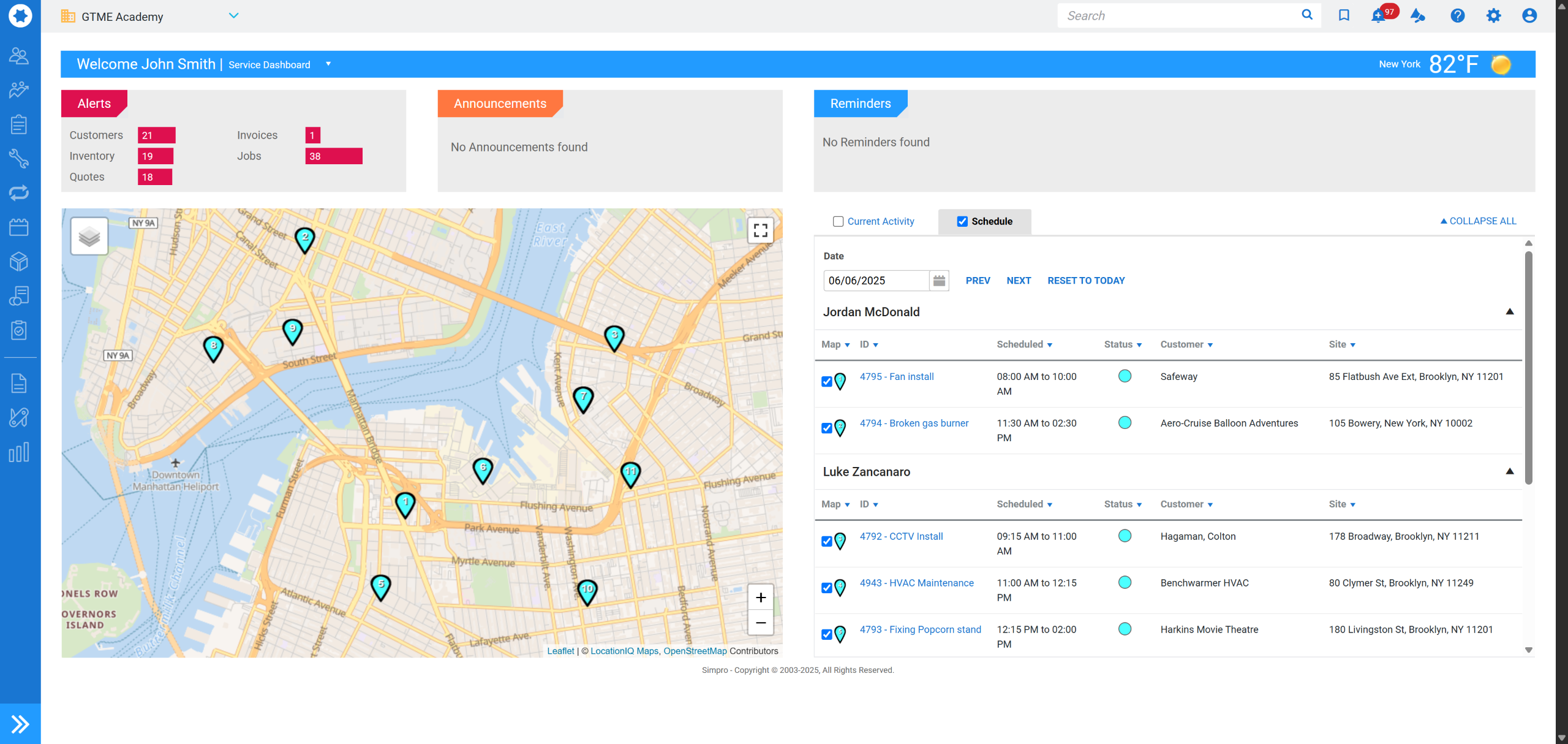 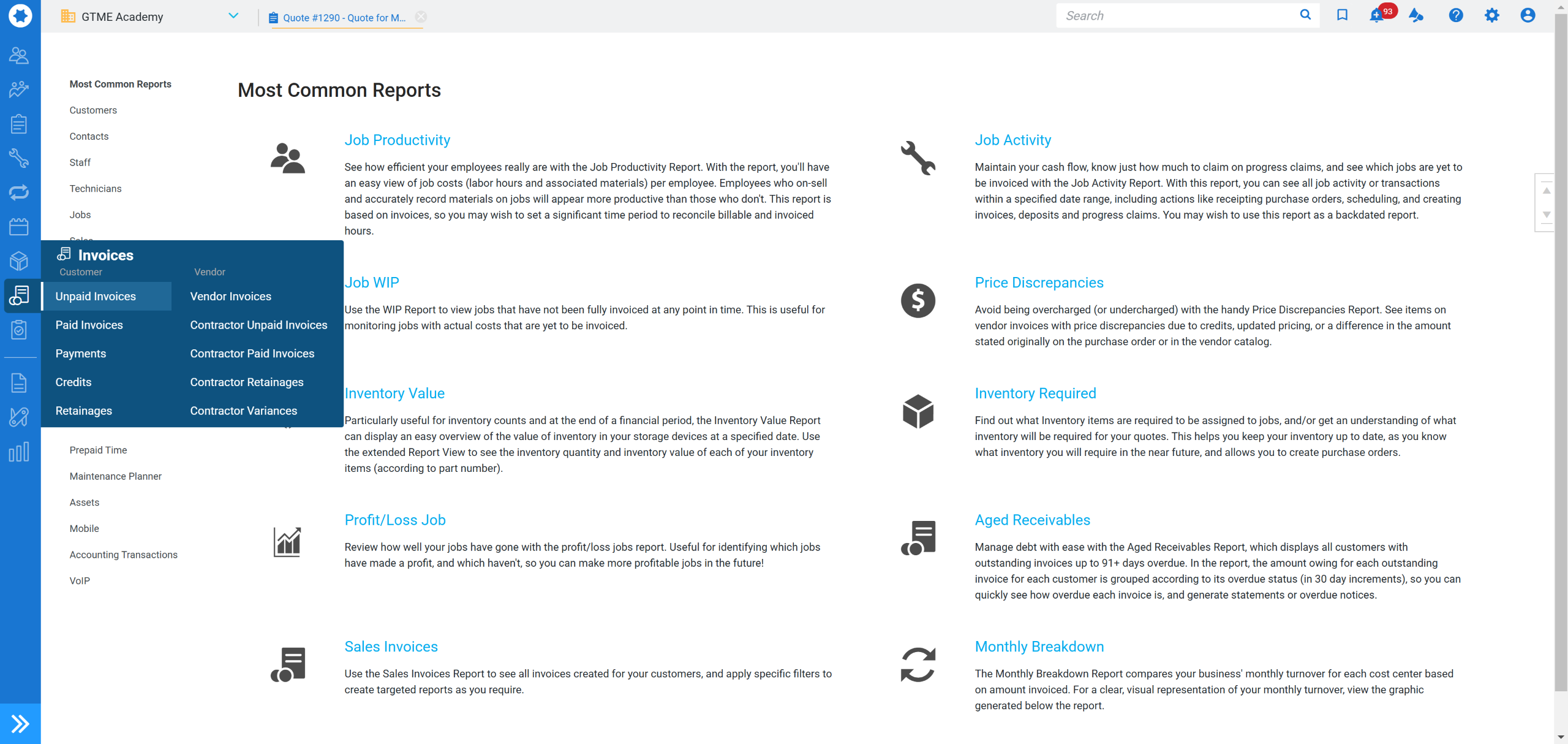 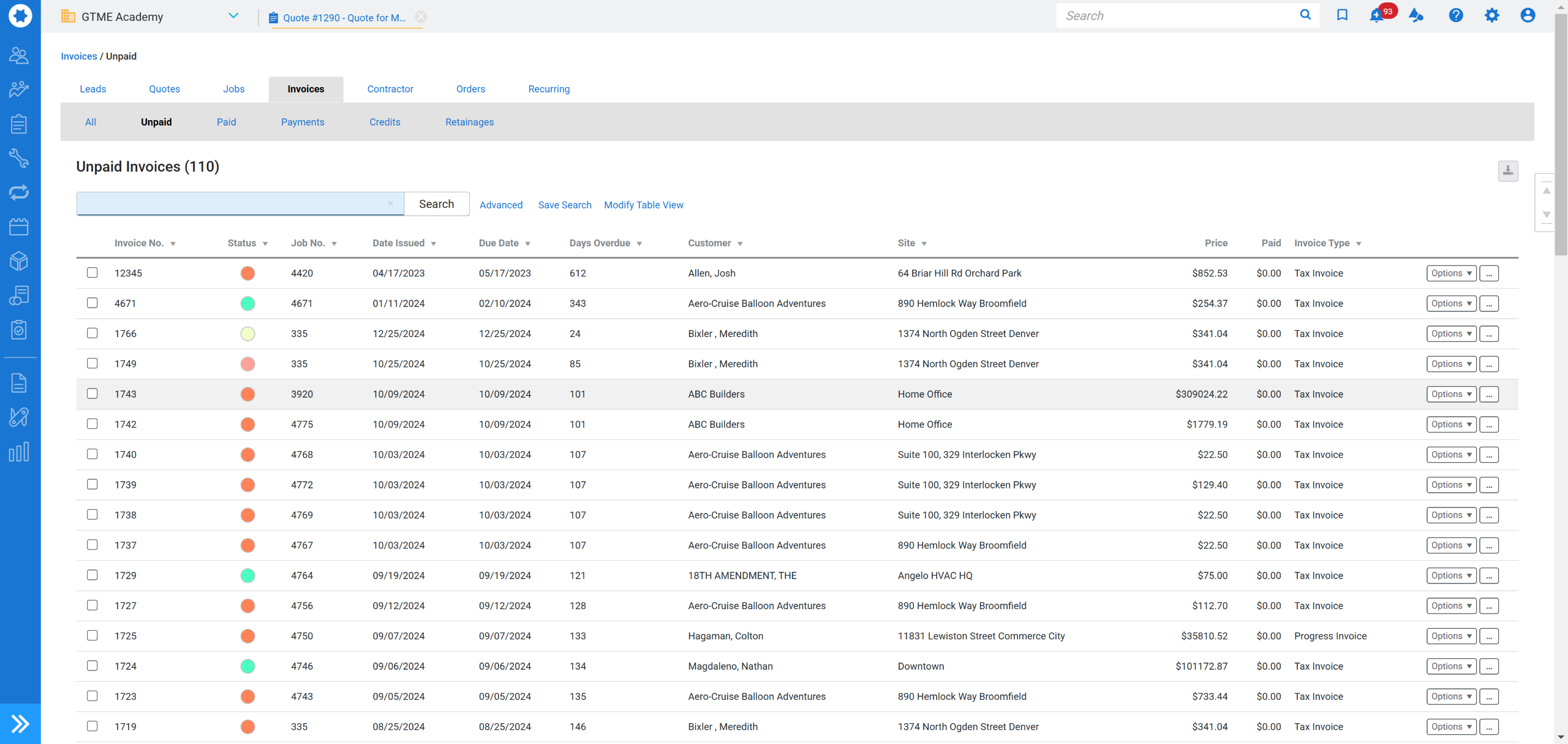  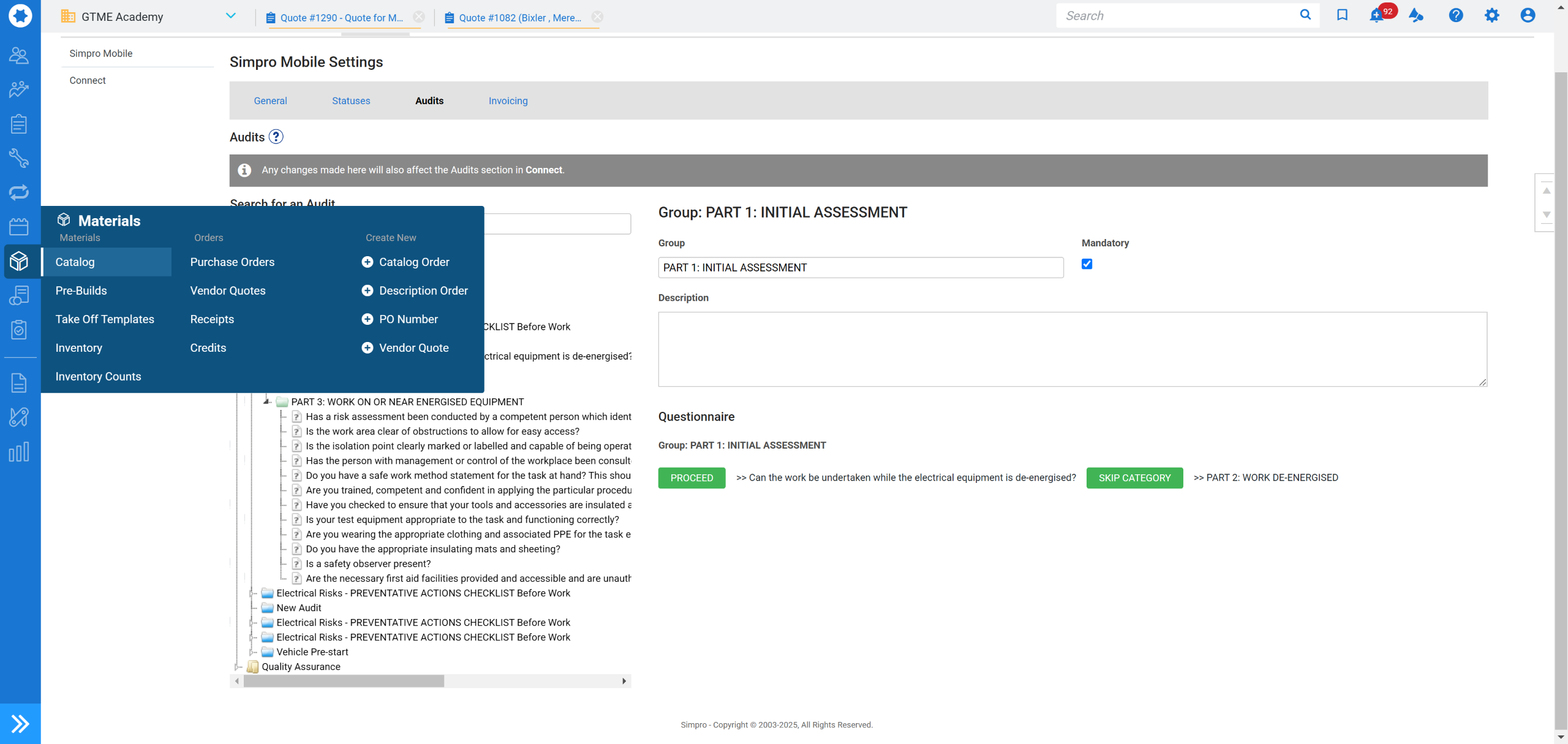  |



