TrustRadius: an HG Insights company

Save this comparison

Save this comparison

Add Product

Recommended Comparisons

    Overview
    ProductRatingMost Used ByProduct SummaryStarting Price

    FigJam

    Score7.9 out of 10
    N/AFigJam is an online interactive whiteboard from Figma headquartered in San Francisco, presently in beta (2021) but available to the public in a free trial. The vendor states that in 2022, FigJam will have plans for $0, $8, and $15 per editor, per month.

    $5

    per month per editor

    SmartSuite

    Score10 out of 10
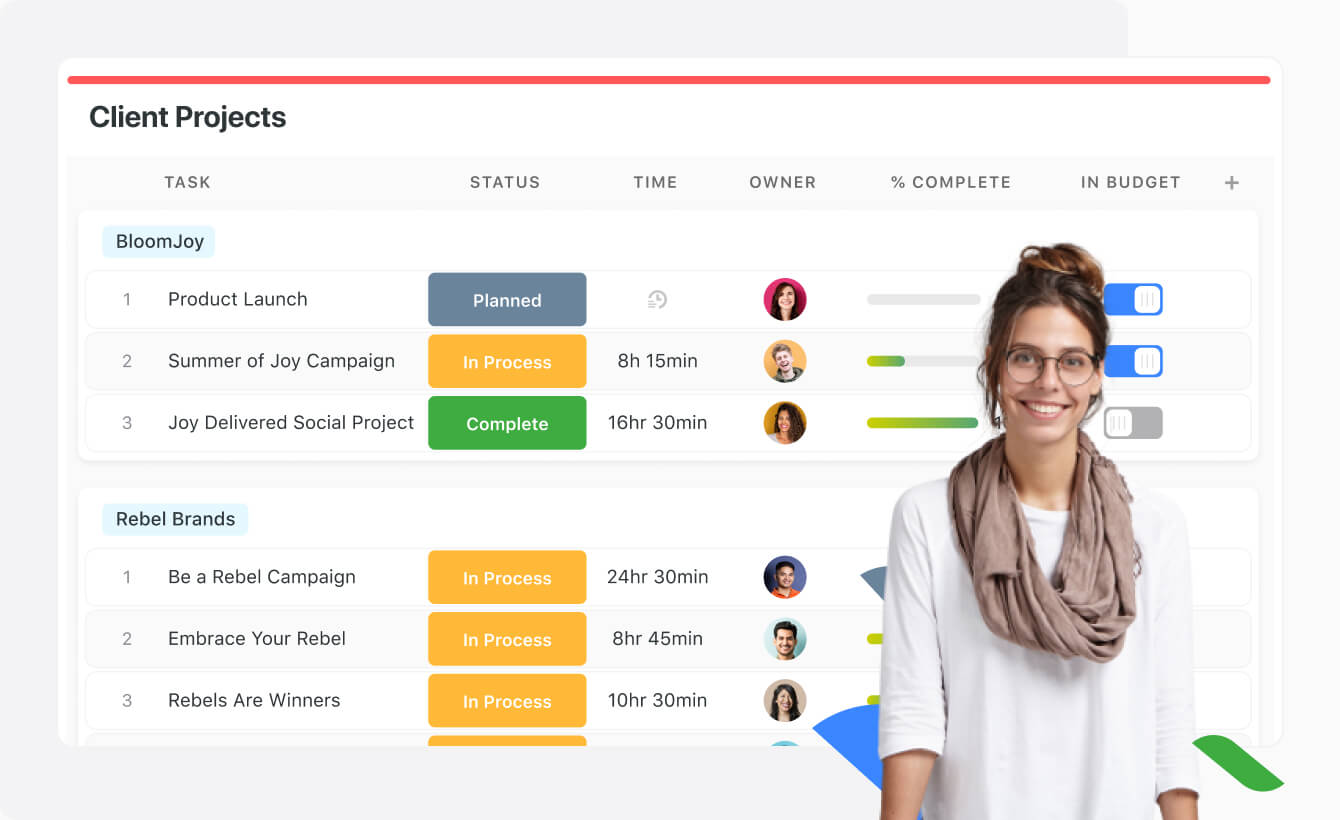
    N/ASmartSuite provides a collaborative Work Management platform that enables teams to plan, track and manage workflows - whether it be a project, an ongoing process or routine everyday tasks. SmartSuite helps coordinate people and work across all levels of an organization to ensure that team members have the information they need to accomplish the work that matters most. Team members can create a workflow, or choose from over 200 templates that can be tailored to their exact needs.

    $10

    per month per user

    Pricing
    FigJamSmartSuite
    Editions & Modules
    FigJam Professional
    $36
    per year per editor
    FigJam Organization
    $60
    per year per editor
    No answers on this topic
    Offerings
    Pricing Offerings
    FigJamSmartSuite
    Free Trial
    YesYes
    Free/Freemium Version
    YesNo
    Premium Consulting/Integration Services
    NoNo
    Entry-level Setup FeeNo setup feeNo setup fee
    Additional Details——
    More Pricing Information
    Community Pulse
    FigJamSmartSuite
    Considered Both Products
    Figma
    No answer on this topic
    SmartSuite
    No answer on this topic
    Key User Insights
    Would buy again
    83%
    Would buy again
    5 Answers
    94%
    Would buy again
    17 Answers
    Delivers good value for the price
    83%
    Delivers good value for the price
    5 Answers
    100%
    Delivers good value for the price
    18 Answers
    Happy with the feature set
    67%
    Happy with the feature set
    4 Answers
    100%
    Happy with the feature set
    18 Answers
    Lived up to sales and marketing promises
    No answers on this topic
    100%
    Lived up to sales and marketing promises
    18 Answers
    Implementation went as expected
    No answers on this topic
    100%
    Implementation went as expected
    18 Answers
    Features
    FigJamSmartSuite
    Project Management
    Comparison of Project Management features of FigJam and SmartSuite
    Feature
    FigJam
    -
    Ratings
    SmartSuite
    9.1
    18 Ratings
    17% above category average
    Task Management00 Ratings9.218 Ratings
    Resource Management00 Ratings9.117 Ratings
    Gantt Charts00 Ratings9.114 Ratings
    Scheduling00 Ratings9.016 Ratings
    Workflow Automation00 Ratings9.117 Ratings
    Team Collaboration00 Ratings9.218 Ratings
    Support for Agile Methodology00 Ratings9.118 Ratings
    Document Management00 Ratings9.117 Ratings
    Email integration00 Ratings9.117 Ratings
    Mobile Access00 Ratings9.017 Ratings
    Timesheet Tracking00 Ratings9.214 Ratings
    Change request and Case Management00 Ratings9.016 Ratings
    Budget and Expense Management00 Ratings9.215 Ratings
    Professional Services Automation
    Comparison of Professional Services Automation features of FigJam and SmartSuite
    Feature
    FigJam
    -
    Ratings
    SmartSuite
    9.2
    15 Ratings
    18% above category average
    Quotes/estimates00 Ratings9.214 Ratings
    Project & financial reporting00 Ratings9.114 Ratings
    Integration with accounting software00 Ratings9.29 Ratings
    Best Alternatives
    FigJamSmartSuite
    Small Businesses
    Whimsical
    Score9.3 out of 10
    Any.do
    Score8 out of 10
    Medium-sized Companies
    Whimsical
    Score9.3 out of 10
    KanbanFlow
    Score7.3 out of 10
    Enterprises
    Whimsical
    Score9.3 out of 10
    Microsoft To Do
    Score7.9 out of 10
    All AlternativesView all alternativesView all alternatives
    User Ratings
    FigJamSmartSuite
    Likelihood to Recommend
    8.0
    (6 ratings)
    9.2
    (18 ratings)
    Likelihood to Renew
    -
    (0 ratings)
    9.1
    (1 ratings)
    Usability
    8.6
    (3 ratings)
    9.1
    (1 ratings)
    Support Rating
    -
    (0 ratings)
    9.1
    (1 ratings)
    Implementation Rating
    -
    (0 ratings)
    9.1
    (1 ratings)
    User Testimonials
    FigJamSmartSuite
    Likelihood to Recommend
    Figma
    If you're working in small product teams, like triads, and already using Figma, this is a no brainer for white boarding, quick/fast sketches, wireframing, collaborative doodling ... it gets less appropriate with large teams, infrequent. IMO, due to the way in which they price, it's better to keep the inner circle small-ish.
    Incentivized
    Read full review
    SmartSuite
    It is best suited to be a google alternative for a google drive due to its multiple functions. Can add action items, upload multiple types of files and assign people responsibilities and tasks. It combines resource platform abilities with project management functionality in order to unite all your needs in one area.
    Read full review
    Pros
    Figma
    • One file, auto updated, no need to get latest
    • Easy to preview
    • Lack of client is benefit to some (not me)
    Incentivized
    Read full review
    SmartSuite
    • SmartSuite is a good collaboration tool
    • The capabilities of the platform are immense
    • The customization features allow users to set up the report type and view it exactly as they want
    • The choice of the fields to be used in the records and reports is really wide
    Read full review
    Cons
    Figma
    • It misses easy-to-use pre sets of diagrams. The ones presented seem to be not native and hard to use. Miro is a good benchmark.
    • Navegating throught projects in the main page is confusing, specially when people are not admin users.
    • It should suggest ways of organizing the pages designers do, specially when the project is big and have many pages and sections.
    • It could have, for example, a draft version for every page, so that one can hide it when they finish the work, but can open it whenever something needs to be modified, versioning the job.
    Read full review
    SmartSuite
    • A little better home screen, which is already in the works!
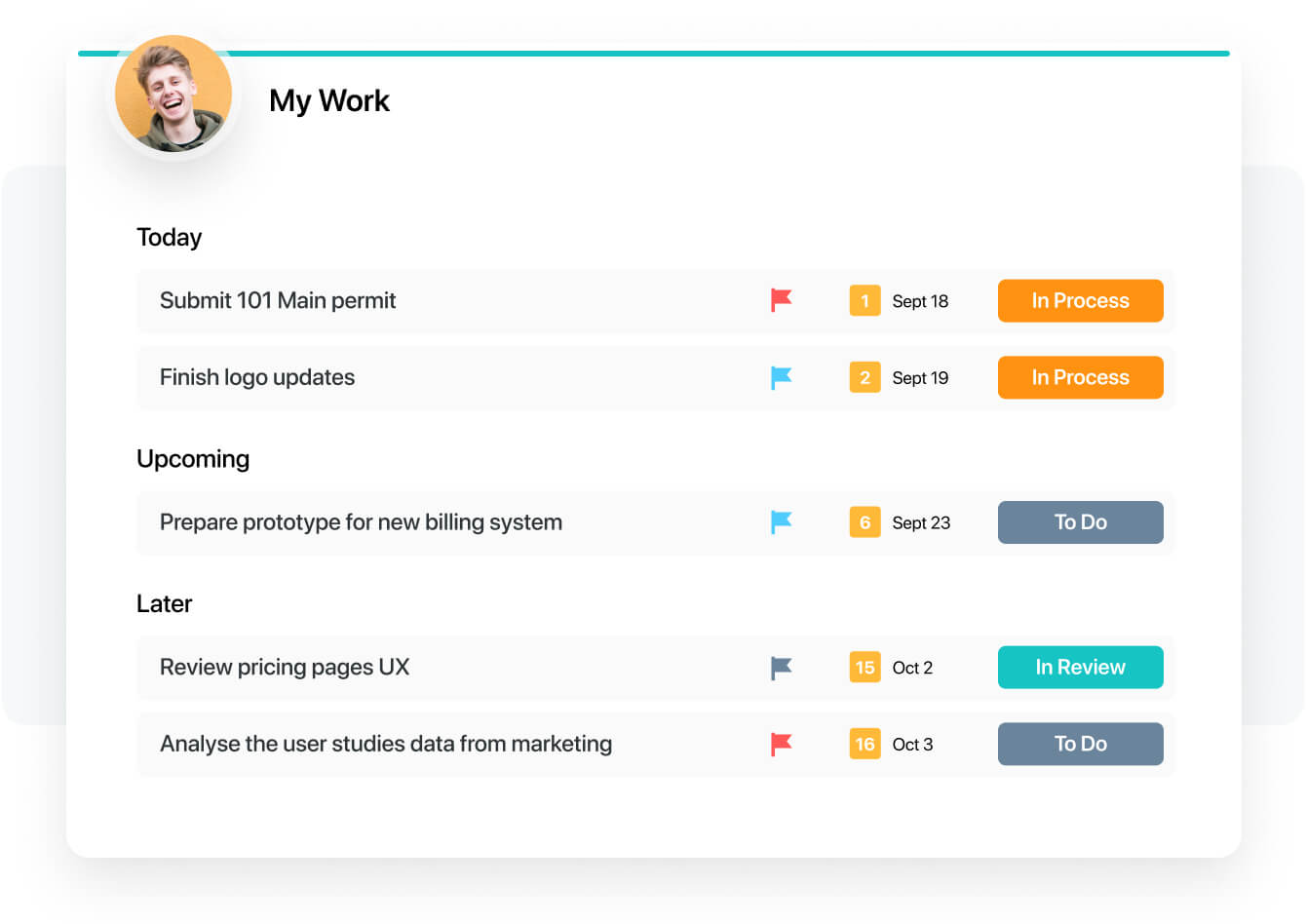
    • Better experience in the my work panel, which is also in the works already!
    Read full review
    Likelihood to Renew
    Figma
    No answers on this topic
    SmartSuite
    I have a great expereance
    Read full review
    Usability
    Figma
    I don't use it often, because the organization I work in uses a different environment on a commo basis. This is rather used between the designers, who prototype the solutions in Figma - they just have it as a workbook/notebook for their ideas. However, if those need to be shared with stakeholders or other organization members, the designers are expected to use a different environment.
    Incentivized
    Read full review
    SmartSuite
    The product is usability friendly, easy to use, flexible and has all functions I need for my purposes
    Read full review
    Support Rating
    Figma
    No answers on this topic
    SmartSuite
    They have a great tutorial and a lot of hits during the work process
    Read full review
    Implementation Rating
    Figma
    No answers on this topic
    SmartSuite
    That's easy. Just try
    Read full review
    Alternatives Considered
    Figma
    FigJam works best in pair with Figma, as it allows you to keep track of your project in one place, supporting all phases of the process. The functionality is more intuitive, quick, and efficient. Visually, I also prefer it more —it’s more enjoyable and playful, making the experience much more engaging.
    Incentivized
    Read full review
    SmartSuite
    For our team, SmartSuite contains all features that we need. Before we use Asana, Trello and tried to use Airtable. But all of these management systems did not satisfy us. Then we started using SmartSuite, got to know all the possibilities and decided to switch to it
    Read full review
    Return on Investment
    Figma
    • FigJam saves a lot of time ... it's nice to have all my visual notes/sketches within Figma itself where a lot of design work lives
    • The project organization and other features contribute to the ease of answering that age old question ... "where can I find that mockup?"
    • Dev Mode is pretty cool. Not many use it, so some designers may spend unnecessary time spec'ing out things that no one will appreciate, let alone look at.
    Incentivized
    Read full review
    SmartSuite
    • We have to spend less time on checking where the project is at
    • We can have less PM's in the business
    • Our clients are happier thus leading to more business
    Read full review
    ScreenShots

    SmartSuite Screenshots

    Product screenshotProduct screenshotProduct screenshotProduct screenshotProduct screenshotProduct screenshot