Frame.io is a video collaboration platform, supporting the video editing process by providing creative teams with time stamped comments, annotations and hashtags, and an accelerated sharing and approval process.
$15
per user/per month
StreamWork
Score8.6 out of 10
N/A
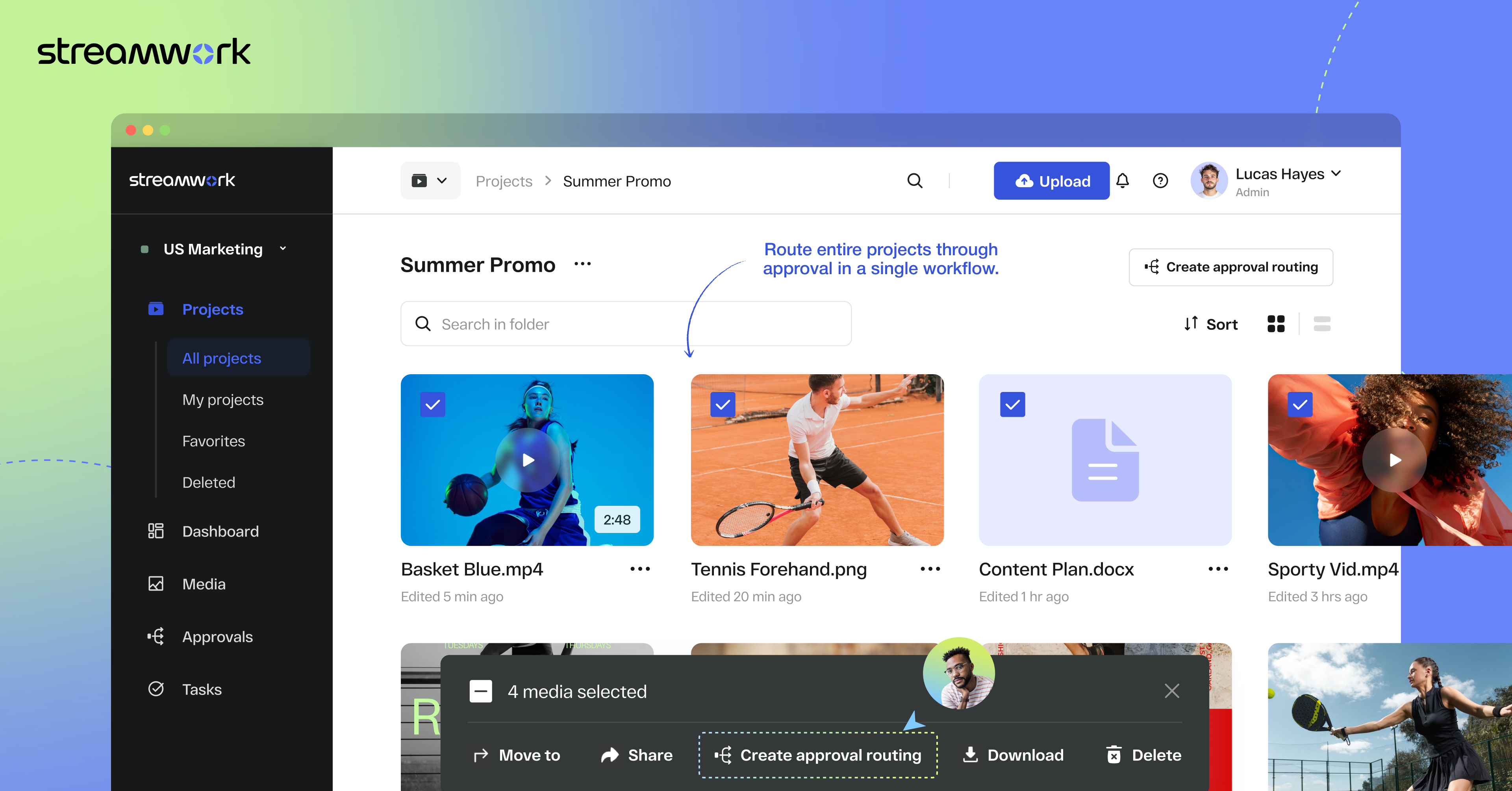
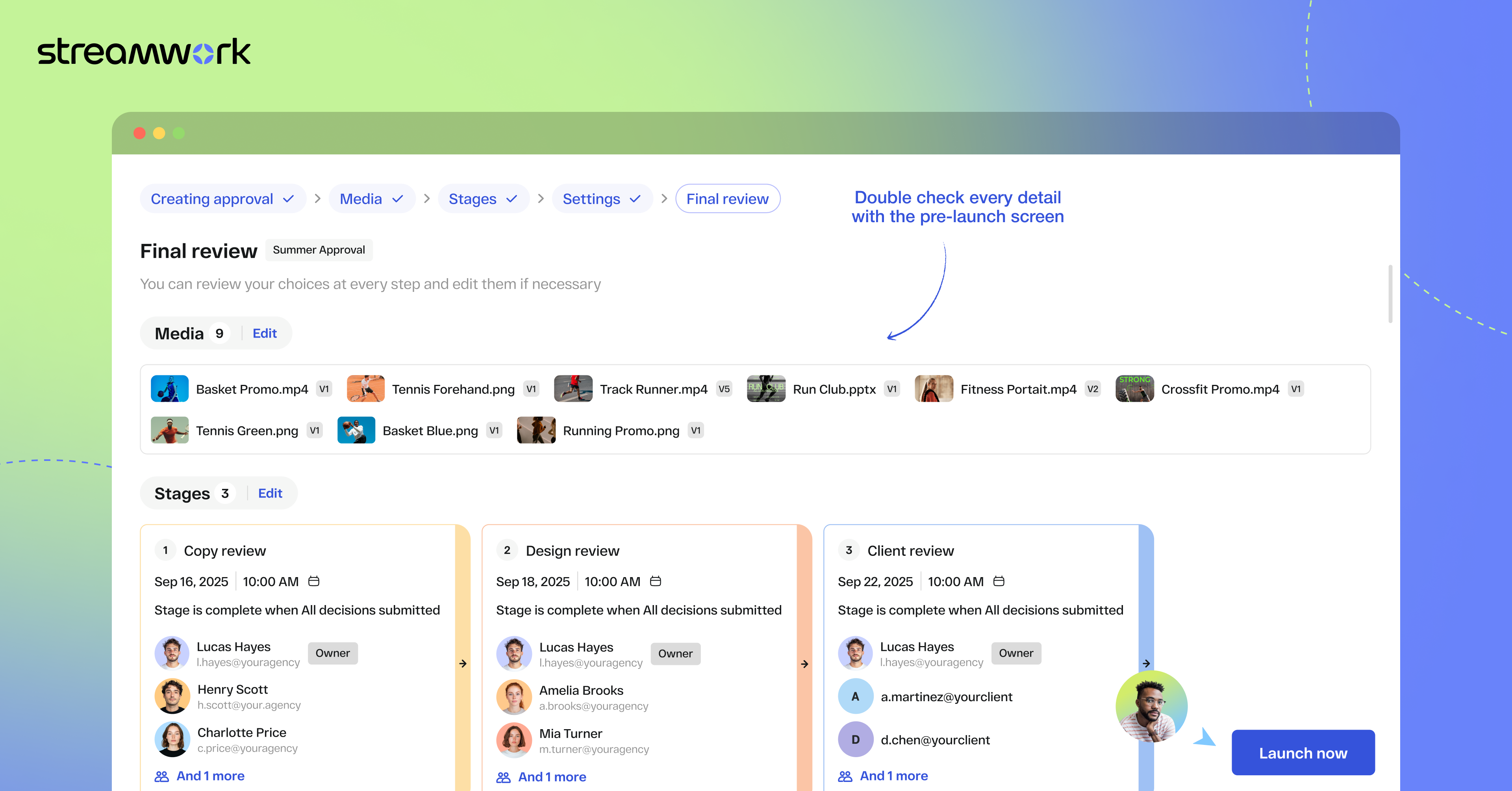
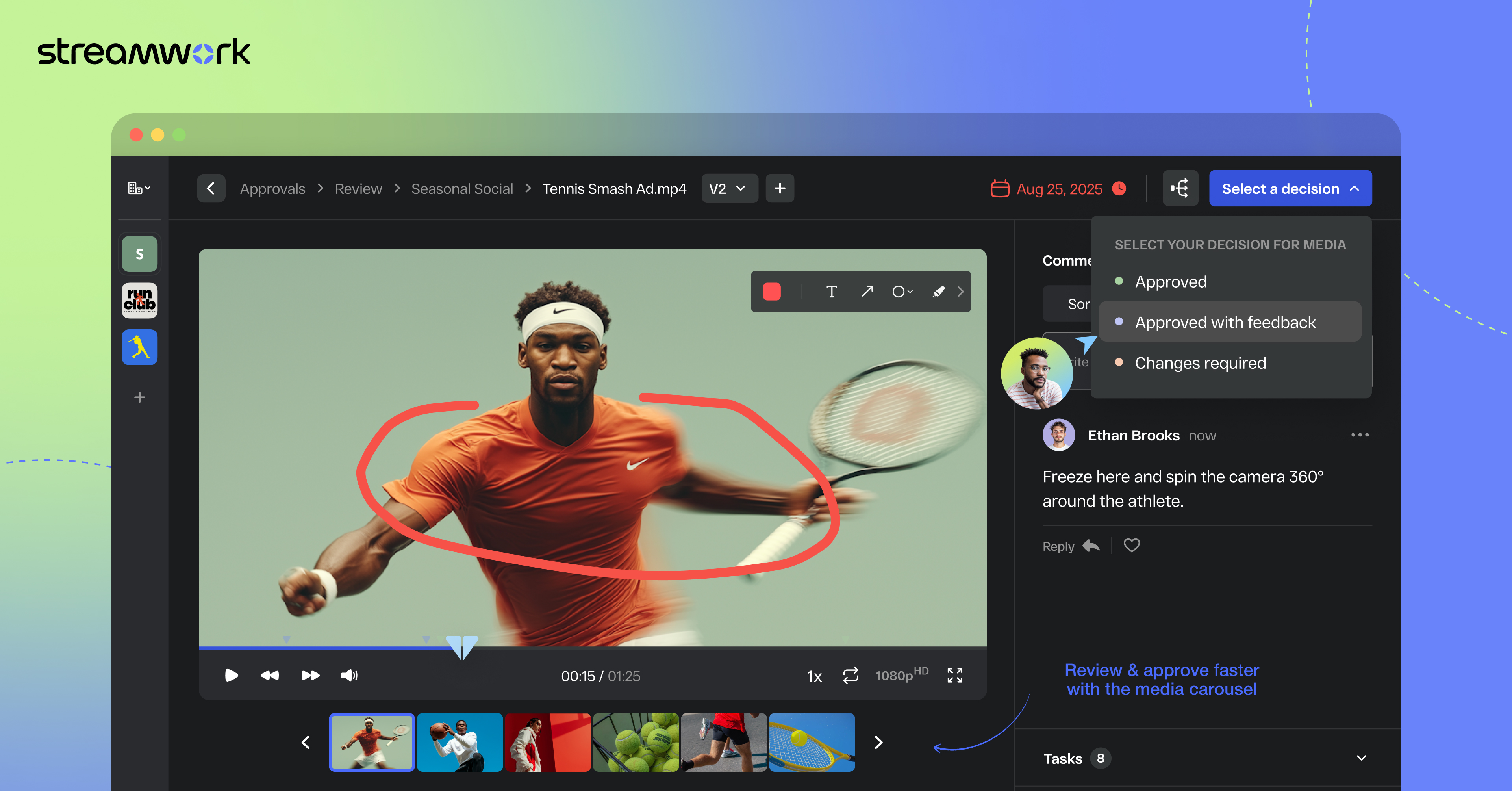
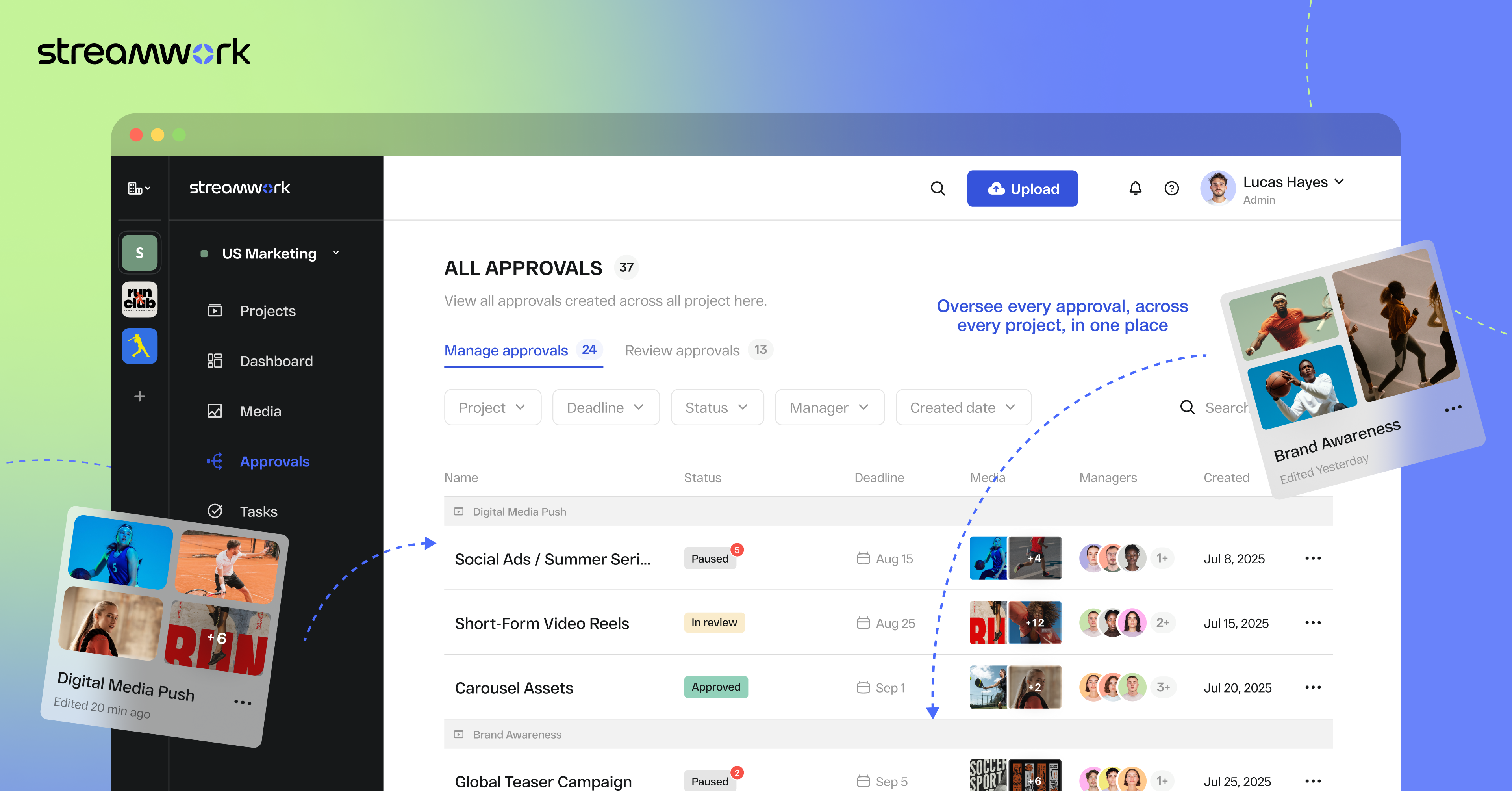
StreamWork is a review and approval platform used by marketing and creative teams to centralize feedback, streamline online proofing, and automate creative approval workflows. By consolidating version control, task management, and stakeholder input, it aims to eliminate bottlenecks and reduces rework. Teams can markup nearly any file type (videos, images, CAD files, documents, slides, etc), route assets through multi-stage approvals with smart deadlines, and share review links without requiring…
$219
per month (15 users included)
Pricing
Frame.io
StreamWork
Editions & Modules
Pro
$15
per user/per month
Team
$25
per user/per month
Free
Free
For up to 2 users
Enterprise
Contact sales team
Free
$0
2 users
Starter
$219
per month 15 users
Team
$369
per month 20 users
Enterprise
Custom Pricing
per year 25 users
Offerings
Pricing Offerings
Frame.io
StreamWork
Free Trial
Yes
Yes
Free/Freemium Version
Yes
Yes
Premium Consulting/Integration Services
No
Yes
Entry-level Setup Fee
No setup fee
Optional
Additional Details
—
StreamWork offers monthly and annual pricing options. Annual plans receive a discount.
Compared to the other tools that I have used, StreamWork offers the most flexibility for internal and external needs. Workamajig was my favorite for centralizing a creative brief and creating a clear flow of approvers internally, but it never worked as expected with external …
A de minimis incentive was given to thank the reviewer for their time. The incentive was not used to bias or drive a particular response, nor was the incentive contingent on a positive endorsement. More Info
Creative Operations Consultant in Marketing at Kelly Perry Consulting (Management Consulting, 1-10 employees)
Chose StreamWork
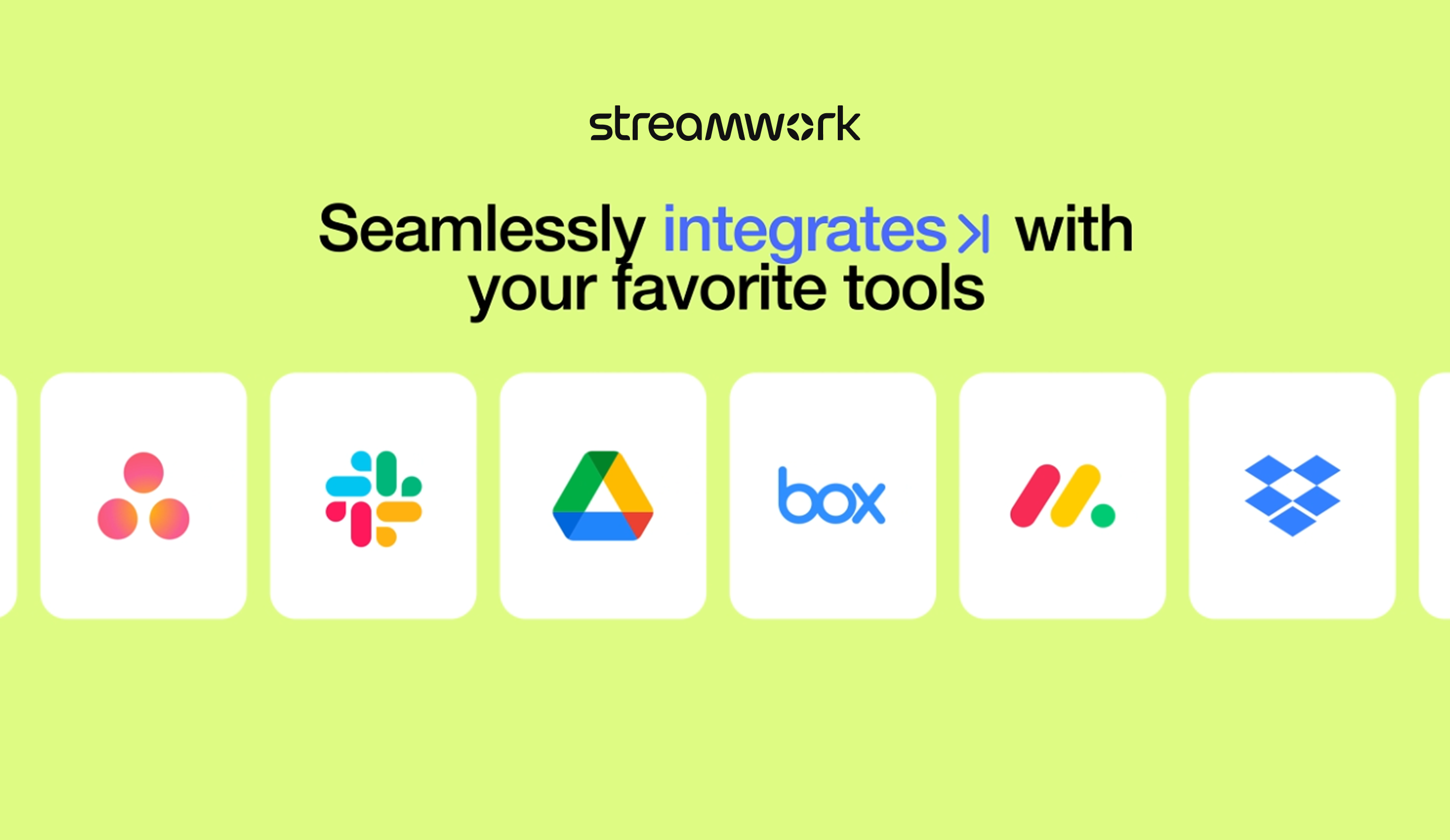
StreamWork's Asana integration was the stand-out. I could not find any other platform that integrated so seamlessly into our existing process and automations.
A de minimis incentive was given to thank the reviewer for their time. The incentive was not used to bias or drive a particular response, nor was the incentive contingent on a positive endorsement. More Info
Frame.io is best suited if you are on, say, a marketing team and want to get feedback from other team members or leaders on a project you have been working on. Frame.io is less suited to serving as your team's primary storage for raw footage and photos.
A de minimis incentive was given to thank the reviewer for their time. The incentive was not used to bias or drive a particular response, nor was the incentive contingent on a positive endorsement. TR verified that a representative sample of customers was invited. More Info
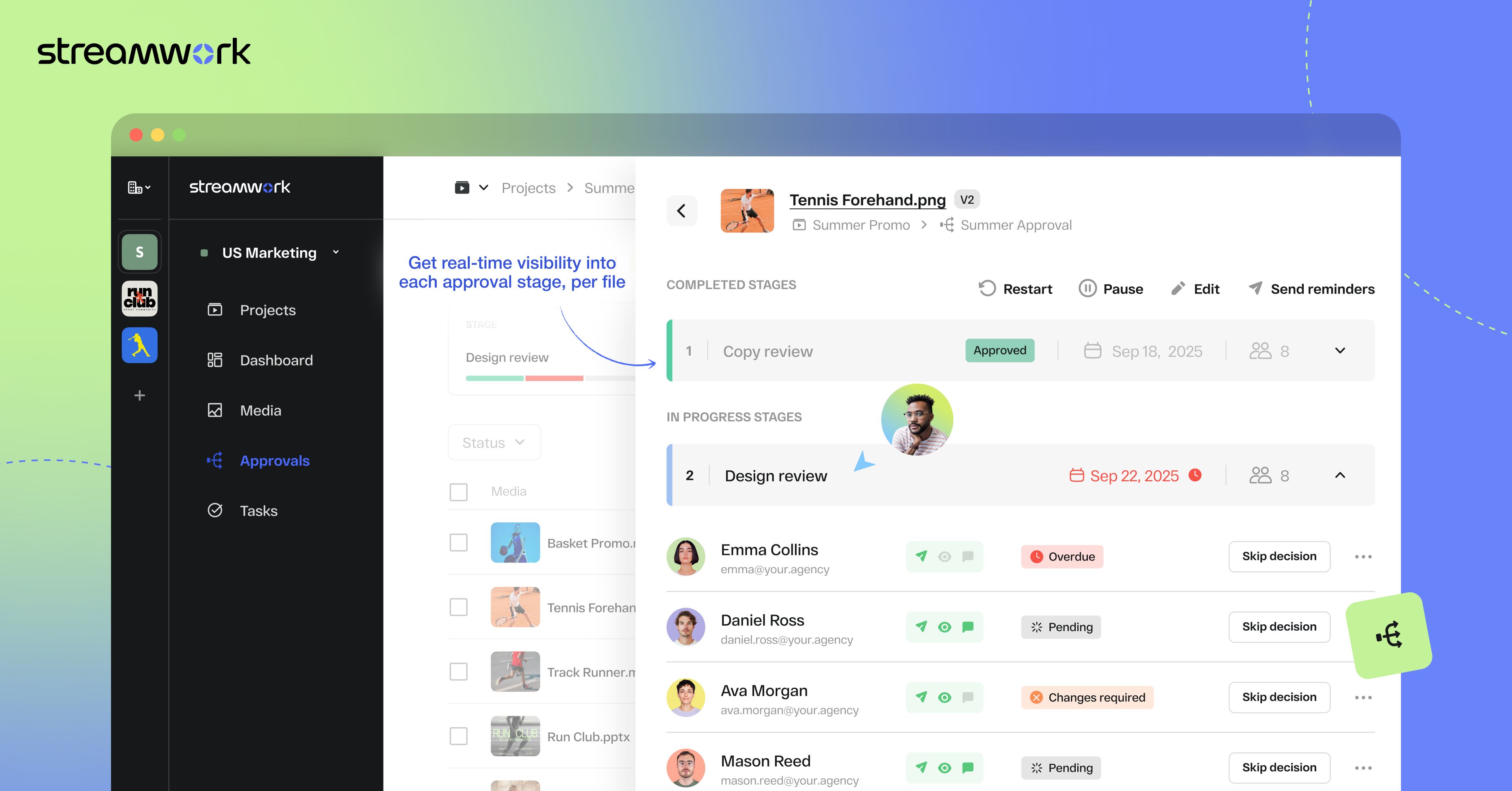
1) I like that "Approvals" are on the main nav as this expedites my workflow as I'm QA for all our projects. I save time by not delving down into each project workspace 2) The Approval widget on the dashboard is also a time saver! 3) The "Review Approvals" section - I like being able to see the status of each user's approval process so I can send reminders 4) The "Skip Decision" feature is helpful as we're entering holiday season with folks being OOO.... we want to avoid gatekeeping/blockers. 5) While I haven't yet used the split review process, I can see how it will be helpful on my large-scale, long-term projects.
A de minimis incentive was given to thank the reviewer for their time. The incentive was not used to bias or drive a particular response, nor was the incentive contingent on a positive endorsement. More Info
When I mark a video private, it should disable the sharing link. We’ve run into issues where we’ve made a video private, thinking that it was no longer visible, but those with the link could still view it.
Mobile version is great, but sometimes I have to rotate my phone to get the full feature set, which is a little clunky sometimes.
A de minimis incentive was given to thank the reviewer for their time. The incentive was not used to bias or drive a particular response, nor was the incentive contingent on a positive endorsement. More Info
It works well for our small team, but we’ve run into some friction as things scale. Getting external users set up with the right access can be a bit of a hassle, and the cost starts to add up as we bring on more people and projects. That said, it’s still a solid tool, it definitely speeds up our workflow and works seamlessly with Adobe products.
A de minimis incentive was given to thank the reviewer for their time. The incentive was not used to bias or drive a particular response, nor was the incentive contingent on a positive endorsement. More Info
Frame.io continues to lead with new features that enhance collaboration and review workflows. For a Creative agency, it's been a wonderful digital asset management and client collaboration tool, and more. The ease of uploading and adding stakeholders has had an incredible impact on customer response times, helping us retain and delight our clients.
A de minimis incentive was given to thank the reviewer for their time. The incentive was not used to bias or drive a particular response, nor was the incentive contingent on a positive endorsement. More Info
Once set up, StreamWork is very easy to use! Since I started using the platform, the team has pushed several key updates that have further improved user experience and usability.
A de minimis incentive was given to thank the reviewer for their time. The incentive was not used to bias or drive a particular response, nor was the incentive contingent on a positive endorsement. TR verified that a representative sample of customers was invited. More Info
When sharing videos for feedback, there are no noticeable performance issues with Frame.io. Everyone is able to complete their tasks without the program getting in the way.
A de minimis incentive was given to thank the reviewer for their time. The incentive was not used to bias or drive a particular response, nor was the incentive contingent on a positive endorsement. TR verified that a representative sample of customers was invited. More Info
The few times I have needed support I have received a quick response - though the one major complaint I have had is regarding the omission of an iPad app - supposedly it is in the works but I haven't seen it release yet. We do have issues with the browser being buggy - especially on slow internet. Whether or not that is something support has failed me on, i'm not sure - but they are responsive, but don't always provide immediate results.
A de minimis incentive was given to thank the reviewer for their time. The incentive was not used to bias or drive a particular response, nor was the incentive contingent on a positive endorsement. More Info
We utilize both Synthesia and Frame.io for different projects. Frame.io we use for editing actual video content that has been captured. Primary use is for customer training and education. We use Synthesia for short-form video production, primarily for software screen recording demonstrations, and for translation functionality (which is excellent).
A de minimis incentive was given to thank the reviewer for their time. The incentive was not used to bias or drive a particular response, nor was the incentive contingent on a positive endorsement. More Info
StreamWork's Asana integration was the stand-out. I could not find any other platform that integrated so seamlessly into our existing process and automations.
A de minimis incentive was given to thank the reviewer for their time. The incentive was not used to bias or drive a particular response, nor was the incentive contingent on a positive endorsement. TR verified that a representative sample of customers was invited. More Info
A de minimis incentive was given to thank the reviewer for their time. The incentive was not used to bias or drive a particular response, nor was the incentive contingent on a positive endorsement. More Info
StreamWork has made our creative review process far more efficient. It’s reduced turnaround times, minimized miscommunication, and helped us deliver assets to clients faster... all of which translate into better project outcomes and a clear ROI.
A de minimis incentive was given to thank the reviewer for their time. The incentive was not used to bias or drive a particular response, nor was the incentive contingent on a positive endorsement. More Info