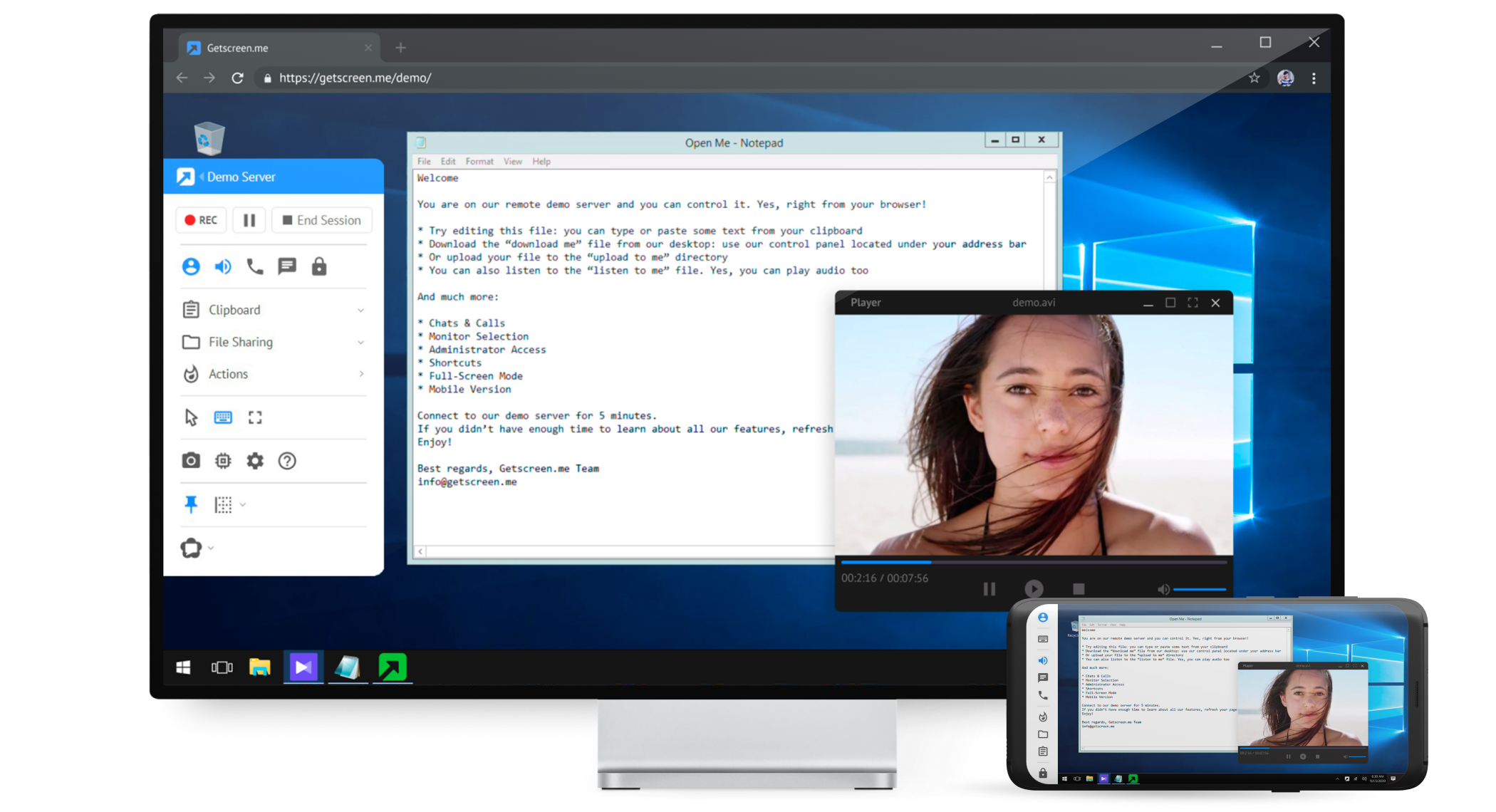
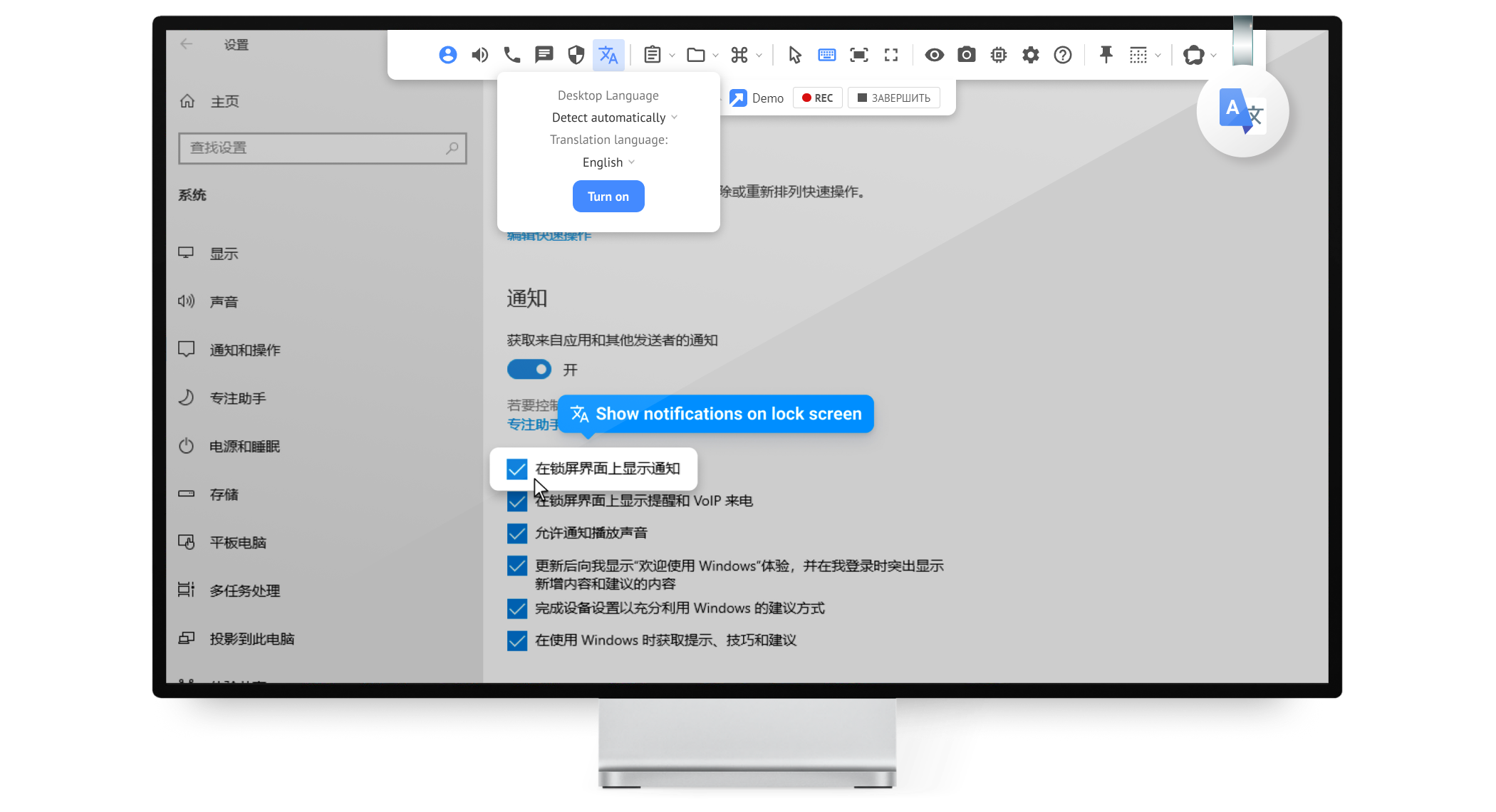
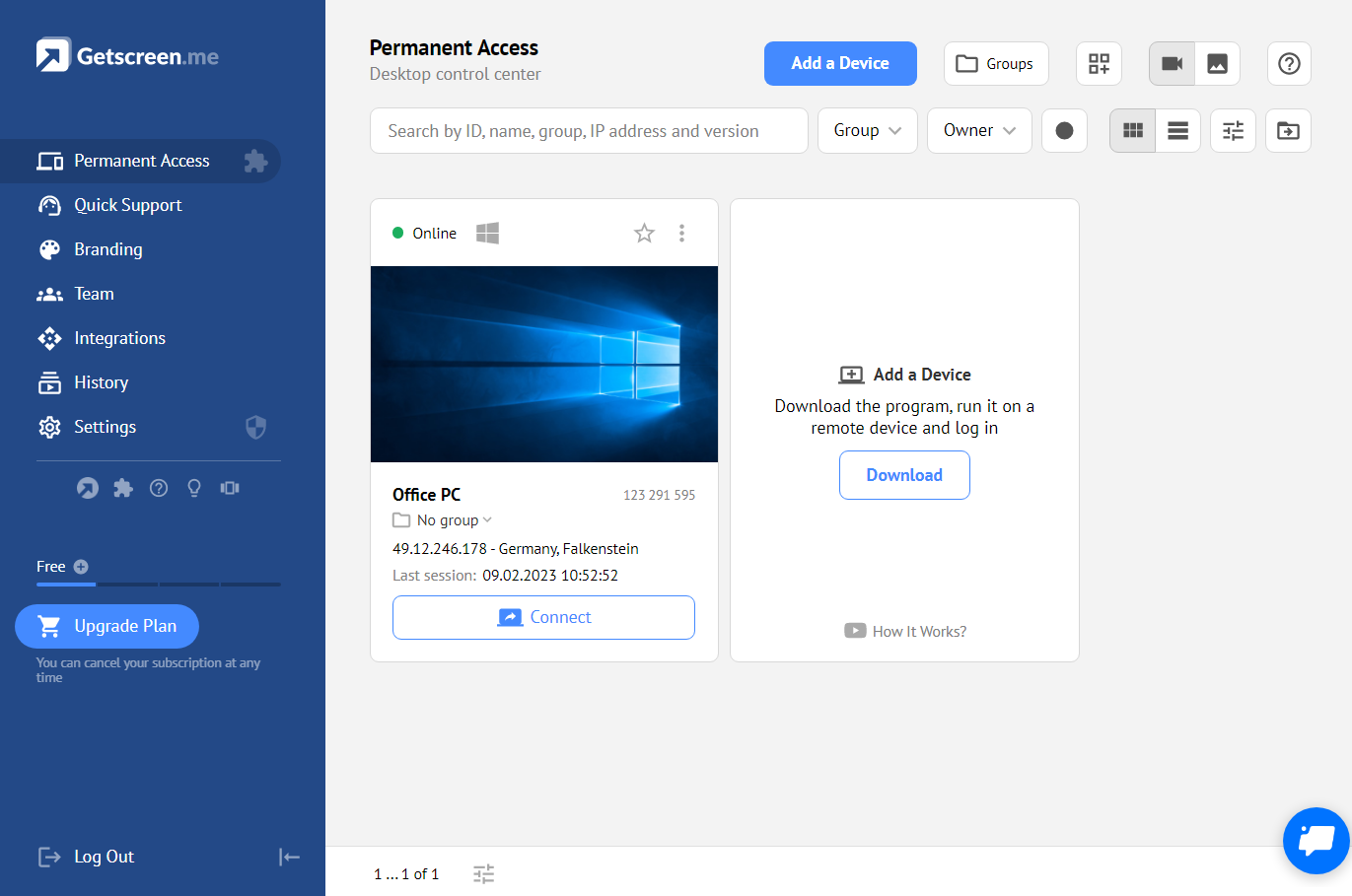
Getscreen.me is a cloud-based software for administration, technical support and remote work. Service provides remote desktop access from a browser, without any installation. It has permanent access and boasts quick support and instantaneous connection, with computers in the user's personal cabinet. The service works over the HTTPS protocol, which includes AES encryption.
$0
per user
Omnissa Horizon
Score8.1 out of 10
N/A
A VDI solution used for the secure delivery of virtual desktops and apps from on-premises to the cloud. It is used to deploy, manage, monitor and scale desktops and apps across private, hybrid and multi-cloud infrastructure using a cloud-based console and SaaS management services.
As long as there is internet connectivity, Getscreen.me is useful for connecting to your desktop or a server in order to work remotely. An example would be a dedicated machine for rendering video. We use Getscreen.me to log in and start the render. Connecting to a client desktop to provide on system support. There is the ability to log and record activity when the application is used, this would be helpful for monitoring activity of a remote desktop tech support team. Reporting is basic but provides enough information to track interactions.
A de minimis incentive was given to thank the reviewer for their time. The incentive was not used to bias or drive a particular response, nor was the incentive contingent on a positive endorsement. More Info
VMware is well suited to a business where there will be many remote users needing to connect to the companies desktop. The installation on a remote computer is simple and is easy to use remotely but can be complicated to set up on the back end on the office system. It may not be worth the effort for a company that has few people who need remote access.
A de minimis incentive was given to thank the reviewer for their time. The incentive was not used to bias or drive a particular response, nor was the incentive contingent on a positive endorsement. More Info
A de minimis incentive was given to thank the reviewer for their time. The incentive was not used to bias or drive a particular response, nor was the incentive contingent on a positive endorsement. More Info
It provides a robust, secure, rich desktop environment that is able to access all internal network resources.
Addresses security and compliance concerns as all data resides within the internal network. All data accessed stays within the internal network and does not need to traverse a VPN to the local desktop where it may be cached, etc.
The connection is thin client that does not require large amount of bandwidth.
Client application is available for all common devices and O/S’s.
No need to install, configure and maintain applications on local desktop.
A de minimis incentive was given to thank the reviewer for their time. The incentive was not used to bias or drive a particular response, nor was the incentive contingent on a positive endorsement. More Info
Speed - the Getscreen.me solution is an all round winner - however I find that there is a slight lag when controlling a remote PC mouse - compared to the competitors products. If this can be improved on - the GETSCREEN.ME get a 10 out of 10 from us!
A de minimis incentive was given to thank the reviewer for their time. The incentive was not used to bias or drive a particular response, nor was the incentive contingent on a positive endorsement. More Info
A de minimis incentive was given to thank the reviewer for their time. The incentive was not used to bias or drive a particular response, nor was the incentive contingent on a positive endorsement. More Info
A de minimis incentive was given to thank the reviewer for their time. The incentive was not used to bias or drive a particular response, nor was the incentive contingent on a positive endorsement. More Info
A de minimis incentive was given to thank the reviewer for their time. The incentive was not used to bias or drive a particular response, nor was the incentive contingent on a positive endorsement. More Info
For what we need it to do, it just works. And I'm sure that we're not even using it to the full extent of what it's capable and designed to do. If we had the need, Getscreen.me has many more features that we could implement. If the need arises in the future, it's great knowing that we already have a tool to utilize.
A de minimis incentive was given to thank the reviewer for their time. The incentive was not used to bias or drive a particular response, nor was the incentive contingent on a positive endorsement. More Info
Because it delivers what it promises, I am giving this rating. While there is scope for improvement, it does the job and meets our requirements reasonab;y well. It helps our remote resources connect to our environment securely and improves their productivity. We also get to access our client environment from remote locations and complete the tasks assigned to us.
A de minimis incentive was given to thank the reviewer for their time. The incentive was not used to bias or drive a particular response, nor was the incentive contingent on a positive endorsement. More Info
There are a lot of things that went into my rating from the ease of use compared to other systems to the limited amount of issues I have had with this one. Any issue with this system has been identified and resolved in a much quicker manner than I have seen with like systems.
A de minimis incentive was given to thank the reviewer for their time. The incentive was not used to bias or drive a particular response, nor was the incentive contingent on a positive endorsement. More Info
When I did reach out at the early days of using Getscreen.me I got a pretty prompt response, and all of my questions were answered. Since then, I have never needed to contact support. This is a GOOD thing!
A de minimis incentive was given to thank the reviewer for their time. The incentive was not used to bias or drive a particular response, nor was the incentive contingent on a positive endorsement. More Info
It is surely way better than Citrix, but it could improve a bit. Usually, they send us the solution without saying what was the root cause so we can avoid breaking something in the future. Besides that, VMWare support answers in an OK time-frame and even speaks our language (Portuguese).
A de minimis incentive was given to thank the reviewer for their time. The incentive was not used to bias or drive a particular response, nor was the incentive contingent on a positive endorsement. More Info
A de minimis incentive was given to thank the reviewer for their time. The incentive was not used to bias or drive a particular response, nor was the incentive contingent on a positive endorsement. More Info
In my experience, Getscreen.me stacks up very well against other remote desktop software like TeamViewer and AnyDesk. One of the things I appreciate most about Getscreen.me is its competitive pricing. Compared to other remote control services like TeamViewer or AnyDesk, I find that Getscreen.me offers fantastic value for money.In terms of functionality, Getscreen.me has all the features I need, including cross-platform access, file transfer, and remote control. I also find the quick access function to be incredibly useful, as it allows me to connect to a remote computer in just two clicks.
Although I really prefer Microsoft Remote Desktop for accessing Windows servers (from Windows machines especially), and this can be done from off-site with a VPN, this entails much more effort, namely getting everyone's Active Directory in the correct group to have access. VMWare Horizon is a much simpler solution in terms of granting access. Chrome Remote Desktop and TeamViewer are really not viable solutions for remotely accessing servers in business settings, although they work alright for home servers and such, especially from off-site.
A de minimis incentive was given to thank the reviewer for their time. The incentive was not used to bias or drive a particular response, nor was the incentive contingent on a positive endorsement. More Info
A de minimis incentive was given to thank the reviewer for their time. The incentive was not used to bias or drive a particular response, nor was the incentive contingent on a positive endorsement. More Info