
Getscreen.me vs. FixMe.IT by Techinline
Getscreen.me vs. FixMe.IT by Techinline
| Product | Rating | Most Used By | Product Summary | Starting Price |
|---|---|---|---|---|
 Getscreen.me | N/A | Getscreen.me is a cloud-based software for administration, technical support and remote work. Service provides remote desktop access from a browser, without any installation. It has permanent access and boasts quick support and instantaneous connection, with computers in the user's personal cabinet. The service works over the HTTPS protocol, which includes AES encryption. | $0 per user | |
 FixMe.IT by Techinline | N/A | Techinline Remote Desktop is a remote support application that is designed to enable instant, secure, and trouble-free connections between remote computers anywhere in the world. The vendor's value proposition is that with Techinline Remote Desktop, support teams can quickly and securely view, diagnose, and resolve technical issues on a remote computer without pre-installing software. | $39 per month per seat |
| Getscreen.me | FixMe.IT by Techinline | |||||||||||||||
|---|---|---|---|---|---|---|---|---|---|---|---|---|---|---|---|---|
| Editions & Modules |
|
| ||||||||||||||
| Offerings |
| |||||||||||||||
| Entry-level Setup Fee | No setup fee | No setup fee | ||||||||||||||
| Additional Details | 16% discount with an annual subscription | — | ||||||||||||||
| More Pricing Information | ||||||||||||||||
| Getscreen.me | FixMe.IT by Techinline |
|---|
| Getscreen.me | FixMe.IT by Techinline | ||||||||||||||||||||||||||||||||||||
|---|---|---|---|---|---|---|---|---|---|---|---|---|---|---|---|---|---|---|---|---|---|---|---|---|---|---|---|---|---|---|---|---|---|---|---|---|---|
| Remote Administration |
|
| Getscreen.me | FixMe.IT by Techinline | |
|---|---|---|
| Small Businesses |  Remote Desktop Manager Score 9.6 out of 10 | Getscreen.me Score 9.7 out of 10 |
| Medium-sized Companies | Remote Desktop Manager Score 9.6 out of 10 | Remote Desktop Manager Score 9.6 out of 10 |
| Enterprises | Remote Desktop Manager Score 9.6 out of 10 | Remote Desktop Manager Score 9.6 out of 10 |
| All Alternatives | View all alternatives | View all alternatives |
| Getscreen.me | FixMe.IT by Techinline | |
|---|---|---|
| Likelihood to Recommend | 9.1 (21 ratings) | 9.0 (6 ratings) |
| Likelihood to Renew | 9.9 (2 ratings) | 10.0 (1 ratings) |
| Usability | 10.0 (3 ratings) | - (0 ratings) |
| Support Rating | 10.0 (1 ratings) | 9.0 (1 ratings) |
| Implementation Rating | 10.0 (1 ratings) | - (0 ratings) |
| Getscreen.me | FixMe.IT by Techinline | |
|---|---|---|
| Likelihood to Recommend | Getscreen.me
 Armand Panganiban Managing Editor | Techinline
|
| Pros | Getscreen.me
| Techinline
 Justin Bongard Senior IT Support Technician |
| Cons | Getscreen.me
| Techinline
|
| Likelihood to Renew | Getscreen.me
| Techinline
Justin Bongard Senior IT Support Technician |
| Usability | Getscreen.me
| Techinline No answers on this topic |
| Support Rating | Getscreen.me
| Techinline
Justin Bongard Senior IT Support Technician |
| Implementation Rating | Getscreen.me
| Techinline No answers on this topic |
| Alternatives Considered | Getscreen.me
| Techinline
 Nick Tietjen Integration supervisor |
| Return on Investment | Getscreen.me
 John Robert Yelland MILT Managing Director | Techinline
|
| ScreenShots | Getscreen.me Screenshots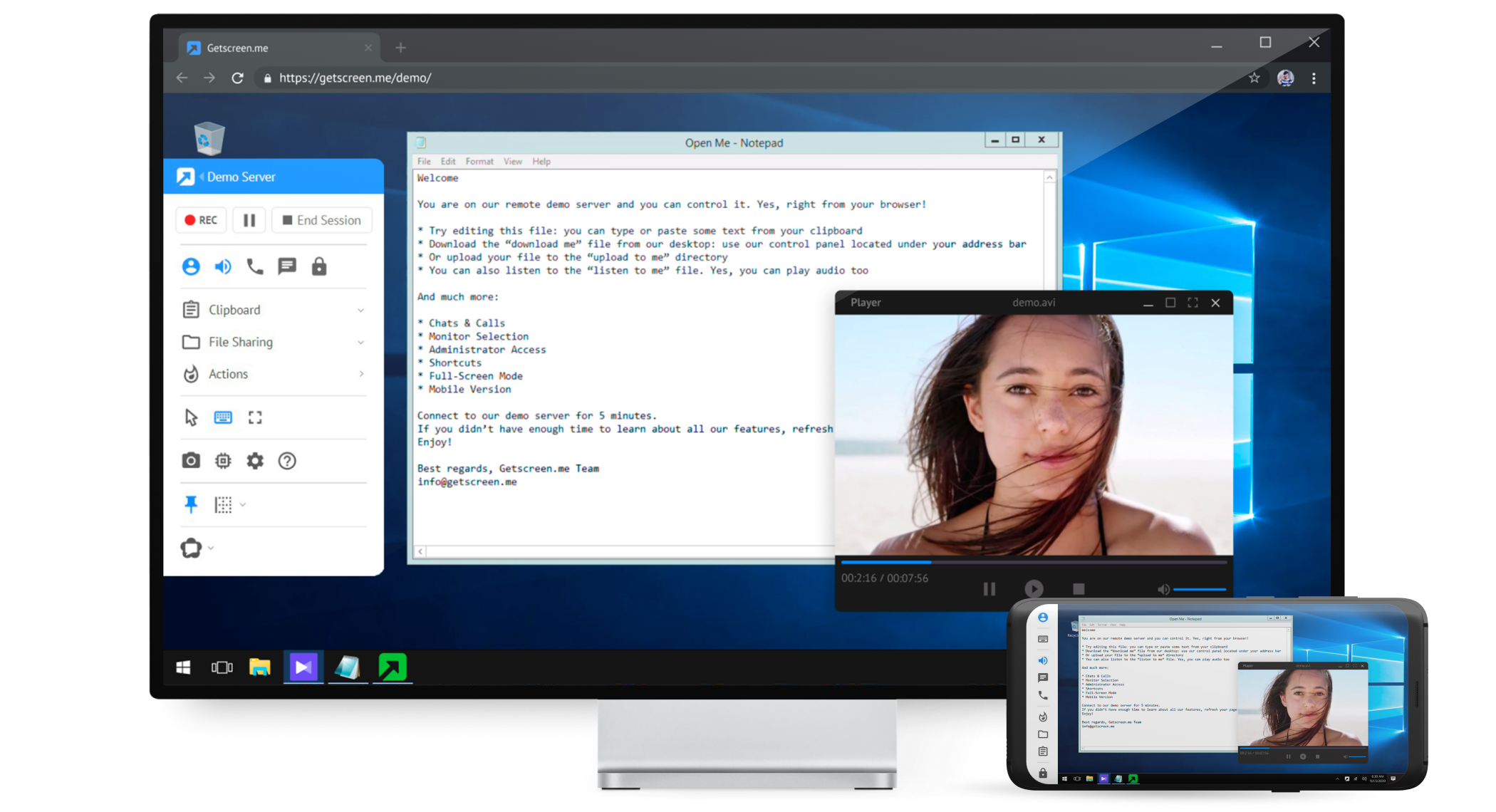   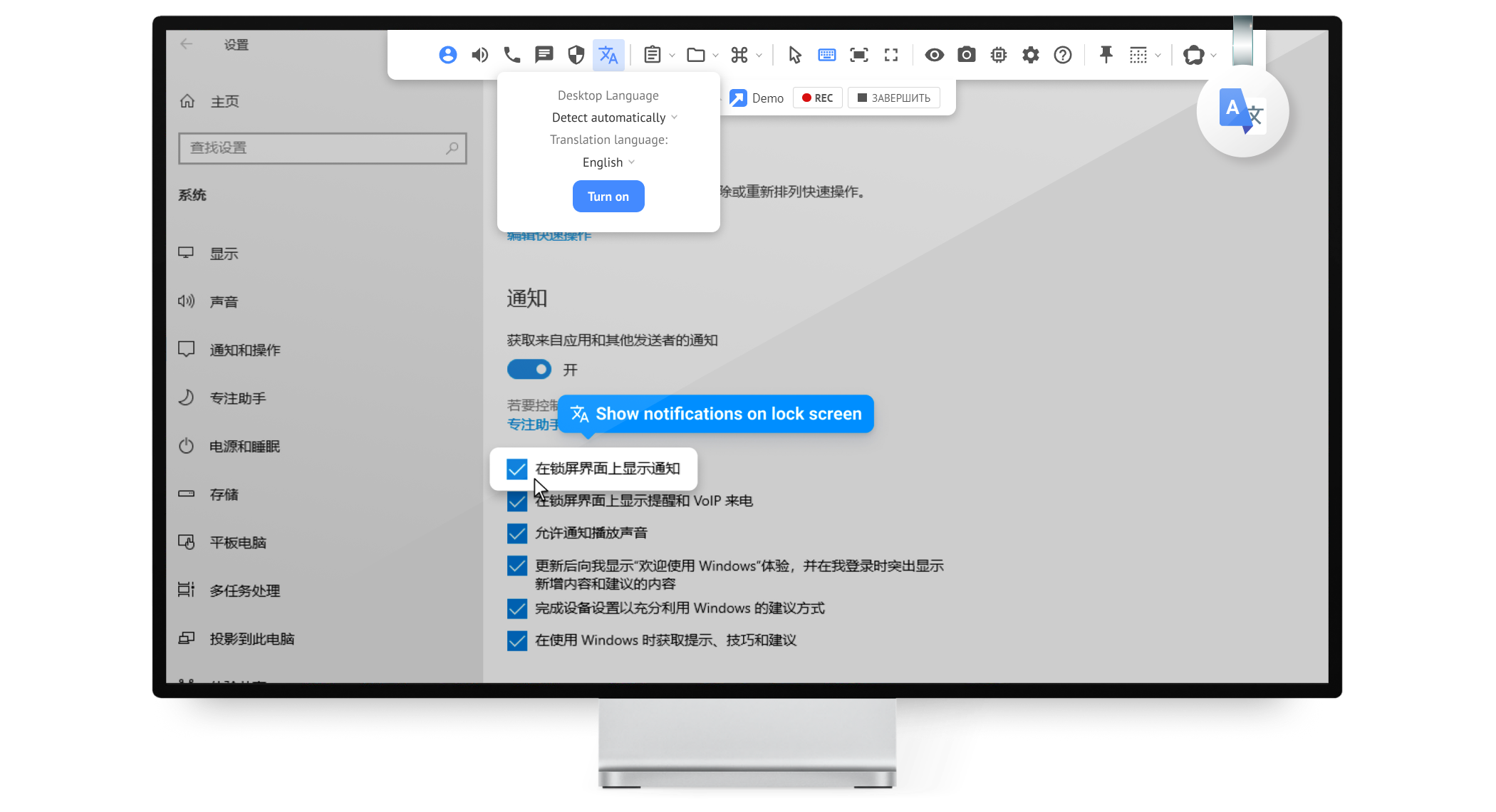  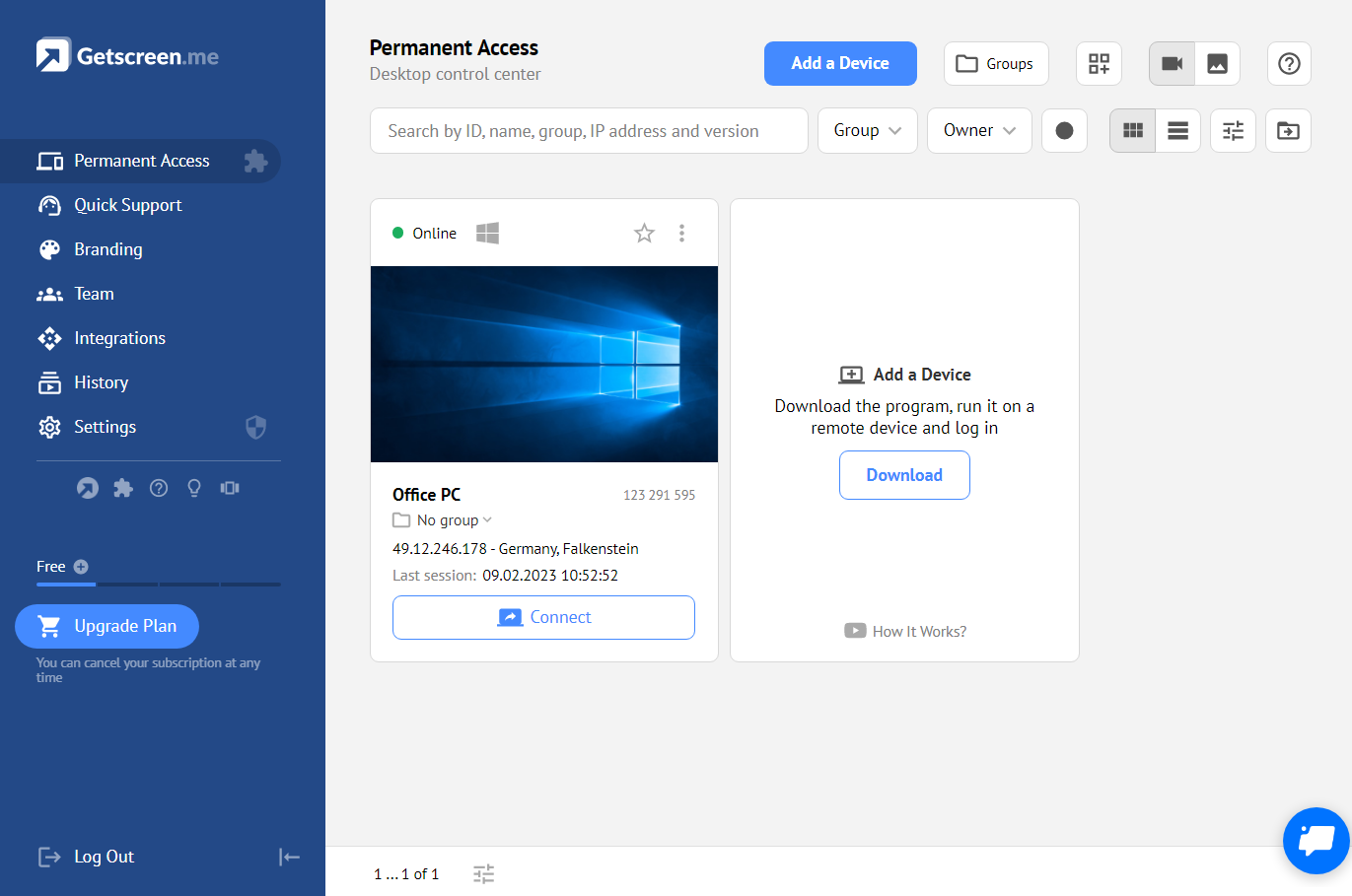 |
