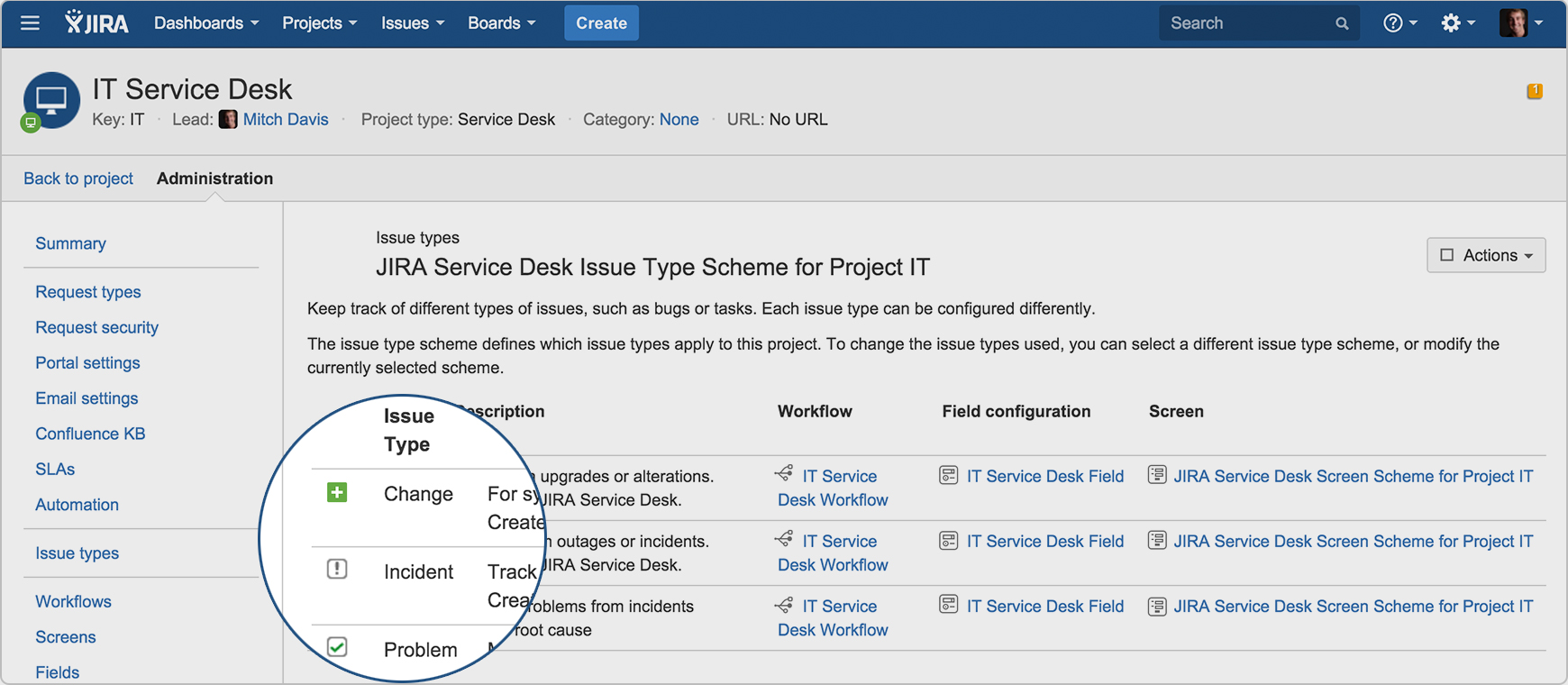
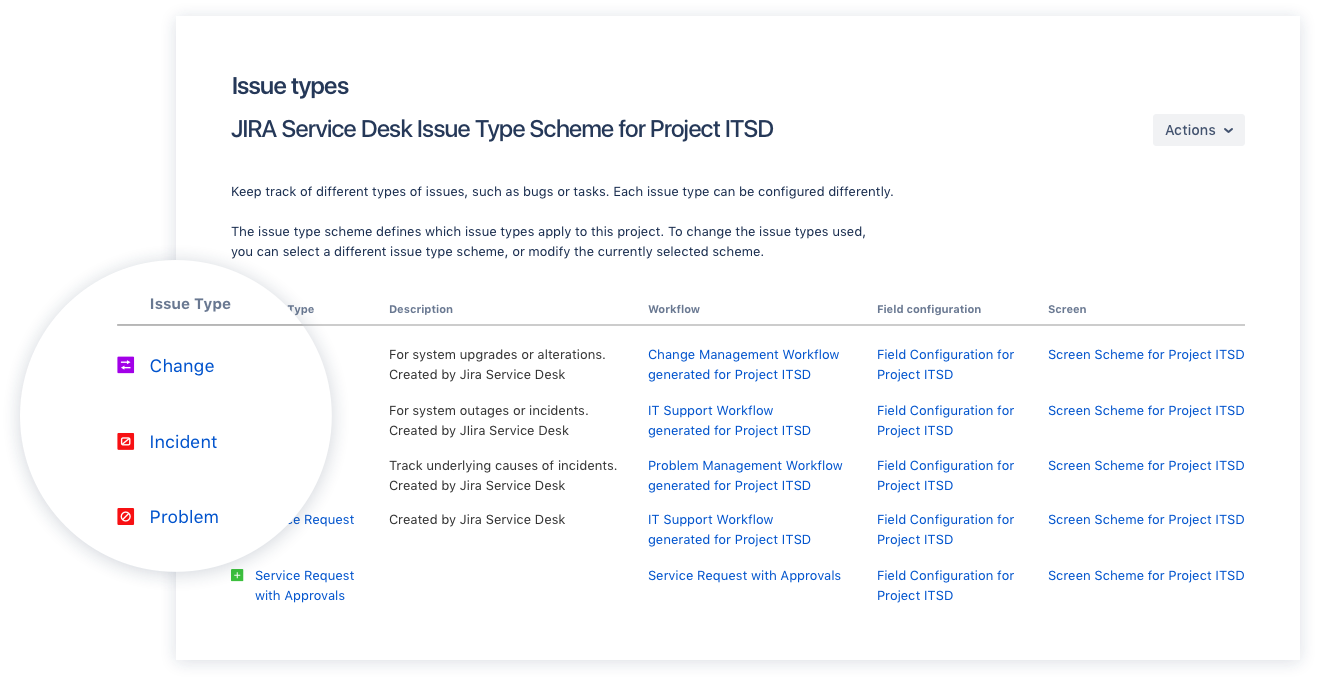
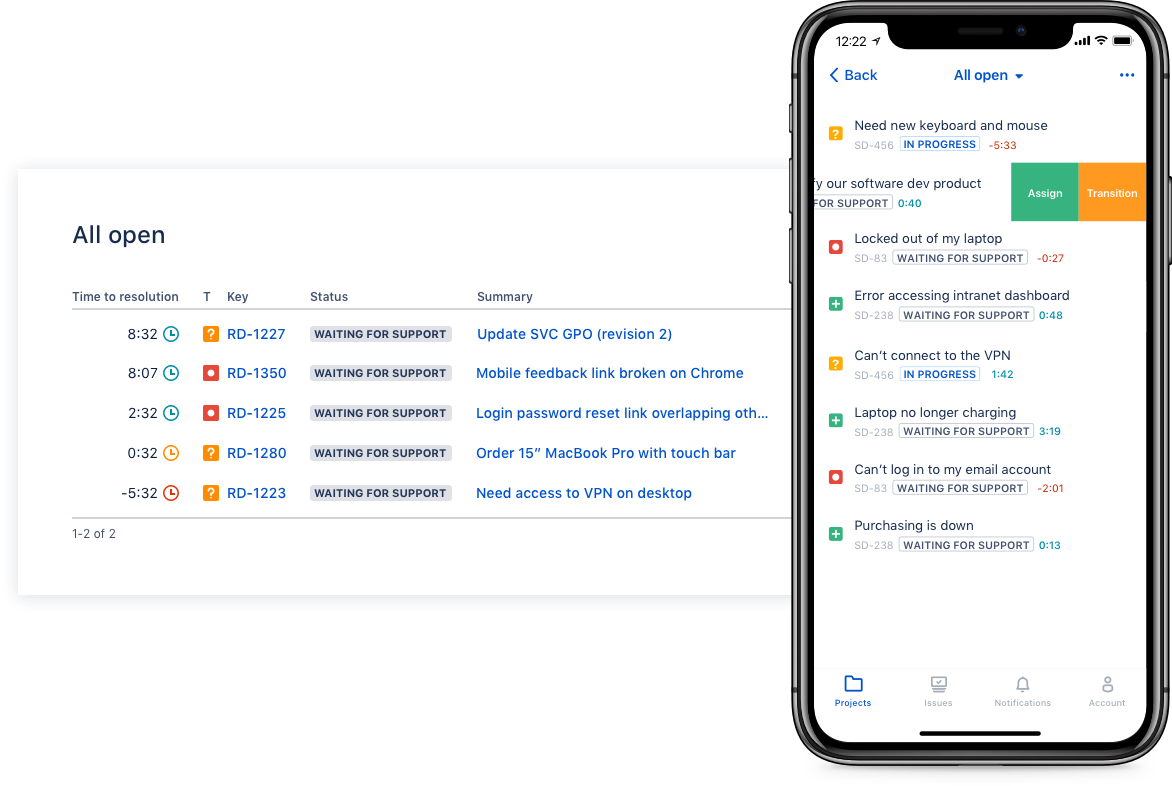
Jira Service Management (formerly Jira Service Desk, now including features from the former Mindville Insight, acquired by Atlassian in June 2020) is a service desk software that is purpose-built for IT, service, and support teams. The software provides everything IT and support teams need out-of-the-box for service request, incident, problem and change management. Jira Service Management integrates seamlessly with Jira Software so that IT and development teams can work better together. Users…
$0
per month
Pricing
Git
Jira Service Management
Editions & Modules
No answers on this topic
Free
$0
per month
Standard
$20
per agent/per month
Premium
$40
per agent/per month
Enterprise
Contact sales team
Offerings
Pricing Offerings
Git
Jira Service Management
Free Trial
No
Yes
Free/Freemium Version
No
No
Premium Consulting/Integration Services
No
Yes
Entry-level Setup Fee
No setup fee
No setup fee
Additional Details
—
—
More Pricing Information
Community Pulse
Git
Jira Service Management
Features
Git
Jira Service Management
Incident and problem management
Comparison of Incident and problem management features of Product A and Product B
Git
-
Ratings
Jira Service Management
8.5
85 Ratings
3% above category average
Organize and prioritize service tickets
00 Ratings
8.884 Ratings
Expert directory
00 Ratings
9.02 Ratings
Service restoration
00 Ratings
9.52 Ratings
Self-service tools
00 Ratings
8.176 Ratings
Subscription-based notifications
00 Ratings
10.01 Ratings
ITSM collaboration and documentation
00 Ratings
7.771 Ratings
ITSM reports and dashboards
00 Ratings
6.772 Ratings
ITSM asset management
Comparison of ITSM asset management features of Product A and Product B
Git
-
Ratings
Jira Service Management
10.0
1 Ratings
19% above category average
Configuration mangement
00 Ratings
10.01 Ratings
Asset management dashboard
00 Ratings
10.01 Ratings
Policy and contract enforcement
00 Ratings
10.01 Ratings
Change management
Comparison of Change management features of Product A and Product B
GIT is good to be used for faster and high availability operations during code release cycle. Git provides a complete replica of the repository on the developer's local system which is why every developer will have complete repository available for quick access on his system and they can merge the specific branches that they have worked on back to the centralized repository. The limitations with GIT are seen when checking in large files.
I think using a ticketing system is very easy to use and allows multiple teams to create help desks in the same portal. In terms of internal usage, I think this is a great option. However, suppose you're trying to keep internal items and external helpdesks in the same instance. In that case, this is not ideal, as there is no effective way to separate the two instances to protect internal data better.
Integration with many of the most common tools companies are using (Slack, MS Teams, Salesforce, ... etc)
Natural workflow with Jira (as product development / project management tool) which makes the full fix and follow up of the tickets / issues very easy to follow
Allow multiple different entry points and work flows for as many different needs your teams / company have
Git has met all standards for a source control tool and even exceeded those standards. Git is so integrated with our work that I can't imagine a day without it.
In the current contect the requirments is around having a tool that is focused and can handle large ticket volumes and tracking incident, problem and user requests concerning end users. Jira has built in functionality to address the above practice needs faily easily and has a substantial amount of customizable reports for generating the relevant intelligence.
If you're used to other tools in the Atlassian ecosystem, you'll feel right at home with JSM. It's also a platform that technical folk can easily pick up. However, I wouldn't recommend using JSM as a company's first jumping off point into Atlassian. There are a lot of other 'newer' tools that provide sleeker ITSM systems at a similar cost.
I am not sure what the official Git support channels are like as I have never needed to use any official support. Because Git is so popular among all developers now, it is pretty easy to find the answer to almost any Git question with a quick Google search. I've never had trouble finding what I'm looking for.
I gave JIRA a 9 rating since for me JIRA works according to its purpose. Since there is a customer portal, our clients can leave a comment or communicate with us using the PR ticket that way it is easier for us to also request any additional information we need for our investigation.
I've used both Apache Subversion & Git over the years and have maintained my allegiance to Git. Git is not objectively better than Subversion. It's different. The key difference is that it is decentralized. With Subversion, you have a problem here: The SVN Repository may be in a location you can't reach (behind a VPN, intranet - etc), you cannot commit. If you want to make a copy of your code, you have to literally copy/paste it. With Git, you do not have this problem. Your local copy is a repository, and you can commit to it and get all benefits of source control. When you regain connectivity to the main repository, you can commit against it. Another thing for consideration is that Git tracks content rather than files. Branches are lightweight and merging is easy, and I mean really easy. It's distributed, basically every repository is a branch. It's much easier to develop concurrently and collaboratively than with Subversion, in my opinion. It also makes offline development possible. It doesn't impose any workflow, as seen on the above linked website, there are many workflows possible with Git. A Subversion-style workflow is easily mimicked.
Zendesk is a similar ticketing system that our organization used before JIRA Service Desk. The main drawback of Zendesk was that it can only be used as a cloud service. This means that our company data would be living on the internet at the hands of their security team. Another drawback of this is the price is significantly more expensive rather than hosting it yourself. Zendesk does have some additional features such as commenting on multiple tickets at once that JSD does lack. However, switching to JSD was significantly more cost effective because we have the ability and the infrastructure to host our own ticketing system, something that Zendesk could not provide. Ultimatley switching to JSD saved us money and allows the ability for integration with all of the other Atlassian Suite products that we use on a day to day basis.
Git has saved our organization countless hours having to manually trace code to a breaking change or manage conflicting changes. It has no equal when it comes to scalability or manageability.
Git has allowed our engineering team to build code reviews into its workflow by preventing a developer from approving or merging in their own code; instead, all proposed changes are reviewed by another engineer to assess the impact of the code and whether or not it should be merged in first. This greatly reduces the likelihood of breaking changes getting into production.
Git has at times created some confusion among developers about what to do if they accidentally commit a change they decide later they want to roll back. There are multiple ways to address this problem and the best available option may not be obvious in all cases.