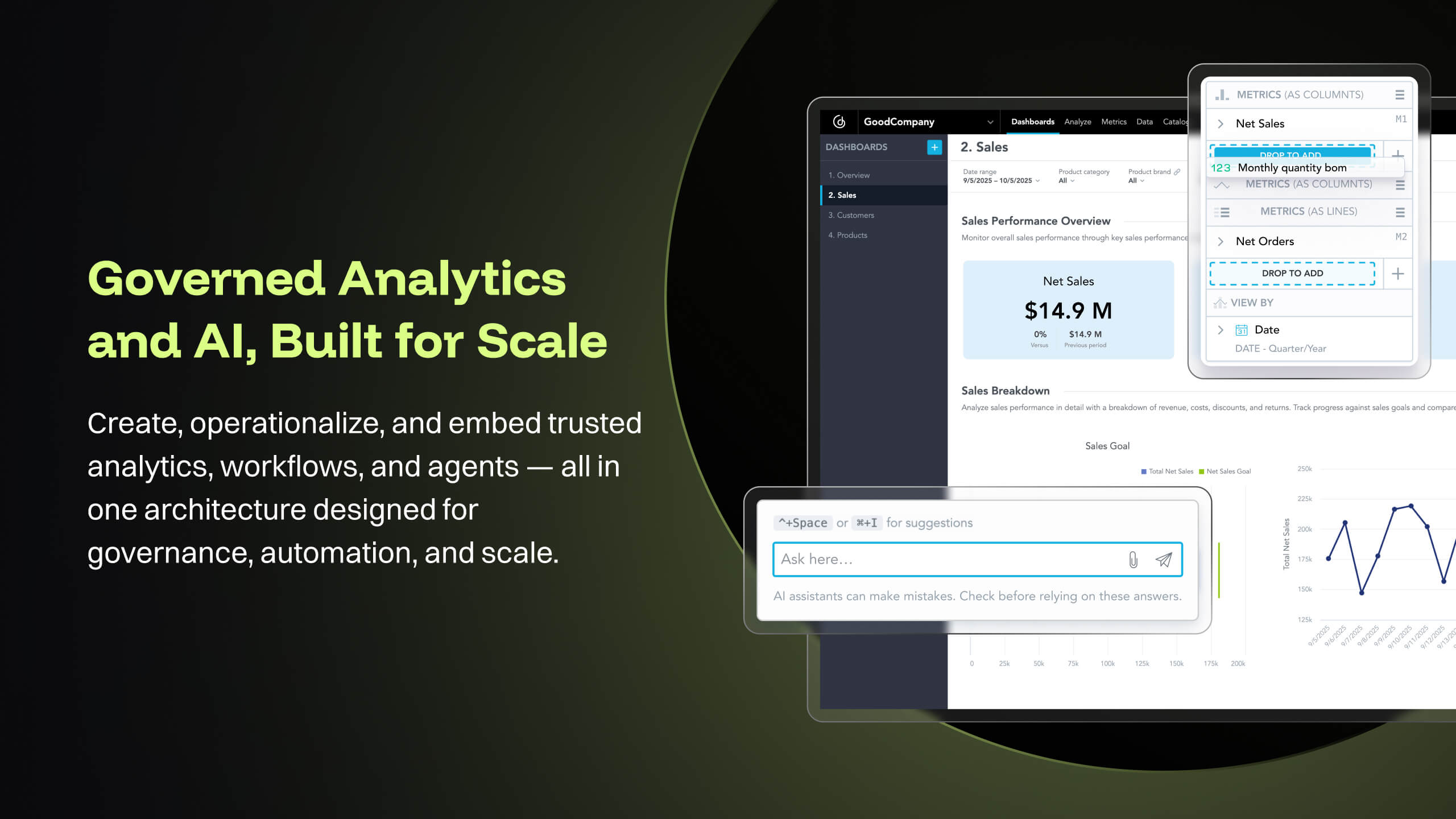
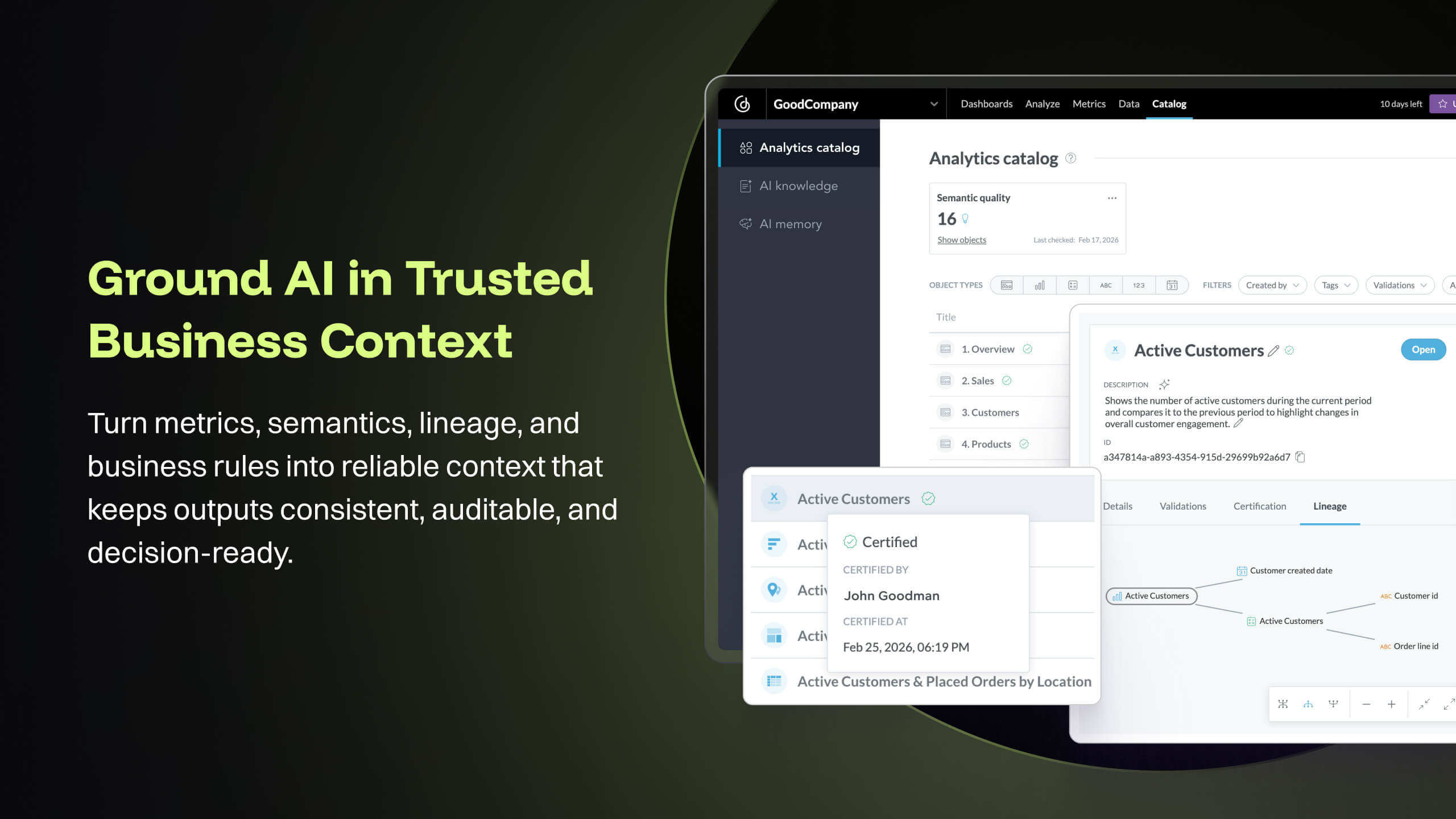
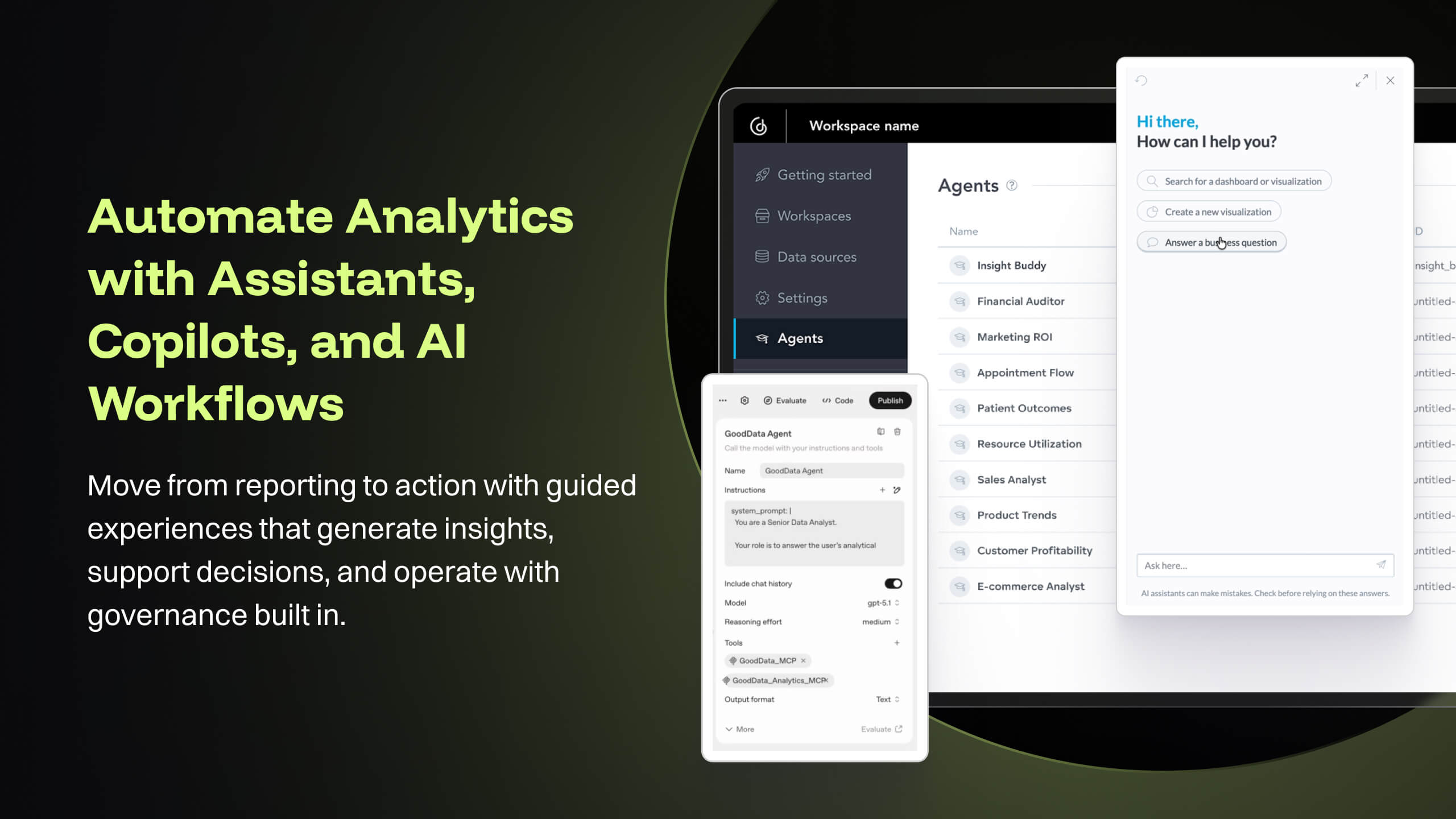
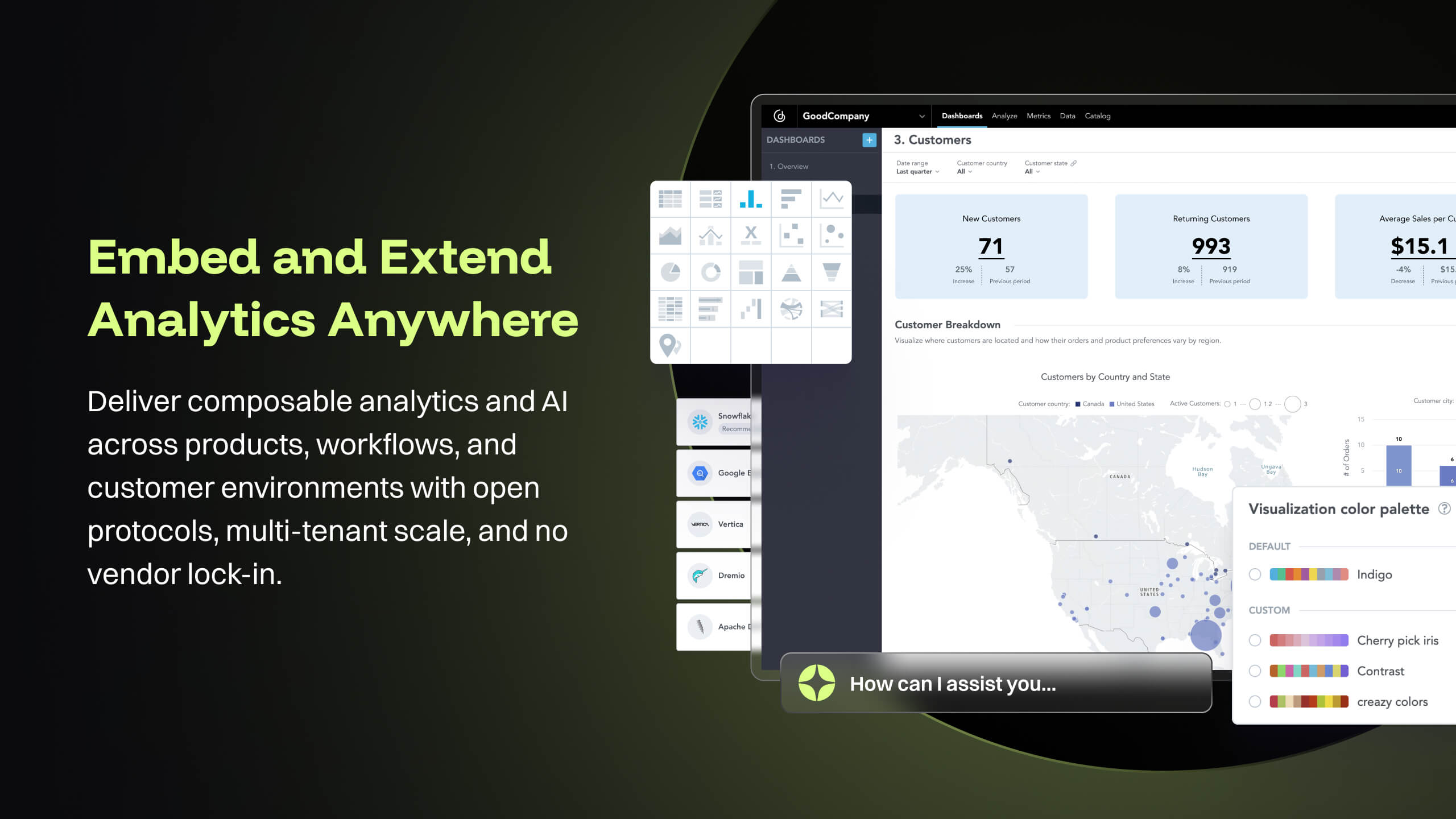
GoodData is an analytics platform used by organizations to deliver real-time, governed insights, embedded into products, customized for users, and integrated into any data environment.
N/A
SAP BusinessObjects Business Intelligence
Score7.2 out of 10
N/A
The SAP® BusinessObjects™ Business Intelligence Platform provides users with ad hoc queries, reporting, data visualizations, and analysis tools. Its integrated, unified infrastructure aims to offer scalability from one-to-many tools and interfaces on-premise, in the cloud, or as a hybrid approach.
We selected SAP Business Objects in the previous instance because we were implementing SAP ERP and the choice of Business Objects was favorable from an integration and cost perspective. We did not choose SAP Business Objects most recently because of the predicted long …
A de minimis incentive was given to thank the reviewer for their time. The incentive was not used to bias or drive a particular response, nor was the incentive contingent on a positive endorsement. More Info
I think it works nicely for shops that want the analytical power and are ok to host their own infrastructure for the data and etl. For smaller operations with limited budgets but still high demand for analytical features the math may not work out.
A de minimis incentive was given to thank the reviewer for their time. The incentive was not used to bias or drive a particular response, nor was the incentive contingent on a positive endorsement. More Info
As mentioned earlier reporting was a big headache for us and the tools we used didn't support large data sets and visualization Performing analytics with such data sets was cumbersome and later post using this SAP BusinessObjects Business Intelligence we were able to correlate different data sets and prepare the dashboard pretty easier which were helpful and easier to understand.
A de minimis incentive was given to thank the reviewer for their time. The incentive was not used to bias or drive a particular response, nor was the incentive contingent on a positive endorsement. More Info
The source datasets are often complex, semi-structured and un-linked to key entities. With GoodData, all of these datasets are unified to serve as a central semantic data model layer, building into a galaxy schema with dimensions, bridge, and facts, which then forms the backbone that powers the [...] data intelligence cloud. Building insights and dashboards become a much easier task once the underlying data model is designed. GoodData enforces certain best practices as a BI tool, which must be adhered to get the true value of the raw data. For e.g. the source FDA dashboard may just show inspection data but the Site Profile dashboard built on GoodData goes beyond the standard information and shows more insight into site risk scores and can be drilled into details. There is blog written on this topic: [...].
GoodData provides a rich collection of visualization options that help us create compelling story-telling via dashboards. Being well-prepared for FDA inspections is essential for maintaining product quality, regulatory compliance, and avoiding serious business setbacks. FDA inspections are critical events that can shape a company’s market access and reputation. The FDA itself offers the FDA Data Dashboard, but it doesn’t make every document available. There is a blog written on this topic: [...].
Medical devices and technologies do not stop evolving after they receive regulatory approval. Once a product hits the market, it faces real-world usage, compliance challenges, and an array of regulatory scrutiny. Managing these postmarket dynamics is critical to a product’s long-term success and patient safety. However, many companies struggle to keep track of relevant events across a product’s markets, from adverse event reports to changing regulations. Postmarket Intelligence developed on GoodData platform enables us to solve that problem. It empowers MedTech companies to efficiently monitor, assess, and act on postmarket data—saving time, improving decision-making, and ensuring compliance with industry standards. Anyone who is used to trying to get the data they need from the various FDA, and other regulatory agency websites, knows that collecting, cleaning, and structuring that data takes hours. And that’s before any analysis can get done. We enable customers to free up time to focus only on the high-value analysis and subsequent recommendations to leadership, rather than wrangling the data.
The data pipeline refresh that is provided by GoodData Platform is also quite useful from data engineering perspective. The Automated Data Distribution v2 or commonly called as ADD refresh follows a set pattern of identifying the analytical data model through output stage which helps abstract the complex table definition to simpler views that can help with quick rebuild at the data warehouse level while loading the data into GoodData's ADS storage layer. The import first way of loading data into GoodData's cloud storage, followed by querying for any aggregations or metrics on the GoodData analyzer, makes this simple and fast.
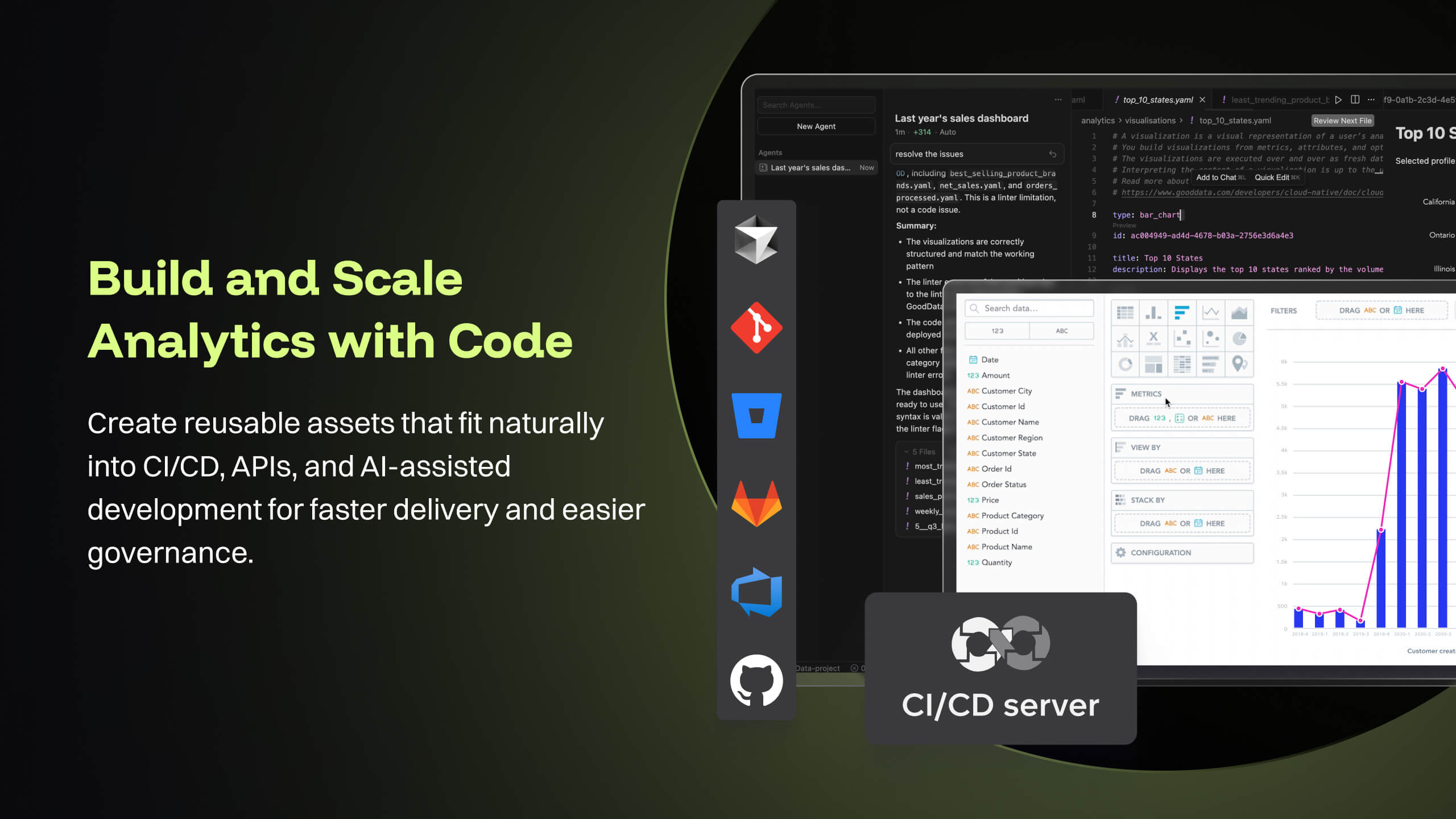
GoodData's latest product i.e. Cloud also offers several good features like Analytics as Code which helps software engineering teams follow a code-first approach to analytics, where building insights, dashboards or even datasets can be done in YAML templates or serviced by REST APIs. This is particularly forward thinking in the modern technology stack and evolving industry requirements. These provide seamless integration options to front-end and backend code, embedded analytics with multiple choices from HTML to React based workloads. At [...], we are currently exploring most of these features while planning for a future migration from Platform to Cloud.
A de minimis incentive was given to thank the reviewer for their time. The incentive was not used to bias or drive a particular response, nor was the incentive contingent on a positive endorsement. More Info
This software is easy to initially learn, and very powerful in producing reusable reports.
It is much faster than my company's internal manual queries. The ability to build off of a saved query and share queries to other users is a great positive.
My favorite part is that you can run queries in the background and it does not interfere with your current work or slow your computer down.
A de minimis incentive was given to thank the reviewer for their time. The incentive was not used to bias or drive a particular response, nor was the incentive contingent on a positive endorsement. More Info
Good Data is already have certain customizable options. However, having more flexibility in customizing reports and dashboards & control over the visual aspects would enhance the overall user experience.
To make Good Data even more powerful tool, improving the speed and responsiveness of the tool, especially during data-intensive tasks, would be a significantly helpful.
For new users, the interface can be made more user friendly which would promote easy navigation through features of tool.
A de minimis incentive was given to thank the reviewer for their time. The incentive was not used to bias or drive a particular response, nor was the incentive contingent on a positive endorsement. TR verified that a representative sample of customers was invited. More Info
The installation can be very complex and time-consuming, it requires a lot of planning and foresight as to what role the software will play in the organization.
The software has a relatively large learning curve that takes dedicated users months to get comfortable with, the UI is a bit intimidating for new users.
SAP could organize their help better, it can be difficult to find dependable solutions to issues via their website and support channels.
A de minimis incentive was given to thank the reviewer for their time. The incentive was not used to bias or drive a particular response, nor was the incentive contingent on a positive endorsement. More Info
Because gooddata really helps us in processing data to make reports or dashboards. So we are very satisfied when we use it. What we like is the flexible use of charts. We change at will the use of charts to display in reports or dashboards. Thank you Gooddata for helping companies like us who need flexibility in usage
A de minimis incentive was given to thank the reviewer for their time. The incentive was not used to bias or drive a particular response, nor was the incentive contingent on a positive endorsement. More Info
The institution has decided to move in a different direction, and will be using MSBI for reporting. I have been very happy with the Business Objects suite of tools, and will continue to use them heavily until we make the transition.
A de minimis incentive was given to thank the reviewer for their time. The incentive was not used to bias or drive a particular response, nor was the incentive contingent on a positive endorsement. More Info
From a customer perspective it is incredibly usable. We have more users building their own reports that would normally need custom work from our support team. The back end can be daunting when trying to configure things like new data elements or push changes to a report to all existing customers.
A de minimis incentive was given to thank the reviewer for their time. The incentive was not used to bias or drive a particular response, nor was the incentive contingent on a positive endorsement. More Info
From a server and client side perspective. the Business Intelligence Platform provides a foundation for all aspects of content development, distribution, analysis, collaboration and self service. Ease of use from targeted content delivery through controlled accessibility. Content exporting in the format of the users choice. Scheduling for internal or external delivery. Public and private folders for secure content access when requied. Web based for viewing on the users device of choice without the need to download additional applications.
A de minimis incentive was given to thank the reviewer for their time. The incentive was not used to bias or drive a particular response, nor was the incentive contingent on a positive endorsement. More Info
A de minimis incentive was given to thank the reviewer for their time. The incentive was not used to bias or drive a particular response, nor was the incentive contingent on a positive endorsement. TR verified that a representative sample of customers was invited. More Info
Overall, the tool (Web Intelligence 4.2) is fast and solid. One issue is a dependability on JAVA for a full feature report creation/edit capabilities (as opposed to limited HTML option). Second, planned end of JAVA support by major browsers (Chrome is already not supporting JAVA applet).
Support team has been highly responsive and helpful from our first initial deployment to present day. They engage and work with us. know when to escalate for more challenging problems. They also follow up. Overall have had a very good experience with support
A de minimis incentive was given to thank the reviewer for their time. The incentive was not used to bias or drive a particular response, nor was the incentive contingent on a positive endorsement. TR verified that a representative sample of customers was invited. More Info
SAP has released various versions of SAP BO BI. starting from 3.1 and going to 4.0,4.1,4.2 and latest being 4.3. SAP provides support to these new versions. As new versions keep on coming, support for the very old software goes out of scope from SAP. it is when the different organization plans to get their BO content migrated from a lower version to a newer version. The newer version had definitely added functionality and features which ease the work of users.
A de minimis incentive was given to thank the reviewer for their time. The incentive was not used to bias or drive a particular response, nor was the incentive contingent on a positive endorsement. More Info
A de minimis incentive was given to thank the reviewer for their time. The incentive was not used to bias or drive a particular response, nor was the incentive contingent on a positive endorsement. More Info
Implementations are hard and we had limited technical resources. We relied too heavily on GD care team. When we found technical gaps, they weren't simple to overcome
A de minimis incentive was given to thank the reviewer for their time. The incentive was not used to bias or drive a particular response, nor was the incentive contingent on a positive endorsement. TR verified that a representative sample of customers was invited. More Info
Hire specialists and experienced staff. Mix some beginners so that everyone is not a leader but a learner too. Plan well; architect well; break down implementation in small steps and move towards larger steps. Create a centralized and authorized SAP Business Objects implementation team.
A de minimis incentive was given to thank the reviewer for their time. The incentive was not used to bias or drive a particular response, nor was the incentive contingent on a positive endorsement. More Info
GoodData comparing to other platform is very easy to use, customer support and on-boarding support. Set of features, speed of integration in our platform. Also great benefit for us was very competetive pricing.
A de minimis incentive was given to thank the reviewer for their time. The incentive was not used to bias or drive a particular response, nor was the incentive contingent on a positive endorsement. More Info
We selected SAP BusinessObjects Business Intelligence (BI) based on price. It can stack up against others in terms of price and honestly, that's about it. Salesforce Commerce does a hell of a better job at handling it. However, in the space of Business Intelligence, SAP can do more, and that's why at the end we went with it
A de minimis incentive was given to thank the reviewer for their time. The incentive was not used to bias or drive a particular response, nor was the incentive contingent on a positive endorsement. More Info
A de minimis incentive was given to thank the reviewer for their time. The incentive was not used to bias or drive a particular response, nor was the incentive contingent on a positive endorsement. More Info
SAP BusinessObjects Business Intelligence (BI) Platform supports SOA Service Oriented Architecture. You can start/restart/enable/disable all the servers. You can seamless do load balancing and clustering. It supports all leading application and web server. Supports LDAP SSO integration. People who can work on excel with training they can work on SAP Business Objects Web Intelligence, dashboard, Lumira, Information design tool product suite. Tool is very user friendly and easy to learn and implement
A de minimis incentive was given to thank the reviewer for their time. The incentive was not used to bias or drive a particular response, nor was the incentive contingent on a positive endorsement. More Info
A de minimis incentive was given to thank the reviewer for their time. The incentive was not used to bias or drive a particular response, nor was the incentive contingent on a positive endorsement. TR verified that a representative sample of customers was invited. More Info
By generating and distributing reports in a timely manner, we were able to save millions of dollars for the company which otherwise would not have been visible.
Almost realtime dashboard, saved the company a huge amount by showing the outages and kept the company from buying a tool to do just that.
It showed the customers who were not paying the bills and were missing in the system due to some loophole. This was visible by doing reporting on the theft usage of electricity.
A de minimis incentive was given to thank the reviewer for their time. The incentive was not used to bias or drive a particular response, nor was the incentive contingent on a positive endorsement. More Info