Google Chrome is a web browser with features like password saving, synced settings across devices, dark mode, and the ability to keep accounts separate using different profiles. For enterprises, Chrome has built-in and added browser controls to protect your business for external and internal threats.
$0
Zimbra
Score6.9 out of 10
N/A
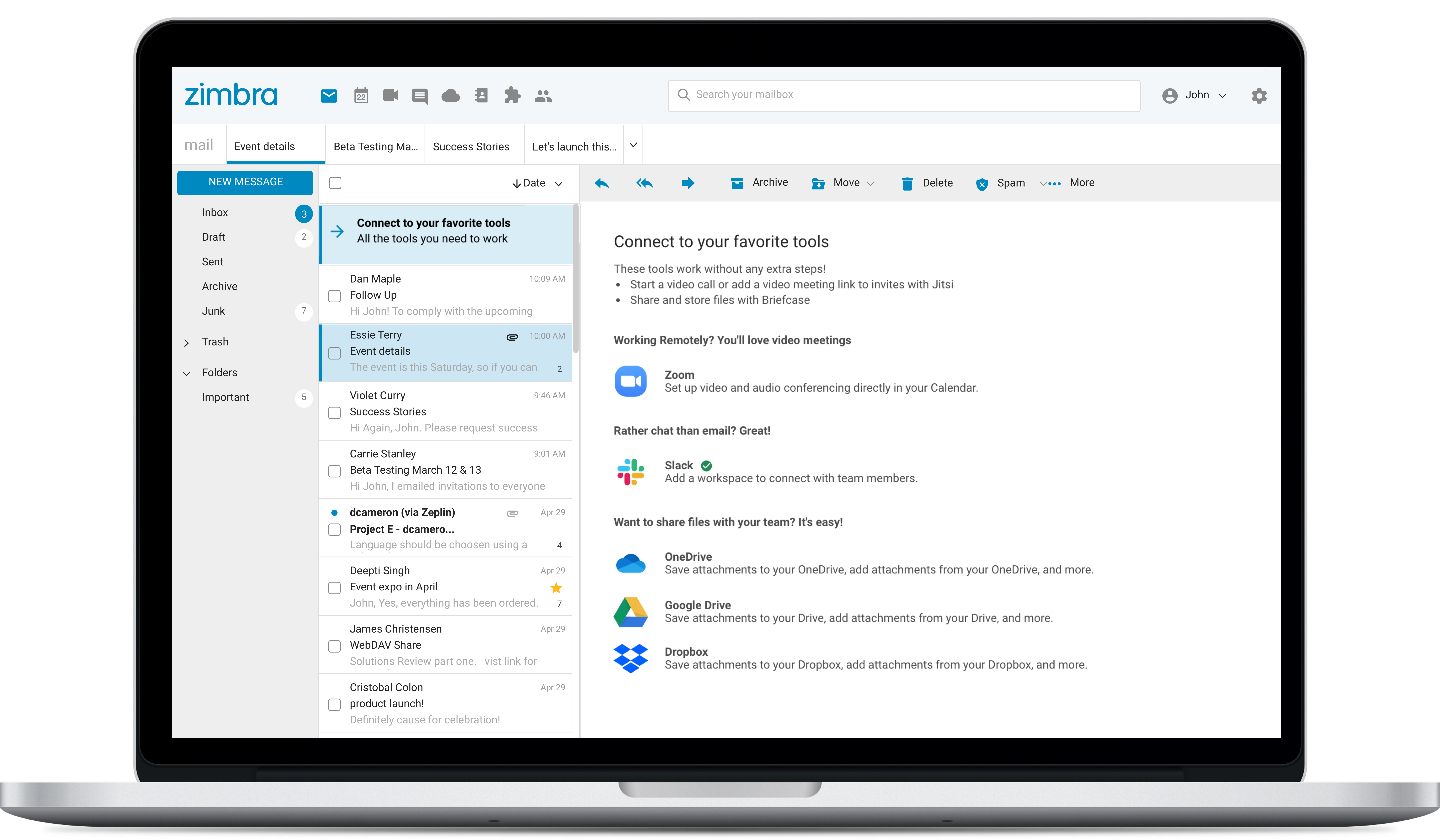
Zimbra is an email and collaboration platform and productivity suite that includes contacts, calendar, tasks, chat and file sharing, plus videoconferencing, document editing, and file storage.
Chrome is super well-suited to people who use Android phones, have limited experience with internet browsers, are intimidated by new technology, and are other language learners or tech learners. Chrome is less well-suited to people who are highly experienced and have strong opinions about their browsers, and to those with greater integration with Apple or other non-Google systems.
A de minimis incentive was given to thank the reviewer for their time. The incentive was not used to bias or drive a particular response, nor was the incentive contingent on a positive endorsement. More Info
Zimbra is great for an email system for a medium or large organization with appropriate IT staffing. The system is easy to use for end-users, and has a fantastic web interface. Unfortunately, it is overly complex, when considering staffing requirements and price, when compared with Office 365 or Google Apps for smaller organizations. For other education customers, it is hard to compete with Microsoft and Google providing their services for "Free" now though
A de minimis incentive was given to thank the reviewer for their time. The incentive was not used to bias or drive a particular response, nor was the incentive contingent on a positive endorsement. More Info
Security: Google Chrome is constantly updated to resolve any interoperability and or security issues.
Full App Integration: Apps and services can be quickly and easily pushed out to all users. Uniformity across Chrome ensures a repeatable user experience.
Portability and consistent environment: By hosting all services and apps remotely, users can have access to their information and communication from almost any device that has internet connectivity.
A de minimis incentive was given to thank the reviewer for their time. The incentive was not used to bias or drive a particular response, nor was the incentive contingent on a positive endorsement. More Info
Better themes; there's great groundwork, but horribly barren and lack of quality options
Better tracking/security transparency with its users
Alert when cache slowing down performance, and quick navigation to clear this for the less tech-savvy.
Allowing file name edits within the quick-access download dropdown, without having to have this fully on or off, or having to navigate outside of Google Chrome
Embedded suggestion for quick-access extensions on homepage (with option to remove suggestions easily), for ad-blocking, accessibility, etc.
A de minimis incentive was given to thank the reviewer for their time. The incentive was not used to bias or drive a particular response, nor was the incentive contingent on a positive endorsement. More Info
Zimbra's mobile application leaves much to be desired; it is its weakest point.
This forces the use of third-party applications on smartphones, which only offer a more or less complete integration with the ActiveSync protocol.
Zimbra allows for an on-premise scenario, which is not for everyone, especially considering that the trend nowadays is to outsource email; in any case, it also offers this alternative.
The cost of Zimbra as a SaaS solution comes too close to that of more widely adopted competing options.
Zimbra lacks a robust integrated chat system, which its competitors offer.
A de minimis incentive was given to thank the reviewer for their time. The incentive was not used to bias or drive a particular response, nor was the incentive contingent on a positive endorsement. More Info
As mentioned earlier, it is a worldwide standard. It matches both the Platforms - Windows and iOS. Pages load quickly, and the website's presentation is impeccable. It needs to seamlessly integrate Google Gemini into Google Chrome. Overall, I will give 10/10 to the designer of Google Chrome.
A de minimis incentive was given to thank the reviewer for their time. The incentive was not used to bias or drive a particular response, nor was the incentive contingent on a positive endorsement. More Info
The web usability of the solution is adequate, with all functions integrated into a single interface. However, it is important to note that in the desktop environment, it lacks its own application and relies on ActiveSync synchronization with reference solutions like Outlook or Thunderbird. Some features, such as the briefcase, will be excluded. The same happens on smartphones.It is also common for competing solutions to include integrated chat or video call tools, which Zimbra lacks. These shortcomings are among the most frequently requested by users.
A de minimis incentive was given to thank the reviewer for their time. The incentive was not used to bias or drive a particular response, nor was the incentive contingent on a positive endorsement. More Info
Overall, we were satisfied with the implementation. We perhaps should have spent more time consulting with Zimbra or others regarding best practices but as we got to know the system better we were able to make changes relatively easily after the fact.
A de minimis incentive was given to thank the reviewer for their time. The incentive was not used to bias or drive a particular response, nor was the incentive contingent on a positive endorsement. More Info
Only Firefox comes close. Google Chrome is leaps and bounds above anything Microsoft has ever done in the browser space. Microsoft has lagged behind with Edge for years and continues to supply a subpar browsing experience. Google Chrome has the speed and the features to make it the best in the industry and it continues to go above and beyond where others do not keep up. With Gemini AI added, this will only continue to get better.
A de minimis incentive was given to thank the reviewer for their time. The incentive was not used to bias or drive a particular response, nor was the incentive contingent on a positive endorsement. More Info
Zimbra is a significantly cheaper option than one of the Microsoft solutions, such as Exchange. It is able to run in a free environment, as it is in the case of Linux. It offers the advantages of a powerful mail manager, such as indexed searches and the integration of contacts and notes, all in one platform. It is constantly updated and the operation of its connection in mobile equipment is remarkable and very efficient. Additionally, it is able to easily integrate with Outlook solutions with its connector, which brings all the benefits of Zimbra to the user under the interface known as "mail manager." So far, I have been using Zimbra for several years and I have not missed my previous work platforms.
A de minimis incentive was given to thank the reviewer for their time. The incentive was not used to bias or drive a particular response, nor was the incentive contingent on a positive endorsement. More Info
Because Google Chrome is a tool that has it all our people dont have to switch in browser they can use only Google Chrome what saves time
Because of the single use of Google Chrome our Servicedesk has to just know one application and we get half the tickets if you got 2 standard browsers.
Because Google Chrome is owned by Google it automaticly is very secure what retuns means Google Chrome has a good security. Which lead to lower security incidents
A de minimis incentive was given to thank the reviewer for their time. The incentive was not used to bias or drive a particular response, nor was the incentive contingent on a positive endorsement. More Info
Zimbra is a cheaper email service than other similar platforms and in my point of view offers better features, that's why the company migrated services to this platform several years ago and without a doubt, it has been the best investment.
Zimbra has a more user-friendly interface for employees, this has improved response times to external customers of the company.
The implementation of Zimbra in the company motivated the IT engineering department to make improvements in open source to adapt it to the needs of the company.
A de minimis incentive was given to thank the reviewer for their time. The incentive was not used to bias or drive a particular response, nor was the incentive contingent on a positive endorsement. More Info