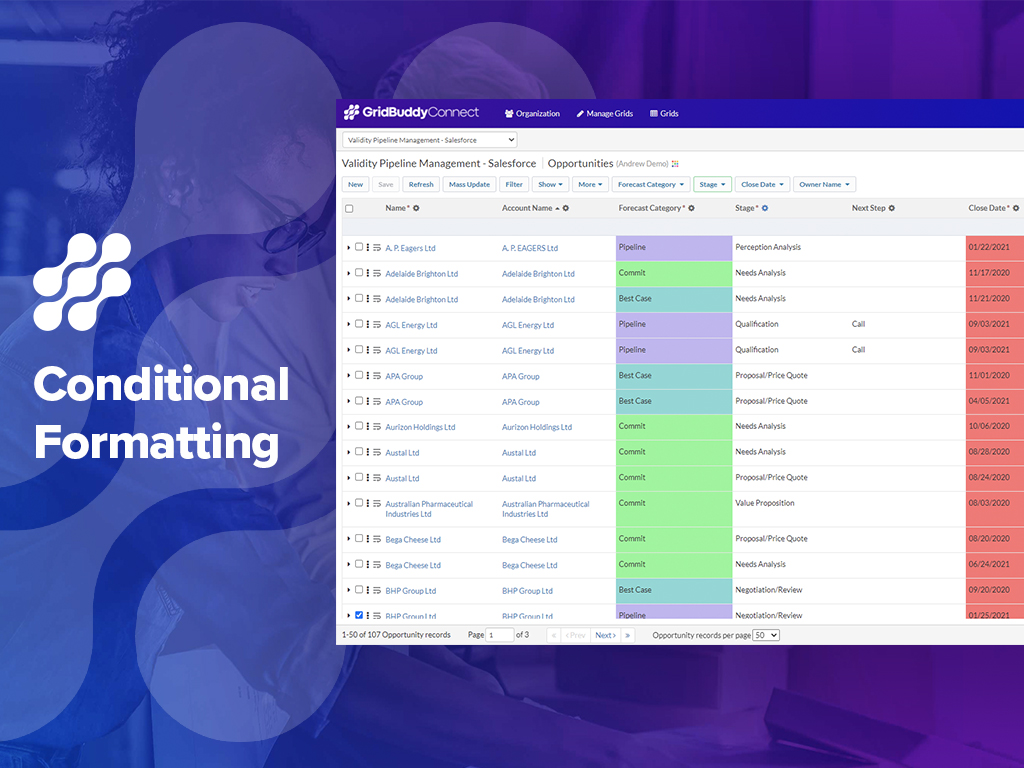
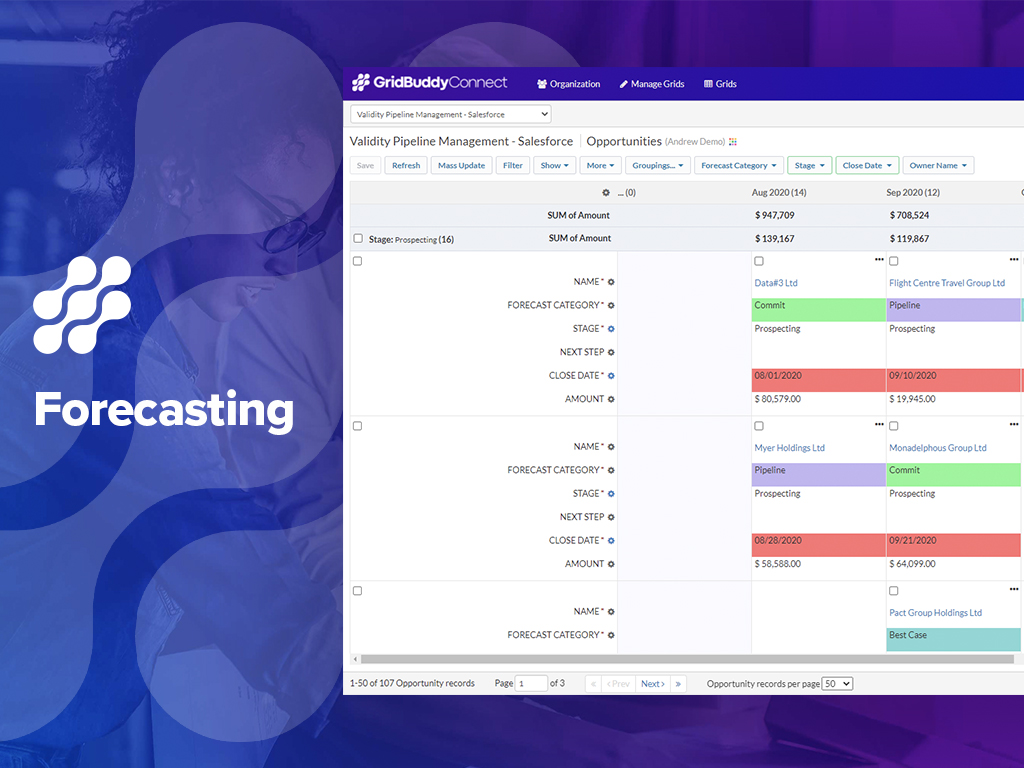
GridBuddy Connect was a contact data tool that combined data from separate systems into an editable, spreadsheet-simple view. Acquired by Validity in 2019, it is now a legacy tool.
N/A
Mailtrack
Score9.7 out of 10
N/A
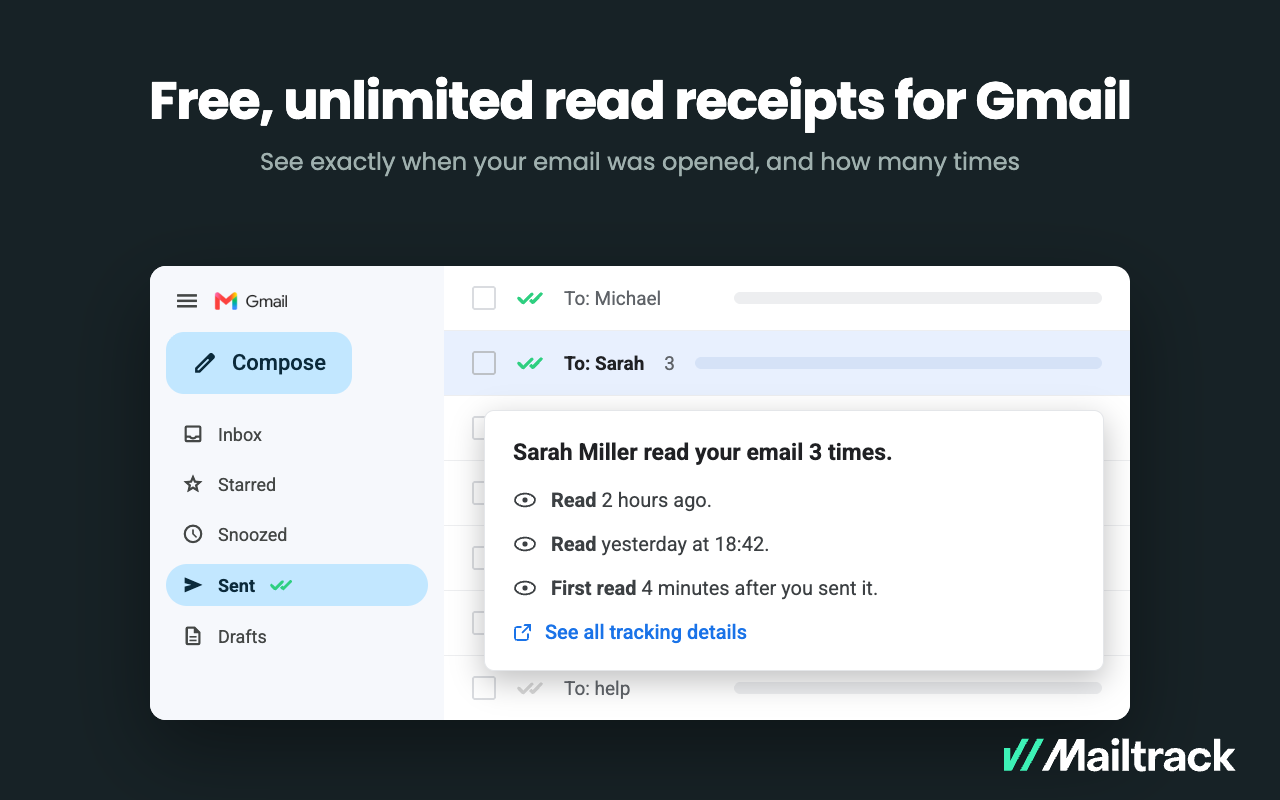
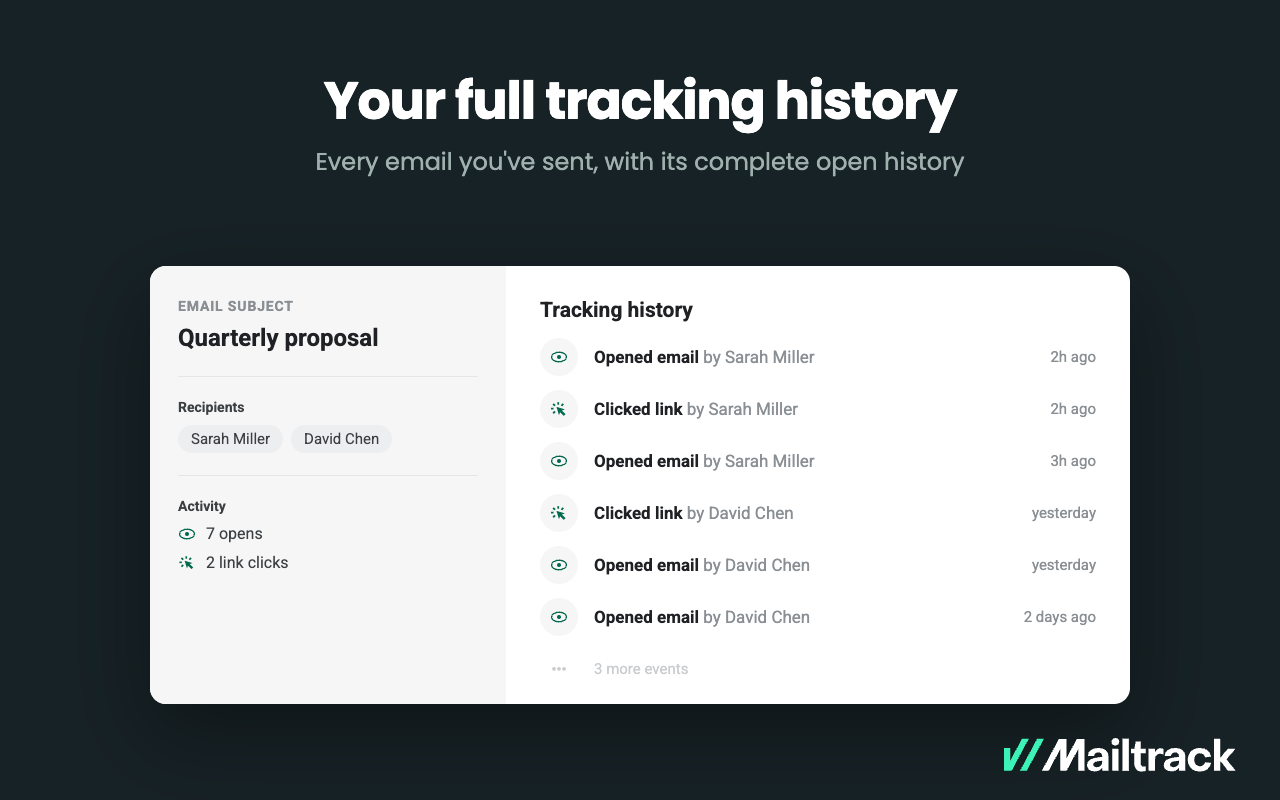
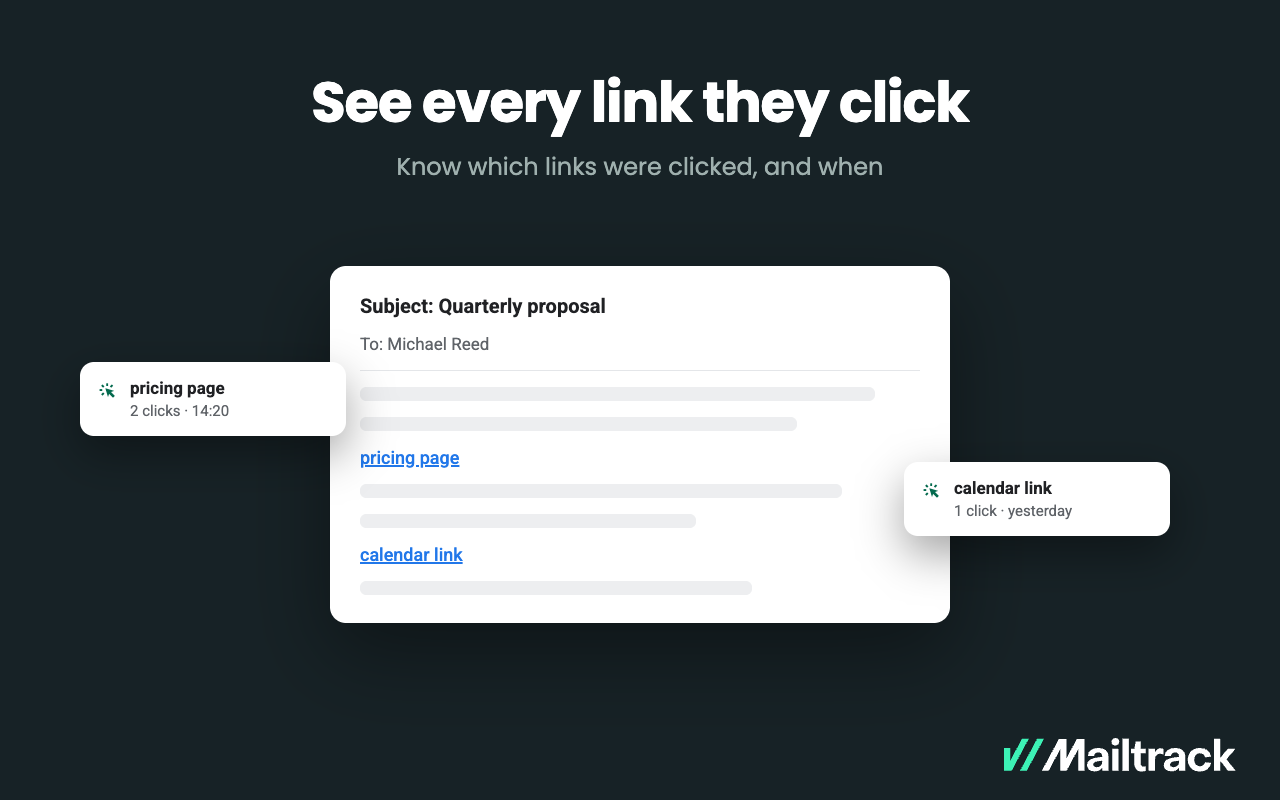
Mailtrack is an email-tracking extension for Gmail and part of Mailsuite. It adds delivery and read-status indicators to sent messages, showing when recipients open an email or click a tracked link without requiring users to leave Gmail. Key Capabilities Gmail read receipts: Mailtrack adds one or two checkmarks to sent messages. Grey checkmarks indicate delivery; green checkmarks indicate that the message was opened. Open and…
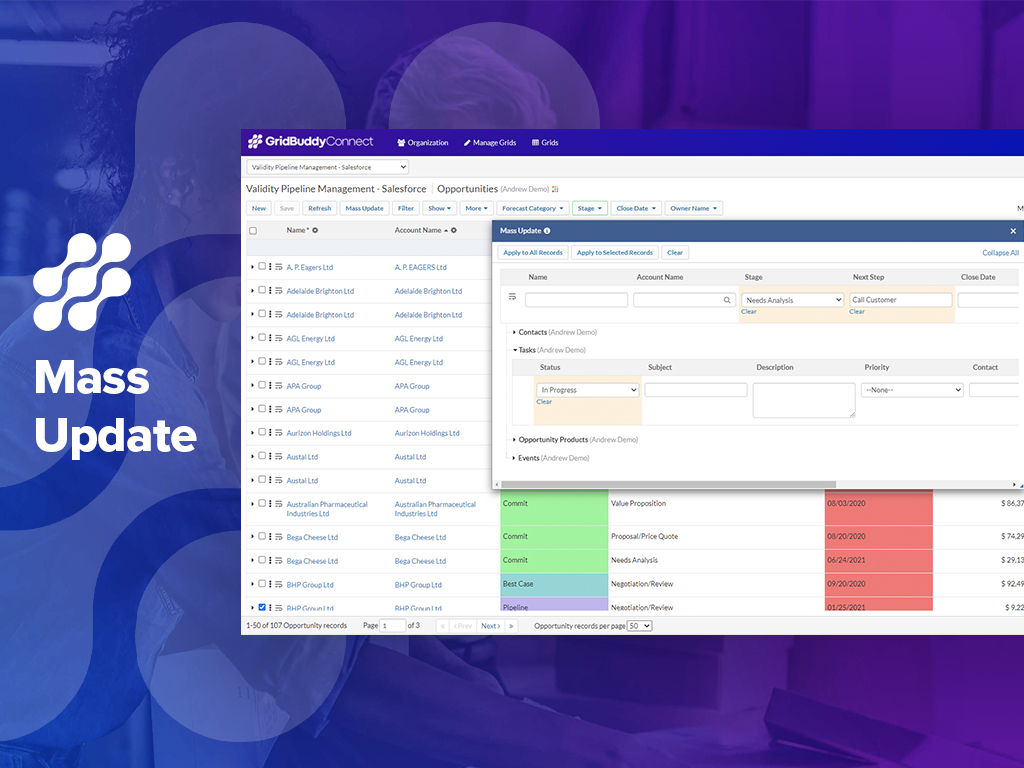
1. Making broad changes to data, like moving ownership of records from one user to another for a new Sales Rep or a moved Sales Rep. 2. Making broad changes to data for product changes, product introductions and such (product naming changes, product description changes, etc.). I recently had to make a change to the name of a Product Option. Product Options are a sub-object related to Product. This name change was in 22 places. Okay, 18 [is] not a lot, but to make this change individually 22 times is still very tedious and takes too much of my time. Instead, I set up my Grid with the Object and sub-Object and made all 22 changes at once with a mass change. Piece of cake. And I don't have to go back to several of the records to see if the change was made successfully (something you have to do with Dataloader). I could see the effective change all at once on my Grid screen.
A de minimis incentive was given to thank the reviewer for their time. The incentive was not used to bias or drive a particular response, nor was the incentive contingent on a positive endorsement. More Info
Mailtrack is great for tracking emails if you do not want to pay for larger more complicated tools that do the same thing. If you already love your system but just want to add some convenient read tracking, that's exactly what this is for. If you have a system that doesn't work well, I would take the time to evaluate alternatives that also include read tracking (Salesforce for example). This also applies if you're trying to use this for large outbound sales emails - there are a lot of applications that have email tracking built in (Outreach.io is a great example) so it may just be worth switching your whole system.
A de minimis incentive was given to thank the reviewer for their time. The incentive was not used to bias or drive a particular response, nor was the incentive contingent on a positive endorsement. More Info
Reshapes the user Interface into an intuitive, clean, easy and thoughtful way, meaning Salesforce can be practically used for applications that (in my Opinion) salesforce was never designed for.
Mass updates are a God send, Leaving quick and meaningful notes, setting up meetings with clients or upcoming calls to maintain contact, all from the same screen without information overload... a real achievement.
A de minimis incentive was given to thank the reviewer for their time. The incentive was not used to bias or drive a particular response, nor was the incentive contingent on a positive endorsement. More Info
Does not allow users to create new Campaign Member records; we would like to be able to add multiple Campaign Member records to a Campaign in a Grid.
Does not allow users to create new Task records; we would like to be able to add multiple Tasks records related to the same user but multiple Opportunities and Contacts.
A de minimis incentive was given to thank the reviewer for their time. The incentive was not used to bias or drive a particular response, nor was the incentive contingent on a positive endorsement. More Info
- Easy of use - Visual nature of using the product (as compared to Dataloader) - Quickness of making changes/updates/edits to long lists of records, live and real-time
A de minimis incentive was given to thank the reviewer for their time. The incentive was not used to bias or drive a particular response, nor was the incentive contingent on a positive endorsement. More Info
- Ease of use - Real-time and visible nature of making mass changes - Ease of setting up a Grid - Ease of filtering the Grid to see the records that I need to change
A de minimis incentive was given to thank the reviewer for their time. The incentive was not used to bias or drive a particular response, nor was the incentive contingent on a positive endorsement. More Info
I would rate Mailtrack's overall usability as a ten out of ten. The reasons for this are actually quite simple. For now, only I have been using Mailtrack. However, looking at the rather easy to use characteristics Mailtrack has to offer, I would not hesitate to recommend it to the rest of my colleagues.
A de minimis incentive was given to thank the reviewer for their time. The incentive was not used to bias or drive a particular response, nor was the incentive contingent on a positive endorsement. More Info
I didn't really need to use the customer support but the fact that they proactively make the installation process so easy by providing step by step instructions with videos and everything is kind of pro-active customer support that is needed. Good for them because at the end of the day, it's everyone's dream to use a product that they don't need support for.
A de minimis incentive was given to thank the reviewer for their time. The incentive was not used to bias or drive a particular response, nor was the incentive contingent on a positive endorsement. More Info
A de minimis incentive was given to thank the reviewer for their time. The incentive was not used to bias or drive a particular response, nor was the incentive contingent on a positive endorsement. More Info
There's a free tier. Obviously, there are other things to love, like notifications about your email being read, the fact that if an email hasn't been responded to in some time it gets bumped up. The fact that if other people have Mailtrack you will actually get notified who read your email. But the fact that there is a free tier is HUGE.
A de minimis incentive was given to thank the reviewer for their time. The incentive was not used to bias or drive a particular response, nor was the incentive contingent on a positive endorsement. More Info
I'm currently using the free version so my investment was time spent downloading the browser extension. I would say it's worth the investment because I can make more value through each email by finding the right time to send replies or know when is the exact time I should follow up.
Knowing when an email is read multiple times helps me know the importance of the content in my email.
The paid version allows Mailtrack to tell you which recipient read the email if there was more than 1.