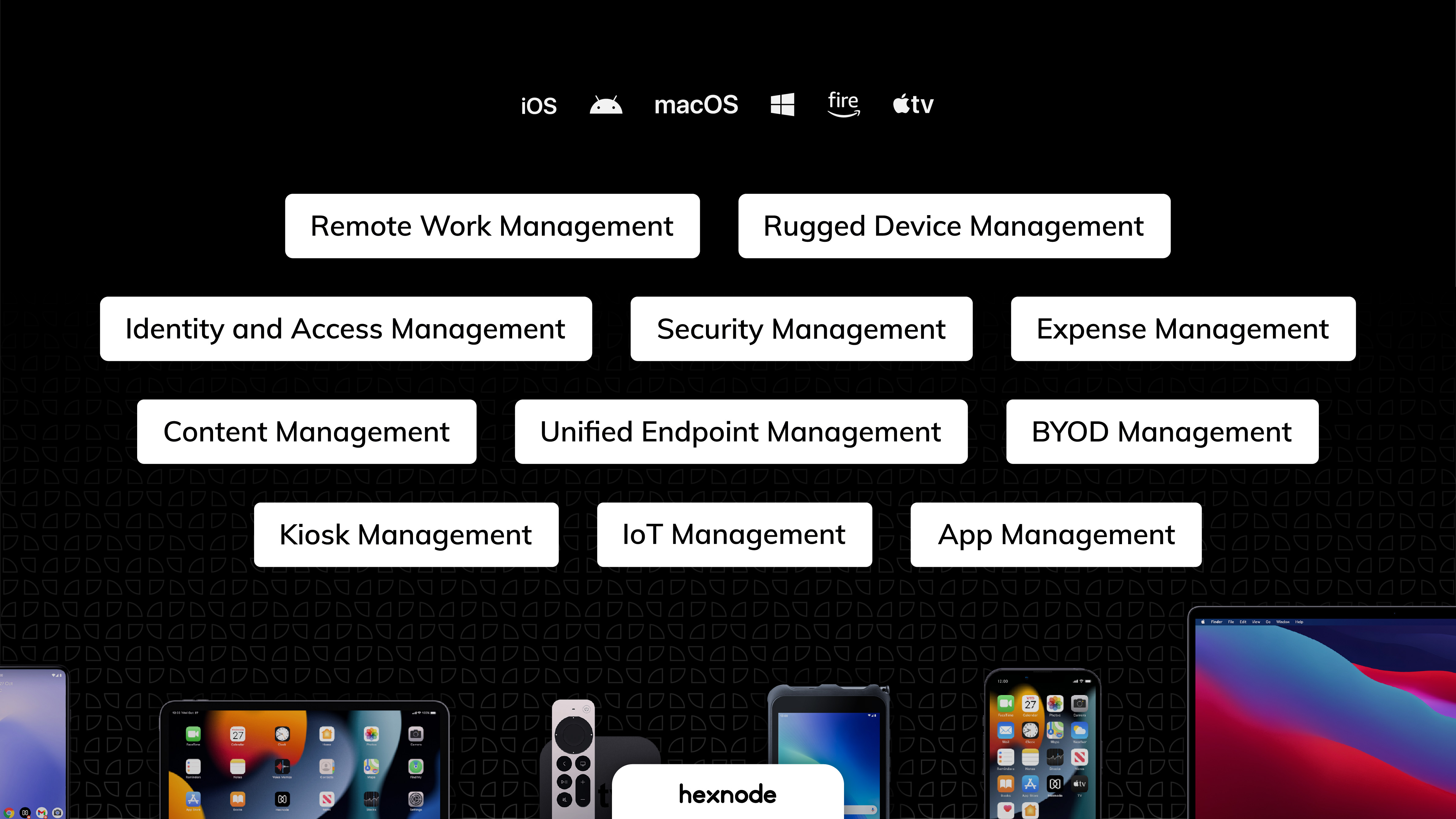
Hexnode is a Unified Endpoint Management solution that aims to simplify the way people work with the help of intelligent tools. The management platform streamlines the device lifecycle model to offer its support at every stage, from device onboarding to the end of its life. It also gives a hands-free experience with automatic enrollment using Zero-touch enrollment, Knox Mobile Enrollment, and ABM and endpoint management with the help of dynamic group allocation in the case of…
$36
per month 15 devices (minimum)
Lookout
Score 9.0 out of 10
N/A
Lookout, from the San Francisco-based company of the same name, is a platform offering mobile endpoint security.
$2.99
Per Device Per Month
McAfee MDP
Score 7.4 out of 10
N/A
Trellix Mobile sits directly on mobile devices to provide always-on protection no matter how a device is connected—via a corporate network, public access point, or cellular carrier, and even offline. And its machine learning algorithms analyze device behavior deviations to uncover indicators of compromise and accurately identify advanced device, application, and network-based attacks.
N/A
Pricing
Hexnode UEM
Lookout
Trellix Mobile Security
Editions & Modules
Pro
$2.40
per month per device
Enterprise
$3.60
per month per device
Ultimate
$5.20
per month per device
Ultra
Contact Hexnode for a Quote
Premium
$2.99
Per Device Per Month
No answers on this topic
Offerings
Pricing Offerings
Hexnode UEM
Lookout
McAfee MDP
Free Trial
Yes
No
No
Free/Freemium Version
Yes
No
No
Premium Consulting/Integration Services
Yes
No
No
Entry-level Setup Fee
No setup fee
No setup fee
No setup fee
Additional Details
No support costs, No maintenance charges. Per device pricing. Discount available for annual pricing.
We enjoy the ability to remotely support our end users with their tablets while they are traveling. I've had the ability to provide support to some of our remote sales users as they are working at a customers location. However, sometimes the remote view can be a bit of a lagging issue that makes things a bit difficult. Though overall this has been a great experience that helps us support our various users throughout the company.
Lookout is excellent for mobile device security. I'd recommend it to anyone looking for a simple solution to guarantee peace of mind when keeping mobile devices secure. It's also excellent for finding a device that's been lost remotely, including an excellent feature for enabling audio on a device when it was put in silent mode locally. The web UI is easy to use and allows for powerful functionality through a simple interface. Lastly, it is an excellent secondary backup solution. I'd recommend having other potential backup solutions as well in case this premium feature ever expires and you aren't sure whether you have a most recent contact backup within Lookout.
The program really excels at basic mobile protection against malware and viruses. It offers some unique features as its anti-theft application that can help keep mobile devices from being used by unauthorized users. It works well when providing basic security for mobile devices out in the field or in remote work situations. However, it companies may need more extensive or additional security applications to ensure adequate protection
Android zero-touch enrollment allows bulk enrollment of corporate-owned android devices with a single click.
With the help of the dynamic device grouping function, devices may be grouped in accordance with specific pre-configured criteria.
The kiosk mode supports both single-app kiosk mode, in which the device is restricted to using a single app, and multi-app kiosk mode, in which the device is in kiosk mode but has access to a number of other programs and files.
Devices running watchOS cannot be handled or enrolled.
The policies under WIFI, which allowed certain websites to be blocked using website certificates, were complicated .
The app management features provide the ability to push the installation of corporate apps on the devices. Even though it was successful on the Hexnode Portal, this feature periodically malfunctioned, and the apps were not loaded.
They're the global, mobile cyber experts we trust. They're ahead of the curve already. All I could suggest is, keep going in that direction.
Perhaps, send out an occasional , brief update on global trends that business executives should be aware of, even when Lookout is already on it.
Keep it brief, with a case study where a proactive action was taken and an event was avoided. Those would be shared enterprise-wide.
More PR about your proactive actions would be educational for us all. NO FUD, will ever work, but seeing that there are actions we can take, even to the newest of threats will be very effective.
UX is pretty good, but various screens are a bit redundant. Managing user and managing devices is often one in the same operation, but is broken across multiple screens. Device management policies are strange because if you make a "macOS" policy, why does it have all the Windows, iOS, Android etc options? It's unlikely you'll want all of these options for all possible OSes in one policy, but that's the only way to build a policy. Manage policy changes require remote system restart which is highly disruptive to employees.
I am currently using both the platforms, Hexnode UEM and Esper. Esper is used for managing mobile devices and Lenovo Tablets while Hexnode UEM is being used for Microsoft tablets. The basic framework behind both of them is almost the same. Both of them have a clean and interactive UI with good functionality.
Lookout was chosen by T-Mobile, Sprint, and AT&T which many employees have chosen as their mobile network provider. From that standpoint, it made it a simple decision. Its cloud based technology gives insight across almost all mobile code in the world. Lookout identifies connections that would otherwise go unseen without deep investigation. It helps prevent cybercriminals from sneaking into mobile devices and that's the key component for any mobile security solution. MobileIron and other competitor solutions have a similar offering, but based on network provider support I haven't need to look into the competition extensively.
McAfee Mobile Data Protection offers basic security measures for mobile computing devices without a high cost or extensive training. However, it also may lack some needed features such as data encryption utilized by other products. While its interface is not perfect, it is easier to learn than more feature robust products on the market.
We already had someone try to walk away with an ipad after deploying Hexnode, and we were immediately able to force an activation lock telling them to bring it back and they did.
It has saved us a lot of time setting up ios devices as we have a limited amount of IT staff and Hexnode makes it take probably around ten minutes an ipad.
Employee experience has improved since we can reset code remotely and they no longer have to send the ipads back to the corporate office to get reset.
Security is often hard to translate into ROI terms. However, having an option to locate a device does mitigate a possible large expense in fines or other issues with loss of data.
Minimal cost/support needs, does not significantly impact support staff. So can add support without additional costs.
McAfee Mobile Data Protection provides a fairly easy and low cost security measure for providing basic to medium security for mobile devices. While not perfect, it does it basic job fairly well.
The program may require a bit of a learning curve for some end users with its interface and installation processes. This may require some additional training or support.
The program lacks some of the more advanced data protection abilities found in other competitor products. The result may be a need for additional security applications.