Hiver is a customer service platform that brings together communication channels, apps, and data to improve customer support operations. Hiver enables real-time collaboration across every customer communication channel, offering AI and automation to resolve issues and help teams work faster. Hiver states that over 10,000 teams of all shapes and sizes globally from Flexport to Harvard University, Vacasa, and Epic Games rely on Hiver to deliver support that wins and retains customers for…
$24
per month per user
Mailtrack
Score9.7 out of 10
N/A
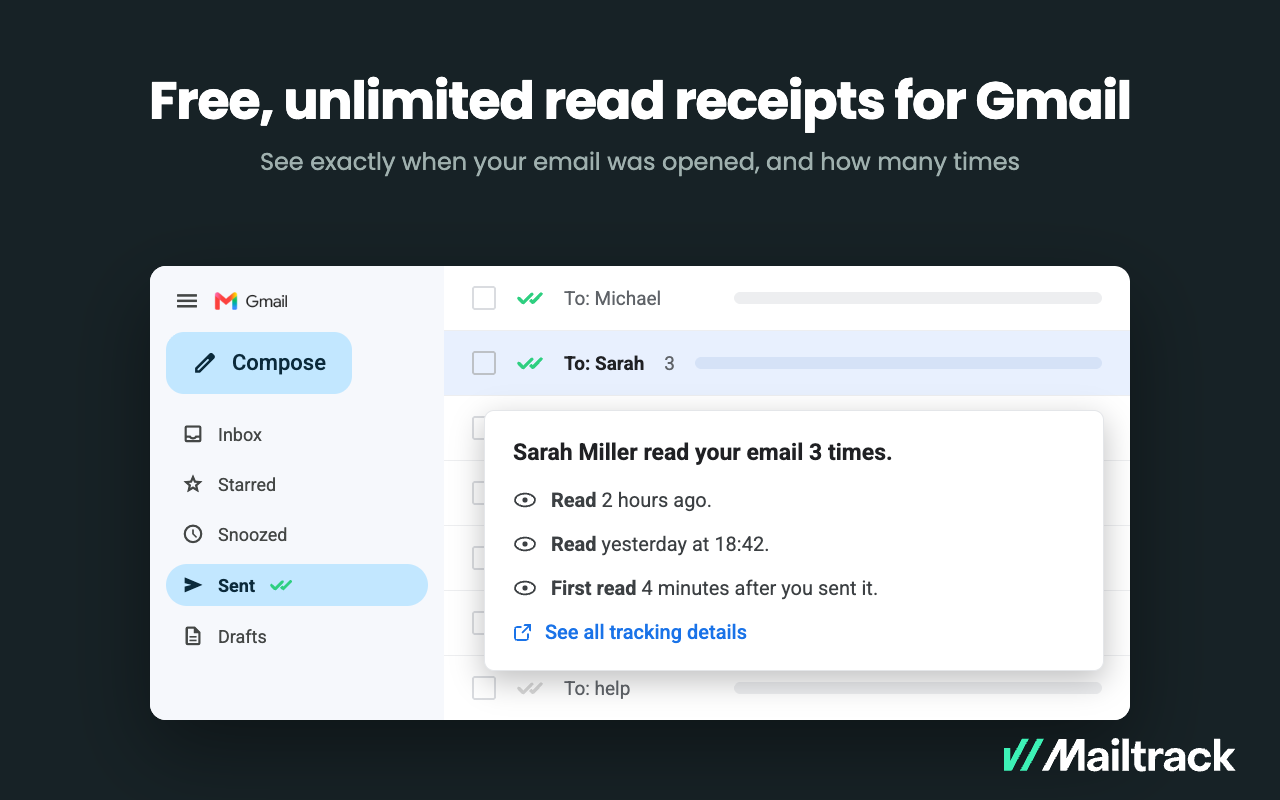
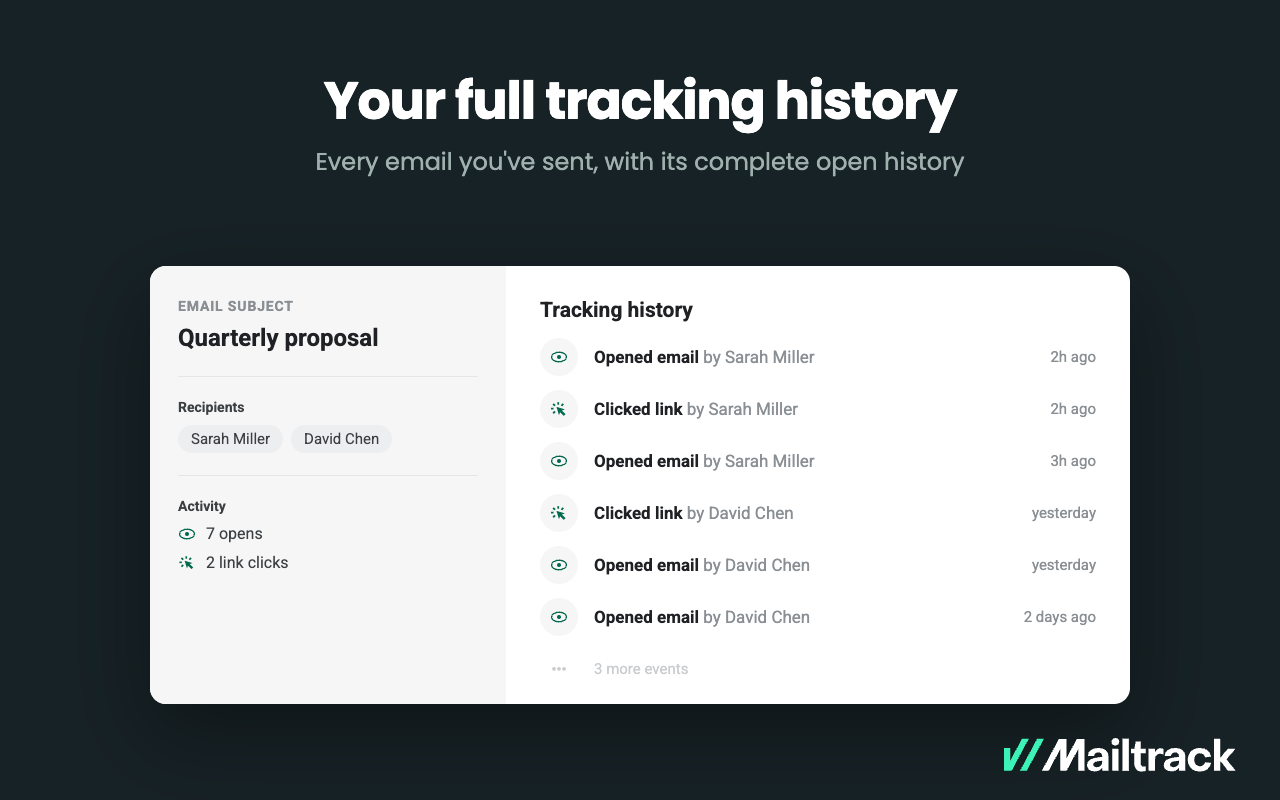
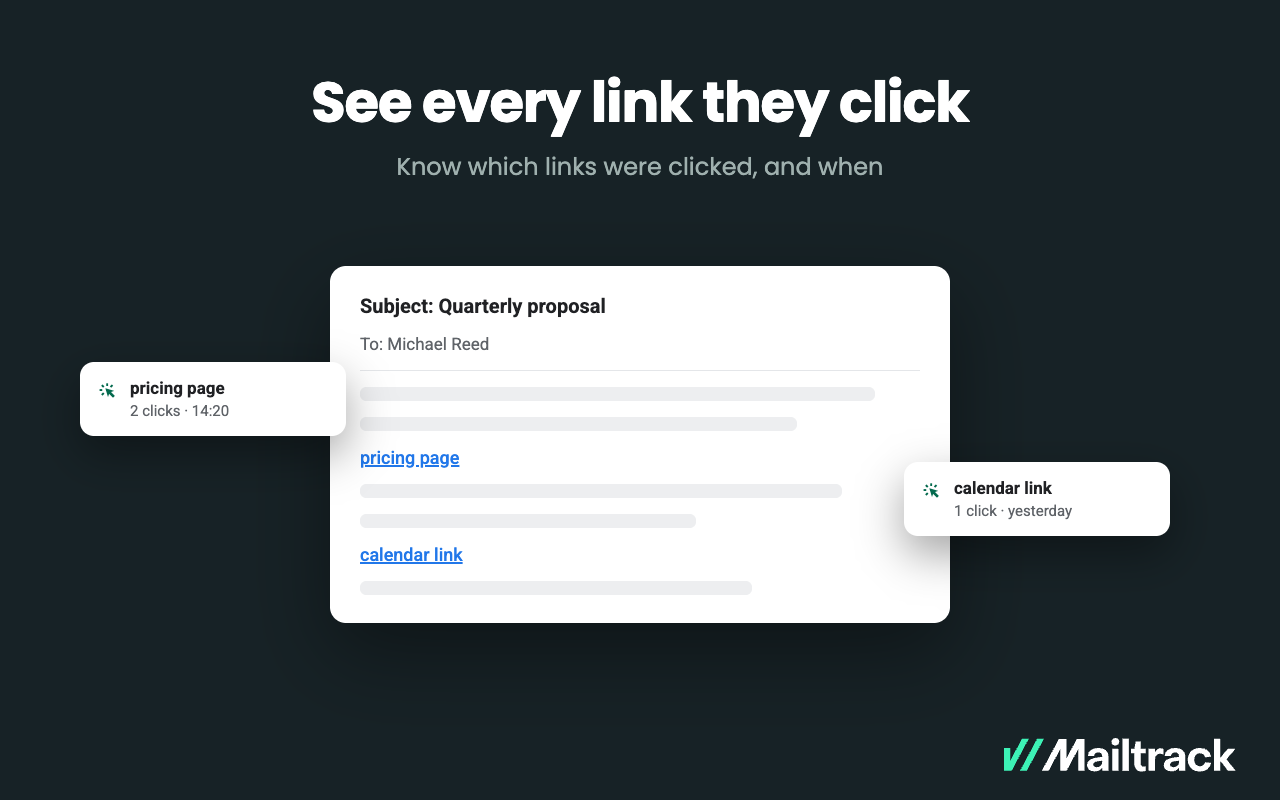
Mailtrack is an email-tracking extension for Gmail and part of Mailsuite. It adds delivery and read-status indicators to sent messages, showing when recipients open an email or click a tracked link without requiring users to leave Gmail. Key Capabilities Gmail read receipts: Mailtrack adds one or two checkmarks to sent messages. Grey checkmarks indicate delivery; green checkmarks indicate that the message was opened. Open and…
One scenario where Hiver works really well is in a shared support or billing inbox or anywhere multiple team members need access to the same messages. For example, when a customer emails about a billing question, we used to reply and manually loop in the billing team or forward the message. That often caused confusion, especially when someone forgot to “reply all” or responded only to the teammate instead of the customer.Now with Hiver, we just assign the conversation to the billing inbox, and whoever is available can respond. Everyone on the team can see the thread, status, and notes, which avoids duplicated efforts and missed replies. We also used to rely on Google Groups, but it wasn’t clear if someone had already replied, and there was no easy way to collaborate behind the scenes. Hiver completely solved that for us.As for situations where Hiver might be less ideal, I’d say if your team isn’t using Gmail or Google Workspace, then it’s probably not a good fit. It’s really designed for teams that live in Gmail so the team doesn't have to learn a new system. I'm sure some businesses will require a more robust ticketing solution but for our use case, this was a perfect option to improve outcomes, client service, and satisfaction.
A de minimis incentive was given to thank the reviewer for their time. The incentive was not used to bias or drive a particular response, nor was the incentive contingent on a positive endorsement. More Info
Mailtrack is great for tracking emails if you do not want to pay for larger more complicated tools that do the same thing. If you already love your system but just want to add some convenient read tracking, that's exactly what this is for. If you have a system that doesn't work well, I would take the time to evaluate alternatives that also include read tracking (Salesforce for example). This also applies if you're trying to use this for large outbound sales emails - there are a lot of applications that have email tracking built in (Outreach.io is a great example) so it may just be worth switching your whole system.
A de minimis incentive was given to thank the reviewer for their time. The incentive was not used to bias or drive a particular response, nor was the incentive contingent on a positive endorsement. More Info
A de minimis incentive was given to thank the reviewer for their time. The incentive was not used to bias or drive a particular response, nor was the incentive contingent on a positive endorsement. More Info
A de minimis incentive was given to thank the reviewer for their time. The incentive was not used to bias or drive a particular response, nor was the incentive contingent on a positive endorsement. More Info
A de minimis incentive was given to thank the reviewer for their time. The incentive was not used to bias or drive a particular response, nor was the incentive contingent on a positive endorsement. More Info
I would rate Mailtrack's overall usability as a ten out of ten. The reasons for this are actually quite simple. For now, only I have been using Mailtrack. However, looking at the rather easy to use characteristics Mailtrack has to offer, I would not hesitate to recommend it to the rest of my colleagues.
A de minimis incentive was given to thank the reviewer for their time. The incentive was not used to bias or drive a particular response, nor was the incentive contingent on a positive endorsement. More Info
I didn't really need to use the customer support but the fact that they proactively make the installation process so easy by providing step by step instructions with videos and everything is kind of pro-active customer support that is needed. Good for them because at the end of the day, it's everyone's dream to use a product that they don't need support for.
True ticketing solutions are certainly more robust in that you can typically manage social media channels and phones, etc. But, in my opinion, when you don't have a team solely responsible for managing a ticketing system they can be complicated to implement. With HIVER, we're already all accustomed to managing our own G-Suite inbox, so it was simply a matter of teaching the team how to utilize the solution.
A de minimis incentive was given to thank the reviewer for their time. The incentive was not used to bias or drive a particular response, nor was the incentive contingent on a positive endorsement. More Info
There's a free tier. Obviously, there are other things to love, like notifications about your email being read, the fact that if an email hasn't been responded to in some time it gets bumped up. The fact that if other people have Mailtrack you will actually get notified who read your email. But the fact that there is a free tier is HUGE.
The ROI on showing how many emails are being received and addressed in a timely manner are great for KPIs
the ability to search and ensure emails are not being deleted as an automatic report is sent out the following day saying if any emails were deleted by whom
the ability to automate who gets assigned what emails from specific vendors per entity
A de minimis incentive was given to thank the reviewer for their time. The incentive was not used to bias or drive a particular response, nor was the incentive contingent on a positive endorsement. More Info
I'm currently using the free version so my investment was time spent downloading the browser extension. I would say it's worth the investment because I can make more value through each email by finding the right time to send replies or know when is the exact time I should follow up.
Knowing when an email is read multiple times helps me know the importance of the content in my email.
The paid version allows Mailtrack to tell you which recipient read the email if there was more than 1.