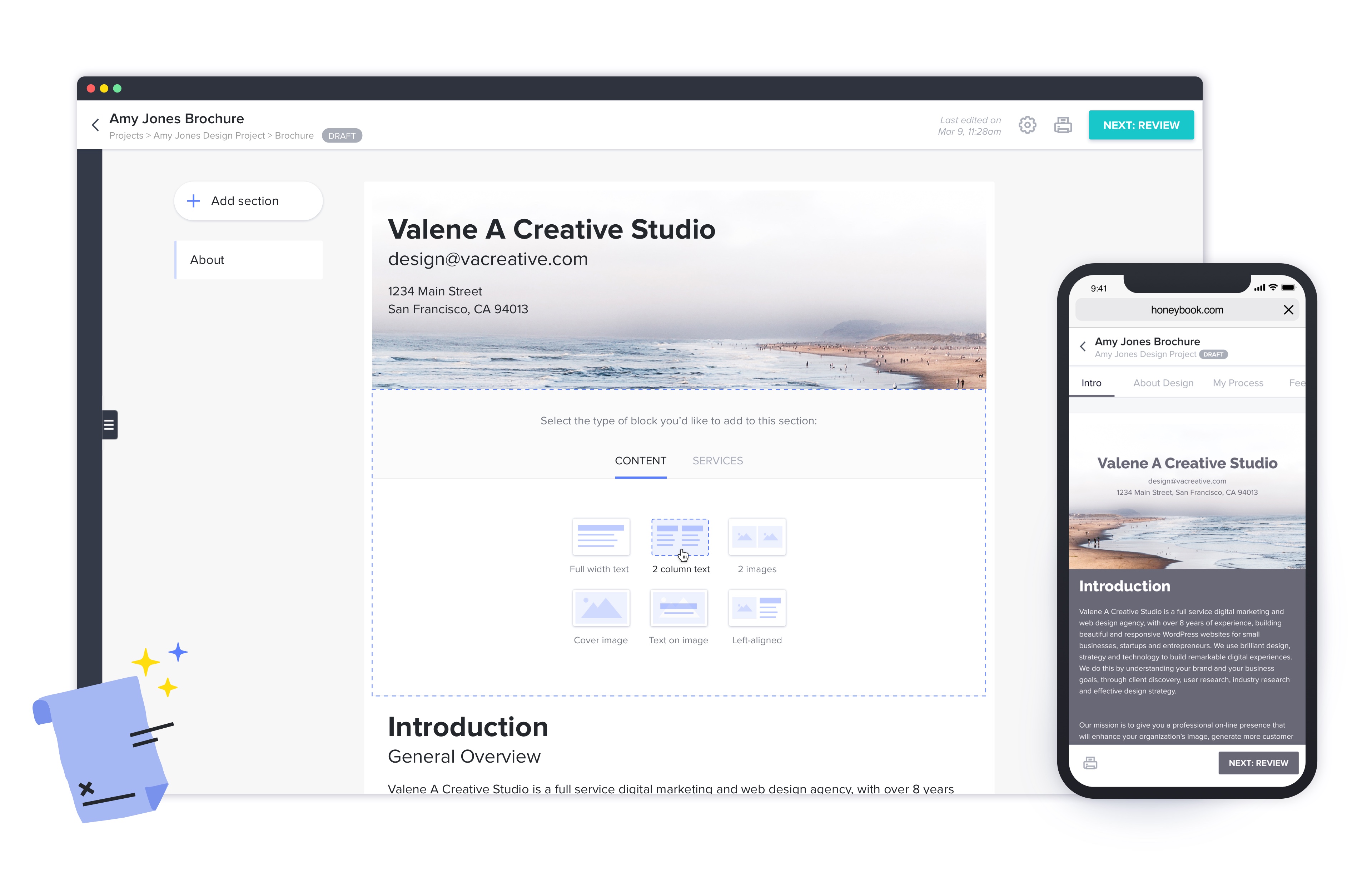
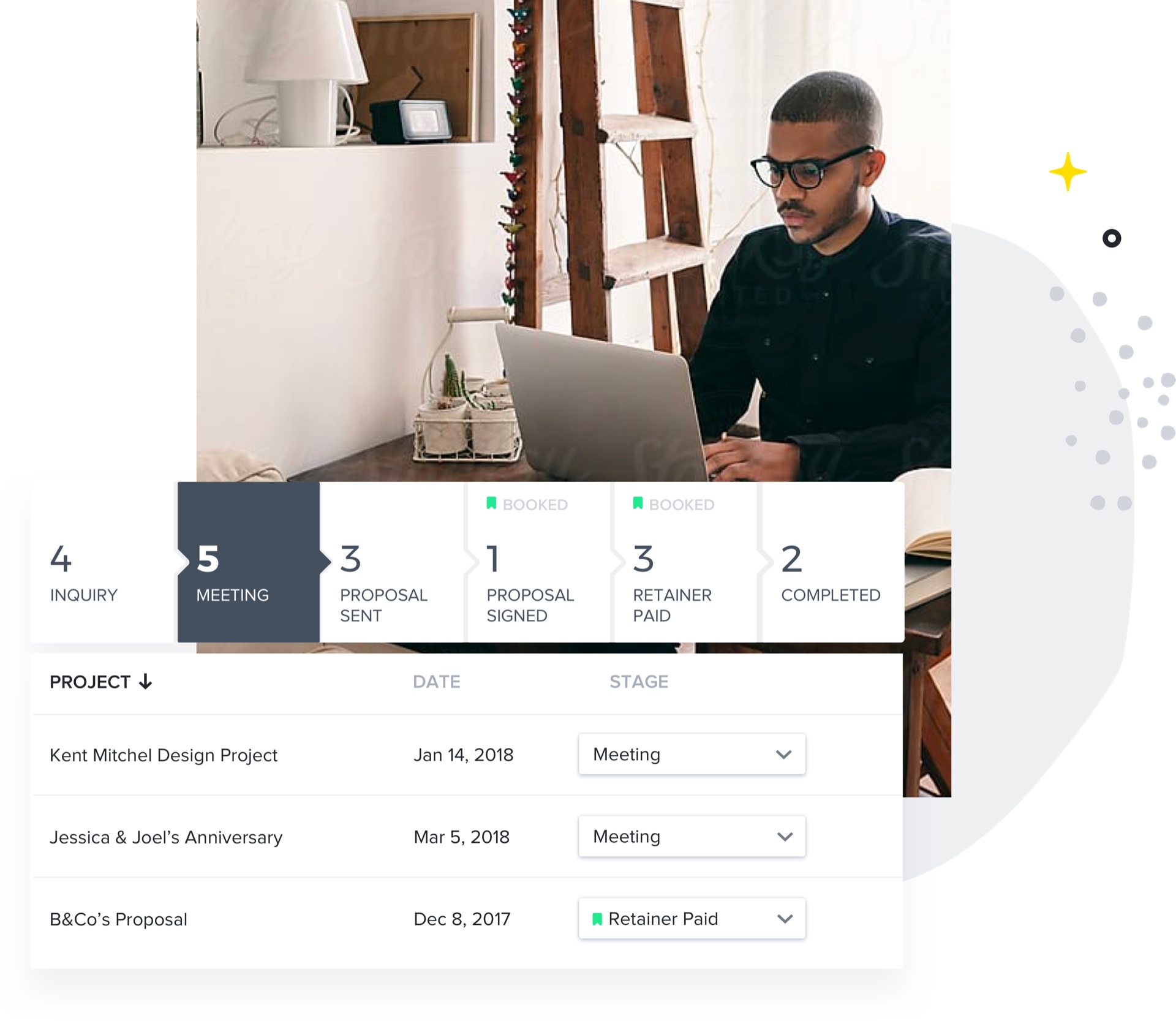
HoneyBook aims to help creative entrepreneurs and freelancers book more clients, manage projects and get paid all in one place. With HoneyBook, users can automate busy work and stay on top of to-dos, saving time and money, while growing a business. HoneyBook is designed to emulate a personal assistant. The vendor states that small business owners and freelancer customers have tripled their bookings and saved multiple hours a day using HoneyBook. They further state that a variety of small…
$36
per month
Zendesk Sell
Score 9.7 out of 10
N/A
Zendesk Sell (formerly Base CRM) is a CRM that aims to give reps access to integrated tools that provide the full context of a customer account. This keeps them in the loop and allows them to capitalize on opportunities. Zendesk Sell can be extended with Reach, a lead generation and engagement tool that automates the process of finding and keeping leads interested, so reps can focus more on building relationships and crushing their quotas.
Base CRM was founded in 2009, and acquired by Zendesk…
$19
per seat/month billed annually
Pricing
HoneyBook
Zendesk Sell
Editions & Modules
Starter
$36
per month
Unlimited Plan - Monthly
$39
Month
Essentials
$59
per month
Premium
$129
per month
Sell Team
$19.00
per seat/month billed annually
Reach prospecting enrichment add-on (requires a Sell Subscription)
$27.00
Per User Per Month (billed annually)
Sell Professional
$49.00
per seat/month billed annually
Sell Enterprise
$99.00
per seat/month billed annually
Sell Elite
$199.00
per seat/month billed annually
Offerings
Pricing Offerings
HoneyBook
Zendesk Sell
Free Trial
Yes
Yes
Free/Freemium Version
No
No
Premium Consulting/Integration Services
No
No
Entry-level Setup Fee
No setup fee
No setup fee
Additional Details
2 months free with annual billing.
—
More Pricing Information
Community Pulse
HoneyBook
Zendesk Sell
Features
HoneyBook
Zendesk Sell
Sales Force Automation
Comparison of Sales Force Automation features of Product A and Product B
HoneyBook
6.3
12 Ratings
21% below category average
Zendesk Sell
6.6
15 Ratings
16% below category average
Customer data management / contact management
6.312 Ratings
8.914 Ratings
Workflow management
5.510 Ratings
6.115 Ratings
Opportunity management
5.011 Ratings
7.913 Ratings
Integration with email client (e.g., Outlook or Gmail)
8.711 Ratings
6.915 Ratings
Contract management
7.012 Ratings
5.410 Ratings
Quote & order management
5.310 Ratings
3.97 Ratings
Interaction tracking
6.59 Ratings
7.915 Ratings
Territory management
00 Ratings
4.98 Ratings
Channel / partner relationship management
00 Ratings
7.811 Ratings
Customer Service & Support
Comparison of Customer Service & Support features of Product A and Product B
HoneyBook
7.7
10 Ratings
1% above category average
Zendesk Sell
9.0
12 Ratings
16% above category average
Case management
8.78 Ratings
9.07 Ratings
Help desk management
6.79 Ratings
9.011 Ratings
Call center management
00 Ratings
9.08 Ratings
Marketing Automation
Comparison of Marketing Automation features of Product A and Product B
HoneyBook
4.7
10 Ratings
49% below category average
Zendesk Sell
6.9
12 Ratings
11% below category average
Lead management
4.710 Ratings
6.012 Ratings
Email marketing
00 Ratings
7.89 Ratings
CRM Project Management
Comparison of CRM Project Management features of Product A and Product B
HoneyBook
7.0
12 Ratings
9% below category average
Zendesk Sell
5.3
13 Ratings
37% below category average
Task management
5.712 Ratings
8.013 Ratings
Billing and invoicing management
7.011 Ratings
1.05 Ratings
Reporting
8.311 Ratings
7.013 Ratings
CRM Reporting & Analytics
Comparison of CRM Reporting & Analytics features of Product A and Product B
HoneyBook
5.5
8 Ratings
32% below category average
Zendesk Sell
8.2
15 Ratings
7% above category average
Customizable reports
5.58 Ratings
9.014 Ratings
Forecasting
00 Ratings
7.812 Ratings
Pipeline visualization
00 Ratings
7.914 Ratings
Customization
Comparison of Customization features of Product A and Product B
HoneyBook
9.0
10 Ratings
16% above category average
Zendesk Sell
4.2
15 Ratings
58% below category average
Custom fields
9.010 Ratings
7.815 Ratings
Custom objects
9.010 Ratings
4.910 Ratings
Scripting environment
00 Ratings
1.16 Ratings
API for custom integration
00 Ratings
3.08 Ratings
Security
Comparison of Security features of Product A and Product B
HoneyBook
6.5
11 Ratings
25% below category average
Zendesk Sell
9.5
14 Ratings
13% above category average
Single sign-on capability
6.39 Ratings
9.912 Ratings
Role-based user permissions
6.710 Ratings
9.011 Ratings
Platform
Comparison of Platform features of Product A and Product B
HoneyBook
6.5
10 Ratings
15% below category average
Zendesk Sell
8.0
13 Ratings
6% above category average
Mobile access
6.510 Ratings
8.013 Ratings
Social CRM
Comparison of Social CRM features of Product A and Product B
HoneyBook
-
Ratings
Zendesk Sell
4.0
5 Ratings
60% below category average
Social data
00 Ratings
1.04 Ratings
Social engagement
00 Ratings
6.95 Ratings
Integrations with 3rd-party Software
Comparison of Integrations with 3rd-party Software features of Product A and Product B
I would recommend Honeybook to other coaches, consultants, and small business owners. It may not be appropriate for a large team's use, but works for the size of organization I currently own and manage. It also integrates with QuickBooks and makes financial data management fairly seamless.
Zendesk sell is best for organizations that want a clean and simple, yet powerfully effective CRM tool. It's intuitive, extremely user-friendly, supplies lots of video tutorials and access to the California team for FAQ's, and has all the features other, more complicated, expensive CRM's have. Great for institutions that have a need to tailor their database to fit your needs; and track sales, tasks, and pipeline projects in graphic form. It's affordable and has a great app for mobile phones that allows access to contacts, notes, tasks, and a workable platform while on the go in real time. It's simple to teach new users how to navigate and utilize. Adding or deleting users is simple, and access to the CRM information can be limited/private or made public for the entire team to access. Not as costly as some of the competing products, so if you are on a tight budget this may be the tool for you.
HoneyBook offers incredible resources to train users how to best use their system. It's informative and eye-opening to watch one of their training sessions.
I love how easy HoneyBook makes it to create highly professional materials that are beautiful. Its brochures and selling materials are stellar and I'm able to streamline the process without feeling like I actually have to sell my capabilities.
I'm thrilled with the billing system and how simple it is to automate. I love that I can see how my customers have engaged with the bills.
The app helps me feel connected to my leads and data while I'm away from my computer.
My favorite piece is the Tasks connected to the Clients OR the Deals themselves that keep the process moving with the right steps, and helps our team from doubling our work, or missing a piece that is crucial for the completion of the sale.
The email integration helps to keep all things housed in one place also, so that you're not bouncing back and forth in multiple platforms to stay on top of the orders.
Customizations are a HUGE part of why we use Base CRM right now. We can make sure we are recording all of the right information, and not wasting time by having to fill in or skip over content that doesn't apply to our business model.
I also like the ability to tied Deals to multiple people, especially as Referrals come across, so we don't forget how we got in touch with different clients.
The online scheduling tool does not work with different time zones very well. It doesn't automatically adjust to my clients' timezones and it doesn't even have many international time zones as an option! I had 3 clients in a row schedule meetings at the wrong time when I first started using HoneyBook's scheduler. I had to switch to Calendly because HoneyBook's scheduling tool was causing me to lose business.
The transaction fees for instant deposits are expensive.
[I believe} many of the features on HoneyBook are half-baked. It's marketed as an all-in-one business management platform, but I'm still using Calendly, Google Drive, Typeform, Clockify, and ClickUp because HoneyBook's equivalent features aren't as sophisticated or as easy to use.
The notes section for client projects does not have much space or allow for any custom formatting such as hyperlinks, bold text, highlighted text, etc. Tools such as Teamwork, Pipedrive, Asana, and ClickUp do a much better job at displaying this type of information.
Since I do not use ALL the functionality in HoneyBook, I have wondered if the plan I am on is too much. That is why I rated a 9 rather than 10. I have definitely considered downgrading but not leaving HoneyBook.
This is now a copy-paste response since this platform is asking me to answer every single question. It is such a negative experience with Honeybook that they even upset me while I'm trying to warn others of all the horrible pitfalls in working with the platform.
I received about two hours worth of training on Zendesk Sell (formerly Base CRM). I will say it's a clean look and the ability to change views is extremely helpful. I do wish there were other features that allowed the views to be more simplistic. Some views can be overwhelming to look at. Nevertheless with the minimum training, I am still able to navigate through Zendesk Sell (formerly Base CRM) successfully due to the ease of usability.
They have ALWAYS been amazing when I needed any type of service or help. Their concierge service is also amazing vs other services I have used in the past. I have confidence when I ask for help - both through Chat or even on their Facebook group that I will get an answer quickly.
Due to the ease of the product, I have not had the chance to reach out to support yet. I’ve had no reason. The resources provided to clients are extremely helpful and detailed. So far my questions have been pretty basic and I generally just ask my colleague or teammate. They're able to assist with the answer.
This product has a great backing of users, but needs more options direct from Base CRM on all operations of the software. YouTube videos do a great job of helping implement, and the back end support is a great help as well. The CRM is a great free option, and should be treated as such.
Honeybook and Dubsado have a lot of similarities. I'd say the only big difference is that Dubsado still has more advanced workflow capabilities. Dubsado also is much harder to set up. Honeybook is simpler and easier to use right from the start.
Simpler than most CRMs, which can be good if your sales team is not very tech savvy. We switched to HubSpot which provides a lot more value than Base did, but it isn't right for everyone. HubSpot is focused on capturing in-bound leads and has its own flaws and limitations, but overall it's a better fit for our needs.
HoneyBook was very cost effective which was great for ROI!
HoneyBook was easy to use which made for a quick employee on-boarding for new team members.
HoneyBook had some features that were not available on the platform that are considered standard for any other CRM such as data pull, platform integrations, and customization options.