Jitterbit is a cloud integration technology for cloud, social or mobile apps. It provides accessibility for
non-technical users, including easily creating API’s and data transformation scripts within the
integrations.
$100
Starting Price Per Month
TeamDynamix iPaaS
Score 6.9 out of 10
N/A
TeamDynamix
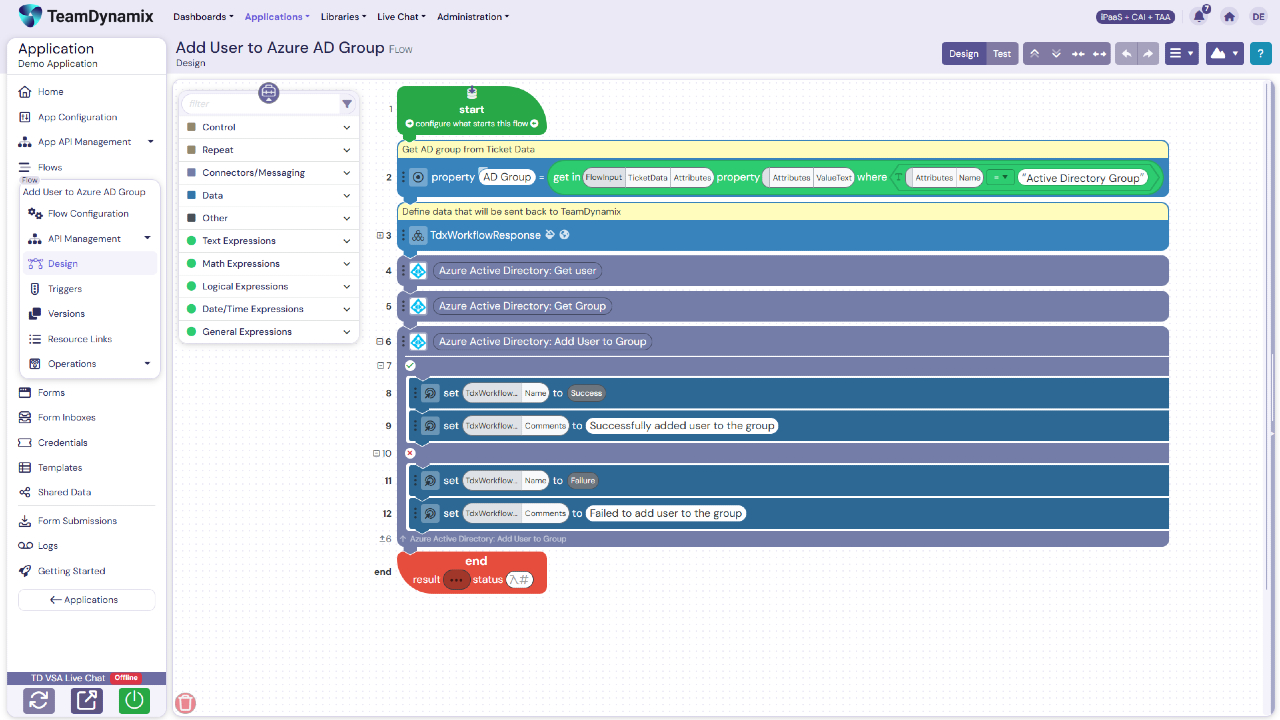
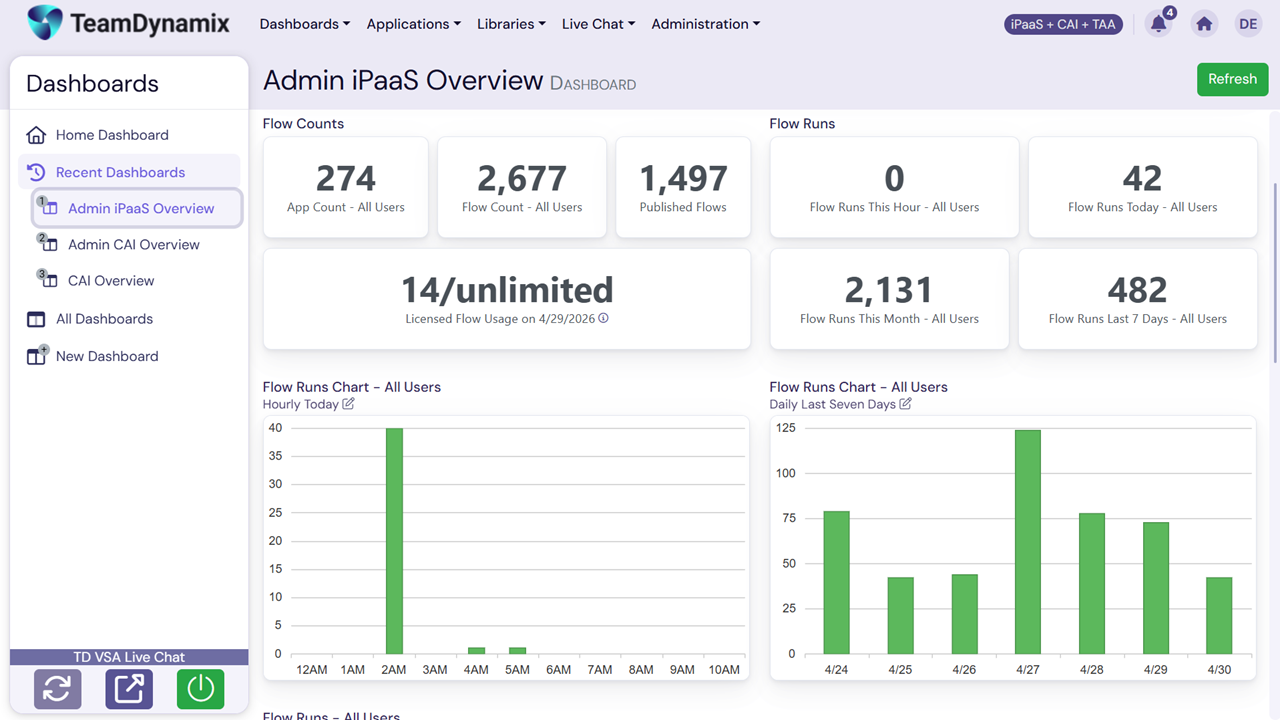
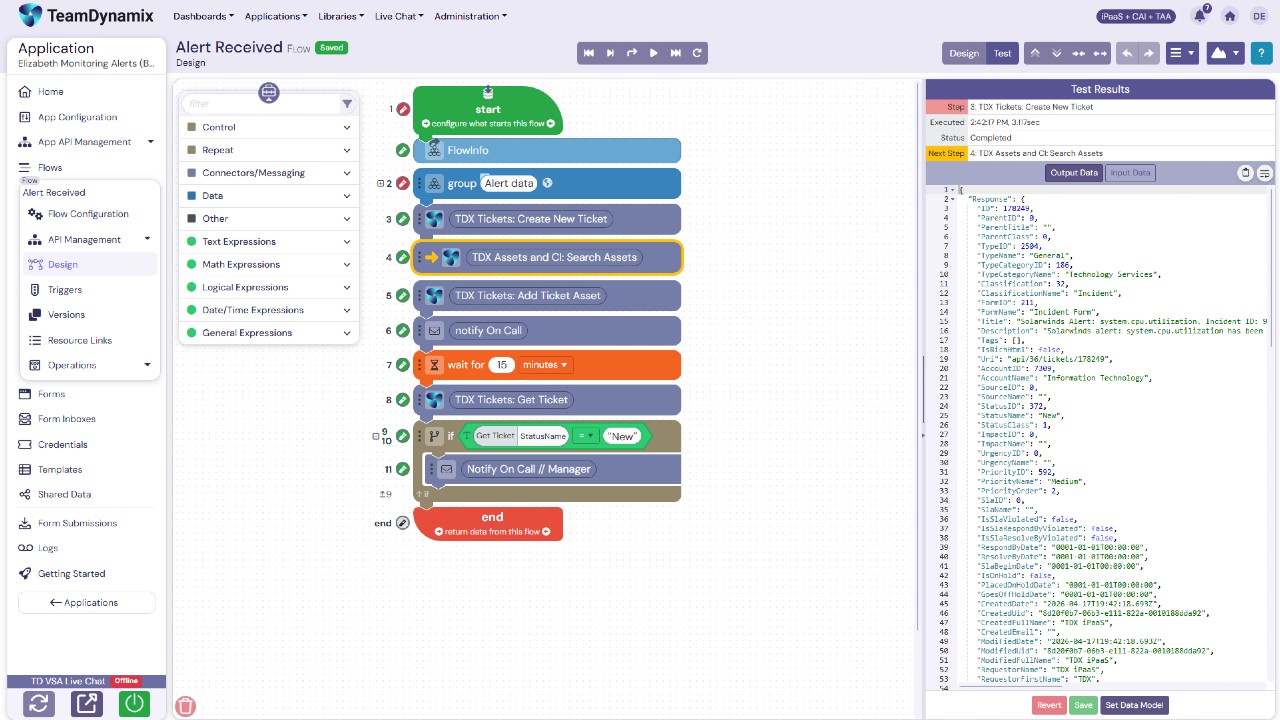
iPaaS is a no-code Integration Platform as a Service that
combines enterprise-grade integration, no-code automation, and AI-powered
agents on one governed platform. iPaaS clears the typical integration backlog
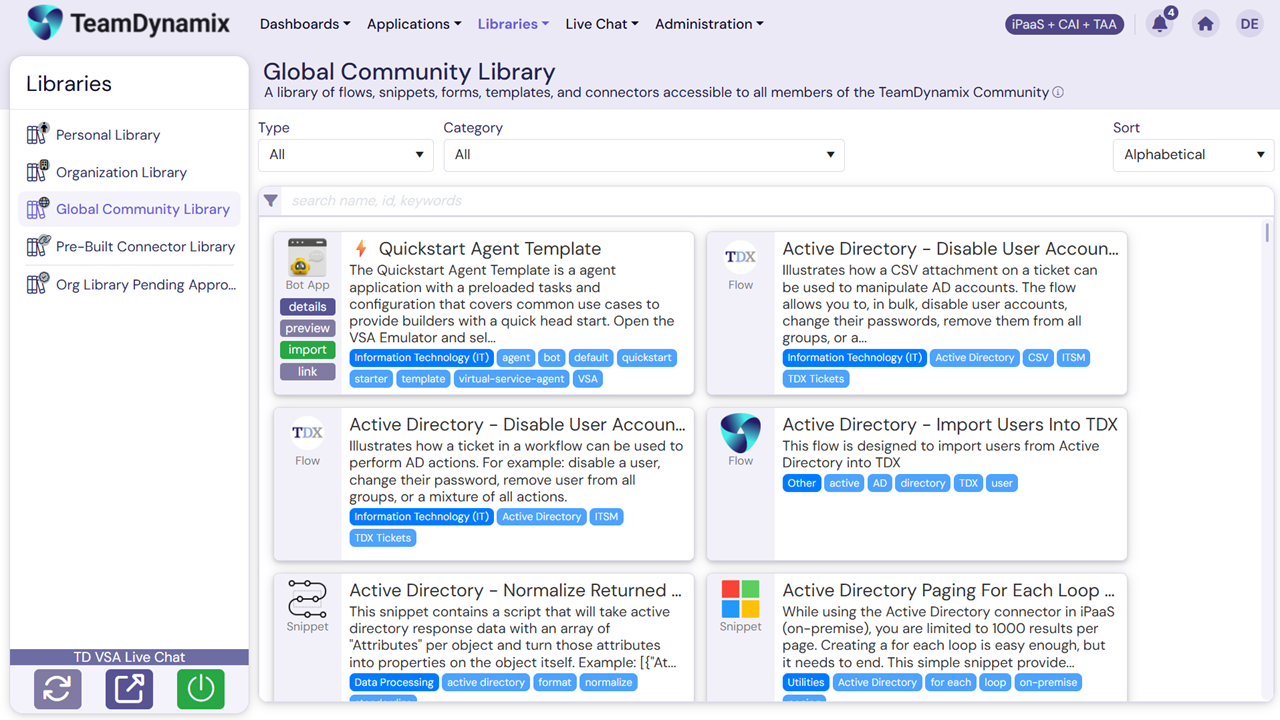
and unlocks digital transformation. It features a library of pre-built
connectors and a visual drag-and-drop flow builder to enable citizen developers
while AI Form Builder Agents create dynamic forms in minutes. Centralized API
management governs the ecosystem, and an MCP…
Jitterbit plays well in the general-purpose integration that can be used to integrate multiple systems and used by different departments within an Enterprise. I see it as a more basic option for Boomi that is less expensive. So if you are looking for something like Boomi, and …
Scribe - we had problems with this product (jobs were running long, some jobs would finish incomplete without any warning or info, etc) and we wanted more functionality/configurability -- keep in mind this was 3 years ago, so the product may have changed since then!
Evaluated Dell Boomi and Celigo as alternatives prior to purchasing Jitterbit. We went with Jitterbit at that time because we could handle all changes ourselves without any assistance from Jitterbit, and we liked their size and nimbleness. Dell Boomi was too big for us, and …
Jitterbit is completely cloud-based and offers a cleaner way to connect to SOAP API endpoints. SQL Server Integration Services has a larger ecosystem of plugin connectors by third parties (at a cost), but the downside is that you still need to use something like Visual Studio …
Our decision was based on the cost at the time. Jitterbit's cost model has changed since then, so it might be a different decision now if we have to re-evaluate.
Hands down, Jitterbit is more cost-effective than Informatica, either on-prem or cloud and the value only goes up from there. Reusability and ease of creation make in-house training simple and the end result is we leverage Jitterbit for much more than what we initially …
Customer Relationship Management (CRM) System Administrator
Chose Jitterbit
I actually use all three of these products: Jitterbit free, DemandTools and PeopleImport. I use DemandTools and PeopleImport most often and usually only use Jitterbit free when the other two won't launch or connect.
The support that Jitterbit has provided on paper as well as in the real world is great and this was certainly in our top pick list when we did our build/buy analysis.
The Jitterbit data loader is a dramatic improvement over the standard Salesforce Apex Data Loader. Both applications are free or included with Salesforce but I would only recommend Jitterbit for users who need to run data jobs against Salesforce.
Jitterbit was a better match for the project we used it for because of the depth and breadth of scripting language and the nature of the platform. That being said, the project we threw at it was a tough one. I am almost certain we could not have completed it with the other …
Verified User
Anonymous
Chose Jitterbit
Initially we were looking at building our own integration capability from scratch, but deliverable timelines pushed us to purchase this product. Other than Biztalk, I do not know which other products we looked at.
Jitterbit works flawlessly for simple data loading tasks. Anything more complicated, such as deduping objects or cleaning data on a grid would require a more substantial program such DemandTools, but for small, ad-hoc tasks Jitterbit is hard to beat.
What set Jitterbit apart was the flexibility and the capability to copy existing transformations. Since we were rolling out a world-wide data integration program for an enterprise ERP, it was essential that we could implement once and reuse. We could add error captures really …
Performance Testing Engineer / Front End Developer /System Analyst
Chose Jitterbit
Honestly we didn't evaluate too many other middle ware products, at least that i am aware of its possible our system architect did without my input. But we were given a trial of JitterBit a very good training session and decided it was a perfect fit for us and it has been a …
Small to medium sized companies are great prospects for this product. It's pretty easy to set up, learn and maintain. You can scale it too, so start with an easy integration, learn the ropes and expand your usage. If you have fairly simply needs for a handful of fields and just one or two external systems to feed into Salesforce, this is the go-to product. If you're a larger company needing more complex integrations where extremely high reliability is needed and any downtime means revenue loss, you probably already have a different product in mind. Then again, you probably have an entire team that handles integrations and a data warehouse to support it!
Its great for enhancing integration and automation capabilities. It has a relatively friendly interface, though needs some improvement. It can feel overwhelming at times. It empowers both IT and business leaders to drive digital transformation effectively.
Some of the more advanced transformation possibilities aren't exactly clear without a lot of digging. Very basic connections (e.g. map this field to this field) along with basic transformation scripts (e.g. multiply X * Y) are super easy. But I know there are a ton more features and functionality that I feel is somewhat buried in the product
I have been evaluating other tools as a continuous improvement practice. I would like something that would be easier to use for a non-technical user. I work for a small organization and have no back-up for Jitterbit if something happens to me. We don't have the technically savvy employees to understand it.
As developers, we have found that the components provide the same meaning as the programming language construct. We haven't used many of the provided connectors, but the standard connectors are easy to configure for vendor API endpoints that differ slightly from one another.
Hands down, Jitterbit is more cost-effective than Informatica, either on-prem or cloud and the value only goes up from there. Reusability and ease of creation make in-house training simple and the end result is we leverage Jitterbit for much more than what we initially considered it for. Having used Oracle and TIBCO before as well, I find they are the tools of yesterday, not able to keep up in terms of functionality or price. Mulesoft would be a more relevant comparison, and I feel we lean on Mule far more than Jitterbit, but both tools have their place and their strengths (and weaknesses!).
We moved from a product that was failing regularly (jobs were running long, some jobs would finish incomplete without any warning or info, etc) to Jitterbit - a very stable product if you give it the recommended server size it needs.
It has made crafting solutions for data movement and transformation quick!
Create automated and tailored responses to tickets.
Gain insights and data on our device activation tickets (we found that 25% of our tickets are for a single ticket, and we created a better-worded KB to facilitate fixes).