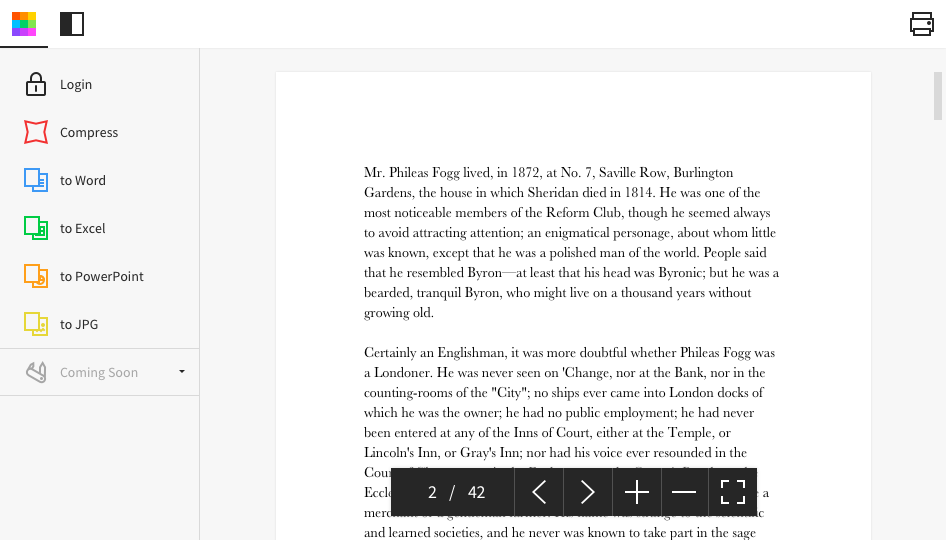
Kami is a document annotation tool that enables students stay engaged, and that helps teachers to save time with streamlined instruction and assessment. It includes tools to make PDFs and digital resources more engaging for everyone.
$10
per month per user
Smallpdf
Score7.1 out of 10
N/A
Made in Switzerland, Smallpdf is a company that offers a suite of document management tools for everyone-for work, for home, for life. Founded in Switzerland in 2013, Smallpdf provides what they describe as a simple, secure, and reliable answer to the world's PDF challenges. Smallpdf boasts serving over a billion users in 24 different languages since 2013, and in every country in the world.
When dealing with absent students, and giving them classroom material, Kami is great. I never make extra copies of worksheets anymore. If a student needs/wants a second one, they can get it digitally from me. Additionally, being able to track the feedback that I give to students is a real plus.
A de minimis incentive was given to thank the reviewer for their time. The incentive was not used to bias or drive a particular response, nor was the incentive contingent on a positive endorsement. More Info
As per my knowledge and experience, Small PDF is well suited when we want to convert the large and bulk processing on the images to convert them into a single file and share. I found it well suited for college students because daily they scan multiple images and merge them to send as a single assignment file. Smallpdf has the future in the education field. Sometimes it is less appropriate for the people who want to share official documents by converting them into pdf without a watermark. I personally really like the Small PDF, it really helped reduce the difficulty of sending files, and photos to others.
A de minimis incentive was given to thank the reviewer for their time. The incentive was not used to bias or drive a particular response, nor was the incentive contingent on a positive endorsement. More Info
A de minimis incentive was given to thank the reviewer for their time. The incentive was not used to bias or drive a particular response, nor was the incentive contingent on a positive endorsement. More Info
A de minimis incentive was given to thank the reviewer for their time. The incentive was not used to bias or drive a particular response, nor was the incentive contingent on a positive endorsement. More Info
When I am multitasking on multiple screens, there are times when I am trying to scroll with my stylus and I end up writing on the document.
When Kami creates folders and organization, there seems to be almost too much redundancy. The same file seems to be in multiple places. I don't know if that is a Kami problem or a me problem, but I'll probably start trying to clean things up a little soon.
I think that the tool restriction for students method could be improved.
A de minimis incentive was given to thank the reviewer for their time. The incentive was not used to bias or drive a particular response, nor was the incentive contingent on a positive endorsement. More Info
A de minimis incentive was given to thank the reviewer for their time. The incentive was not used to bias or drive a particular response, nor was the incentive contingent on a positive endorsement. More Info
Kami is easy to use and easy to find information that I am looking for. If I need to learn how to use a tool I can look up references easily. The tools are easy to deploy for both staff and students. I find that the icons are intuitive
A de minimis incentive was given to thank the reviewer for their time. The incentive was not used to bias or drive a particular response, nor was the incentive contingent on a positive endorsement. More Info
I give this rating to Smallpdf because it comes with a large array of tools and gadgets. It allows not only pdf reading but also mixing, splitting, conversion to and from pdf, pdf compression or protecting. It is really complete and it works excellent compared to other much more expensive alternatives in the market.
A de minimis incentive was given to thank the reviewer for their time. The incentive was not used to bias or drive a particular response, nor was the incentive contingent on a positive endorsement. More Info
1.- Because it is easy to use and each function is duly indicated so you can not go wrong. 2.- Its service is fast, it takes only a few seconds to transform the files and in less than a minute it is downloaded and you can occupy it without problem. 4.-This IS online so you do not install anything, which is very useful because you can also use it from a tablet or your mobile
Everything is so simple and works so well, you shouldn't need support, but on the one occasion in several years that I needed it, support was quick and courteous.
I think that Kami is easier to use and works in a more consistent way. Orbitnote is clunky and doesn't work as consistently. In the accessibility space, we are starting to recommend Kami products over the TextHelp/Everyway family of products. I think the Google integration is smoother as well
A de minimis incentive was given to thank the reviewer for their time. The incentive was not used to bias or drive a particular response, nor was the incentive contingent on a positive endorsement. More Info
I think that Smallpdf stacks up against its competitors in terms of easiness of use. The tool is very user-friendly, every feature is communicated in an efficient way and very simple to user so the user doesn't have to be particularly good at using software. Its features are superficial when compared to Acrobat but easiest to use for sure.
A de minimis incentive was given to thank the reviewer for their time. The incentive was not used to bias or drive a particular response, nor was the incentive contingent on a positive endorsement. More Info
A de minimis incentive was given to thank the reviewer for their time. The incentive was not used to bias or drive a particular response, nor was the incentive contingent on a positive endorsement. More Info
It has definitely increased efficiency. Lower paid employees can complete a simple task with Smallpdf rather than having a higher paid employee use their time to do it differently.
Smallpdf decreases the customer-response time. Being able to send over the proper sized file quickly makes us look great!
A de minimis incentive was given to thank the reviewer for their time. The incentive was not used to bias or drive a particular response, nor was the incentive contingent on a positive endorsement. More Info