Overview
ProductRatingMost Used ByProduct SummaryStarting Price
Kintone
Score 9.6 out of 10
N/A
Kintone is a customizable digital workplace platform used to manage data, tasks, and communication. The no-code drag-and-drop interface can be used to create custom applications.
$120
per month for 5 users (minimum)
Microsoft Access
Score 7.5 out of 10
N/A
Microsoft Access is a database management system from Microsoft that combines the relational Microsoft Jet Database Engine with a graphical user interface and software-development tools.
$139.99
per PC
Pricing
KintoneMicrosoft Access
Editions & Modules
Professional Subscription
$24
per month per user
Microsoft Access
$139.99
per PC
Offerings
Pricing Offerings
KintoneMicrosoft Access
Free Trial
YesNo
Free/Freemium Version
NoNo
Premium Consulting/Integration Services
YesNo
Entry-level Setup FeeOptionalNo setup fee
Additional DetailsMinimum requirement of 5 users. Kintone offers a free prototype to build with using existing process.
More Pricing Information
Community Pulse
KintoneMicrosoft Access
Considered Both Products
Kintone
Chose Kintone
Again, I came along after the implementation of Kintone. Kintone does provide plenty of customization and personalization within the program without the ability to code HTML.
Chose Kintone
Kintone won out based on a few factors. MS Access can be a good alternative, but you can have trouble with sharing the data when needed. We like the mobile app that Kintone provides as well. Compared to Trello, the price of Kintone was better, considering the differences in …
Chose Kintone
Kintone is much more customizable and user-friendly than Access. We also have experience with Service Point - Kintone is again, much more customizable. We would love a two-way interface between Kintone and Service ice Point. That would be a tremendous bonus for capturing & …
Chose Kintone
Kintone is far more user-friendly, and appealing to use. The low/no-code design makes building simple databases a breeze. Being able to upload files to the cloud makes storage issues non-existent, unlike in Access.
Microsoft Access

No answer on this topic

Features
KintoneMicrosoft Access
Sales Force Automation
Comparison of Sales Force Automation features of Product A and Product B
Kintone
9.0
2 Ratings
14% above category average
Microsoft Access
-
Ratings
Customer data management / contact management9.52 Ratings00 Ratings
Workflow management8.52 Ratings00 Ratings
Territory management10.01 Ratings00 Ratings
Opportunity management10.01 Ratings00 Ratings
Integration with email client (e.g., Outlook or Gmail)7.01 Ratings00 Ratings
Customer Service & Support
Comparison of Customer Service & Support features of Product A and Product B
Kintone
10.0
2 Ratings
26% above category average
Microsoft Access
-
Ratings
Case management10.02 Ratings00 Ratings
Help desk management10.02 Ratings00 Ratings
CRM Reporting & Analytics
Comparison of CRM Reporting & Analytics features of Product A and Product B
Kintone
8.5
2 Ratings
10% above category average
Microsoft Access
-
Ratings
Customizable reports8.52 Ratings00 Ratings
Customization
Comparison of Customization features of Product A and Product B
Kintone
8.5
4 Ratings
10% above category average
Microsoft Access
-
Ratings
Custom fields8.84 Ratings00 Ratings
Custom objects8.33 Ratings00 Ratings
Integrations with 3rd-party Software
Comparison of Integrations with 3rd-party Software features of Product A and Product B
Kintone
7.0
1 Ratings
7% below category average
Microsoft Access
-
Ratings
Marketing automation7.01 Ratings00 Ratings
Platform
Comparison of Platform features of Product A and Product B
Kintone
8.5
2 Ratings
11% above category average
Microsoft Access
-
Ratings
Mobile access8.52 Ratings00 Ratings
Security
Comparison of Security features of Product A and Product B
Kintone
8.7
3 Ratings
3% above category average
Microsoft Access
-
Ratings
Role-based user permissions8.73 Ratings00 Ratings
CRM Project Management
Comparison of CRM Project Management features of Product A and Product B
Kintone
8.0
2 Ratings
4% above category average
Microsoft Access
-
Ratings
Reporting8.02 Ratings00 Ratings
Relational Databases
Comparison of Relational Databases features of Product A and Product B
Kintone
-
Ratings
Microsoft Access
7.7
3 Ratings
3% below category average
ACID compliance00 Ratings7.02 Ratings
Database monitoring00 Ratings8.02 Ratings
Database locking00 Ratings8.03 Ratings
Encryption00 Ratings7.02 Ratings
Disaster recovery00 Ratings7.73 Ratings
Flexible deployment00 Ratings8.02 Ratings
Multiple datatypes00 Ratings8.03 Ratings
Best Alternatives
KintoneMicrosoft Access
Small Businesses
Salesmate
Salesmate
Score 10.0 out of 10
InterSystems IRIS
InterSystems IRIS
Score 8.0 out of 10
Medium-sized Companies
Creatio
Creatio
Score 9.0 out of 10
InterSystems IRIS
InterSystems IRIS
Score 8.0 out of 10
Enterprises
Creatio
Creatio
Score 9.0 out of 10
SAP IQ
SAP IQ
Score 10.0 out of 10
All AlternativesView all alternativesView all alternatives
User Ratings
KintoneMicrosoft Access
Likelihood to Recommend
9.0
(48 ratings)
5.0
(99 ratings)
Likelihood to Renew
8.3
(5 ratings)
10.0
(15 ratings)
Usability
7.8
(5 ratings)
7.0
(5 ratings)
Availability
10.0
(1 ratings)
8.0
(1 ratings)
Performance
9.0
(1 ratings)
-
(0 ratings)
Support Rating
9.4
(46 ratings)
6.4
(5 ratings)
Implementation Rating
6.8
(4 ratings)
10.0
(1 ratings)
Configurability
9.6
(42 ratings)
-
(0 ratings)
Contract Terms and Pricing Model
1.0
(1 ratings)
-
(0 ratings)
Ease of integration
5.0
(1 ratings)
8.0
(1 ratings)
Product Scalability
7.0
(1 ratings)
5.0
(1 ratings)
Professional Services
3.0
(1 ratings)
-
(0 ratings)
Vendor post-sale
8.0
(1 ratings)
-
(0 ratings)
Vendor pre-sale
2.0
(1 ratings)
-
(0 ratings)
User Testimonials
KintoneMicrosoft Access
Likelihood to Recommend
Kintone
Kintone is great if you want a software that will help you in managing your data, and keep track of which tasks are assigned to whom. It also helps to streamline communication and information in one central place. However, it is not for you if you are looking for something complex that has to manage a lot of data.
Read full review
Microsoft
As a Material Purchasing/Planning/inventory tracking application, Microsoft Access serves its purpose well. It's presentation is clean, data entry is simple and the ability to customize search fields is welcome. It does, however, come with some caveats; namely, when setting search filters and the need arises to back up a step or two, with Microsoft Access you have to reset, or "clear all", adding extra steps/time to a query.
Read full review
Pros
Kintone
  • Flexibility. You can build apps (without coding) to serve a wide range of processes and projects.
  • Ease of use. The interface is intuitive.
  • Training. There are resources readily available to train new users. Even starting from scratch, I felt like I was up to speed in just a few hours.
Read full review
Microsoft
  • Very easy to create entity-relationship diagrams for various tables and designing mock layouts.
  • Really easy to navigate as it hold[s] the classic Microsoft UI. Another good thing is that it comes with the complete MS Office Suite.
  • It is really fast when joining multiple tables no matter what type of join.
  • Works on pretty much same SQL scripts so no need to learn a new language!
Read full review
Cons
Kintone
  • I feel that Kintone is not well enough known yet. This means that other apps/APIs are not necessarily easy to connect with Kintone. Yes, you can use Zapier though for interfacing with other apps.
  • It would be great if it could give more customized options to change the look and format of certain things. You can make price quote apps, for example, but have to rely on 3rd party apps or programming skills to customize the look and fields.
  • If you make a table as an input field, it cannot connect to other internal Kintone apps for lookups and such.
  • I think there is more potential to make more customized data graphs.
Read full review
Microsoft
  • Microsoft Access has not really changed at all for several years. It might be nice to see some upgrades and changes.
  • The help info is often not helpful. Need more tutorials for Microsoft Access to show how to do specific things.
  • Be careful naming objects such as tables, forms, etc. Names that are too long can get cut off in dialog boxes to choose a table, form, report, etc. So, I wish they would have resizable dialog boxes to allow you to see objects with long names.
  • I wish it could show me objects that are not in use in the database for current queries, tables, reports, forms, and macros. That way unused objects can be deleted without worrying about losing a report or query because you deleted the underlying object.
Read full review
Likelihood to Renew
Kintone
I still think that there's a room for Kintone's future, and high expectations for them in additional features and innovative tools and supports. Truly hope that they will support email features, and standardized supports for various plug-ins with the 3rd party software and apps. In the meantime, we will have to consider our ways of doing our work in all aspects
Read full review
Microsoft
I and the rest of my team will renew our Microsoft Access in the future because we use and maintain many different applications and databases created using Microsoft Access so we will need to maintain them in the future. Additionally, it is a standard at our place of work so it is at $0 cost to us to use. Another reason for renewing Microsoft Access is that we just don' t have the resources needed to extend into a network of users so we need to remain a single-desktop application at this time.
Read full review
Usability
Kintone
While, we have been quite happy with out choice to use Kintone, there are a couple of things (mentioned previously) that would make the experience better. Overall, it has been the best fit for our organisation. We are still in the process of building out a needed API and integrating that, so we have yet to reach full functionality with one of our apps in Kintone. Once we have that completed, I think we'll have a better idea of how well it truly works for us
Read full review
Microsoft
Microsoft Access is easy to use. It is compatible with spreadsheets. It is a very good data management tool. There is scope to save a large amount of data in one place. For using this database, one does not need much training, can be shared among multiple users. This database has to sort and filtering features which seem to be very useful.
Read full review
Reliability and Availability
Kintone
Never had an issue with this.
Read full review
Microsoft
I don't think the program has ever failed me. It is one of those programs where there is always a solution if you know where to look.
Read full review
Performance
Kintone
No issues.
Read full review
Microsoft
No answers on this topic
Support Rating
Kintone
I have had very specific questions about different aspects of the software, and I have always been able to get a hold of someone who could help. If my sales rep didn’t know the answer, he would get me in touch with someone who did know the answer. The whole team is very ready to help. It definitely feels like they view my success as their success, which is so important with this type of software.
Read full review
Microsoft
While I have never contacted Microsoft directly for product support, for some reason there's a real prejudice against MS Access among most IT support professionals. They are usually discouraging when it comes to using MS Access. Most of this is due to their lack of understanding of MS Access and how it can improve one's productivity. If Microsoft invested more resources towards enhancing and promoting the use of MS Access then maybe things would be different.
Read full review
Implementation Rating
Kintone
Everyone has their own tastes of things and way they want to work. Asking them to adapt to the changes with the new tools or apps is always difficult. We would want to start with a very small but best example within the organization, which in our case was that the employees will not be bothered by the bosses by being asked to find the documents, status of the progresses, or major things/requests/projects.
Read full review
Microsoft
there is no key idea, since it is easy to implement Microsoft Access
Read full review
Alternatives Considered
Kintone
Kintone is the easiest product to create from and the cost is the lowest I believe. In addition, reconfigurability and extendability are great. If you look for a low code tool, you can try Kintone. But as same as another low code tool, don't expect too much.
Read full review
Microsoft
Excel is a fantastic - robust application that can do so much so easily. Its easy to train and understand. However - excel does not provide a reporting function and that is typically where we will suggest a move to [Microsoft] Access. [Microsoft] Access requires a little more knowledge of data manipulation.
Read full review
Contract Terms and Pricing Model
Kintone
Should be multiple pricing packages.
Read full review
Microsoft
No answers on this topic
Scalability
Kintone
I could see this work for all departments if implemented correctly.
Read full review
Microsoft
No answers on this topic
Professional Services
Kintone
Needed improvement at the time.
Read full review
Microsoft
No answers on this topic
Return on Investment
Kintone
  • It has helped us reduce the amount of people we need to track our inventory. We’ve saved time and money using less people.
  • We are able to see our data much better now and have a spot that we can all look at the database on the go.
Read full review
Microsoft
  • Not having to recreate queries or reports every time you want to use them.
  • Once an item is created and saved as part of the database, you save manpower by not having to recreate them.
  • ROI from a usability standpoint is great. Solid product with great functionality that requires low maintenance usually.
Read full review
ScreenShots

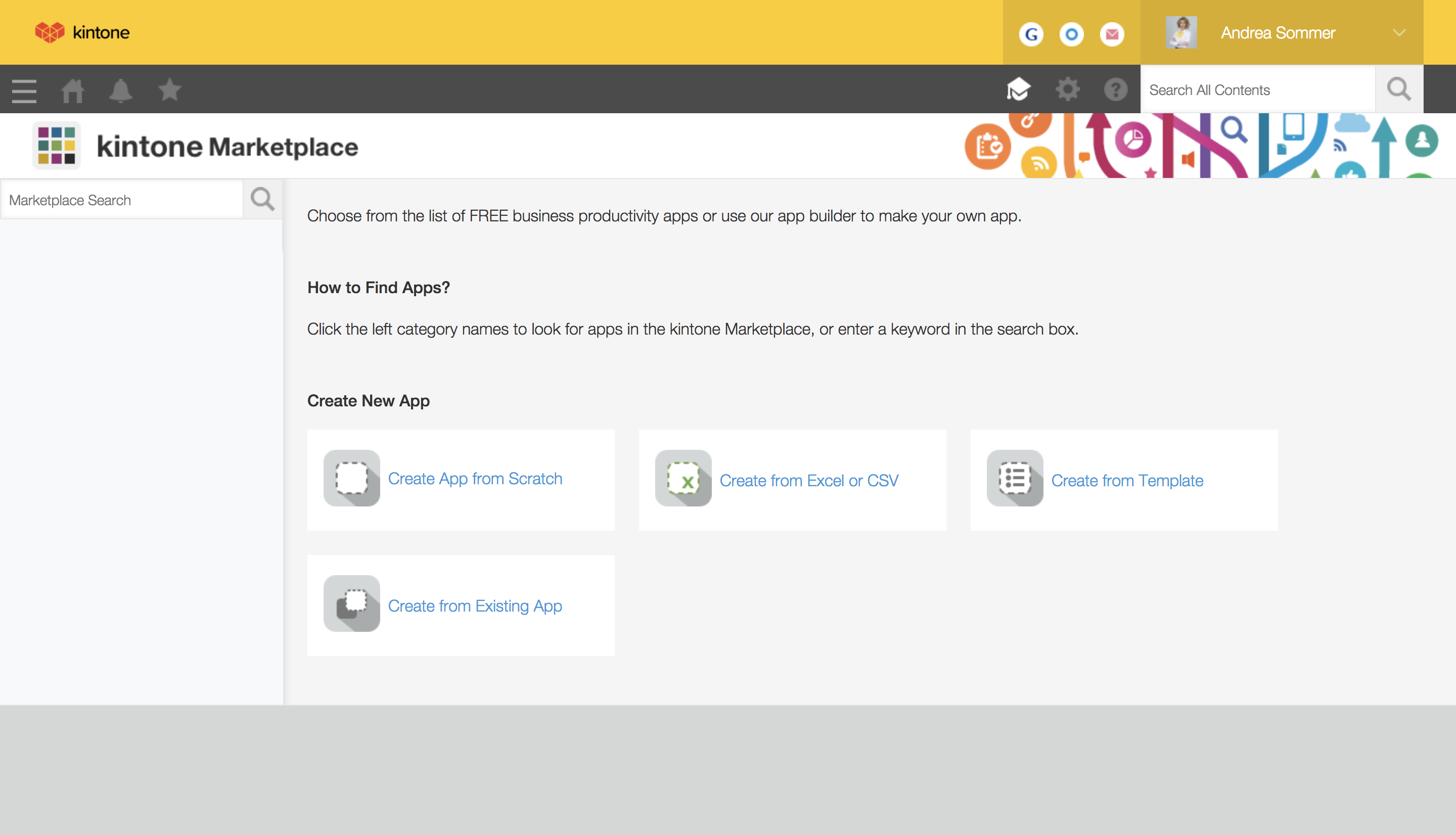
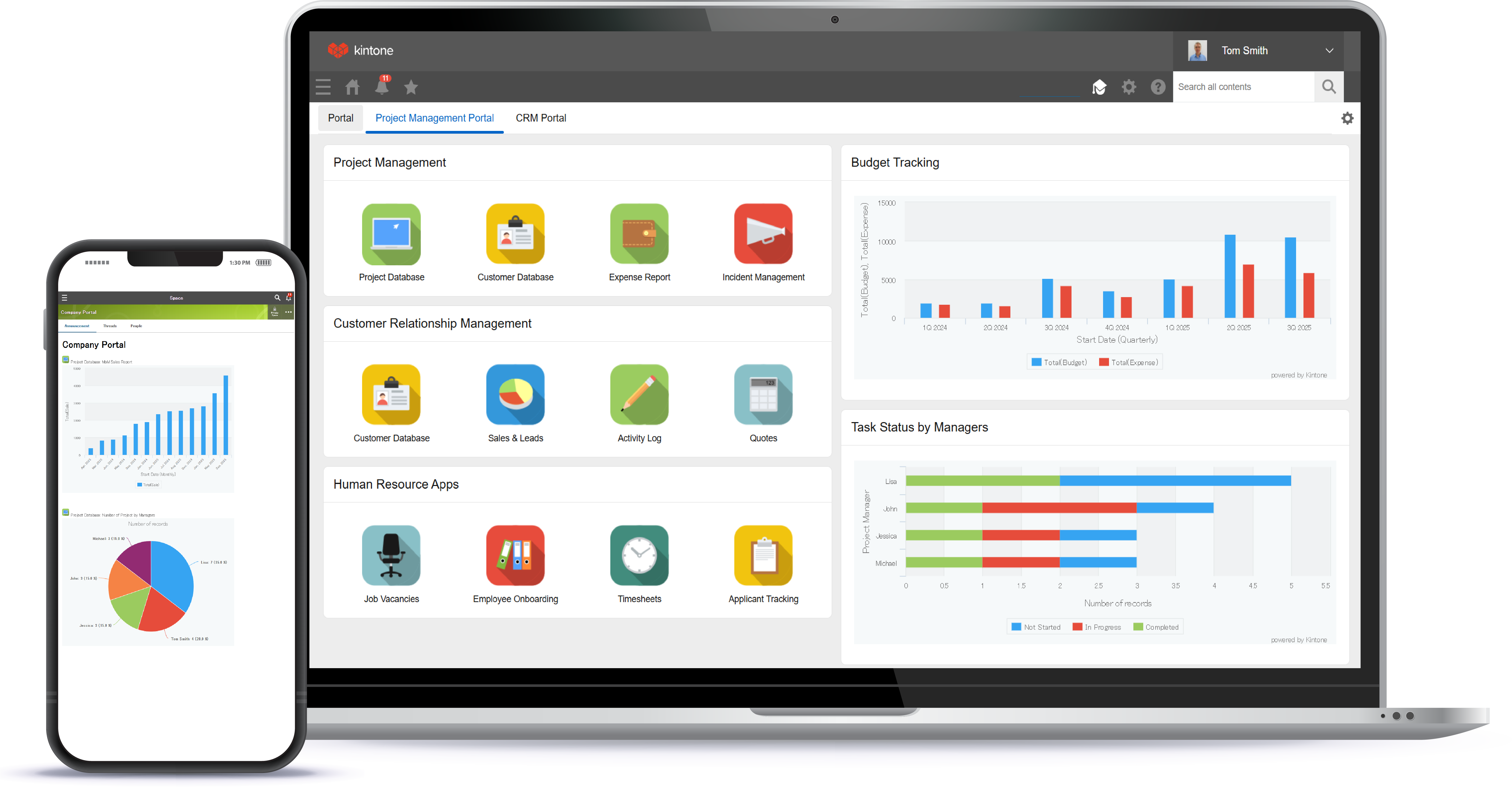
Kintone Screenshots

Screenshot of a view of apps from the portalScreenshot of 4 ways to build an appScreenshot of the drag and drop interfaceScreenshot of business app viewsScreenshot of Kintone appearing across desktop, and mobile