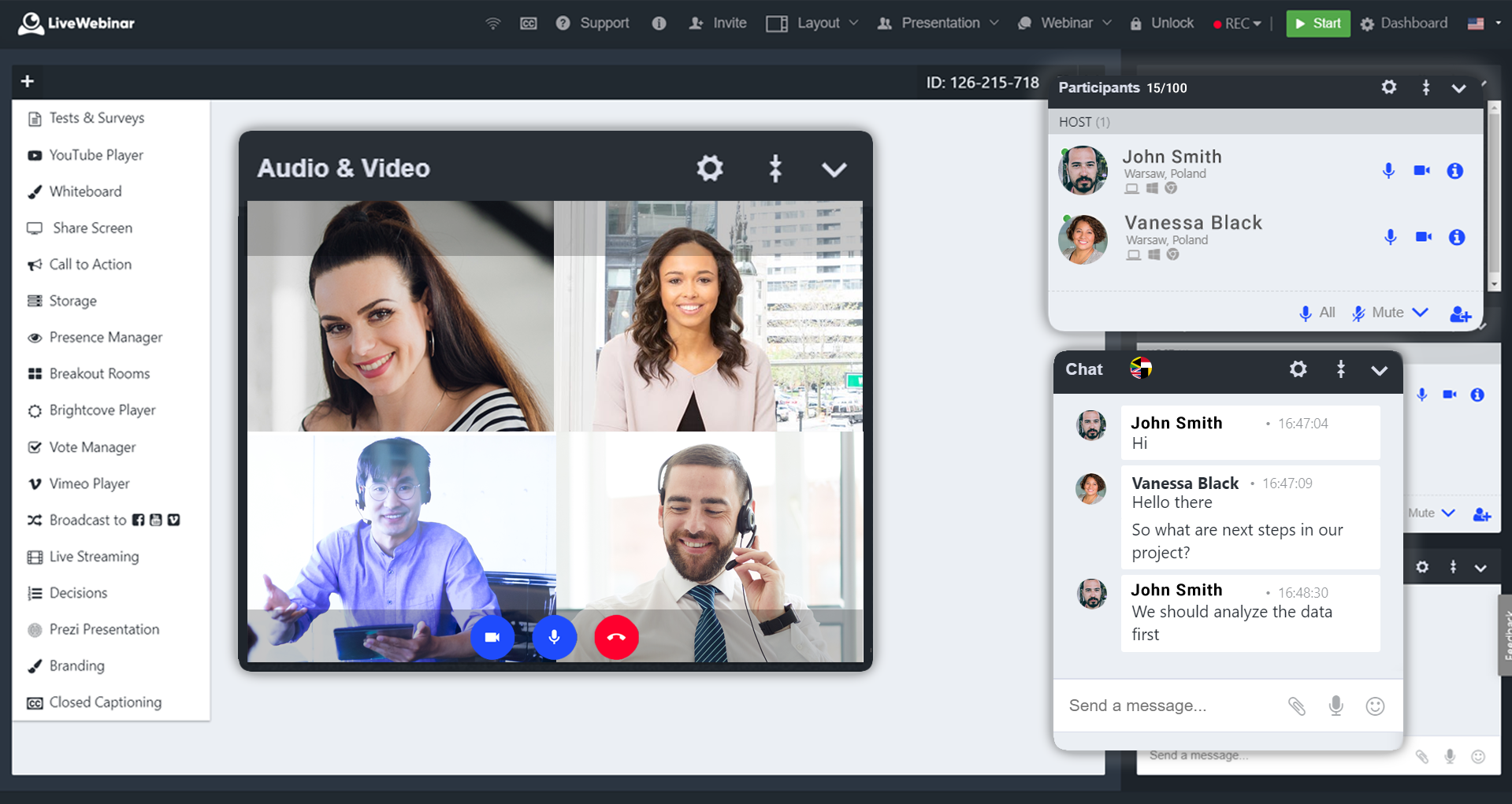
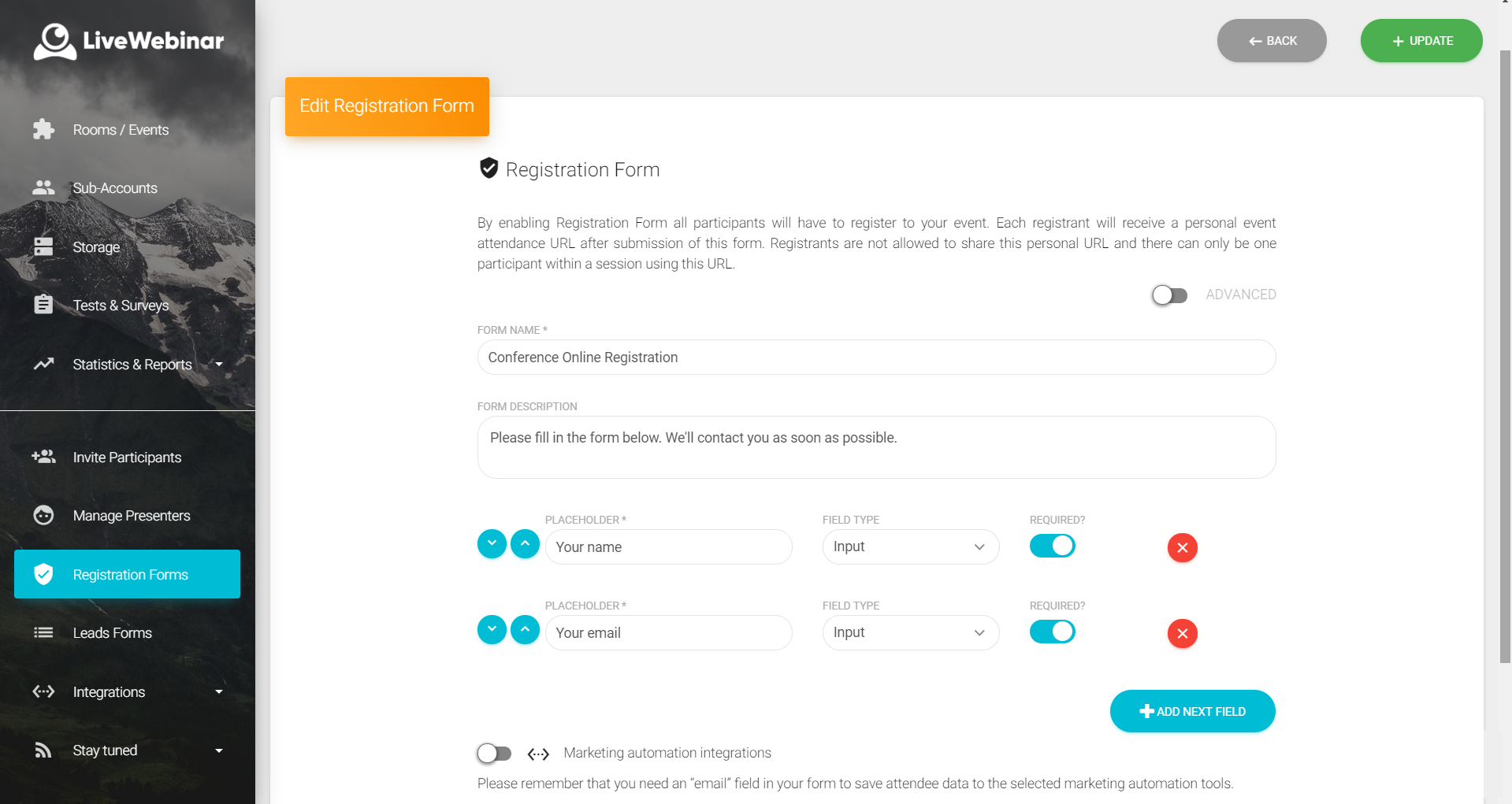
LiveWebinar is a cloud-based tool that helps users manage online webinars, meetings, training, live streaming, chats, screen sharing, social media broadcasting and high definition (HD) recording via web browsers. It is a customizable solution that allows users to change logos, room colors, and design layouts, as well as create personalized registration forms to match their business's brand identity, and control email delivery and report designs. LiveWebinar allows users to broadcast…
$17.99
per month per user
StreamYard
Score 8.1 out of 10
N/A
StreamYard is a live streaming studio in a browser. Users can interview guests, share a screen, and simulcast to platforms like Facebook, YouTube, and LinkedIn.
N/A
Vimeo
Score 8.8 out of 10
N/A
Vimeo is a video experience platform. They enable anyone to create high-quality video experiences to connect and bring ideas to life. They proudly serve their growing community of nearly 300 million users — from creative storytellers to globally distributed teams at the world's largest companies.
LiveWebinar is best for individuals holding quick meetings or daily scheduled events. Having friction less meetings for teams which does not require prior app installation or setup makes this the perfect webinar platform for persons with techphobia. Schedule, Send, and Start the meeting. There's even built in surveys and tests which makes the meeting or event more engaging and interactive. Unfortunately for multi-day events, it is very hard to use LiveWebinar for this purpose. Let's say for virtual conferences which has defined dates and times for each session, LiveWebinar won't fit this purpose, or at least, it is very hard to execute this scenario using the platform.
Because it's browser-based, StreamYard is especially well-suited for a situation like mine, where I'm unlikely to have repeat podcast guests very often. It's great that guests don't have to download special software just for a one-time appearance! I haven't personally used StreamYard for livestreaming, but based on its name and reputation, I imagine it's especially well-suited for that use case
For an overall professional appearance of Vimeo, I think it looks fabulous for the clients we work with. I think it works extremely well to host videos for courses and training that can be paid training. The privacy feature is great for that. I've never used it for going LIVE and wonder if that might be a good option for businesses but since I haven't tried it, I'm not of the capabilities. And I'm not sure how the clients are able to get on the LIVES. It does have so many new features since I started 4 years ago, and that means that there is a higher learning curve if you want to make full use of this platform.
User-friendly interface for administrators of the account and external viewers. Being able to easily navigate a new platform or software is ideal for anyone.
Seamless sharing and embedding across many platforms. Vimeo is well-recognized so it makes it easy for other platforms to recognize Vimeo. The compatibility is outstanding.
As an administrator of the account, being able to select viewing privileges may seem like a basic function, but it's so necessary right now with how heavy our organization is utilizing the platform. We can mass upload content early and only release it for the public over time by simply changing it to a public video.
Price - For the full featureset of Vimeo, you will be paying $900 a year as of 2020, and this is expected to only go up over time. Thankfully, Vimeo offers lower tiers with less functionality, and most people will not need the unlimited streaming viewers or whopping 7 TB of storage that you get for the highest level of membership. But it is still a premium price for a premium service.
"Suggested" Algorithm - The equivalent of YouTube's suggested videos feature is the Vimeo Staff Picks, which recommends curated content from their team of editors. While this content generally has a high level of production, it is not especially relevant to the video you are watching, or to your watch history as a user. I rarely watch suggested videos in Vimeo.
Search - The Vimeo search page is beautiful, having huge thumbnails of videos with a clean, visually-appealing layout. However, the results themselves leave much to be desired. When I search for "jung" to try to find videos on Swiss psychologist C. G. Jung, of the first 18 results, not a single result is actually about C. G. Jung. On Youtube, the first 14 results are all about Jung. When I search for "c. g. jung" on Vimeo I find a number of relevant results, so it's not that the videos are not available in Vimeo. Rather, the search algorithm is not returning relevant results.
Absolutely love the features of Livewebinar and it's probably the most advanced Live webinar solution that I have used. Even with the absence of a native mobile app, the platform is useable on mobile or tablet screen sizes. There's no noticeable lags during the presentation and users find it easy to use and navigate during the presentations / webinars.
I usually extract the links of all lectures from the embed code, but now Vimeo is not allowing that feature. Instead, I have to copy the whole embed code and then extract the URL from the embed code separately. This process has become cumbersome and a bit of hassle since I don't need the whole embed code.
LiveWebinar is an all in one solution for daily meetings and events. I made it a 9 as it is almost perfect in its current form. However, there were some reported issues on mobile connectivity as there is no native app of LiveWebinar for both iOS and Android. Moreover, I'm hoping that LiveWebinar could connect to my Google, Outlook, or iCal calendar to synch events regularly. I'd love to see my calendar inside LiveWebinar which makes it to the top of the feature wishlist for this platform. Further, if LiveWebinar is able to handle multiple day events or meetings with just a few clicks, that would make this platform, a 11/10 rating!
The design is clean and intuitive for the most part, which allows for ease of use by both novice and experience users. We are grateful for the ways that the front-end video player is easy to navigate and intuitive to use, and the backend is generally designed the same way. Tools and options are where you expect to find them, and it was easy to navigate the storage on the backend through folders and content filters
Vimeo does well in performance with systems with ease. I have not encountered any issues with loading pages or slowing down in other software or systems.
Customer support of LiveWebinar is top notch. They are available almost 24x7x365. I rarely wait for the next response and given that people are not suppose to work on holidays or weekends, their support agents are always there to lend a helping hand. The responses are spot on. It's not that I need help with platform having some issues or anything, but for general account questions, they quickly respond to each and every query I raise over to support. Definitely one of the best things with LiveWebinar.
Terrible support. When I subscribed to Premium we were guaranteed support. However, after the first e-mail I received from them, I never heard from them again. I sent several emails over the course of a couple of weeks acknowledging that due to covid, I did not expect a miracle overnight and that I was keen to work on the issue with them. I have not heard from customer service at all. This is very disappointing. We lost customers due to the poor quality of the livestreams and were left to sort the issue out without their help.
Vimeo does provide the legwork of content curation and management of sources. The quality of content is not bad from a viewer's point of view. I think the analytics could use a little bit of improvement, only because my department has a lot of users.
I've already covered this in other responses. The key reasons I wound up using Descript for certain elements of my process was the better usability of its transcripts and the more-robust AI capabilities it offers. Its suggestions for strong clips seemed more on-point, and it offered functionality like chapter suggestions
YouTube was the platform we primarily used previously, after having restrictions and having locked out of a couple of accounts we needed a better platform. We also lost some of our videos. We also have an internal app to track client videos and Vimeo supported it better. With the increased storage and the number of videos we create, we decided Vimeo would be better.
Everything works fine in Vimeo, and the users like the quality and sound of the lectures when viewed on Absorb LMS. They can view the lectures on the desktop and mobile devices.
It has increased the reach rate and the number of followers on social media pages, for example, on our Youtube page, the number of followers increased by 2 times the original amount.
It has reduced the amount of time our communications team spends on editing videos.
More team members are able to use StreamYard by themselves, which has allowed us to reduce the time our communications team spends on managing live sessions before.