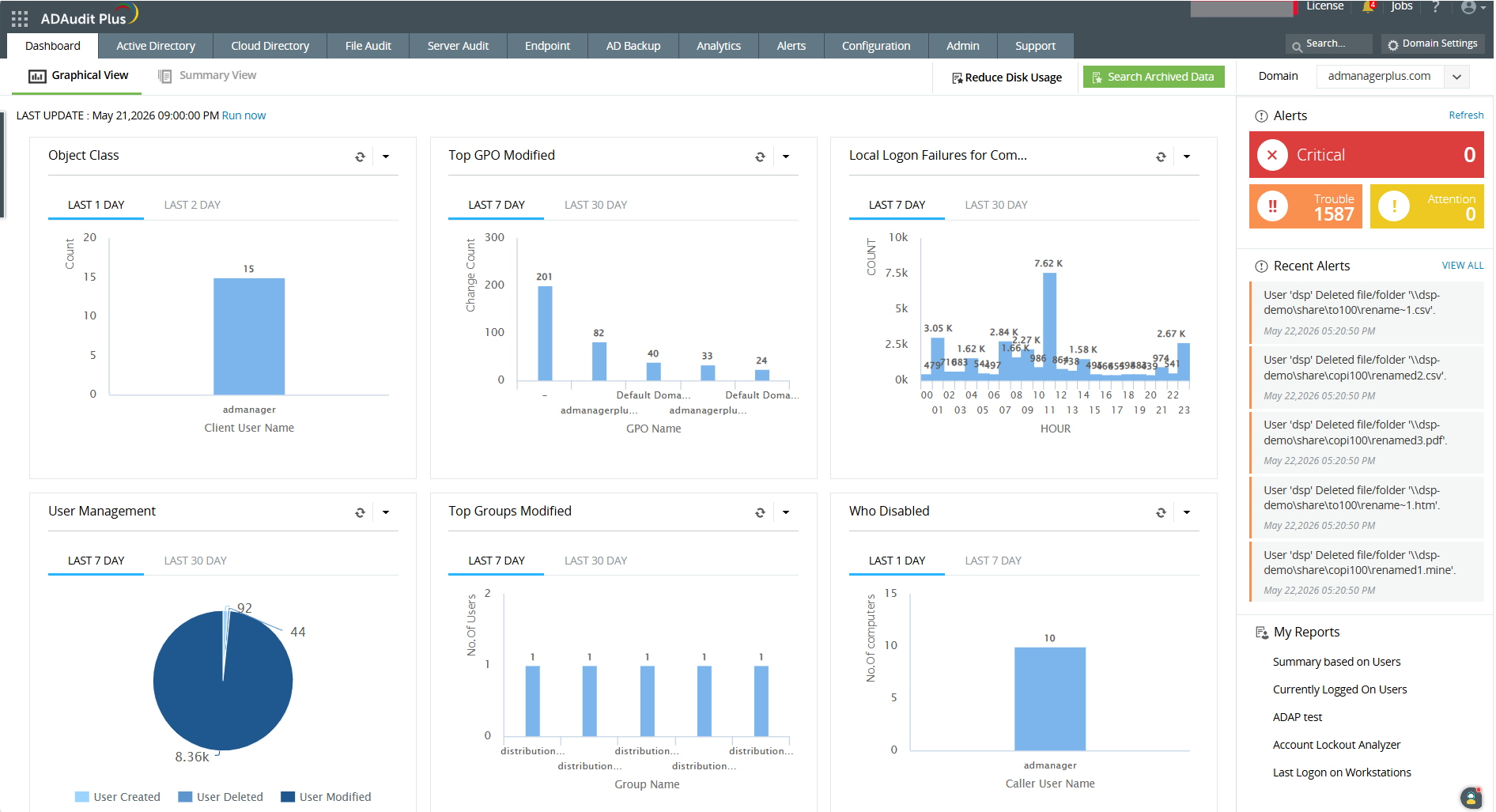
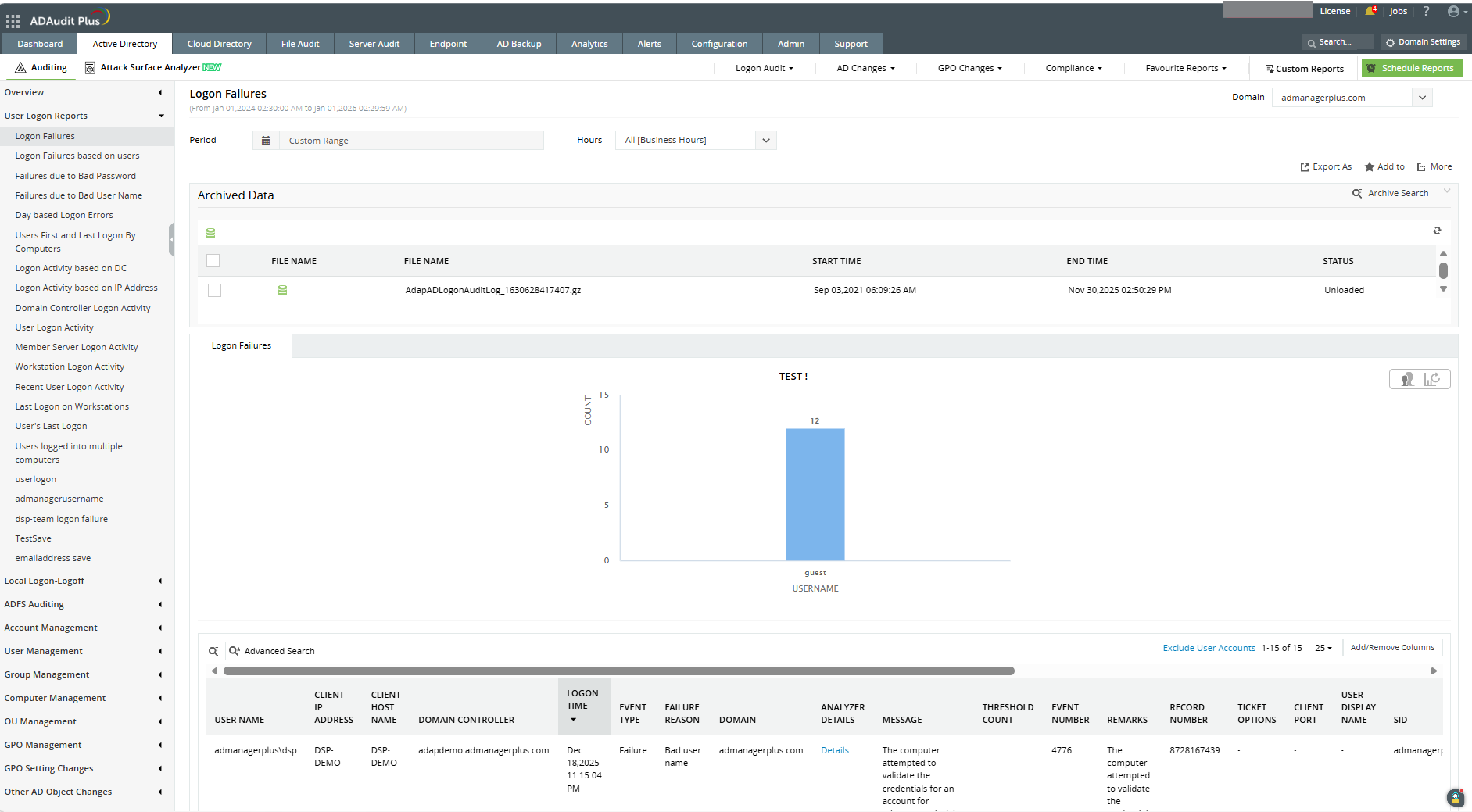
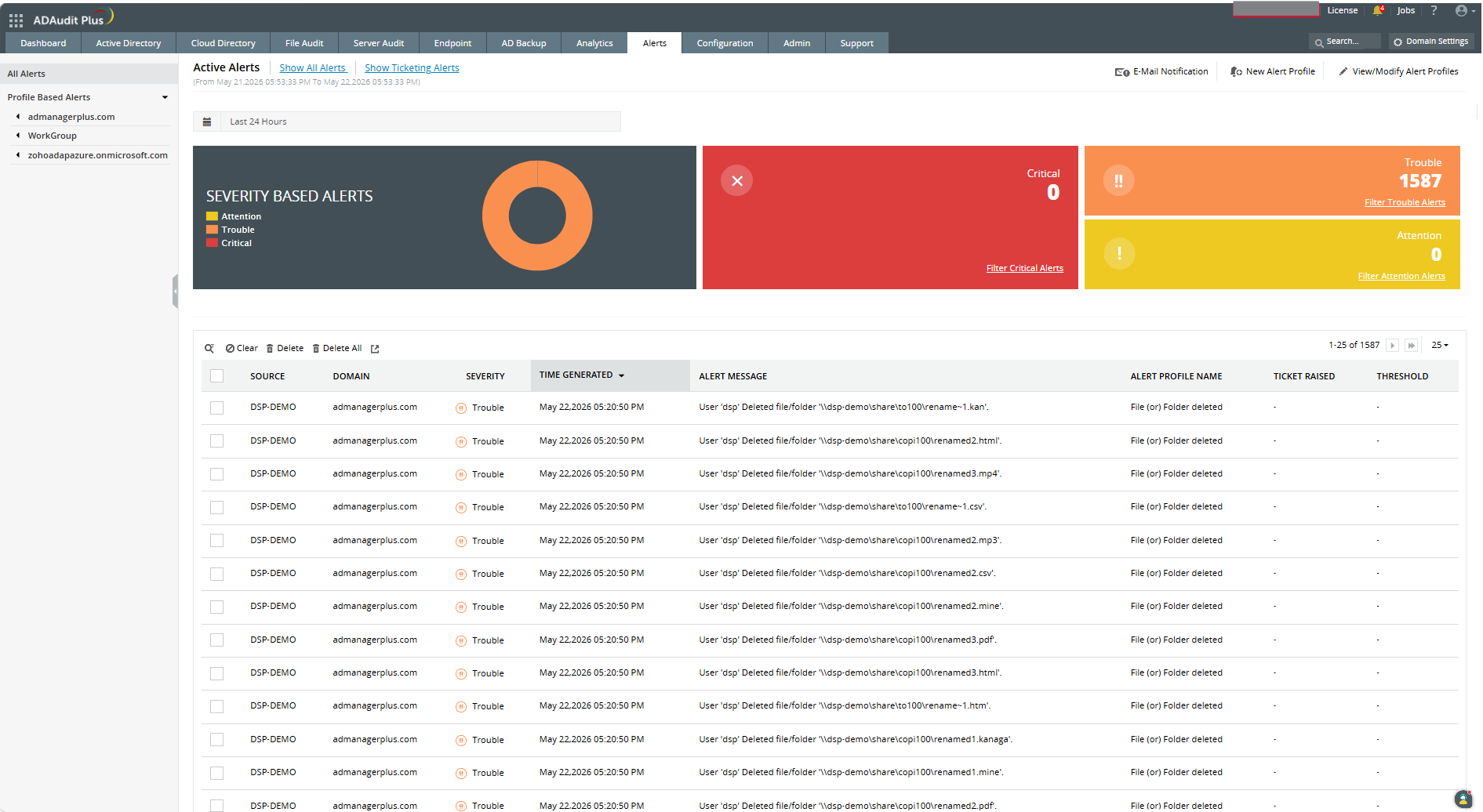
ADAudit Plus offers real-time monitoring,
user and entity behaviour analytics, and change audit reports that helps users keep AD and IT infrastructure secure and compliant. Track all changes to Windows AD objects including users, groups,
computers, GPOs, and OUs. Achieve hybrid AD monitoring with a single, correlated view of all
the activities happening across both on-premises AD and Azure AD. Monitor every user's logon and logoff activity, including…
$595
per year based on 2 Domain Controllers
PowerDMS by NEOGOV
Score7 out of 10
N/A
PowerDMS by NEOGOV is a software platform designed to recruit, train, equip, and protect employees across their careers, used for policy management, community engagement, and staff scheduling.
N/A
Pricing
ManageEngine ADAudit Plus
PowerDMS by NEOGOV
Editions & Modules
Standard
$595
per year Both licensed based on number of Domain Controllers, Azure AD tenants, file servers, Windows member servers, and Workstations.
Professional
$945
per year Both licensed based on number of Domain Controllers, Azure AD tenants, file servers, Windows member servers, and Workstations.
No answers on this topic
Offerings
Pricing Offerings
ManageEngine ADAudit Plus
PowerDMS by NEOGOV
Free Trial
Yes
Yes
Free/Freemium Version
Yes
No
Premium Consulting/Integration Services
No
No
Entry-level Setup Fee
Optional
No setup fee
Additional Details
ADAudit Plus is licensed based on number of Domain Controllers (not per-user). Add-ons are available for Windows File Servers, NAS File Servers, Azure AD tenants, Windows Servers, Workstations, AD Backup and Recovery, and File Analysis. For more than 20 domain controllers, ManageEngine directs customers to contact sales for a personalized quote.
Pricing is dependent on the number of domain controllers and starts at $595/year for the Standard edition, and $945/year for the Professional edition.
I would recommend ADAuditPlus (and/or Log360) to any org that is trying to achieve PCI DSS Compliance and is struggling with some of the monitoring and reporting aspects, provided that the org is prepared to spend a little time and effort in truly understanding the requirements and is prepared to document requirements and match them to the ADAuditPlus product features.
A de minimis incentive was given to thank the reviewer for their time. The incentive was not used to bias or drive a particular response, nor was the incentive contingent on a positive endorsement. More Info
This software is very well suited for law enforcement agencies of all sizes from 5 to 5000 officers. There is a mobile app that allows officers to quickly and easily search while out in the field or on a call. They can quickly review a policy, locate a form, pull up a map and much more using either the mobile app or the desktop application.
ManageEngine ADAudit Plus changes for user and group management can be looked up in builtin reports
You can build your own reports based on almost every logic you can think of
You have the ability to create alerts based on logic and filters and sendout custom alerts to email, SMS or other means.
First you need to understand the basics of the software, after that the software itself is very helpfull in configuring specific items.
I really love the support that ManageEngine is giving the customer, for all questions I use the chat on their website. This is for me the best remote support I ever saw, and I saw a lot in my 20 years of experience in IT.
A de minimis incentive was given to thank the reviewer for their time. The incentive was not used to bias or drive a particular response, nor was the incentive contingent on a positive endorsement. More Info
Policy management- [Users] sign for, and can take [tests] to prove understanding of policy right in the application. As [the] policy is updated, old versions are retained, so that we not only know what a policy contains, we can track changes and provide information on what a policy was at any given time in the past.
Training- Users receive notifications when training is due and are guided to complete the training. If the training requires recertification, PowerDMS can be configured to alert the user that re-training is needed, without a supervisor needing to keep track. All documents used in training, including presentations and videos, can be contained in the PowerDMS course, so we can prove not only that an employee was trained, but exactly what curriculum was use din any given training.
Accreditation Assessment- [Our] accreditation standards manual is uploaded directly into PowerDMS. Proofs are accomplished using the actual policy and procedure, as well as the documents created during the workday. There is absolutely no duplication of effort.
Communications accountability- Email [can] be read and forgotten. With PowerDMS, a document can be distributed for user signatures, insuring that the user took affirmative action to read and understand the document.
It's based on Java engine that is slow -- reports are often difficult to build (we are going to upgrade the machine it's running on to see if this is the issue)
Keeping this software up to date is a pain; there should be a better "update" function
The naming and navigation are terrible -- it's never clear which feature you're looking for and where it's hidden in the menus
Adding machines is not as easy as it should be; occasionally there are IP conflicts that are nearly impossible to resolve
A de minimis incentive was given to thank the reviewer for their time. The incentive was not used to bias or drive a particular response, nor was the incentive contingent on a positive endorsement. More Info
The Workflow process in PowerDMS is not as easy to grasp as some of the other concepts and requires a little more explaination, especially for non-administrative background users.
Users are unable to view the steps in a Workflow template in order to determine which Workflow would work best for their needs when routing documents.
It would be great to have multiple message options for past due inbox notifications in addition to the options for past due tasks to encourage users to go to their inbox to review their messages.
A de minimis incentive was given to thank the reviewer for their time. The incentive was not used to bias or drive a particular response, nor was the incentive contingent on a positive endorsement. More Info
It works great for everything we need and use. Any issues in the software are pretty easy to resolve with tech support. And they are very responsive to resolving issues. Even ones where a fix/patch are required. At present, the software does everything we need it to for compliance, audit, and account review.
A de minimis incentive was given to thank the reviewer for their time. The incentive was not used to bias or drive a particular response, nor was the incentive contingent on a positive endorsement. More Info
I have had nothing but positive experiences with PowerDMS from day one. If we ever run into a situation we are unsure of, PowerDMS support has ALWAYS been able to answer us basically immediately. I really love that they are constantly seeking to improve and expand.
ADAudit with its cloud and on prem install option allows any organization to get in on AD report management. Whether you need to report internally only for for external audit controls its a great tool with flexibility to handle most any user or group report capability. Since this also includes m365 integration it enables IT pros to administer usage, license, cost control and permission access to most anything in Microsoft's portfolio. Its a great tool all around for AD integrated access needs.
A de minimis incentive was given to thank the reviewer for their time. The incentive was not used to bias or drive a particular response, nor was the incentive contingent on a positive endorsement. More Info
There is a learning curve as with any software system and I have found those users who consistently use the system more have a much higher success rate than those who only log in to sign off on documents. Now that most users have been in the system for over 2 years I consistently hear how much easier the processes are than they originally thought they would be
A de minimis incentive was given to thank the reviewer for their time. The incentive was not used to bias or drive a particular response, nor was the incentive contingent on a positive endorsement. More Info
A de minimis incentive was given to thank the reviewer for their time. The incentive was not used to bias or drive a particular response, nor was the incentive contingent on a positive endorsement. More Info
A de minimis incentive was given to thank the reviewer for their time. The incentive was not used to bias or drive a particular response, nor was the incentive contingent on a positive endorsement. More Info
We use PowerDMS in the cloud so our performance might be different from other users who use on-premise. The program has always been up with very minimal downtime and always seems responsive and snappy when navigating the UI and searching documents. We don't currently have any integrations with other software.
I'd give their support a 10 if it weren't for the fact that sometimes, the support team (I believe they are overseas) can take a little bit to respond, but not too long. I may submit a ticket in the morning and won't hear about it until later in the afternoon. However, my tickets were not "urgent," so that may have been the reason for the delay. Other than that, support is great, and the ManageEngine account team has visited us in the past. It's always nice to see your product representatives take a white-glove approach like that.
A de minimis incentive was given to thank the reviewer for their time. The incentive was not used to bias or drive a particular response, nor was the incentive contingent on a positive endorsement. More Info
I just wish we had some in-state support. The contacts I have had with customer support have been great. Awesome communication, problem-solving, and support. I have talked to and met Stephanie Williams (CSA for Power DMS) at the most recent Entrust conference. She was professional and devoted time to addressing our agency needs.
A de minimis incentive was given to thank the reviewer for their time. The incentive was not used to bias or drive a particular response, nor was the incentive contingent on a positive endorsement. More Info
The remote setup team helped when i needed it and setup weas very straight forward and easy. The advanced setup for an external db and customizations for our latest version AD environment went pretty easy once they found documentation on customization.
A de minimis incentive was given to thank the reviewer for their time. The incentive was not used to bias or drive a particular response, nor was the incentive contingent on a positive endorsement. More Info
Implementation of PowerDMS was near seamless. The product was able to input existing policies and procedures within a few hours, which helped to lay the foundation for future use. Having PowerDMS on-boarding readily available was also a huge benefit.
In terms of features, ADAudit Plus offers a comprehensive set of features for monitoring and auditing Active Directory, including real-time alerts, detailed reports, and user behavior analytics. The platform also offers support for multiple platforms, including Windows, UNIX, and Linux, as well as integration with other ManageEngine tools.
A de minimis incentive was given to thank the reviewer for their time. The incentive was not used to bias or drive a particular response, nor was the incentive contingent on a positive endorsement. More Info
PowerDMS is a lot different than Linkedin Learnings. In PowerDMS you have to create your own courses versus in Linkedin Learnings they provide extensive content on a wide variety of subject matter. Linkedin Learnings is what we have used in our organization for Bias Training and Ethics Training. PowerDMS is the repository for documents and Trainings, so the systems work very differently
A de minimis incentive was given to thank the reviewer for their time. The incentive was not used to bias or drive a particular response, nor was the incentive contingent on a positive endorsement. More Info
I like the ability to customize reports and provided great visibility to AD and some servers.
It helped greatly with customer support issues when we used ADAudit with the hundreds of customer accounts used for SSON to the LOB application server to users over Citrix.
It saved time on some issues with accounts and Group Policy changes that affected customer experience.
Created efficient processes for approving document revision
Migrated what originally was a paper system to electronic
Accessible for any employee by logging in, employees do not have to seek out policy and procedure binders, and updated documents can be automatically sent to inboxes when updated.
A de minimis incentive was given to thank the reviewer for their time. The incentive was not used to bias or drive a particular response, nor was the incentive contingent on a positive endorsement. More Info