Method:crm is a QuickBooks-integrated, cloud-based CRM platform.
$35
per month per user
Pepper Cloud
Score9 out of 10
Small Businesses (1-50 employees)
Pepper Cloud CRM is a cloud-based customer relationship management software solution for SMBs that use WhatsApp, that when integrated adds lead management capabilities, scheduled messaging, and other outreach features.
Method[:CRM] is well suited when you have a large company that needs to keep track of customers. It also connects with Quickbooks and that has really been nice for our organization. Our company is small so this really helps us stay on track and build our data base of customers.
A de minimis incentive was given to thank the reviewer for their time. The incentive was not used to bias or drive a particular response, nor was the incentive contingent on a positive endorsement. More Info
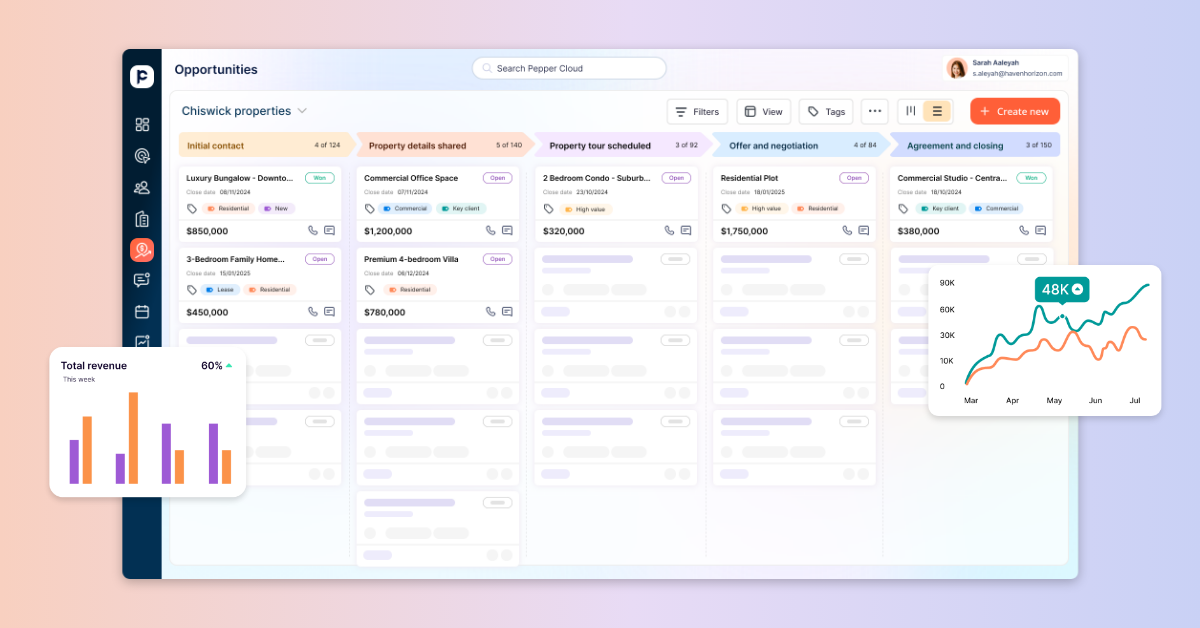
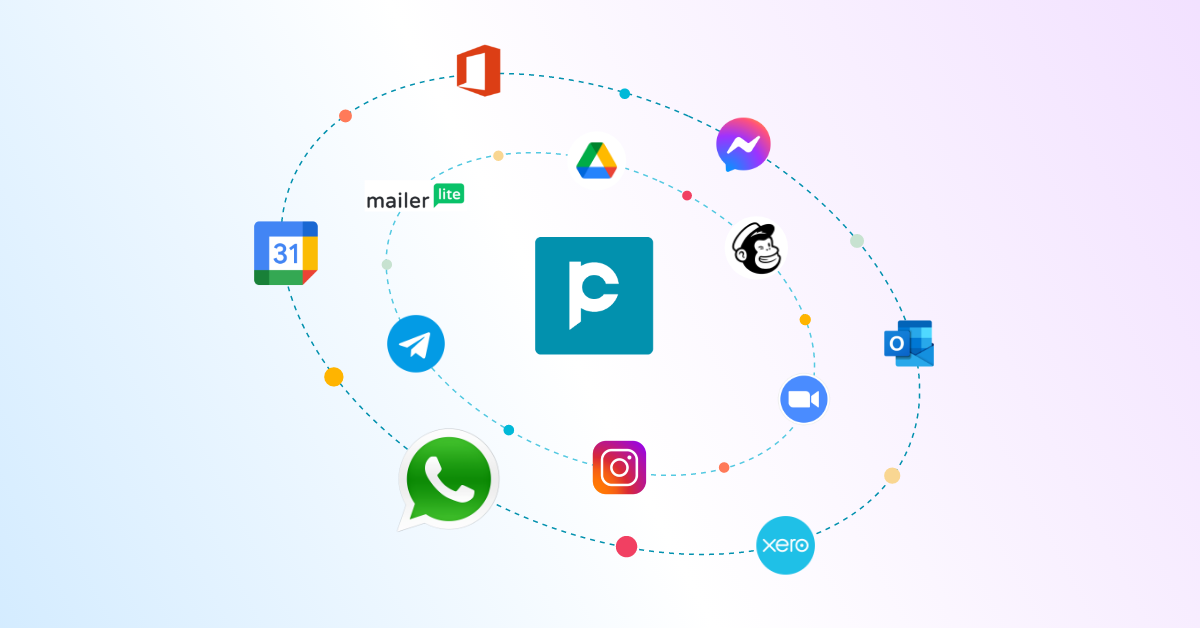
I use to interact with many clients on a daily basis on different platforms like WhatsApp, facebook, gmail, Outlook, etc. In that term Pepper Cloud helped me alot as I dont need to keep eyes on different platforms now. I can manage everything from CRM dashboard itself. Also it's mobile app make it more convenient to use
A de minimis incentive was given to thank the reviewer for their time. The incentive was not used to bias or drive a particular response, nor was the incentive contingent on a positive endorsement. More Info
The things Method does well - QuickBooks data integration and extreme customization - it does very, very well. If you are looking for a CRM product or any business process automation software that integrates with QuickBooks, you have to look at Method CRM
Method has a great overall "usability". Once we started using the software; it did not take long before we were able to start editing our own web lead forms, email templates, etc. I think there is a learning curve however the learning curve is not bad. Anyone looking for a cloud CRM should start here
A de minimis incentive was given to thank the reviewer for their time. The incentive was not used to bias or drive a particular response, nor was the incentive contingent on a positive endorsement. More Info
Because it made me day to day work easy. I don't need to look after multiple apps to keep track of client's requirements. Everything can we handled from its dashboard only.
The Customer Support of this app is fantastic. If you ever have any questions they are there to answer you or fix whatever issue that you are having. The FAQ pages are also extremely helpful when you want to learn about the more in-depth qualities this program has to offer.
A de minimis incentive was given to thank the reviewer for their time. The incentive was not used to bias or drive a particular response, nor was the incentive contingent on a positive endorsement. More Info
Be available to learn! There is a huge learning curve to this program. You have to be willing to take it all in. Be available to the Method expert and be patient.
We chose Method:CRM for the QuickBooks integration. It was important for us to have integrations that allowed us to view payments, organize our contacts, and manage our sales force. There were some learning curves, however, such as creating activities, leads, customers and making sure our payments were being logged appropriately. I do wish that payments would be added to the calendar automatically so that the sales rep could view and make a phone call letting them know their invoice is due.
A de minimis incentive was given to thank the reviewer for their time. The incentive was not used to bias or drive a particular response, nor was the incentive contingent on a positive endorsement. More Info
Being a social CRM, it provided a unified platfrom for managing multiple conversations at place.
It's integration capabilities makes it good option
Helped us to provide omnichannel support to our clients. We can now provide support to our clients via voice/video calls, email, social media, whatsapp, etc.