
Microsoft BI (MSBI) vs. Mode Analytics vs. Yurbi
Microsoft BI (MSBI) vs. Mode Analytics vs. Yurbi
| Product | Rating | Most Used By | Product Summary | Starting Price |
|---|---|---|---|---|
 Microsoft BI (MSBI) | N/A | Microsoft BI is a business intelligence product used for data analysis and generating reports on server-based data. It features unlimited data analysis capacity with its reporting engine, SQL Server Reporting Services alongside ETL, master data management, and data cleansing. | $14 per month per user | |
 Mode | N/A | Mode, or Mode Analytics, from ThoughtSpot since the June 2023 acquisition, is a business intelligence platform that unifies company analytics by bringing data teams and business teams together, so analysts can provide rapid answers to strategic, ad hoc questions. And, business stakeholder can access relevant data to answer their own questions which can often detract more impactful work. | N/A | |
 Yurbi | N/A | Yurbi is a business intelligence solution that is designed to bridge the gap between business users and intelligent data. It provides the business user with the ability to connect, secure, and collaborate with data to make better business decisions. According to the vendor, Yurbi brings the powerful reporting and analytical capabilities of traditional BI, but takes out the coding jargon – so that people can actually use it themselves. As a 100% HTML5 application, Yurbi gives users and… | $24,000 per year |
| Microsoft BI (MSBI) | Mode Analytics | Yurbi | ||||||||||||||||||||||
|---|---|---|---|---|---|---|---|---|---|---|---|---|---|---|---|---|---|---|---|---|---|---|---|---|
| Editions & Modules |
| No answers on this topic |
| |||||||||||||||||||||
| Offerings |
| |||||||||||||||||||||||
| Entry-level Setup Fee | No setup fee | No setup fee | No setup fee | |||||||||||||||||||||
| Additional Details | — | — | Yurbi's pricing model is simple and predictable. User licenses start at just $495 per year and that includes all the powerful features of our platform. We offer named users, concurrent users, and public view or anonymous report licensing options. We also offer custom/hybrid pricing for vendors looking to OEM Yurbi. | |||||||||||||||||||||
| More Pricing Information | ||||||||||||||||||||||||
| Microsoft BI (MSBI) | Mode Analytics | Yurbi |
|---|
| Microsoft BI (MSBI) | Mode Analytics | Yurbi | |||||||||||||||||||||||||||
|---|---|---|---|---|---|---|---|---|---|---|---|---|---|---|---|---|---|---|---|---|---|---|---|---|---|---|---|---|---|
| BI Standard Reporting |
| ||||||||||||||||||||||||||||
| Ad-hoc Reporting |
| ||||||||||||||||||||||||||||
| Report Output and Scheduling |
| ||||||||||||||||||||||||||||
| Data Discovery and Visualization |
| ||||||||||||||||||||||||||||
| Access Control and Security |
| ||||||||||||||||||||||||||||
| Mobile Capabilities |
| ||||||||||||||||||||||||||||
| Application Program Interfaces (APIs) / Embedding |
|
| Microsoft BI (MSBI) | Mode Analytics | Yurbi | |
|---|---|---|---|
| Small Businesses |  Yellowfin Score 8.7 out of 10 | Yellowfin Score 8.7 out of 10 | Yellowfin Score 8.7 out of 10 |
| Medium-sized Companies |  Reveal Score 10.0 out of 10 | Reveal Score 10.0 out of 10 | Reveal Score 10.0 out of 10 |
| Enterprises |  Kyvos Semantic Layer Score 9.5 out of 10 | Kyvos Semantic Layer Score 9.5 out of 10 | Kyvos Semantic Layer Score 9.5 out of 10 |
| All Alternatives | View all alternatives | View all alternatives | View all alternatives |
| Microsoft BI (MSBI) | Mode Analytics | Yurbi | |
|---|---|---|---|
| Likelihood to Recommend | 10.0 (73 ratings) | 8.1 (9 ratings) | 10.0 (1 ratings) |
| Likelihood to Renew | 8.0 (25 ratings) | - (0 ratings) | 10.0 (1 ratings) |
| Usability | 10.0 (15 ratings) | 8.1 (4 ratings) | 10.0 (1 ratings) |
| Availability | 9.5 (2 ratings) | - (0 ratings) | 10.0 (1 ratings) |
| Performance | 7.0 (2 ratings) | - (0 ratings) | 10.0 (1 ratings) |
| Support Rating | 8.9 (15 ratings) | 7.4 (5 ratings) | - (0 ratings) |
| In-Person Training | 6.9 (3 ratings) | - (0 ratings) | - (0 ratings) |
| Online Training | 8.5 (2 ratings) | - (0 ratings) | - (0 ratings) |
| Implementation Rating | 9.6 (7 ratings) | - (0 ratings) | 10.0 (1 ratings) |
| Configurability | 10.0 (2 ratings) | - (0 ratings) | - (0 ratings) |
| Product Scalability | - (0 ratings) | - (0 ratings) | 10.0 (1 ratings) |
| Microsoft BI (MSBI) | Mode Analytics | Yurbi | |
|---|---|---|---|
| Likelihood to Recommend |  Microsoft
 Adam Montgomery Partnership Manager | ThoughtSpot
| 5000fish
 Samar Chopra, PMP, SCPM, ITIL Program Manager |
| Pros | Microsoft
 Nilufa Hossain IT Specialist | ThoughtSpot
 Kofi Obo Wood Head of Operations | 5000fish
Samar Chopra, PMP, SCPM, ITIL Program Manager |
| Cons | Microsoft
| ThoughtSpot
 Jacob Rossi Help Systems Analyst | 5000fish
Samar Chopra, PMP, SCPM, ITIL Program Manager |
| Likelihood to Renew | Microsoft
 Lee Cullom President | ThoughtSpot No answers on this topic | 5000fish
Samar Chopra, PMP, SCPM, ITIL Program Manager |
| Usability | Microsoft
| ThoughtSpot
| 5000fish
Samar Chopra, PMP, SCPM, ITIL Program Manager |
| Reliability and Availability | Microsoft
 Robert Goodman Director, Business Intelligence & Analytics | ThoughtSpot No answers on this topic | 5000fish No answers on this topic |
| Performance | Microsoft
Robert Goodman Director, Business Intelligence & Analytics | ThoughtSpot No answers on this topic | 5000fish No answers on this topic |
| Support Rating | Microsoft
| ThoughtSpot
| 5000fish No answers on this topic |
| In-Person Training | Microsoft
 Stephanie Grice Business Intelligence Analyst | ThoughtSpot No answers on this topic | 5000fish No answers on this topic |
| Online Training | Microsoft
 Sean Brady Business Intelligence Architect | ThoughtSpot No answers on this topic | 5000fish No answers on this topic |
| Implementation Rating | Microsoft
 Jacob Saunders National Practice Director - Business Intelligence | ThoughtSpot No answers on this topic | 5000fish
Samar Chopra, PMP, SCPM, ITIL Program Manager |
| Alternatives Considered | Microsoft
| ThoughtSpot
| 5000fish
Samar Chopra, PMP, SCPM, ITIL Program Manager |
| Return on Investment | Microsoft
 Haibo Yang BI Reporting Specialist | ThoughtSpot
| 5000fish No answers on this topic |
| ScreenShots | Yurbi Screenshots   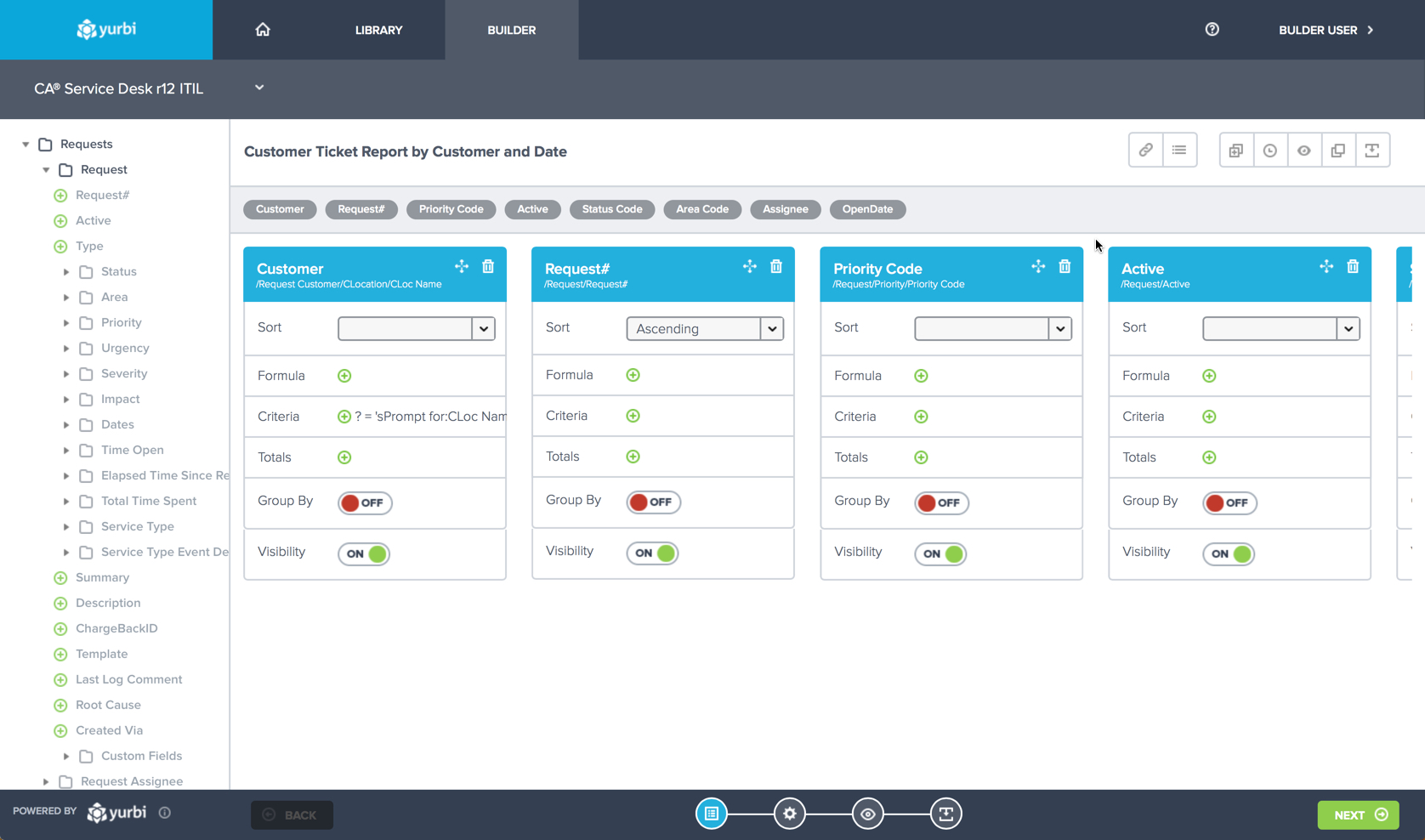  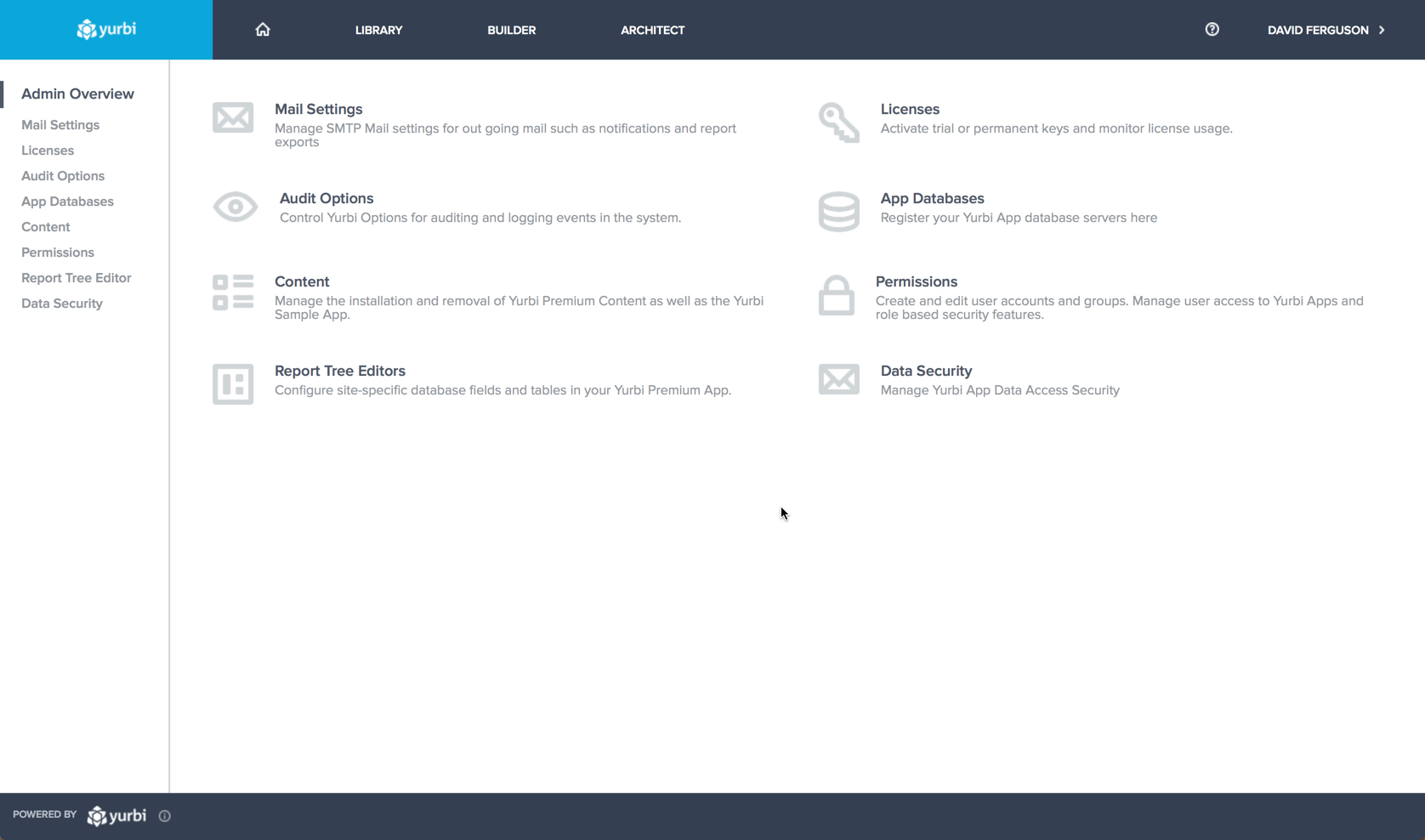 |