Microsoft's Cortana was a general purpose productivity assistant, that has been deprecated as a standalone product.
N/A
ZoomMate
Score8.5 out of 10
N/A
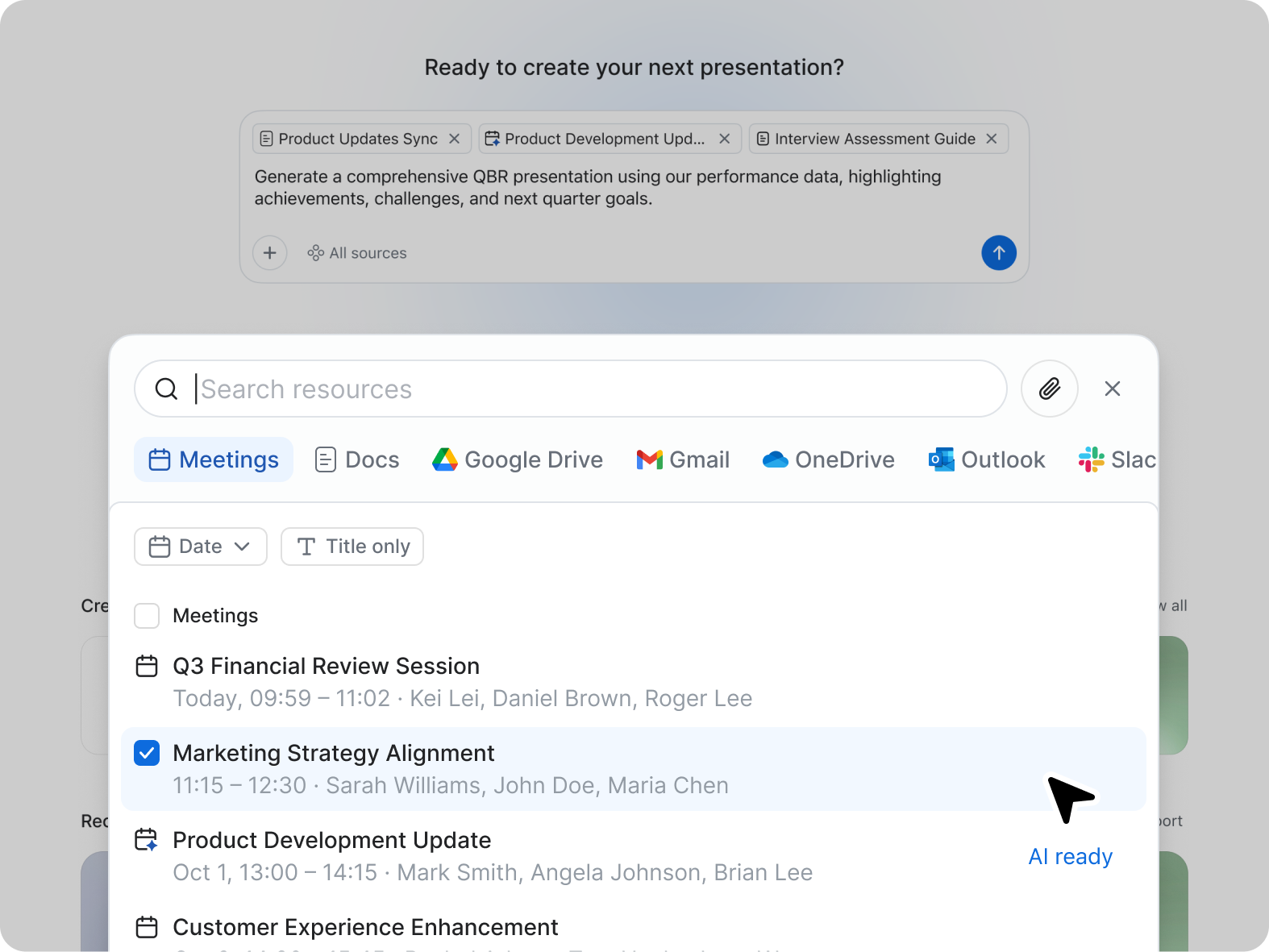
ZoomMate is Zoom’s next-generation "agentic" workspace, launched in June 2026 to transform how teams move from conversation to completion. Positioned as an "AI Teammate" or virtual "Chief of Staff," ZoomMate goes beyond standard chatbots by proactively executing tasks across a company's entire digital ecosystem.
It's easy for anyone who is expecting some simple AI problems like fetching the keywords, understanding the intent, language translation, etc. to be solved from an existing database and all they need is to connect to their APIs via a subscription model. But for complex use cases, there is still room for improvement like customization of underlying AI models for a specific use case like identifying some unique identifiers with respect to industry.
A de minimis incentive was given to thank the reviewer for their time. The incentive was not used to bias or drive a particular response, nor was the incentive contingent on a positive endorsement. More Info
While doing training and technical support to our users, we need to connect to their system, and we do not go physically. With Zoom Workplace, we can connect with them in the meeting, and they can share their screen, and we can access their screen, which is very easy to give training and support. With other software, you cannot do all these things at once.
A de minimis incentive was given to thank the reviewer for their time. The incentive was not used to bias or drive a particular response, nor was the incentive contingent on a positive endorsement. More Info
A de minimis incentive was given to thank the reviewer for their time. The incentive was not used to bias or drive a particular response, nor was the incentive contingent on a positive endorsement. More Info
AI - Powered productivity. With this feature, drafting messages, automating tasks, and summarizing meetings are easy, which boosts productivity.
It is an all-in-one collaboration tool. With Zoom Workplace, we can send messages, make calls, schedule meetings, and share documents. It offers all the collaboration features our team needs.
Makes scheduling easy thanks to Zoom Scheduler that is part of Zoom Workplace.
The tool ensures teams communicate securely which is a plus.
It comes with a mobile app for added convenience, and no one misses important updates.
A de minimis incentive was given to thank the reviewer for their time. The incentive was not used to bias or drive a particular response, nor was the incentive contingent on a positive endorsement. TR verified that a representative sample of customers was invited. More Info
A de minimis incentive was given to thank the reviewer for their time. The incentive was not used to bias or drive a particular response, nor was the incentive contingent on a positive endorsement. More Info
I don't think there is any malfunction in their solution; it's extremely convenient to use, be it creating a meeting invite, adding people, sending any extra stuff to them. It's quick, and this is the only tool that works seamlessly even on Androids.
A de minimis incentive was given to thank the reviewer for their time. The incentive was not used to bias or drive a particular response, nor was the incentive contingent on a positive endorsement. TR verified that a representative sample of customers was invited. More Info
It's really easy to use - the AI icon is everywhere all over the place in the Zoom client so it's easy to be able to leverage AI whenever you need it, and similarly in the meeting it's easy to find and to use. I don't have complaints here that I can think of
IBM Watson Assistant has been early into this market and has improved a lot over time compared to Azure AI Cortana. More documentation related to the services. But Ease of integration Azure AI ranks over IBM Watson Assistant. And again in terms of services offered under the ecosystem, Azure AI precedes IBM Watson Assitant.
A de minimis incentive was given to thank the reviewer for their time. The incentive was not used to bias or drive a particular response, nor was the incentive contingent on a positive endorsement. More Info
Compared to Microsoft Teams, Zoom AI Companion is a clear pioneer in this remote and virtual collaboration platform, leading the way. It is possible to have a remote meeting on both Microsoft Teams and Zoom AI Companion. But Zoom AI Companion provides more productivity and time savings to users. Zoom AI Companion continues to enhance its features to provide value to the product.
A de minimis incentive was given to thank the reviewer for their time. The incentive was not used to bias or drive a particular response, nor was the incentive contingent on a positive endorsement. TR verified that a representative sample of customers was invited. More Info
Difficult to ascertain the ROI as we are a software house who have developed a module in our application using Cortana. However for companies that use our software I would say the use of sentiment analysis in our application could free up at least 1 full time resource to be used elsewhere in their organisation.
A de minimis incentive was given to thank the reviewer for their time. The incentive was not used to bias or drive a particular response, nor was the incentive contingent on a positive endorsement. More Info
We've been able to significantly accelerate our quest production, enabling us to give many more youth a voice on our platform, and give the kids who play [...] many more windows into one another's worlds!
It's increased our fundraising capacity since grant applications require pulling together insights from funder meetings, advice from previous grantees, outside research, and testimonials from users. ZoomMate helps to synthesize and package it efficiently so we can do more.