TrustRadius: an HG Insights company

Save this comparison

Save this comparison

Add Product

Recommended Comparisons

    Overview
    ProductRatingMost Used ByProduct SummaryStarting Price

    Nitro PDF Pro

    Score8.2 out of 10
    N/ANitro PDF Pro is a document management platform that supports PDF creation, modification, conversion, organization, review, and protection across Windows, Mac, and iOS environments. Key Capabilities Document Authoring & Modification: Native editing capabilities for PDF creation and content updates. Format Conversion: Conversion between PDF and standard office document formats. Document Organization & Management: File organization and management…

    $7.50

    Billed every 3 years. This is a subscription product with a 3-year fee of $270.00 per license. per seat

    Nuclino

    Score7.1 out of 10
    N/ANuclino is a unified workspace where teams can organize knowledge, manage projects, and share ideas. Progress can be tracked in a Kanban board, work structured in a hierarchical list, or data organized in a visual graph — Nuclino adapts to a team's workflow. Presented as simple and lightweight by design, Nuclino focuses on the essentials, doing away with clunky menus and rarely-used settings, to minimize the learning curve for new users. Teams from across the globe can use Nuclino…

    $0

    Pricing
    Nitro PDF ProNuclino
    Editions & Modules
    Nitro PDF Classic
    $7.5/month
    Billed every 3 years. This is a subscription product with a 3-year fee of $270.00 per license. per seat
    Nitro PDF Standard
    $15/month
    This is a subscription product with a yearly fee of $180.00 per license. per seat
    Nitro PDF Plus
    Contact Sales
    Free
    $0
    per month per user
    Starter
    $8
    per month per user
    Business
    $12
    per month per user
    Offerings
    Pricing Offerings
    Nitro PDF ProNuclino
    Free Trial
    YesYes
    Free/Freemium Version
    NoYes
    Premium Consulting/Integration Services
    NoNo
    Entry-level Setup FeeNo setup feeNo setup fee
    Additional Details—Nuclino offers a free plan for up to 50 items and 2GB total storage. Commercial plans support unlimited items, advanced features, and 10GB storage per user. 25% discount for annual pricing.
    More Pricing Information
    Community Pulse
    Nitro PDF ProNuclino
    Considered Both Products
    Nitro Inc
    No answer on this topic
    Nuclino
    No answer on this topic
    Key User Insights
    Would buy again
    89%
    Would buy again
    8 Answers
    100%
    Would buy again
    13 Answers
    Delivers good value for the price
    100%
    Delivers good value for the price
    9 Answers
    100%
    Delivers good value for the price
    12 Answers
    Happy with the feature set
    89%
    Happy with the feature set
    8 Answers
    92%
    Happy with the feature set
    12 Answers
    Lived up to sales and marketing promises
    100%
    Lived up to sales and marketing promises
    8 Answers
    100%
    Lived up to sales and marketing promises
    11 Answers
    Implementation went as expected
    100%
    Implementation went as expected
    9 Answers
    100%
    Implementation went as expected
    11 Answers
    Features
    Nitro PDF ProNuclino
    Project Management
    Comparison of Project Management features of Nitro PDF Pro and Nuclino
    Feature
    Nitro PDF Pro
    -
    Ratings
    Nuclino
    8.4
    13 Ratings
    8% above category average
    Task Management00 Ratings7.99 Ratings
    Gantt Charts00 Ratings8.01 Ratings
    Scheduling00 Ratings9.01 Ratings
    Workflow Automation00 Ratings10.01 Ratings
    Mobile Access00 Ratings8.010 Ratings
    Search00 Ratings8.012 Ratings
    Visual planning tools00 Ratings7.611 Ratings
    Communication
    Comparison of Communication features of Nitro PDF Pro and Nuclino
    Feature
    Nitro PDF Pro
    -
    Ratings
    Nuclino
    8.4
    12 Ratings
    5% above category average
    Chat00 Ratings8.01 Ratings
    Notifications00 Ratings7.79 Ratings
    Discussions00 Ratings8.08 Ratings
    Surveys00 Ratings9.01 Ratings
    Internal knowledgebase00 Ratings8.512 Ratings
    Integrates with GoToMeeting00 Ratings9.01 Ratings
    Integrates with Gmail and Google Hangouts00 Ratings9.01 Ratings
    Integrates with Outlook00 Ratings8.01 Ratings
    File Sharing & Management
    Comparison of File Sharing & Management features of Nitro PDF Pro and Nuclino
    Feature
    Nitro PDF Pro
    -
    Ratings
    Nuclino
    7.3
    12 Ratings
    10% below category average
    Versioning00 Ratings7.19 Ratings
    Video files00 Ratings7.37 Ratings
    Audio files00 Ratings7.56 Ratings
    Document collaboration00 Ratings10.010 Ratings
    Access control00 Ratings2.210 Ratings
    Advanced security features00 Ratings8.03 Ratings
    Integrates with Google Drive00 Ratings8.22 Ratings
    Device sync00 Ratings8.19 Ratings
    Best Alternatives
    Nitro PDF ProNuclino
    Small Businesses
    Tungsten Power PDF
    Score9.8 out of 10
    Flock
    Score9.5 out of 10
    Medium-sized Companies
    PDF Xchange Viewer and Editor
    Score9.3 out of 10
    Troop Messenger
    Score9.8 out of 10
    Enterprises
    Adobe Acrobat Reader
    Score8.6 out of 10
    Cisco Business Edition 7000 (discontinued)
    Score9 out of 10
    All AlternativesView all alternativesView all alternatives
    User Ratings
    Nitro PDF ProNuclino
    Likelihood to Recommend
    9.3
    (17 ratings)
    7.1
    (13 ratings)
    Likelihood to Renew
    10.0
    (1 ratings)
    -
    (0 ratings)
    Usability
    9.0
    (4 ratings)
    8.2
    (9 ratings)
    Performance
    8.0
    (1 ratings)
    -
    (0 ratings)
    Support Rating
    9.2
    (3 ratings)
    10.0
    (2 ratings)
    Ease of integration
    5.0
    (1 ratings)
    -
    (0 ratings)
    User Testimonials
    Nitro PDF ProNuclino
    Likelihood to Recommend
    Nitro Inc
    I run a professional services business from home. I need to edit documents quickly and easily and with minimal subscriptions to minimize overheads. I love that Nitro is a one-off payment to get a license to the software, and you can simply upgrade to the latest version if that's what you want, but you're not obligated to. I've been using the same version of Nitro for 7-8 years now. Despite the fact the upgraded versions have a lot of great, nice-to-have features, the version I'm on still does the job.
    Incentivized
    Read full review
    Nuclino
    For game design - Perfect for personal notes, recipes, snippets - Perfect for storing some organized data (for example, links to resources) - Perfect for a content playground powered by AI - Very good for diagrams - Very good. Don't know any bad examples. Tool really great. Rich functionality. Especially love different views (table, graph).
    Read full review
    Pros
    Nitro Inc
    • Ability to combine files SEAMLESSLY and order them around as necessary (so underrated)
    • Signing not only for yourself but for others. Helpful for those who have been granted the authority to sign for VPs and directors
    • Much easier to use than some other PDF viewing services
    Incentivized
    Read full review
    Nuclino
    • The system is extremely fast. The application loads and displays data in milliseconds. This makes the system easy to work with.
    • It's also easy to edit documentation and information, as information can be editing directly without the use of an "edit" button.
    • Pricing: Loading speed, ease of use and quick editing are its main advantage that makes it stand out from competitors. Having said that, the pricing is very good as well.
    Incentivized
    Read full review
    Cons
    Nitro Inc
    • Converting from PDF to Microsoft Word can be complicated at times. Some parts of a document such as tables are not converted properly.
    • Sometimes it appears to be easier to save MS Word documents to PDF rather than using NPS to convert. It can be a bit slow to convert at times.
    • In my view, it wasn't user friendly at the beginning.
    Incentivized
    Read full review
    Nuclino
    • switching overe workspaces is bit tedious at the moment
    • more granular control over what users can edit inside workspace -> specific items or any item under a specific collection
    • currently its not clear who edited an item last -> footer that updates each time item has been edited and by whom
    • support for smartsheets. only because we use them ;)
    • on prem version? (easier to sell this to my boss)
    Incentivized
    Read full review
    Likelihood to Renew
    Nitro Inc
    We will definitely be renewing the Nitro Productivity Suite. Saves the company a lot of money for something we use everyday
    Incentivized
    Read full review
    Nuclino
    No answers on this topic
    Usability
    Nitro Inc
    For the most part, the entire software is extremely easy to navigate and use. You won't need to follow tutorials or anything for the bulk of the core features, as it's all pretty seamlessly designed.
    Incentivized
    Read full review
    Nuclino
    It has a very clean UI for me, the multiple views are so so useful, we can collaborate freely, and fast. This app helped us to grow because now we are giving our time more on generating ideas and of course getting more projects and clients giving real ROI instead of focusing on organizing files. But just like all apps out there, it has some room for improvement
    Incentivized
    Read full review
    Performance
    Nitro Inc
    It works as advertised.
    Incentivized
    Read full review
    Nuclino
    No answers on this topic
    Support Rating
    Nitro Inc
    Nitro checks all the boxes for what we need. It is fairly priced, it allows us to read and edit PDF documents, convert PDF to MS Word and convert MS Word to PDF. It allows us to combine multiple files and do all the post processing like adding page numbers and adding headers and footers
    Incentivized
    Read full review
    Nuclino
    My team has an individual dedicated to content management and Nuclino is one of her job descriptions. It's nice knowing she is able to handle any issues that arise before we even realize they exist. We haven't had any technical issues since implementation so that's been a very pleasant experience.
    Incentivized
    Read full review
    Alternatives Considered
    Nitro Inc
    Every 1-2 years will do a check on current PDF options to include trialing the software. Have tried Foxit and several that seem to have failed in the marketplace. Over the last 4 years, I have always stuck with Nitro. Unfortunately, we still need to keep Adobe Acrobat (free version) installed to view a small percentage of some PDFs we receive.
    Incentivized
    Read full review
    Nuclino
    Nuclino is the clear winner when it comes to ease of use for both the administrator and user. Less setup time and less "training" time. The streamlined interface is quick and intuitive to learn and is not cluttered as compared to Confluence. Every tool you need to use to create a page or administer the workspace is available immediately on screen or by right-clicking. In contrast, Confluence buries many tools in administrative interfaces and only allows use of some features once you make several clicks to include a "macro" or "plug-in". We use both tools and I get complaints constantly from my team about how complicated Confluence can get just to author a quick page.
    Incentivized
    Read full review
    Return on Investment
    Nitro Inc
    • ROI was very quick as the license costs were so low. We purchased 8 licenses versus the initial 2 we were planning on for Adobe.
    • More people were able to use the product than we initially thought due to low purchase costs.
    • We haven't had any further costs to own the product after the initial purchase. We would need to purchase new licenses if we wanted to upgrade.
    Incentivized
    Read full review
    Nuclino
    • We're able to more quickly develop processes and try things out
    • Our internal how-to guides are a real time saver, especially when paired with AI search
    • It's easier to collaborate on lightweight documents
    • Software architectures are easier to find and document
    Read full review
    ScreenShots

    Nitro PDF Pro Screenshots

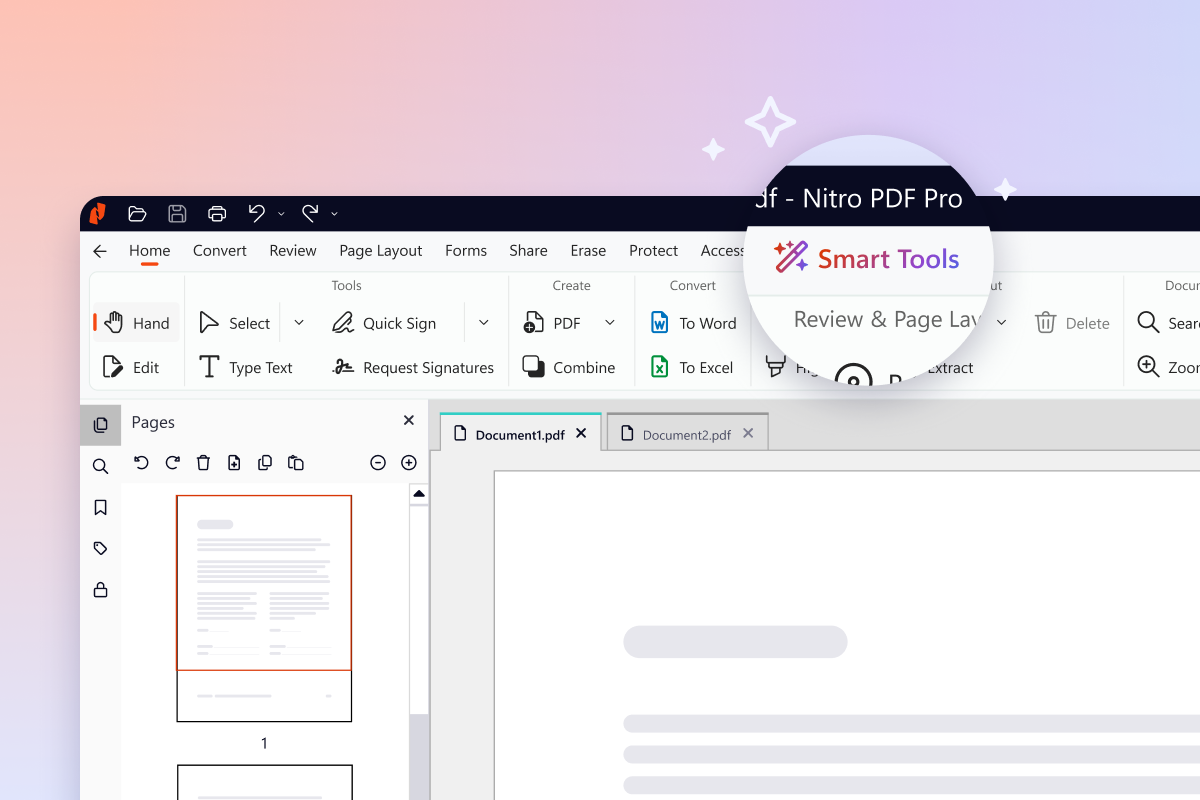
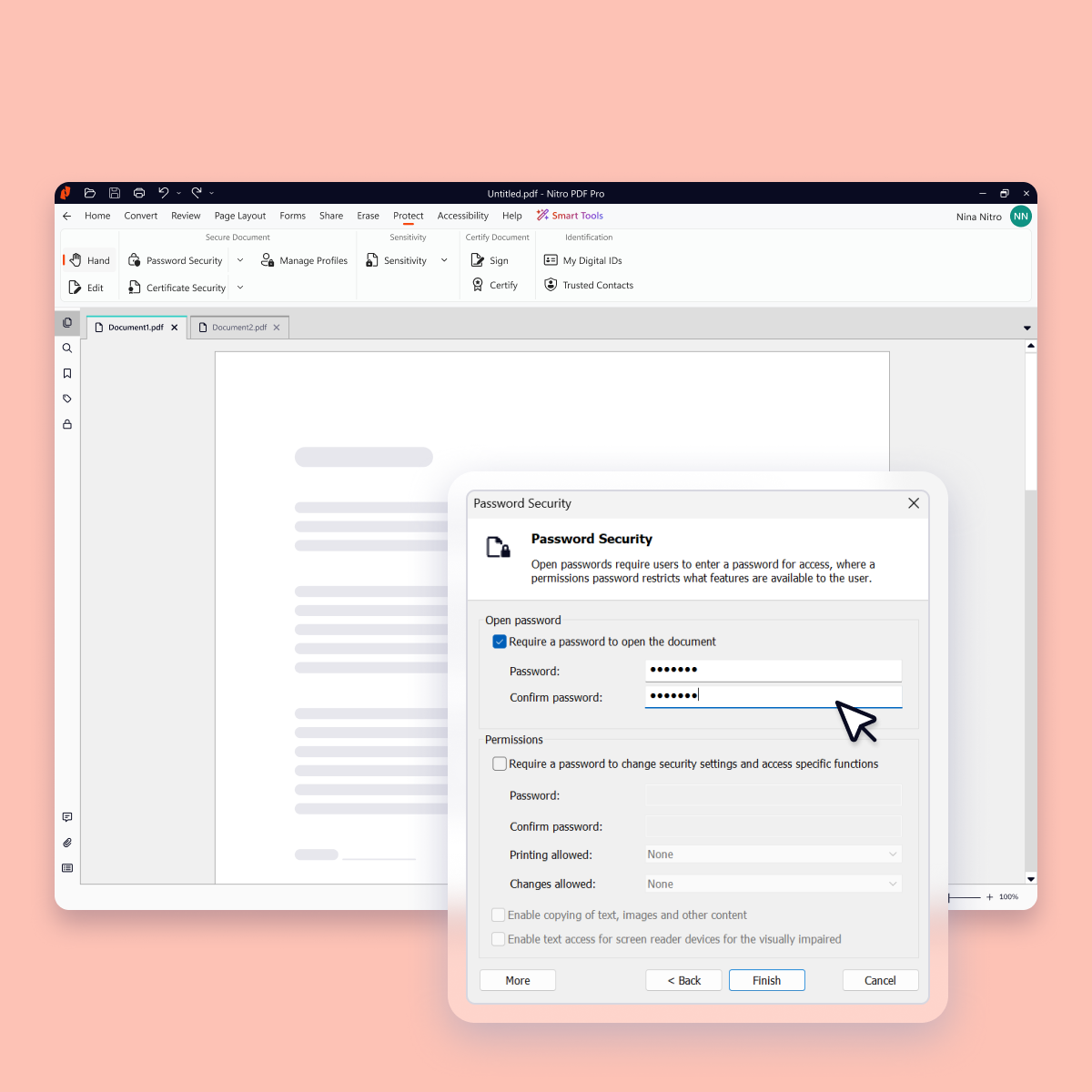
    Screenshot of Version 26 (Nitro's latest version) introduces a new dedicated home for every AI-powered capability, giving you everything you need in one place to analyze content in any language, extract critical data, and protect sensitive information.Screenshot of Data-clearing capabilities like Redact and Remove Metadata now live together in one place, so the tool you need is where you'd expect it.Screenshot of Keep every document, and everything inside it, safe with advanced security features such as password protection, encryption, permission controls, and audit trails.Screenshot of Work together securely with Nitro's built-in collaboration tools. Gather and manage feedback across teams and devices with comments, highlights, and markup tools.Screenshot of Update, restructure, and optimize any PDF into exactly the document you want, organized the way you need, without switching back to the original file.Screenshot of Create and convert PDFs to and from popular formats like Word, Excel, PowerPoint, and image files while preserving layout and quality.

    Nuclino Screenshots

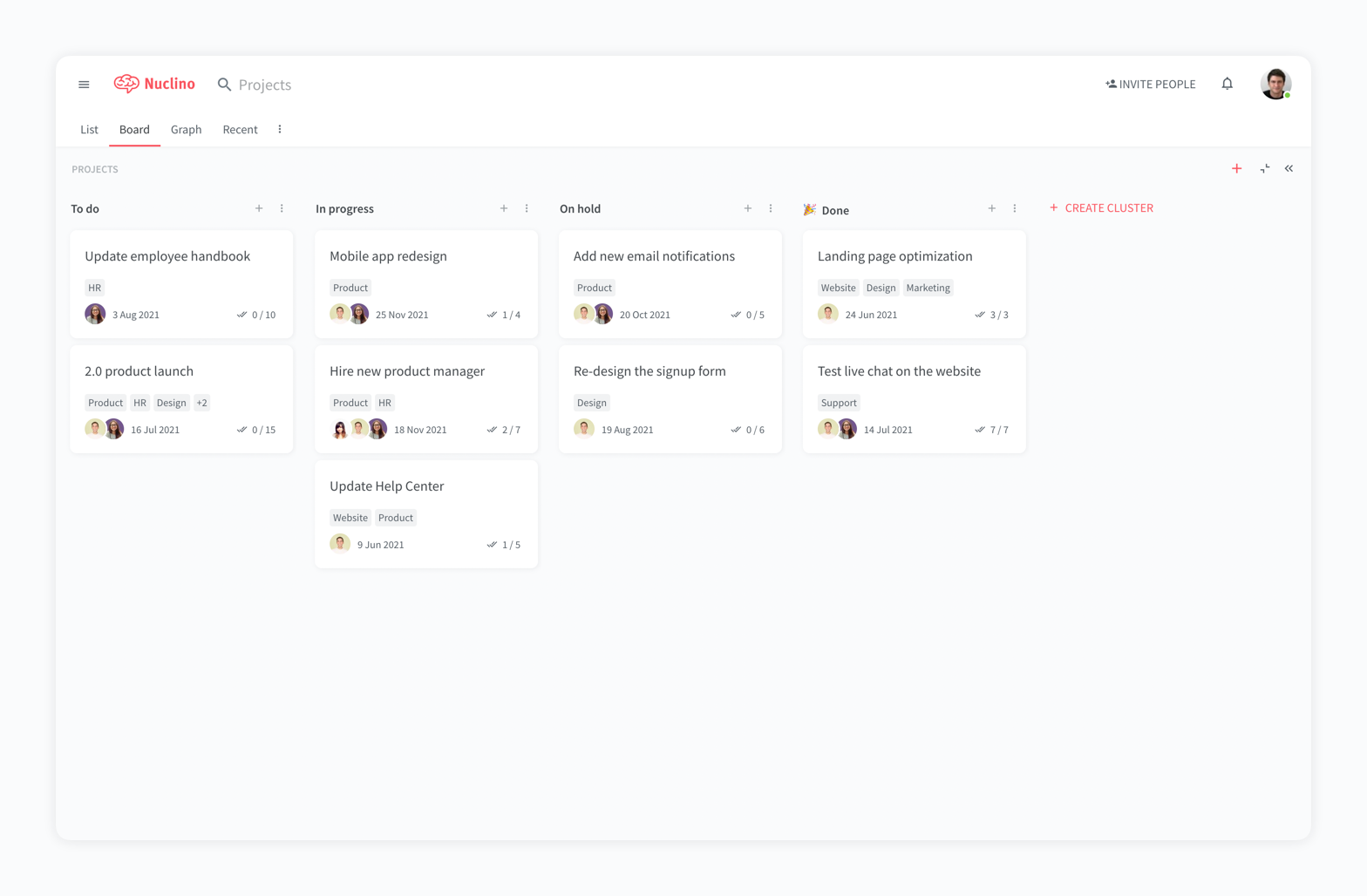
    Screenshot of a company wiki created in NuclinoScreenshot of the interface to manage projects and plan sprintsScreenshot of a knowledge graph