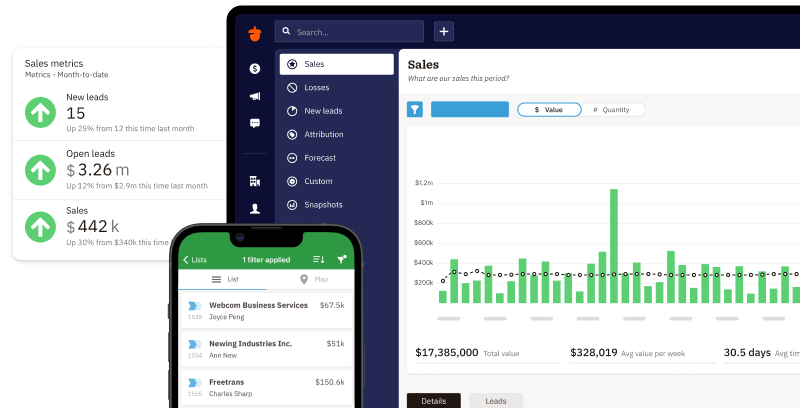
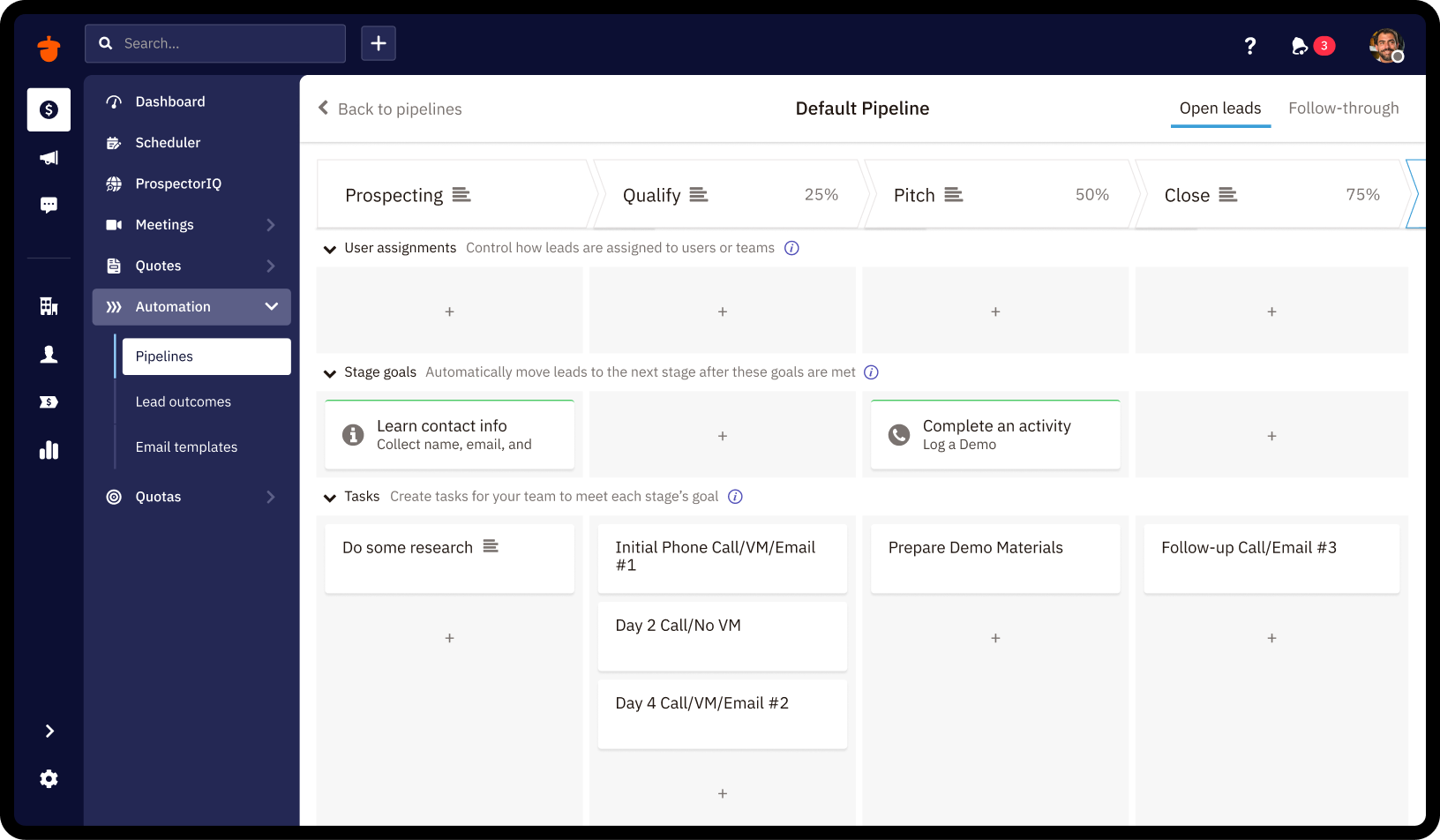
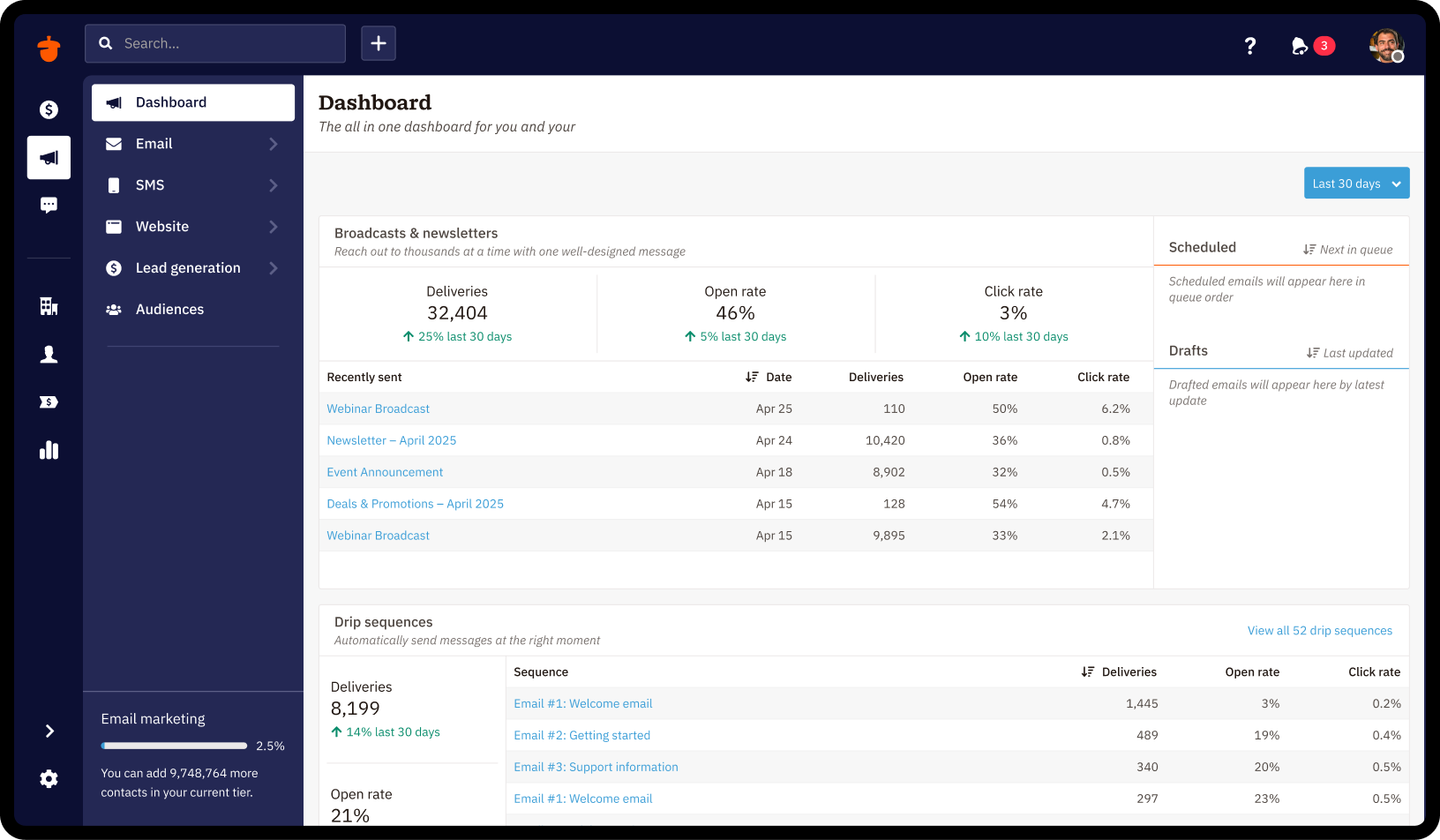
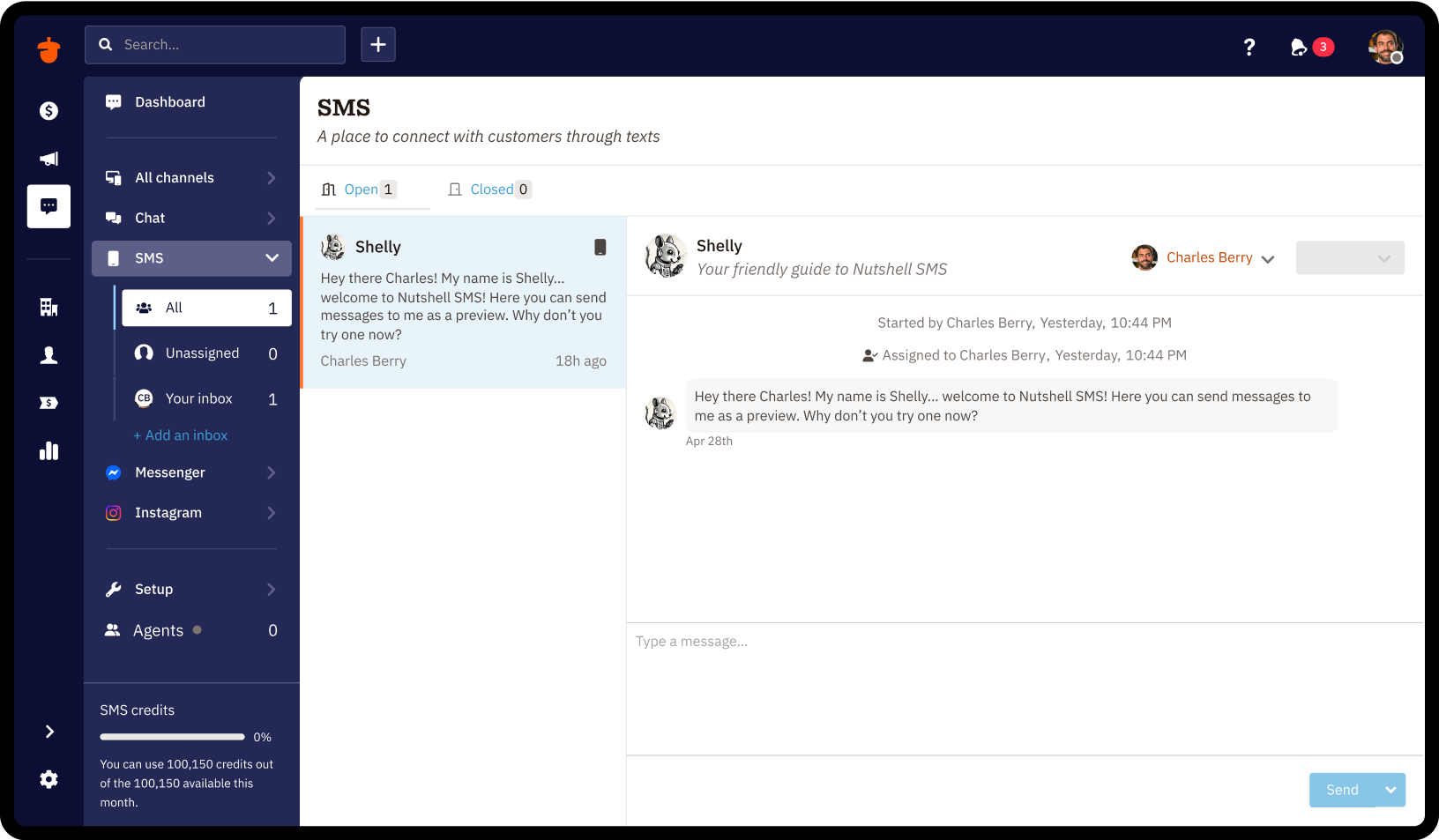
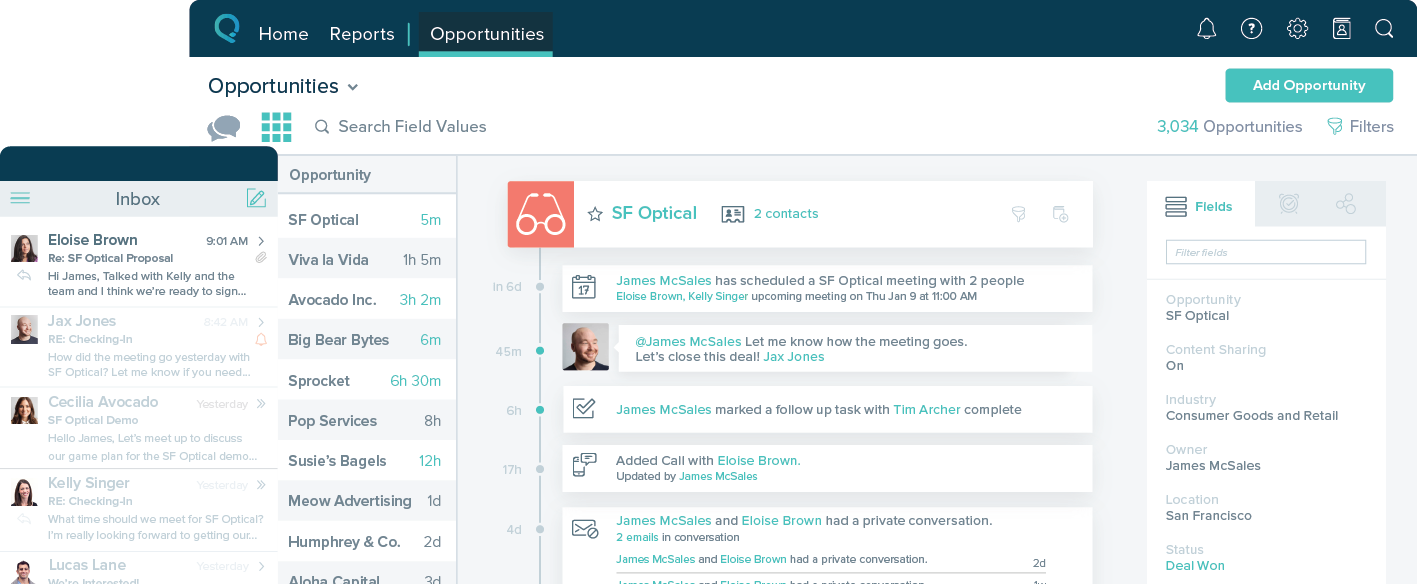
Nutshell offers a CRM with contact management, calendar sync, click-to-call, and collaboration features.
$19
per month per user
Salesforce Starter
Score9 out of 10
Small Businesses (1-50 employees)
Salesforce Starter (formerly Salesforce Essentials) is a small business CRM that replaces the former SalesforceIQ product. It is priced at $35 per user, on a monthly basis, or at $25 per month for if billed annually ($300) and can be tried free for 14 days on a trial.
This can be used for different industries, healthcare, IT, retail or any company with a customer service line, big or small. if i had to ask, i would say "Do you have any type of filing system that you use?" "anything where you are keeping track of personal/ business information." Do you need access to information on a day to day basis? If they do , then this can be used , especially if you need to keep track of the numbers; we like how we can see if are things going up or down.
If you own a business that has complex selling processes or requires integrations with 3rd party tools/systems, you should look at Professional, Enterprise, or Unlimited editions. Salesforce operates very well across pretty much every industry, but not all sales, marketing, and operational processes are created equal. If your marketing process requires a long list of sendable contacts then I would recommend adding on Pardot or Hubspot. Always start small and scale up, to avoid boxing yourself in down the road.
A de minimis incentive was given to thank the reviewer for their time. The incentive was not used to bias or drive a particular response, nor was the incentive contingent on a positive endorsement. More Info
A de minimis incentive was given to thank the reviewer for their time. The incentive was not used to bias or drive a particular response, nor was the incentive contingent on a positive endorsement. More Info
A de minimis incentive was given to thank the reviewer for their time. The incentive was not used to bias or drive a particular response, nor was the incentive contingent on a positive endorsement. More Info
A de minimis incentive was given to thank the reviewer for their time. The incentive was not used to bias or drive a particular response, nor was the incentive contingent on a positive endorsement. More Info
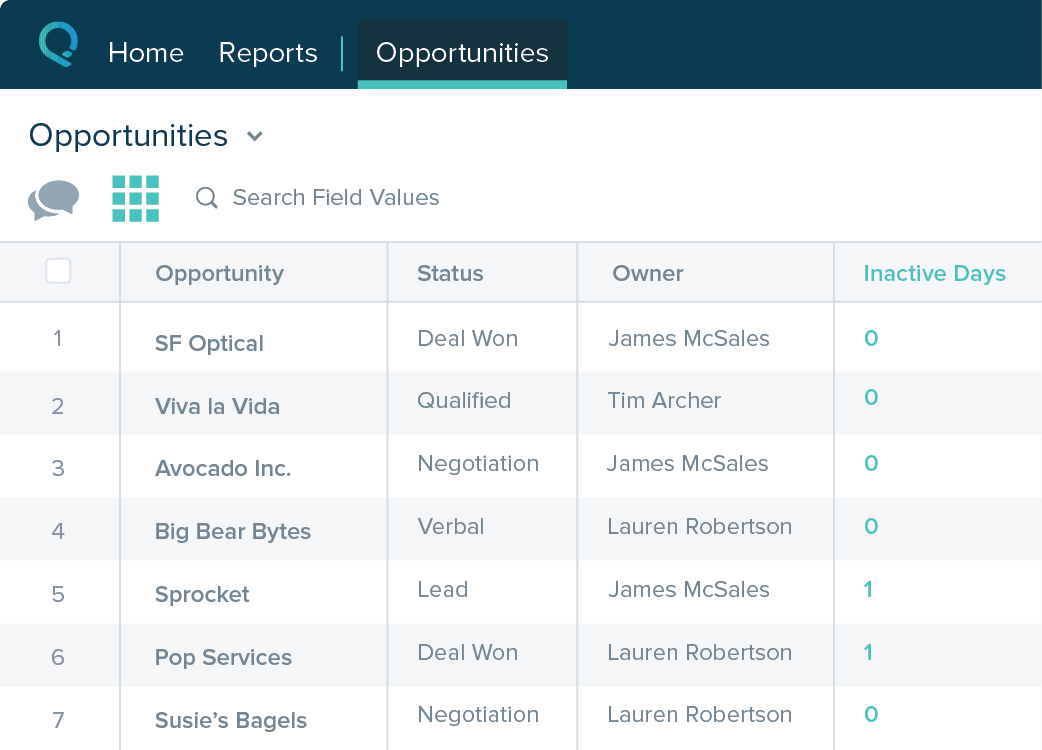
Table views can be sorted by column. Filters can be applied, but only to one column. Multi-column filtering like Excel allows would be extremely useful and a big improvement.
The ability to quick copy data in a table view would also be helpful, like (ctrl ') in excel.
A de minimis incentive was given to thank the reviewer for their time. The incentive was not used to bias or drive a particular response, nor was the incentive contingent on a positive endorsement. More Info
This is perfect for a small business / Home based business with SaaS. Nutshell constantly adds new features and the price is much better than more robust software like Salesforce.
A de minimis incentive was given to thank the reviewer for their time. The incentive was not used to bias or drive a particular response, nor was the incentive contingent on a positive endorsement. More Info
Extremely easy to use and they help you throughout the process. I find it not challenging, an effective utility to help us prioritize and engage efficiently at a reasonable price point. We enjoy working with the team there and they're easy to access. I've already recommended it to two colleagues
A de minimis incentive was given to thank the reviewer for their time. The incentive was not used to bias or drive a particular response, nor was the incentive contingent on a positive endorsement. TR verified that a representative sample of customers was invited. More Info
The system is very user-friendly on a desktop but lacks mobile friendliness. The Customer relationship manager disappears after the deal is signed. We struggled to get the system in a usable format, which was not cost-effective. The CRM system on desktop was great but way more complicated than it should be.
A de minimis incentive was given to thank the reviewer for their time. The incentive was not used to bias or drive a particular response, nor was the incentive contingent on a positive endorsement. More Info
Nutshell's support team has always been great and they tend to go above and beyond. They are polite, friendly, personable and great listeners. They are also great about sending follow up emails too.
A de minimis incentive was given to thank the reviewer for their time. The incentive was not used to bias or drive a particular response, nor was the incentive contingent on a positive endorsement. More Info
A de minimis incentive was given to thank the reviewer for their time. The incentive was not used to bias or drive a particular response, nor was the incentive contingent on a positive endorsement. More Info
When I first started with BCI, they were using ACT!. It was hard to navigate and there were a lot of spots for duplicate information that made it hard to know if you were in the right spot or not. Then if you had trouble, you would spend 3 hours on the phone with customer service and often they would not even be able to find a solution. I would not recommend ACT! to anyone. Since getting nutshell, I have learned a bit about Cosential and I know that it is more catered to the construction industry and can help with proposal creation, so I think that may be something we consider in the not-too-near future.
A de minimis incentive was given to thank the reviewer for their time. The incentive was not used to bias or drive a particular response, nor was the incentive contingent on a positive endorsement. More Info
A de minimis incentive was given to thank the reviewer for their time. The incentive was not used to bias or drive a particular response, nor was the incentive contingent on a positive endorsement. More Info
Nutshell CRM has had a major impact on ROI. The last program we used cost more and had fewer features and accessibility.
One negative impact is its email functions. As stated before in this review I need to be able to send large attachments and pics through email and Nutshell is very limited when it comes to that.
A de minimis incentive was given to thank the reviewer for their time. The incentive was not used to bias or drive a particular response, nor was the incentive contingent on a positive endorsement. More Info
A de minimis incentive was given to thank the reviewer for their time. The incentive was not used to bias or drive a particular response, nor was the incentive contingent on a positive endorsement. More Info